Take a snapshot of the current slide on the whiteboard
This article shows how to download an image of the current whiteboard slide, with what you wrote or drew on it.
Steps to take a snapshot of the current slide
-
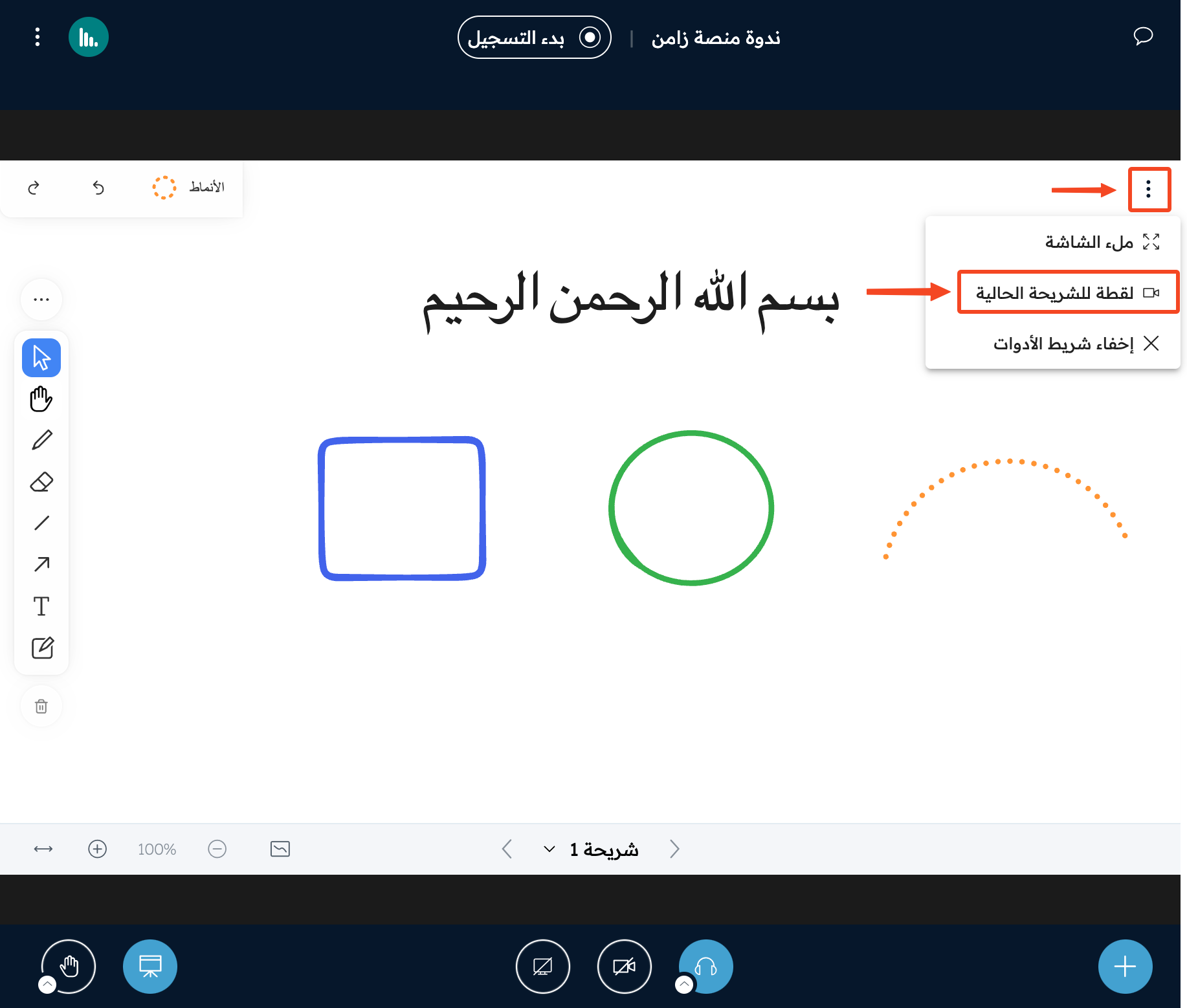
Click the three dots at the top corner of the whiteboard.
-
Click Snapshot of current slide to download it.
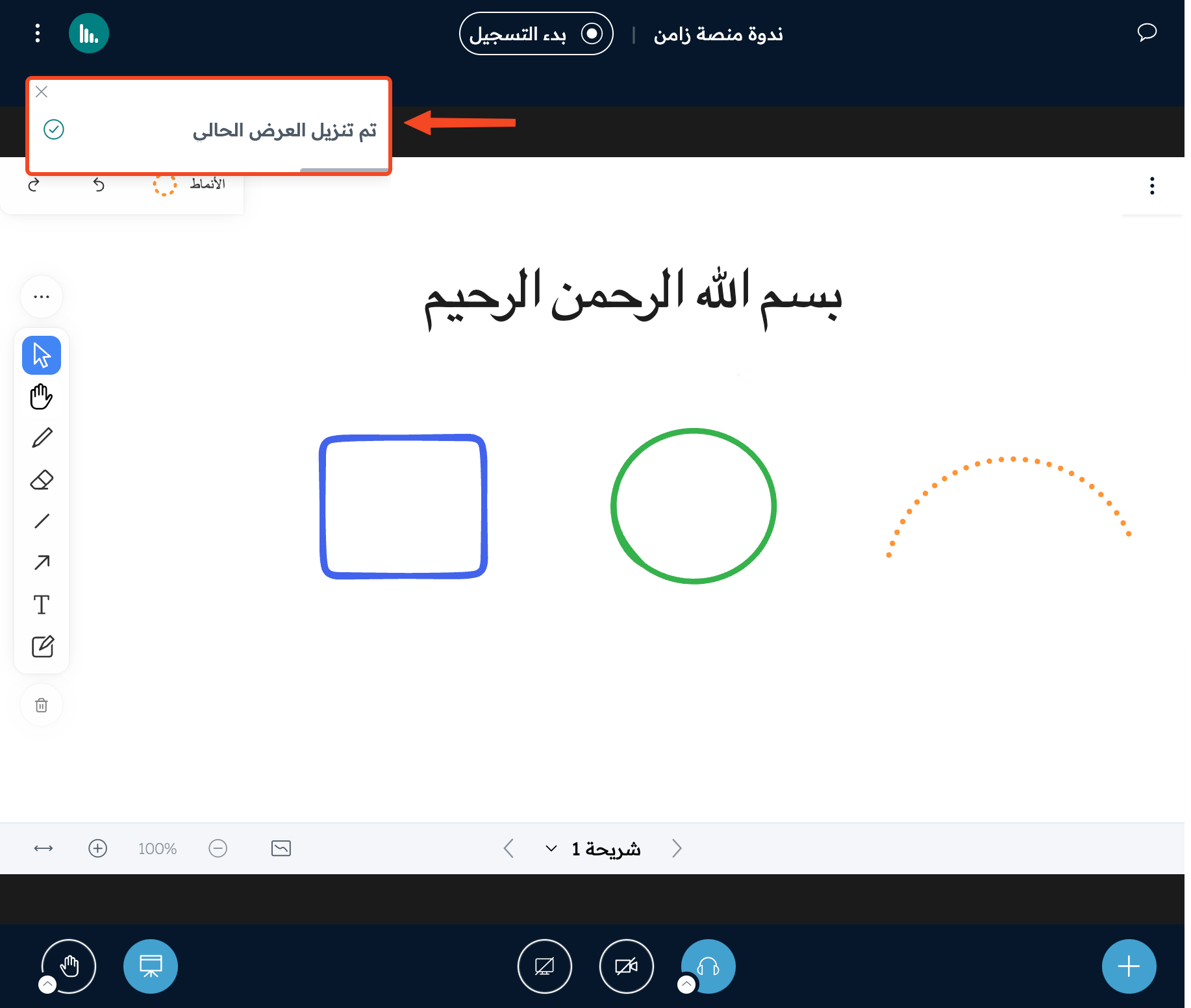
A message tells you that the current presentation was downloaded.
This is an example of the downloaded image: