Shared notes in the room
This article shows how to write shared notes in the room that attendees can see, and what you can do with them.
Steps to write notes in the room
-
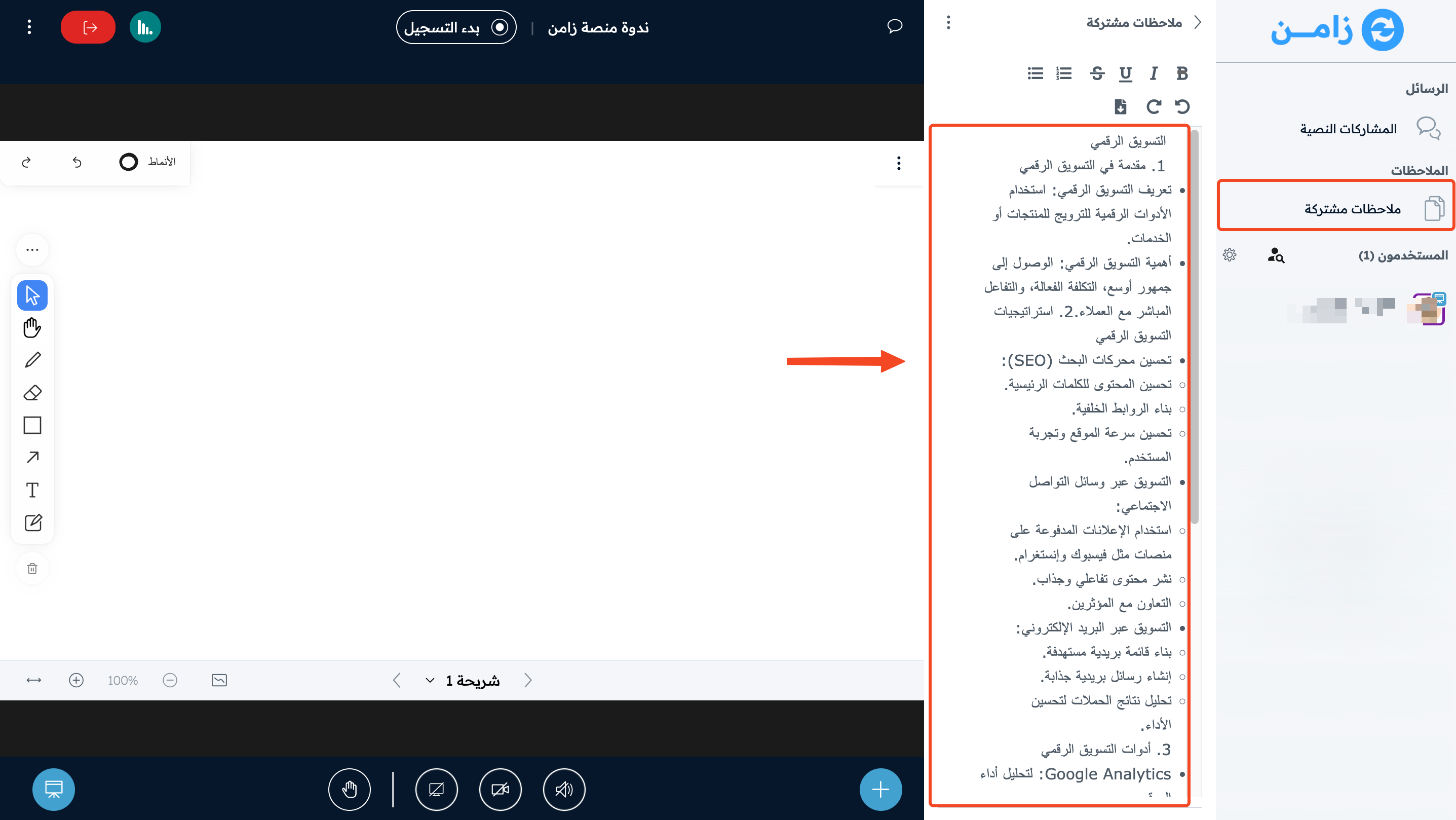
Click Shared Notes in the side menu.
-
Write your notes in the notes area.
You and the attendees can download the notes with the download button in the notes toolbar.
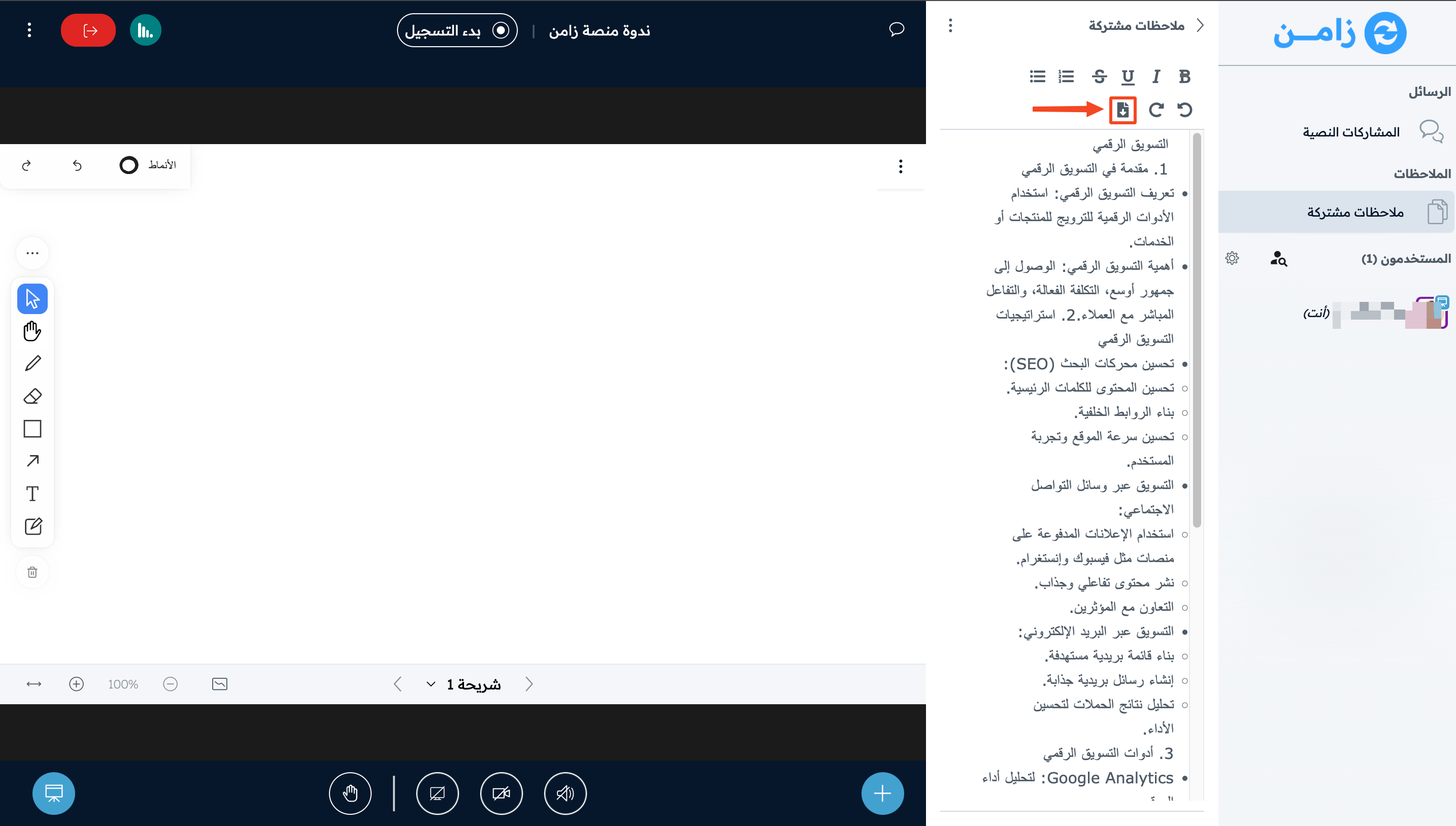
Shared notes options
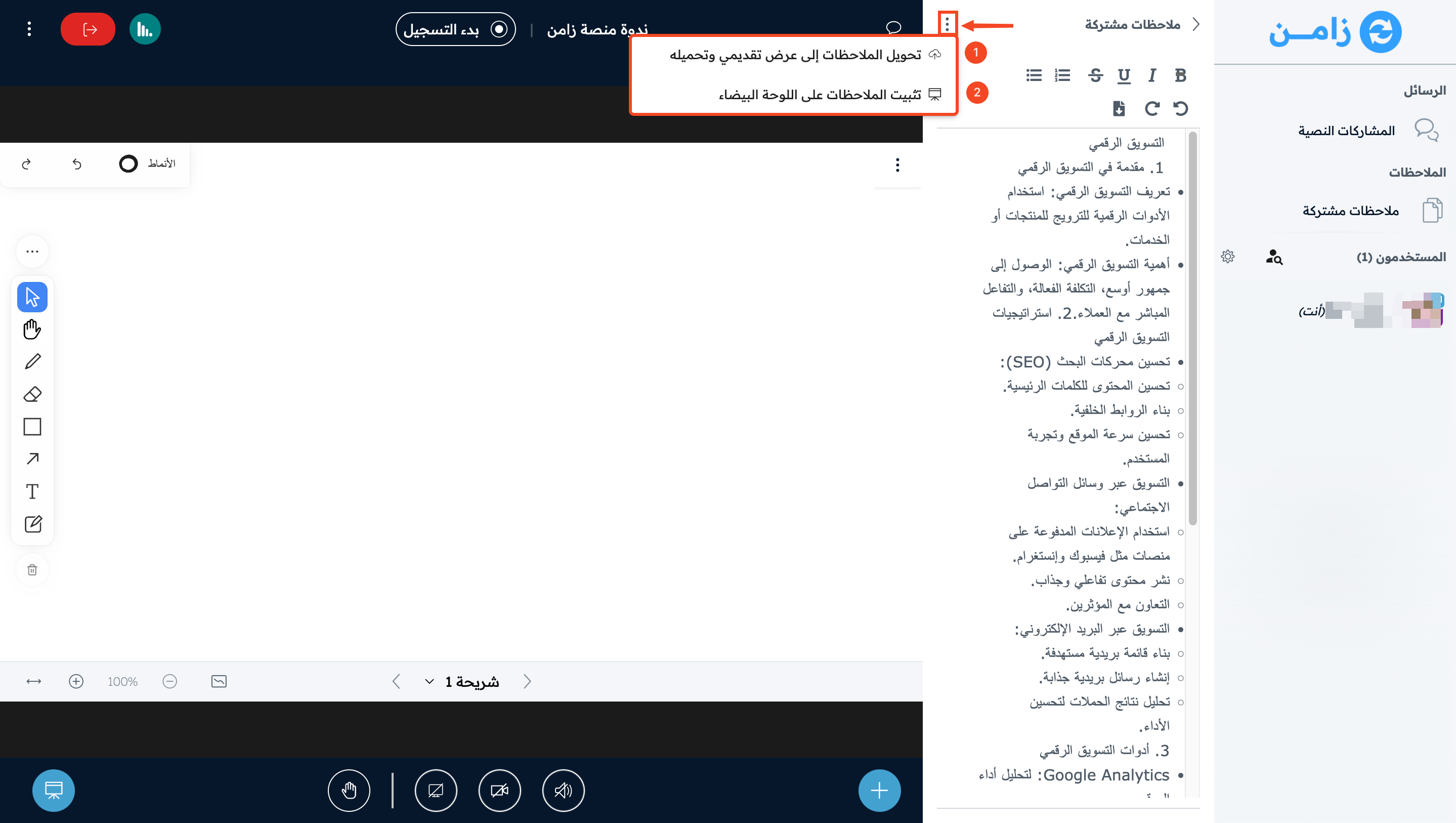
Click the three dots on the Shared Notes page to:
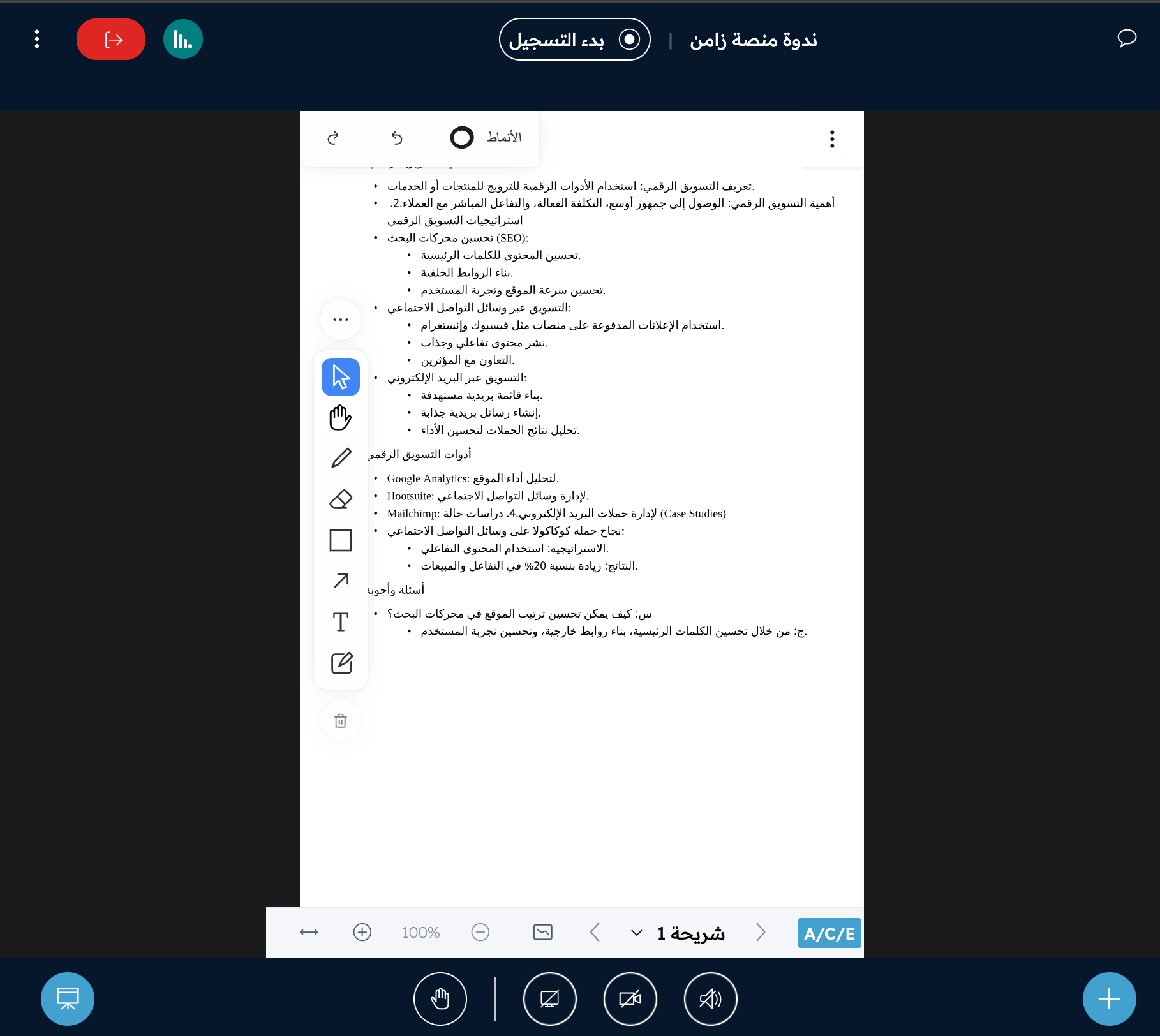
- Convert the notes to a presentation.
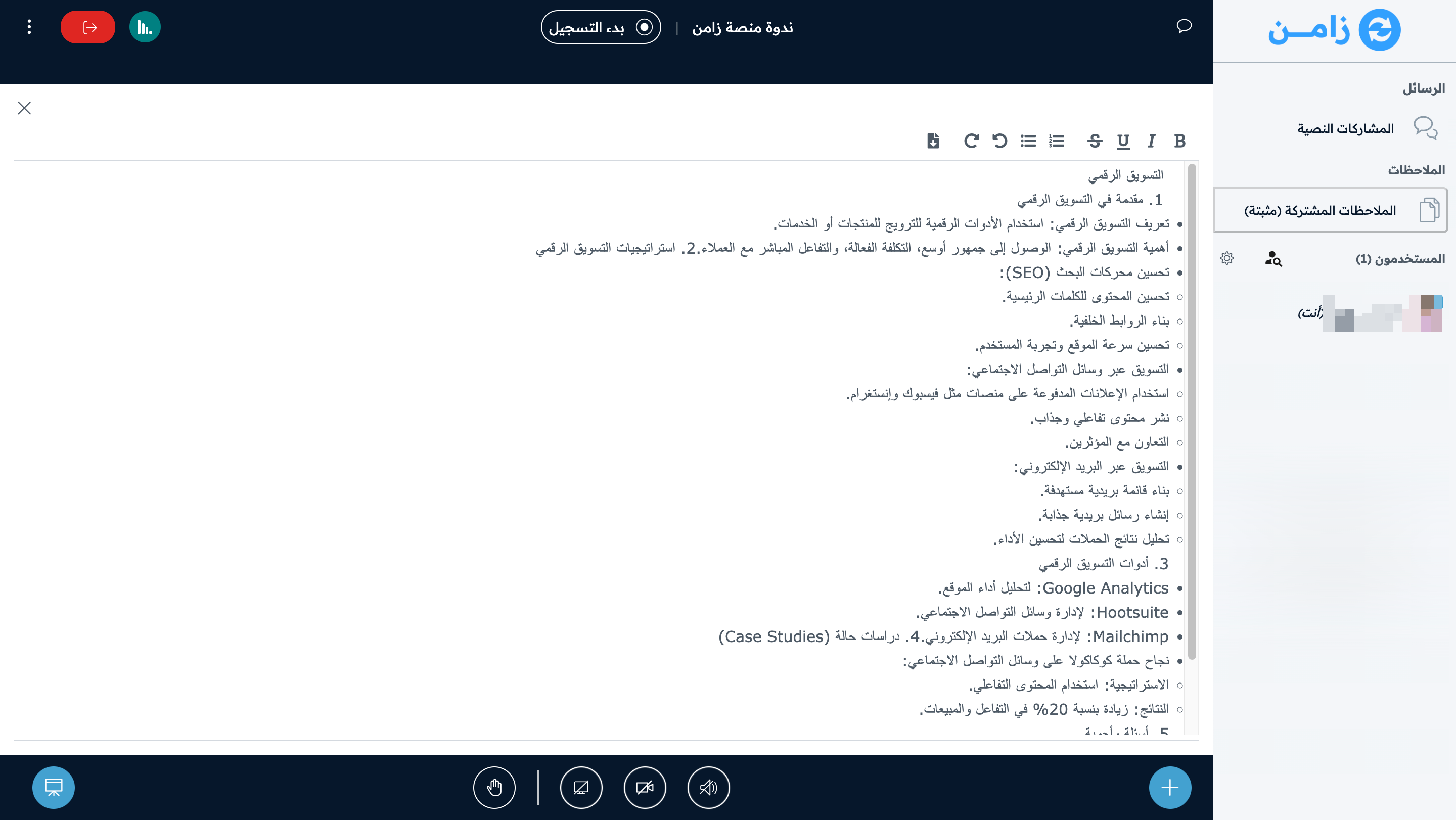
- Pin the notes onto the whiteboard.