Switch from listening to speaking
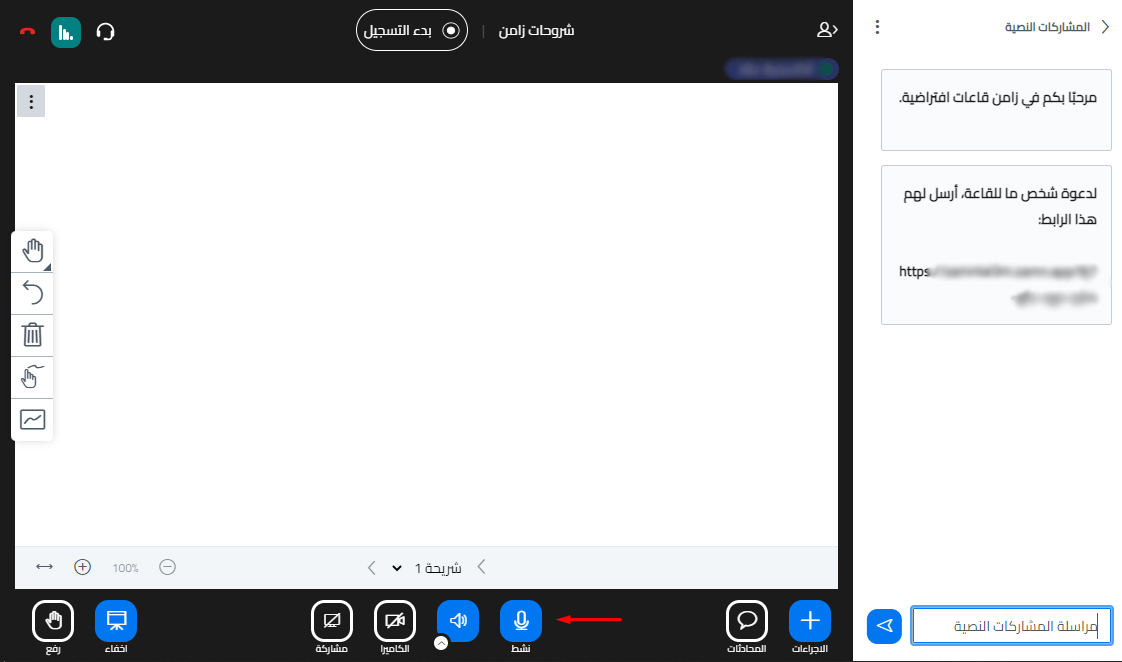
When a new room is created, the mic and camera are closed by default for all attendees except the room owner, so everyone joins in listen only mode. When the room owner makes an attendee a moderator or presenter, that person can use the mic.
The platform admin can change this for all attendees from the room settings, by turning on Enable mic for all or Enable webcam for all.
Steps to switch from listening to speaking
-
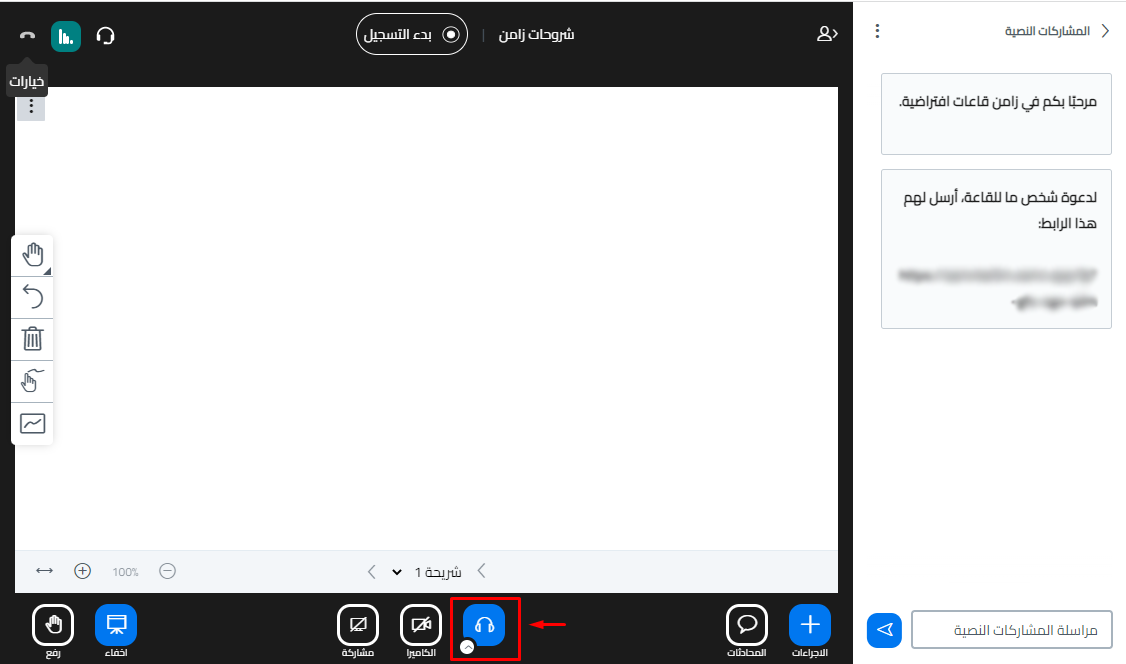
Click the headphones button twice.
-
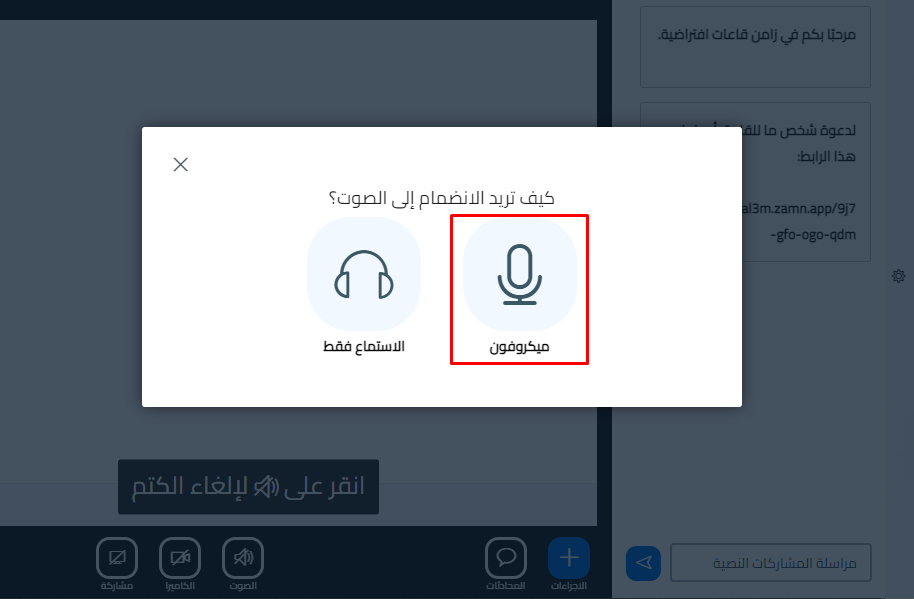
A window asks you: How would you like to join the audio? Choose Microphone.
-
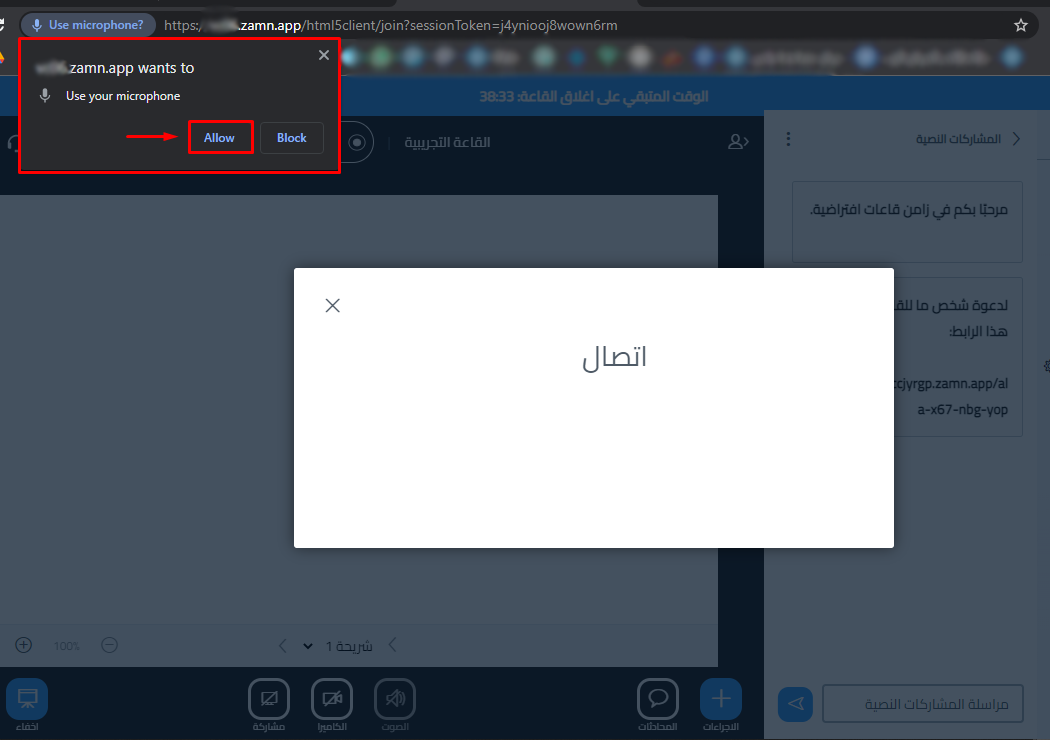
If the browser does not have permission to use the microphone, a window asks you to allow it. Click Allow to let the browser use the microphone.