Zoom the presentation in and out
This article shows room moderators how to zoom the presentation in or out to focus on a certain point.
Zoom in and out
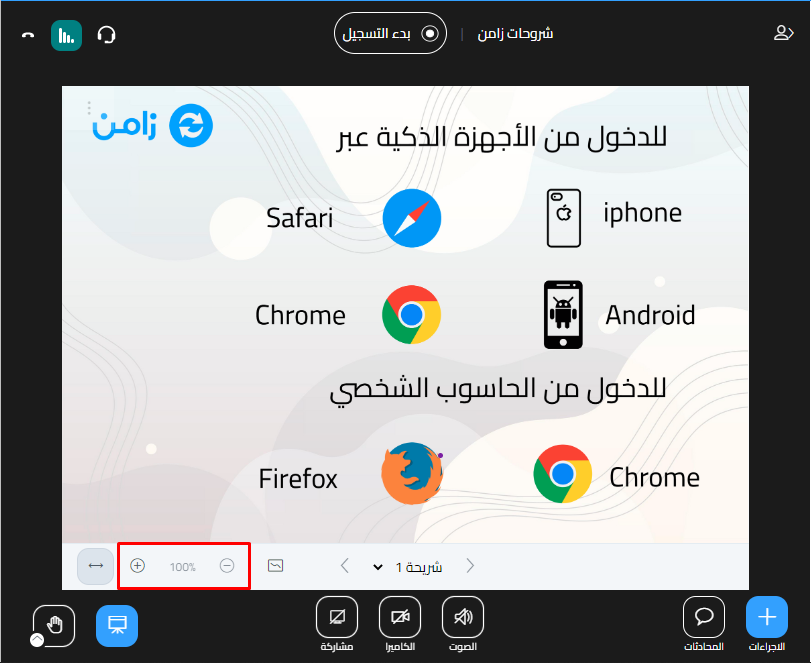
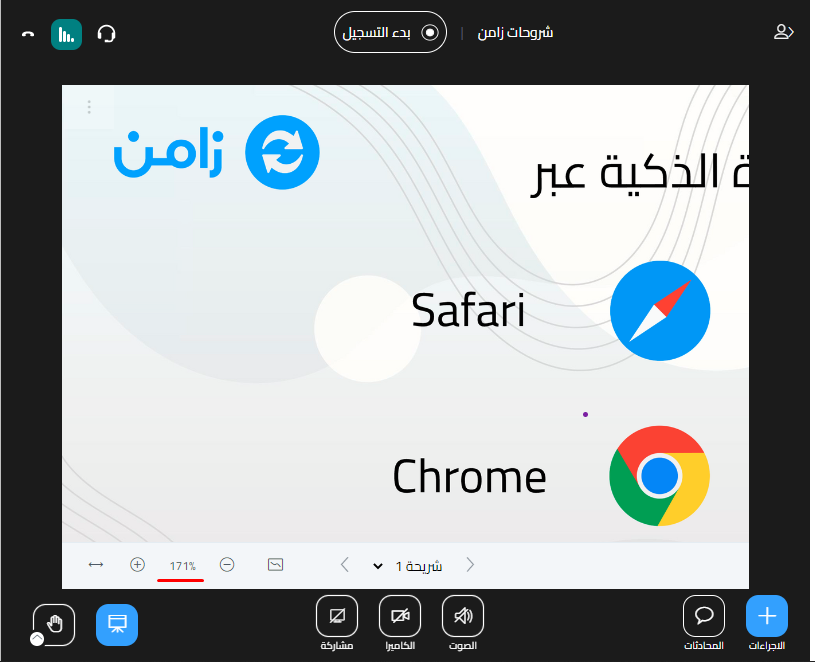
- To zoom in, click the zoom in button (+) below the presentation.
- To zoom out, click the zoom out button (-).
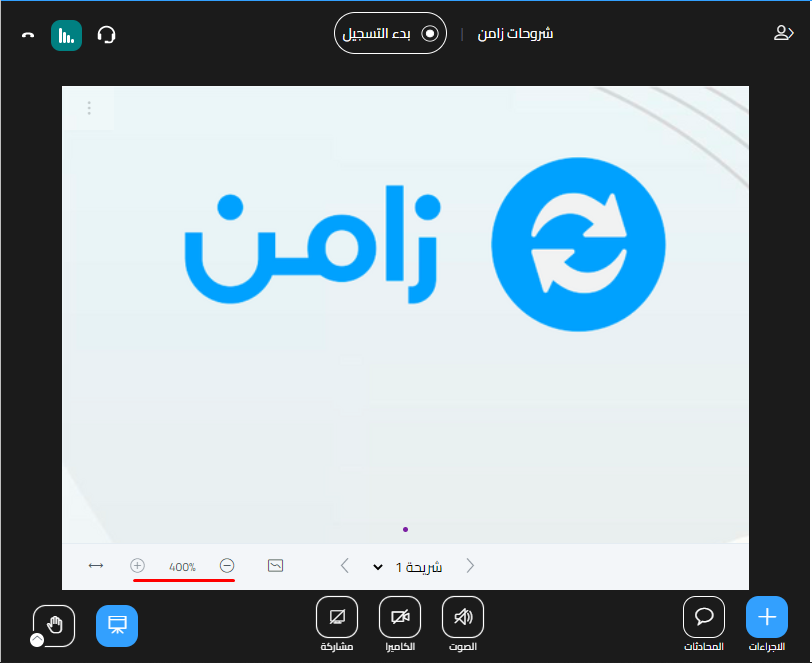
You can zoom in up to 400%, then zoom out down to 100%, which is the default size.
Note
When you zoom in or out, all attendees see the presentation exactly as you see it.