Download the presentation file from the room
Attendees can download the presentation file after the speaker shares it. The speaker can share the file in two ways, and the way you download it depends on each one.
If the speaker shared the original presentation
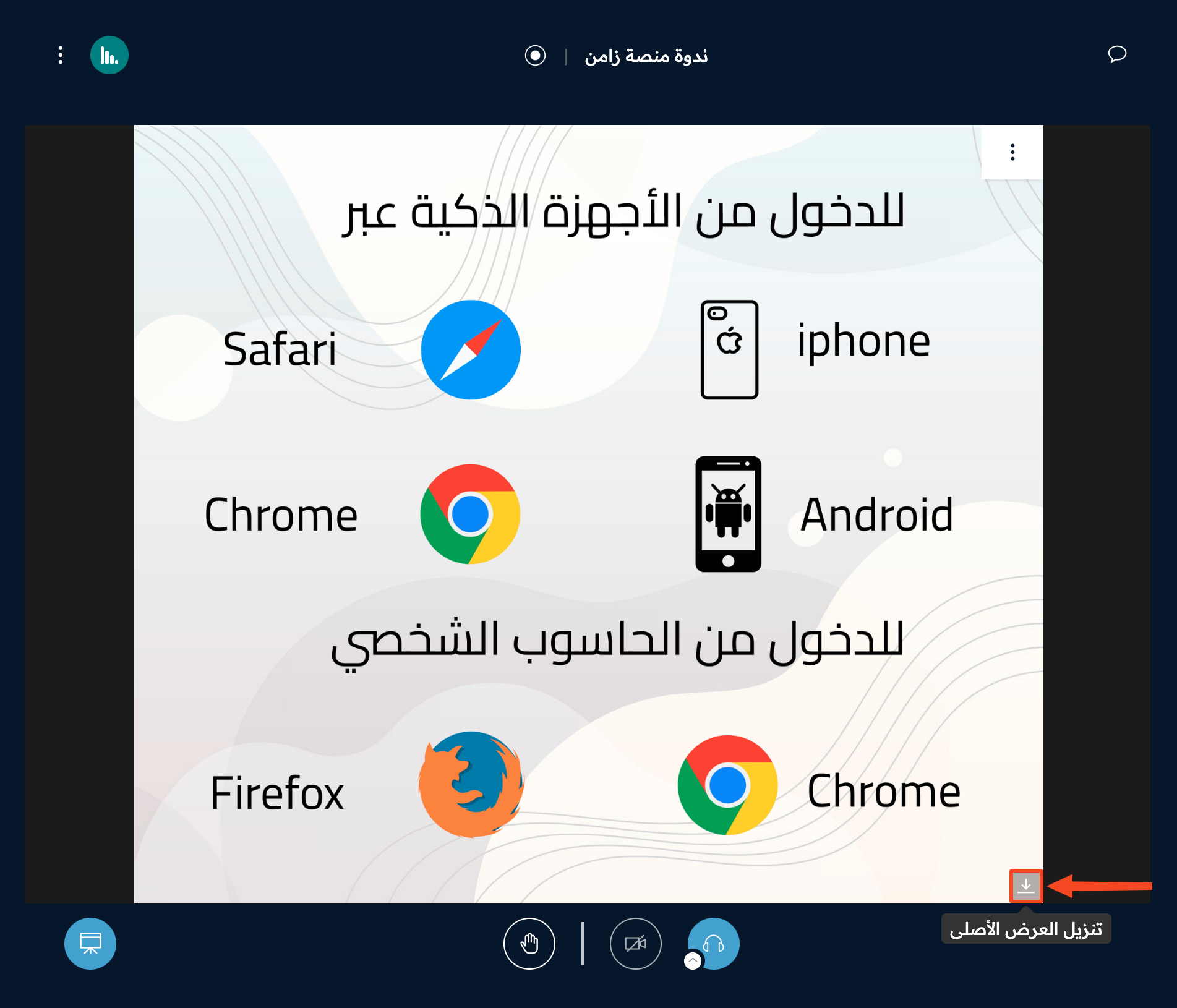
When the speaker shares the original presentation, click the download button in the corner of the whiteboard.
If the speaker shared the presentation with annotations
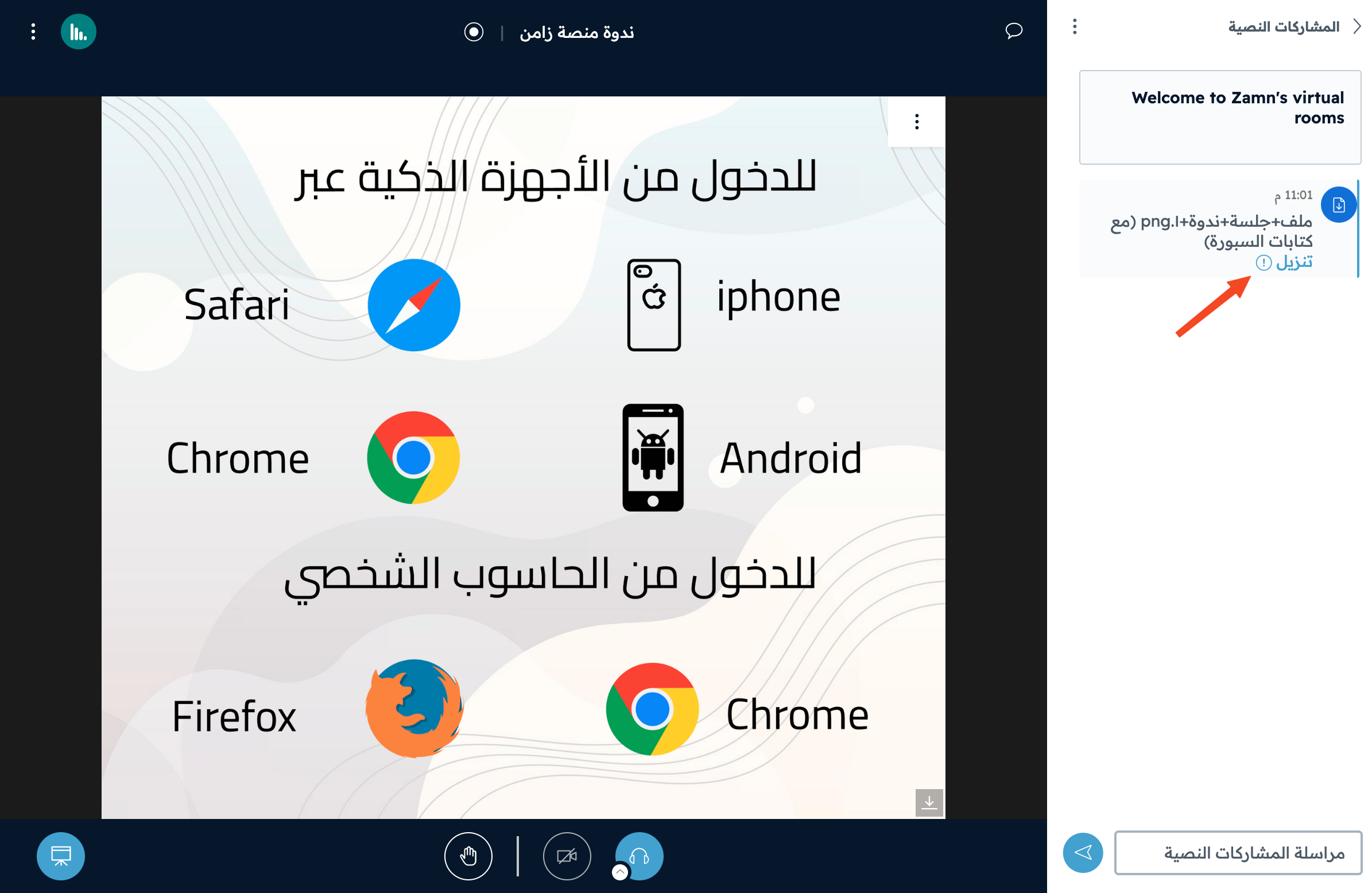
When the speaker shares the presentation with annotations, a download link shows in Public Chat. Click Download.
Save the file
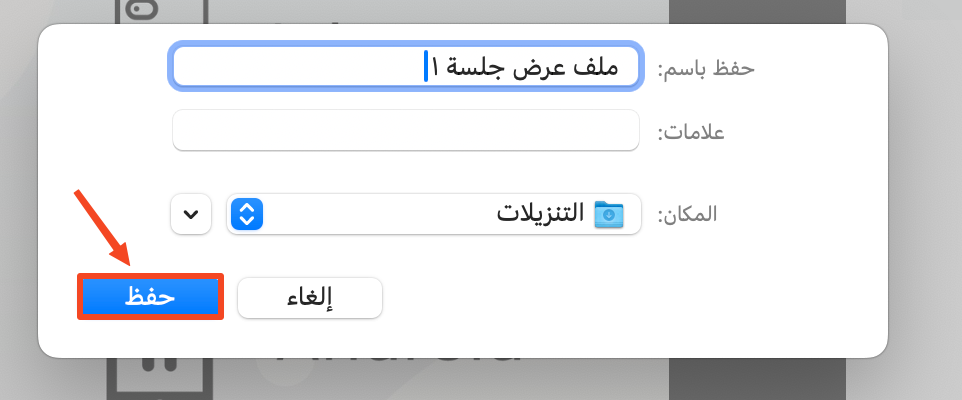
When you click the download button, you can change the file name and choose where to save it, then click Save.