Join breakout rooms (workshops)
A breakout room (workshop) is a small room that the speaker (the room moderator) creates inside the online room, so attendees can work in groups. This article shows how to join a breakout room, and what happens when it ends.
Steps to join a breakout room
-
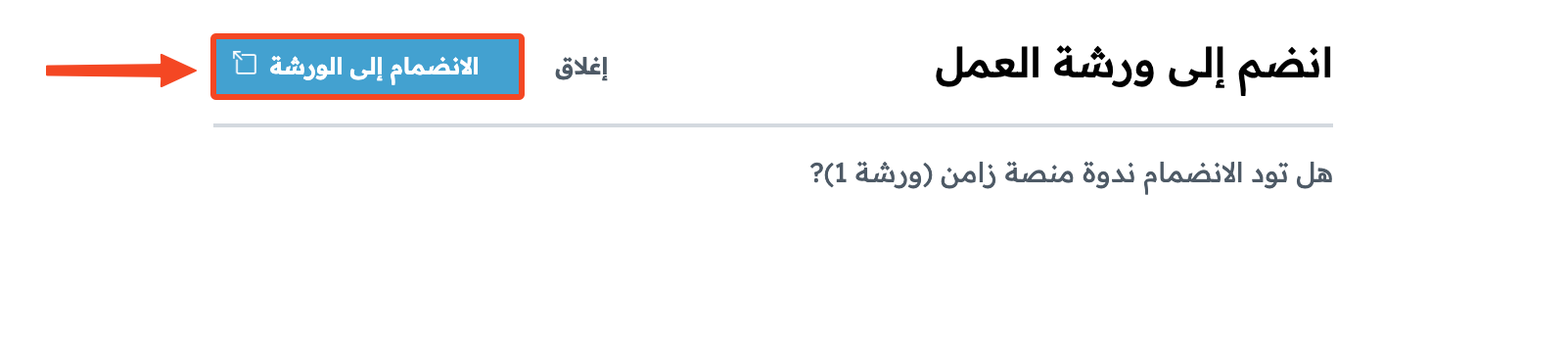
When the speaker creates a breakout room, the Join breakout room window opens. Click Join room.
-
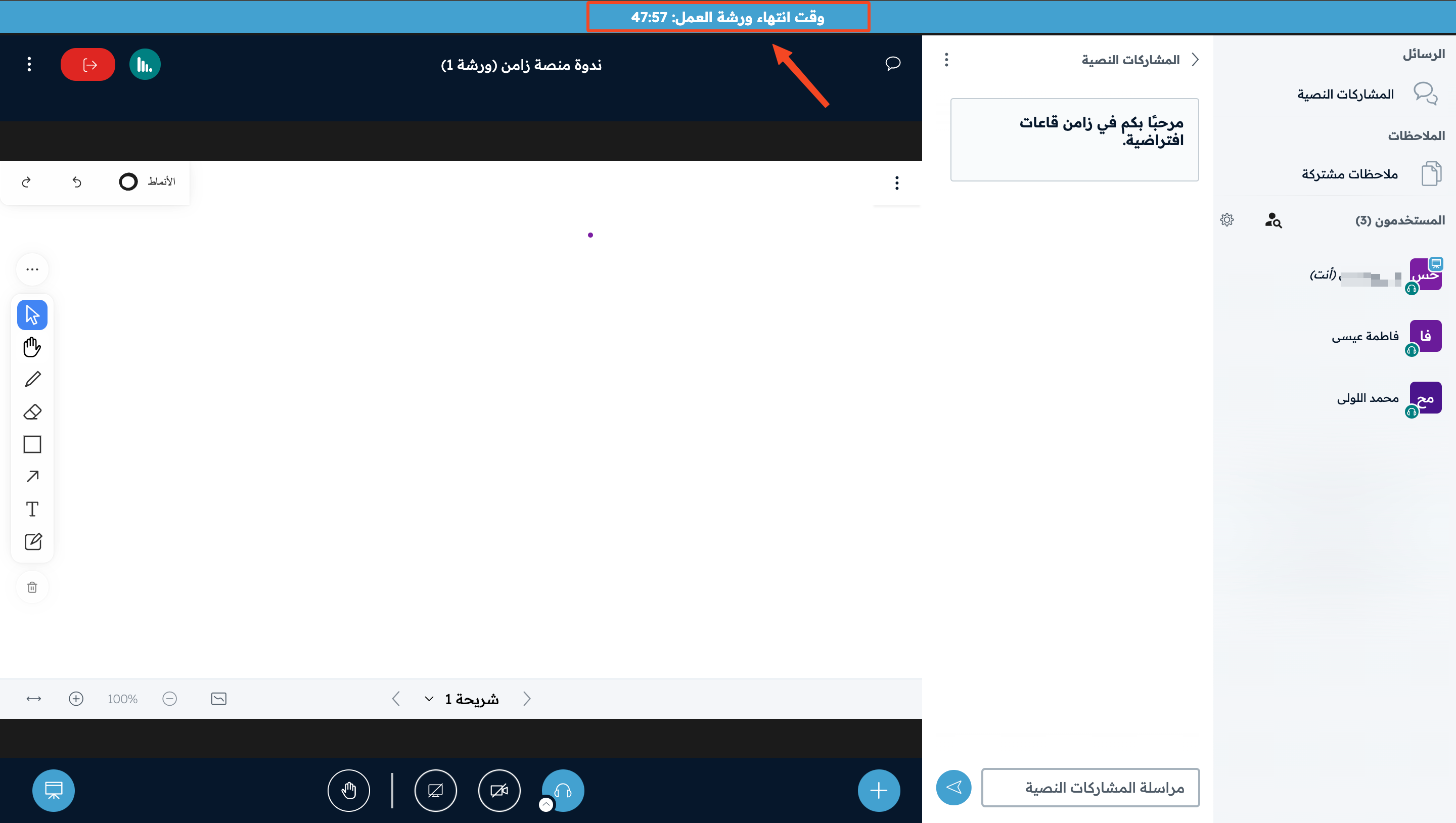
The Breakout room time remaining shows at the top of the room. Finish the tasks the moderator gave your group before the time ends.
-
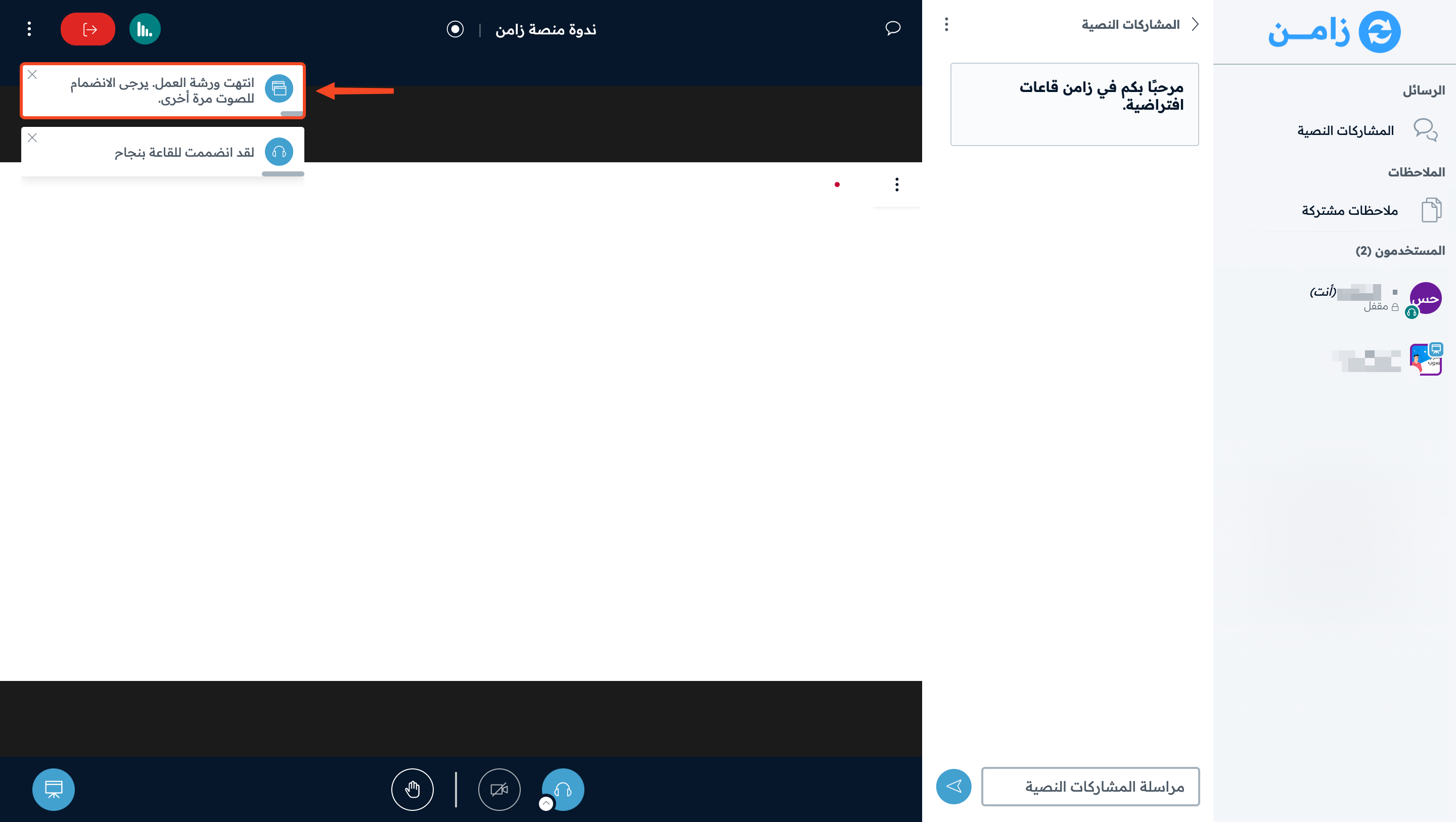
When the breakout room time ends, you go back to the main room automatically, and a message asks you to join the audio again. If you cannot hear the sound, turn it on again.