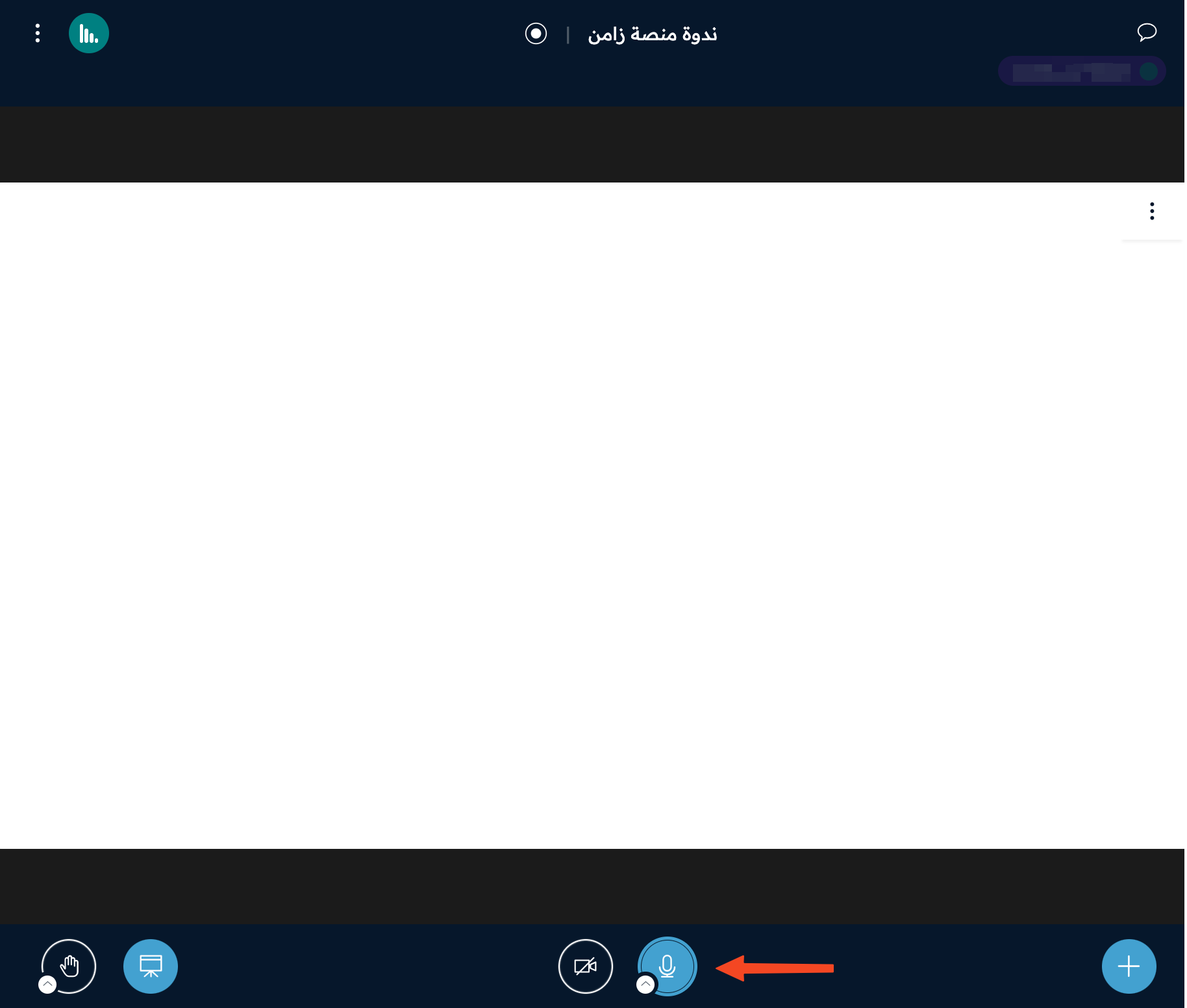
Turn on your microphone in the room
This article shows attendees how to turn on their microphone in the online room, and how to turn it off.
Note
You can turn on your microphone only if the moderator allows it. The moderator can allow it for all attendees with the Enable mic for all room setting.
Steps to turn on the microphone
-
Type your name on the room page, then click Join.

-
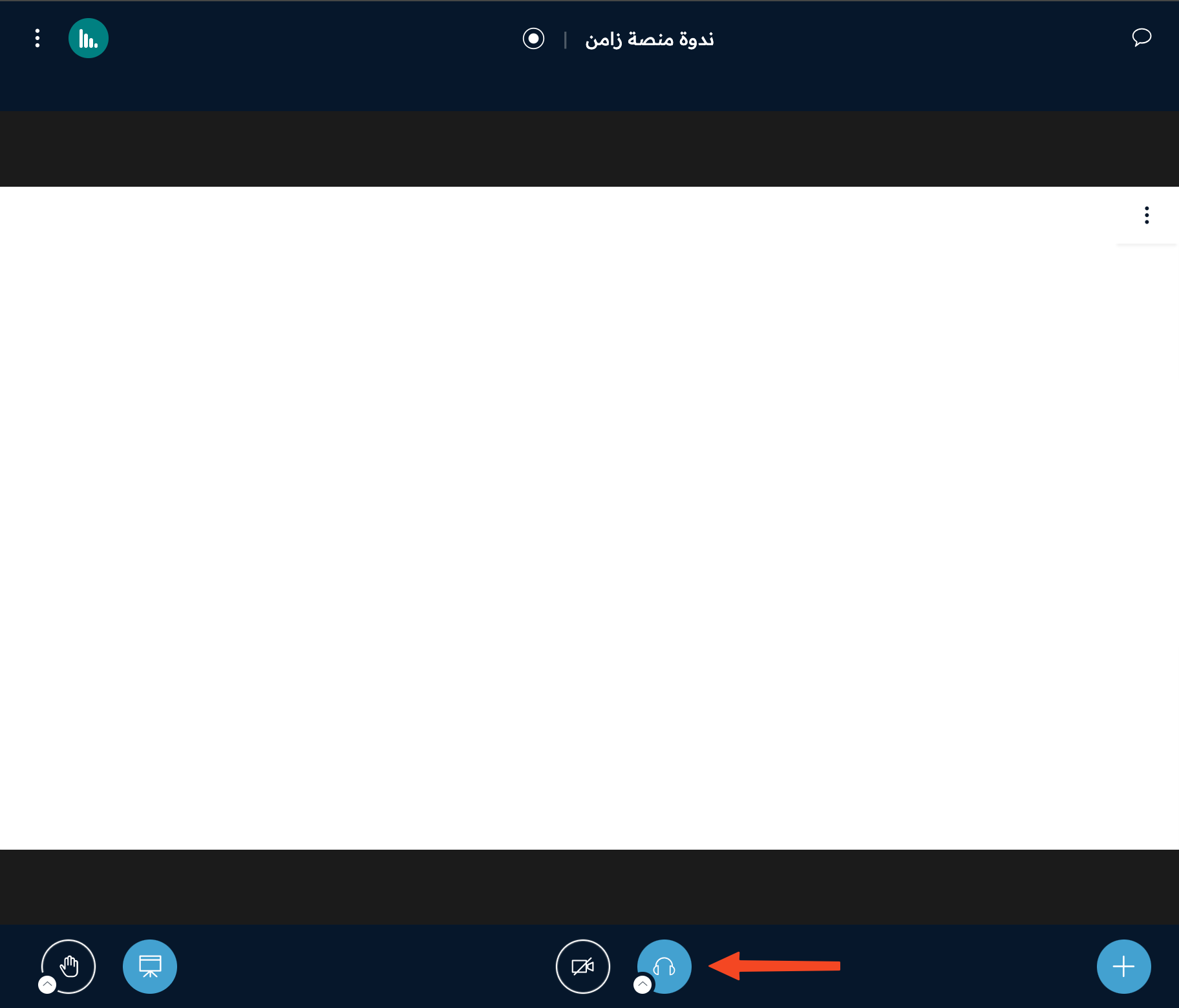
After you join the room, click the headphones button twice.
-
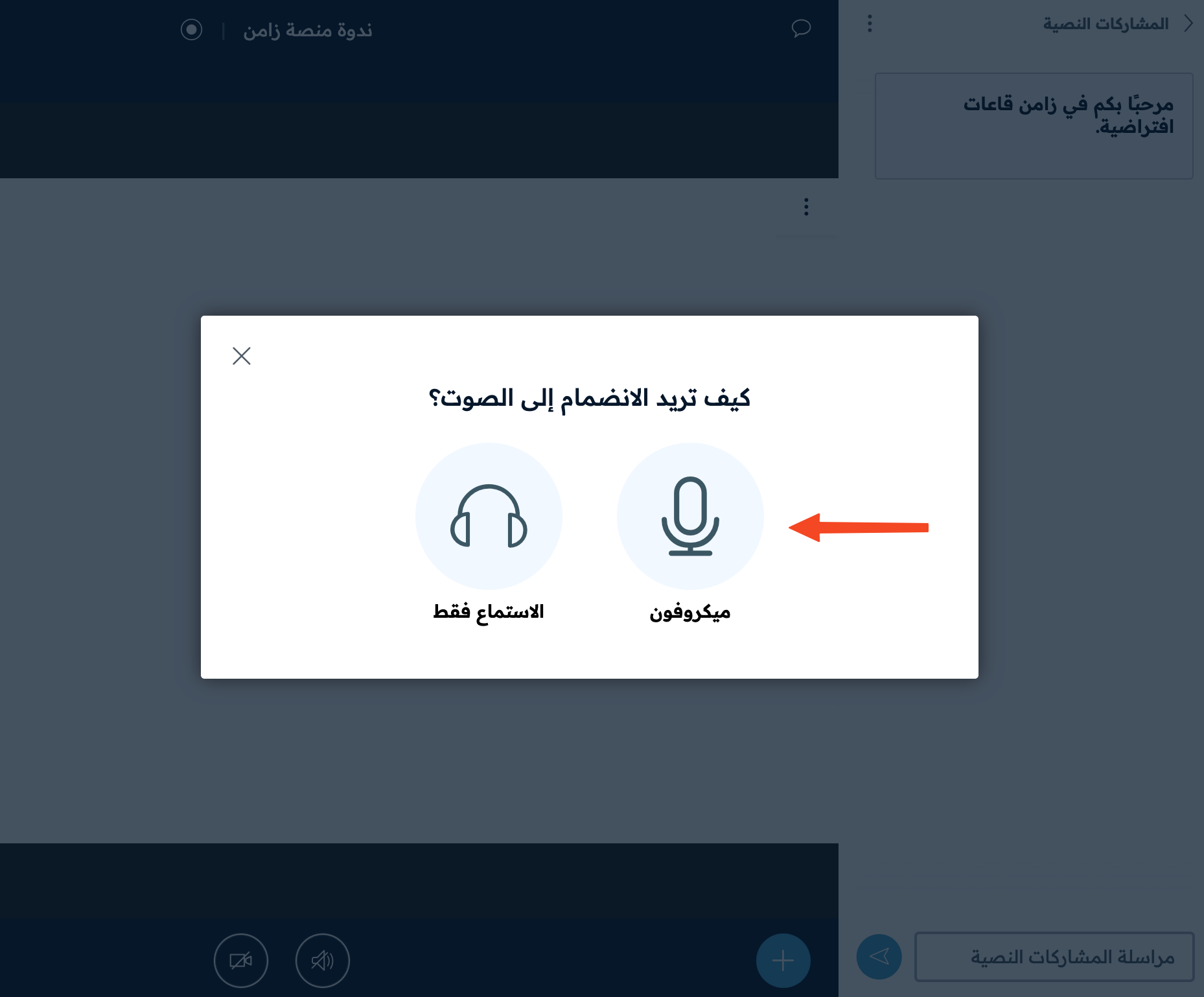
The How would you like to join the audio? window opens. Choose Microphone.
-
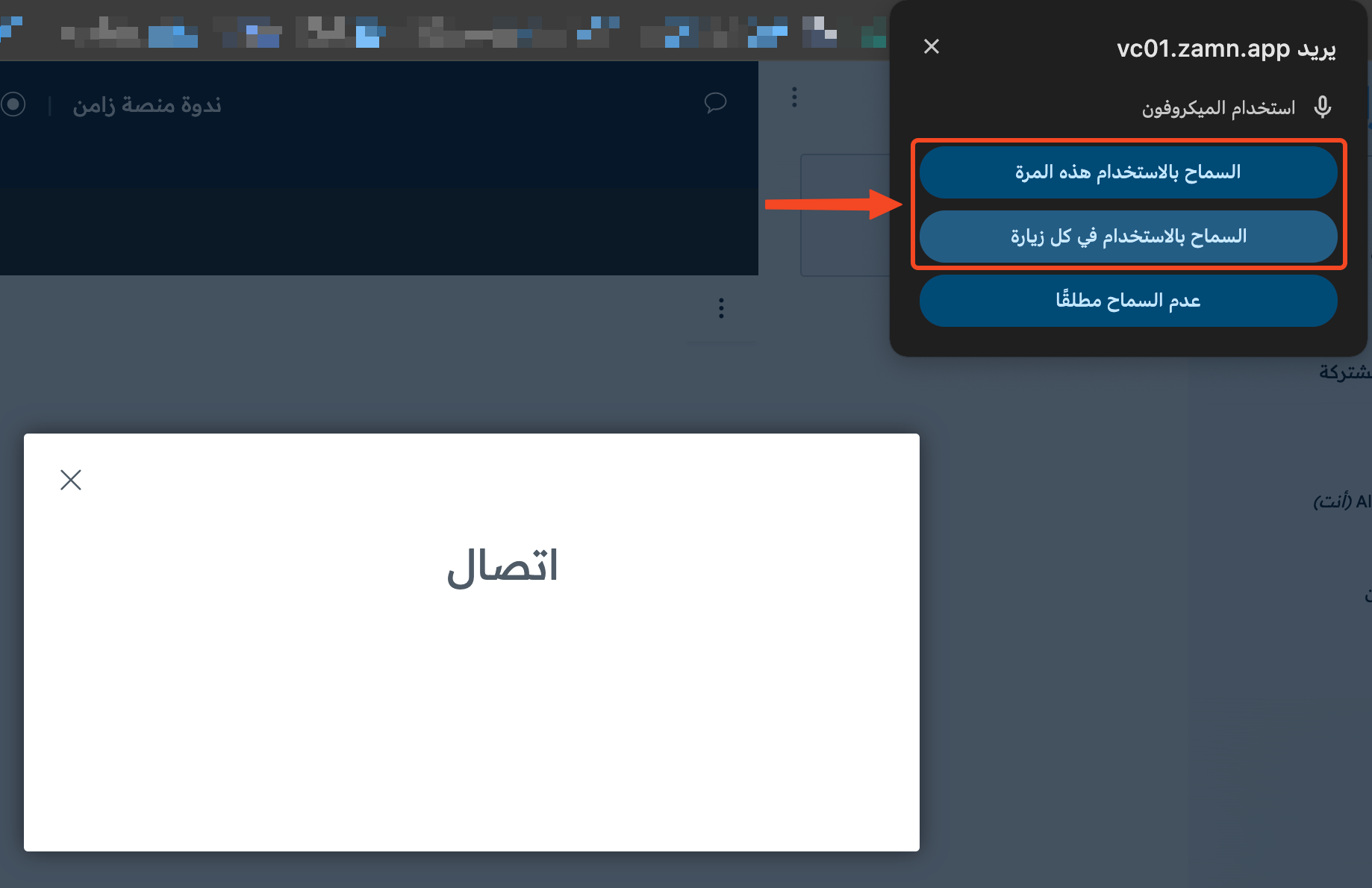
If the browser does not have permission to use the microphone, a window asks if you allow it. Click one of the two allow options to give permission.
Turn off the microphone
To turn off the microphone, click the microphone icon once.