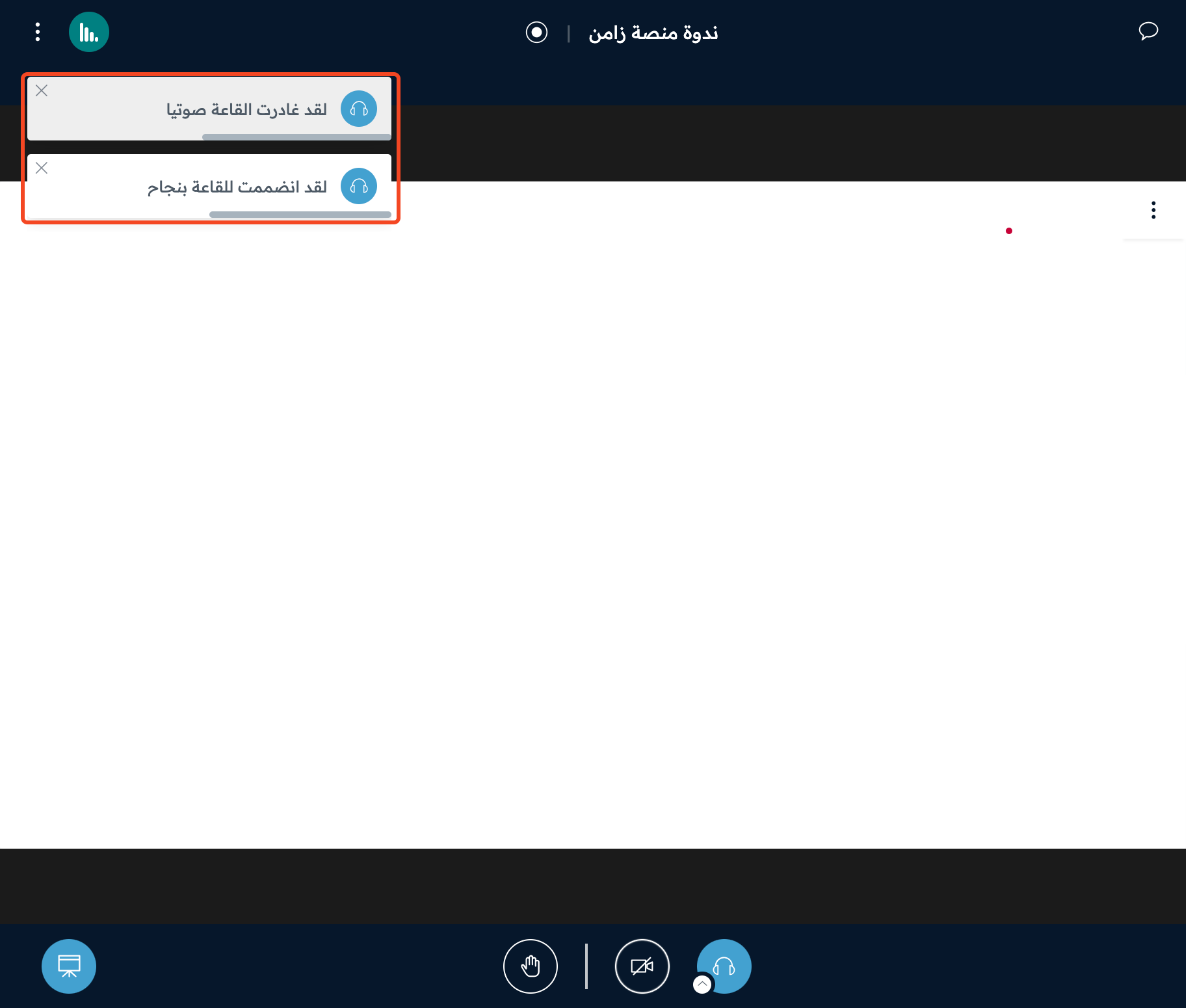
Turn on listen only mode (sound in the room)
This article shows attendees how to turn on the sound in the online room to hear the speaker, and what to do if the sound is on but they hear nothing.
Steps to turn on listening
-
Open the room link you received.
-
If the page asks for an access code, type the code you received in the Enter the room's access code field, then click Enter.
-
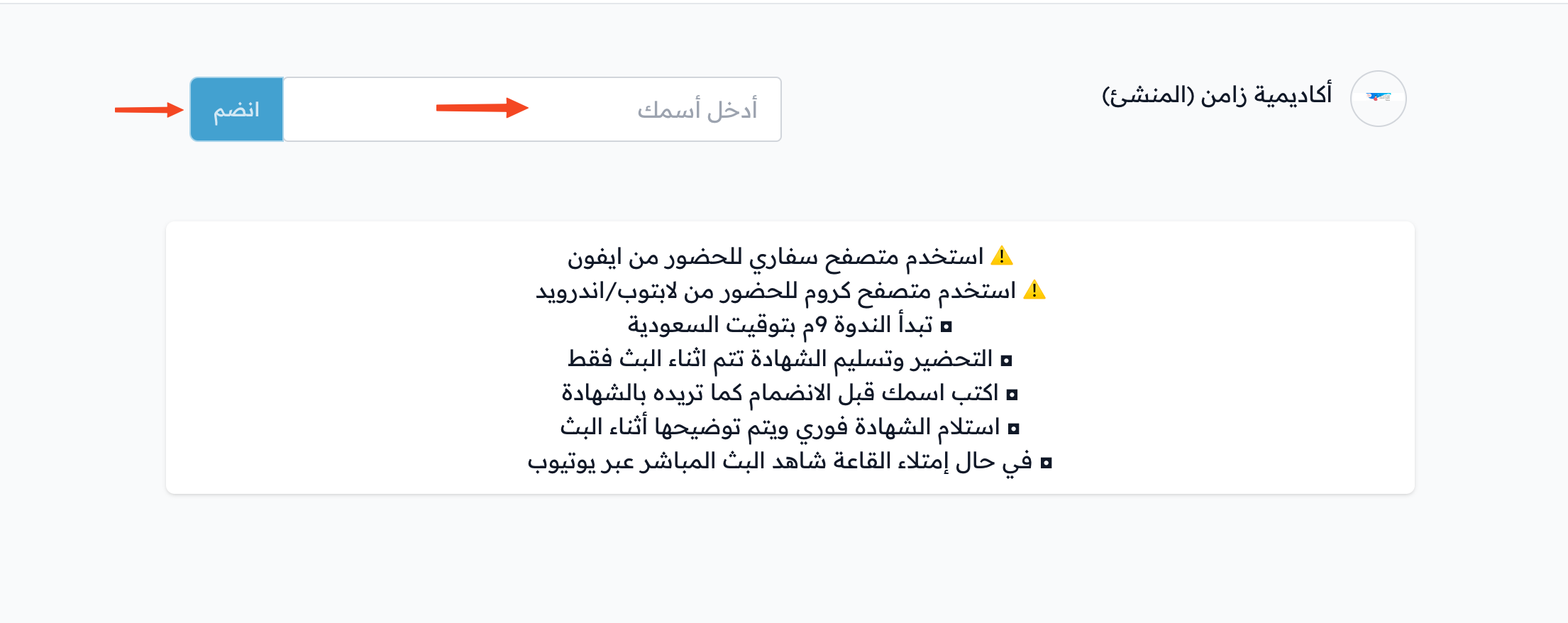
Type your full name in the Enter your name field, then click Join. If you are signed in to the platform, your name is filled in for you.
-
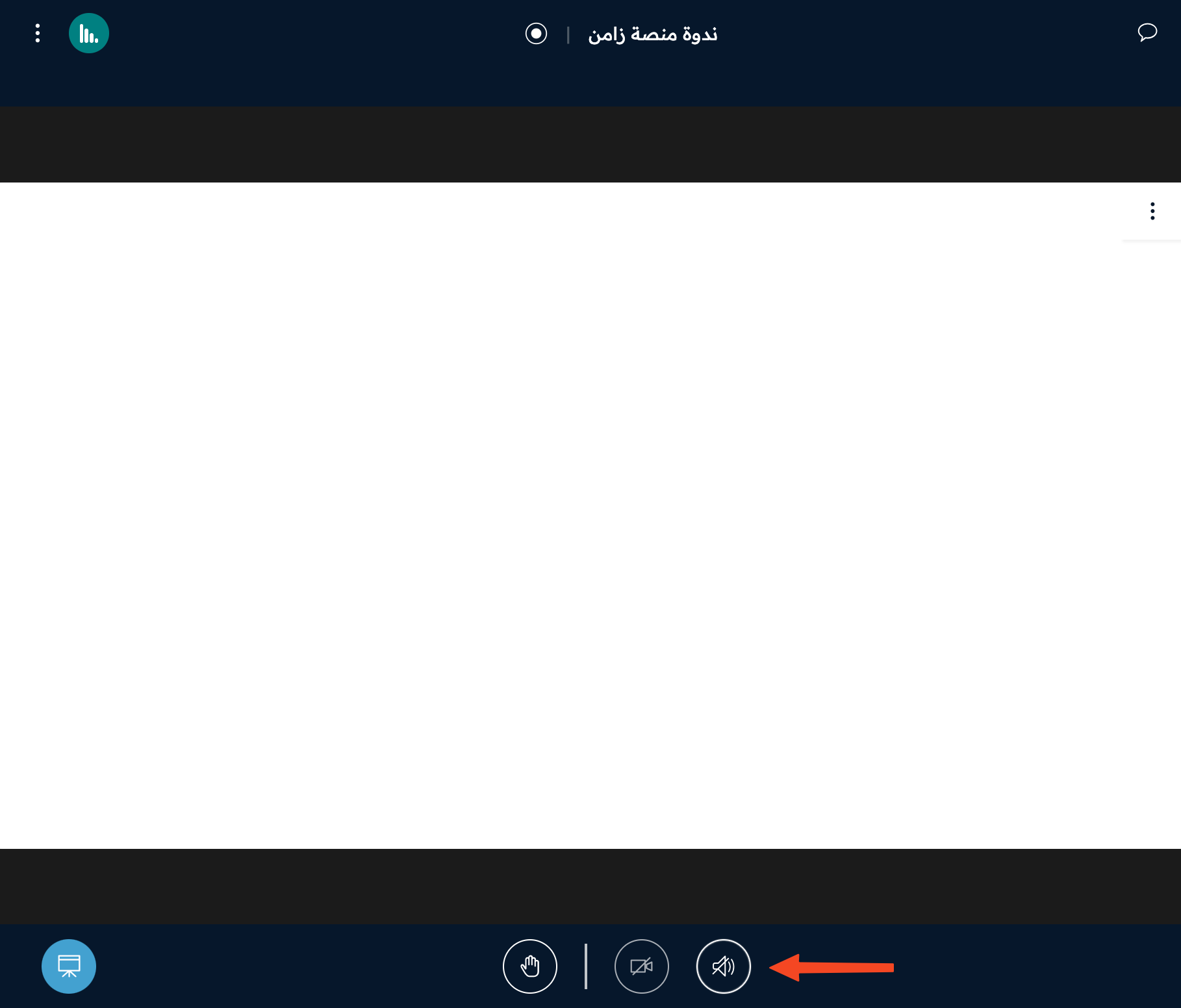
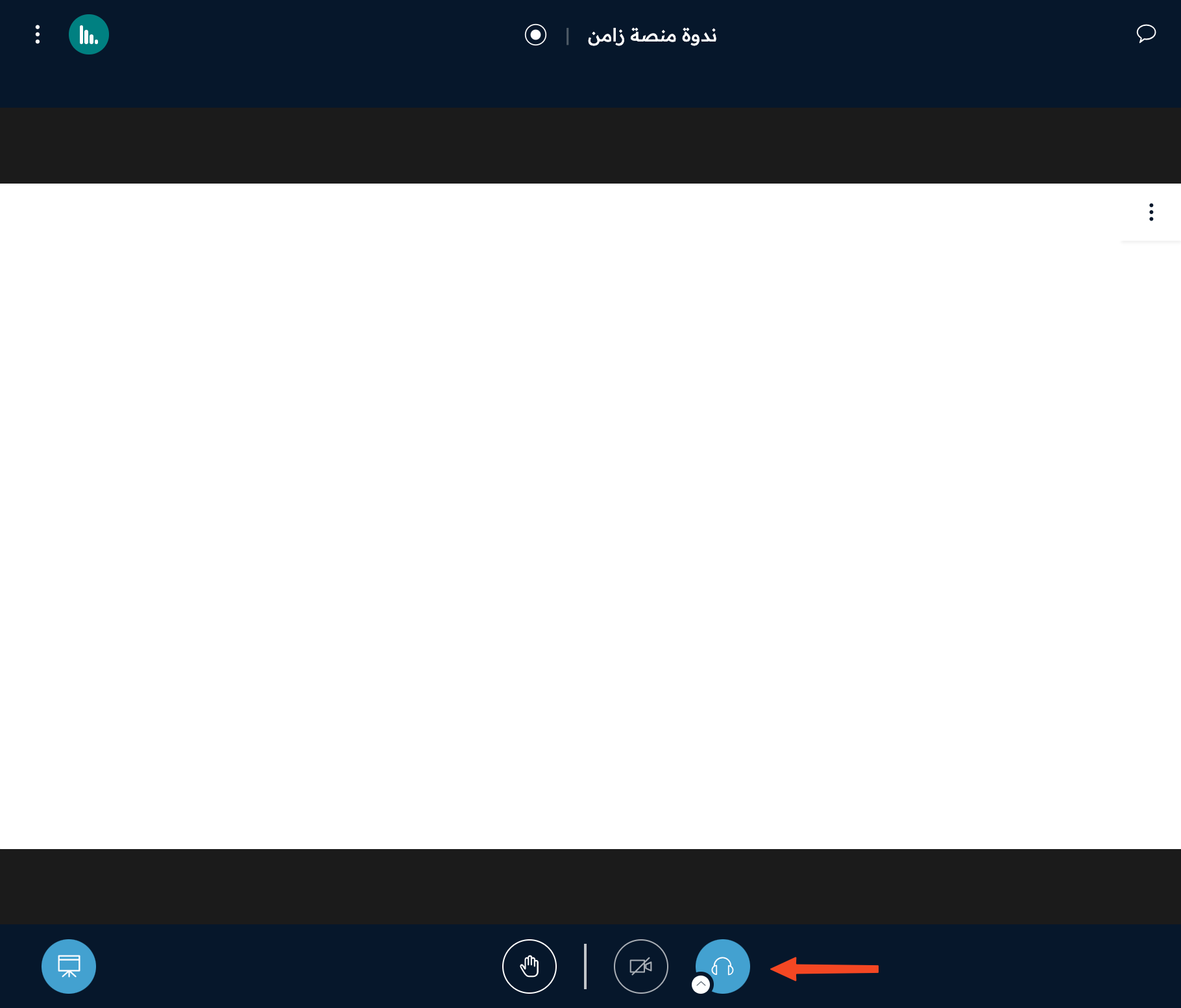
After you enter the room, if the sound is off, click the audio icon in the bottom bar.
-
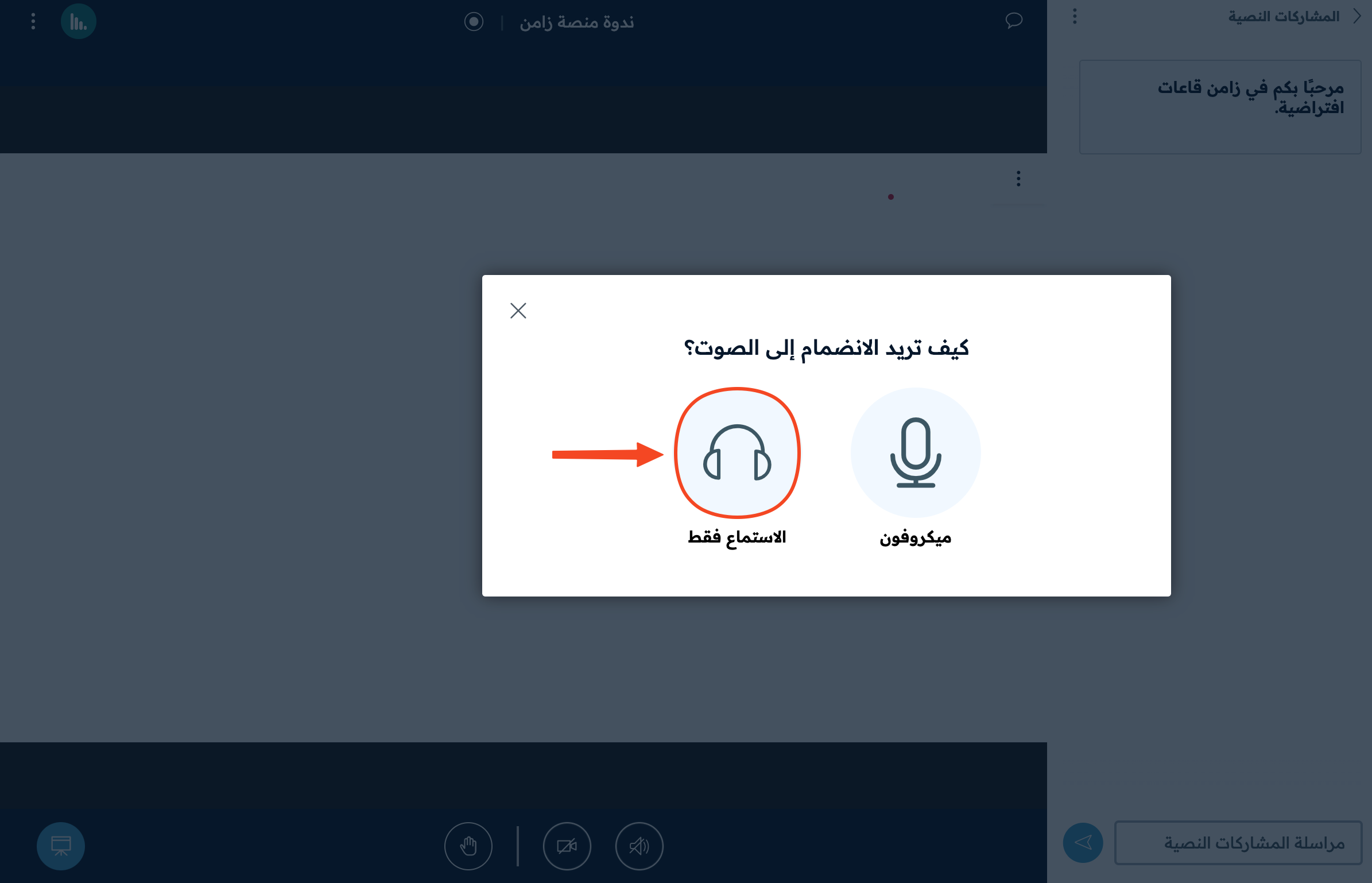
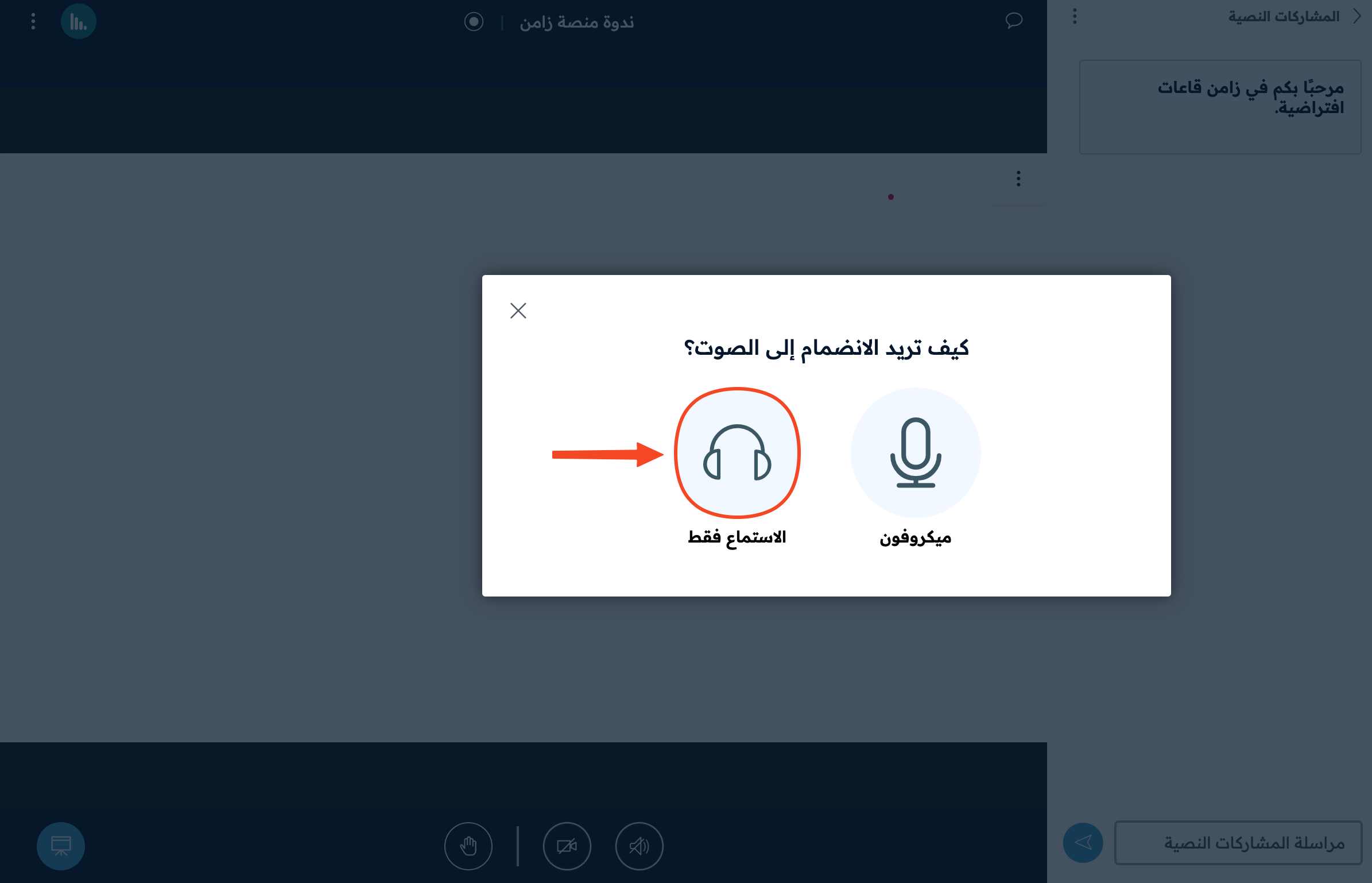
In the How would you like to join the audio? window, choose Listen only.
If the sound is on but you hear nothing
Turn the sound off, then turn it on again:
-
Click the headphones icon once to turn off the sound.
-
Click it a second time, then choose Listen only.
-
Two messages show: the first tells you that you left the audio, and the second tells you that you joined it again.