Get Zamn on your phone easily
Does Zamn have an app?
Right now Zamn has no app, but you can add Zamn to your phone as an app by following the steps below.
For Android phones
-
Open the Zamn website in your browser.
-
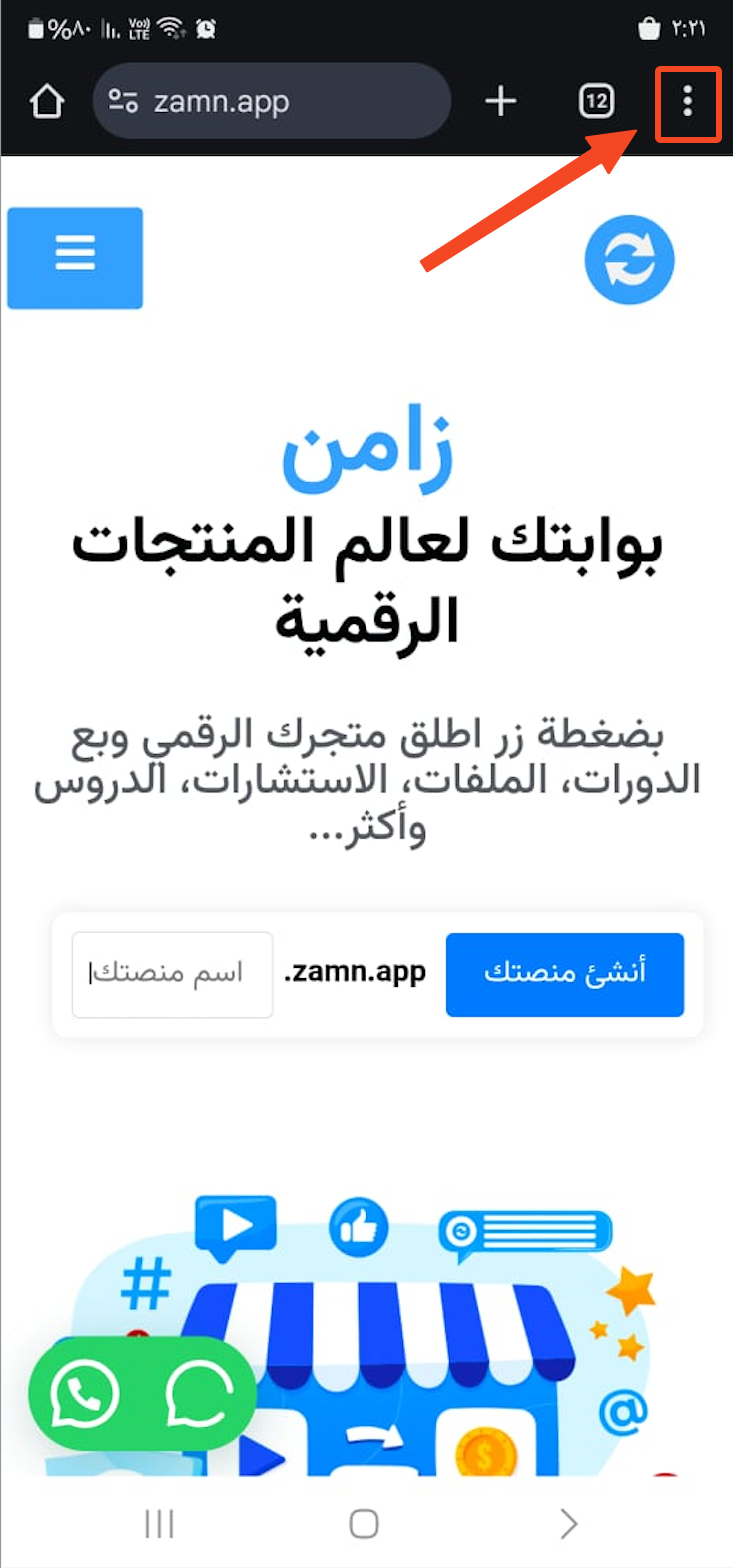
Tap the three dots at the top of the screen.
-
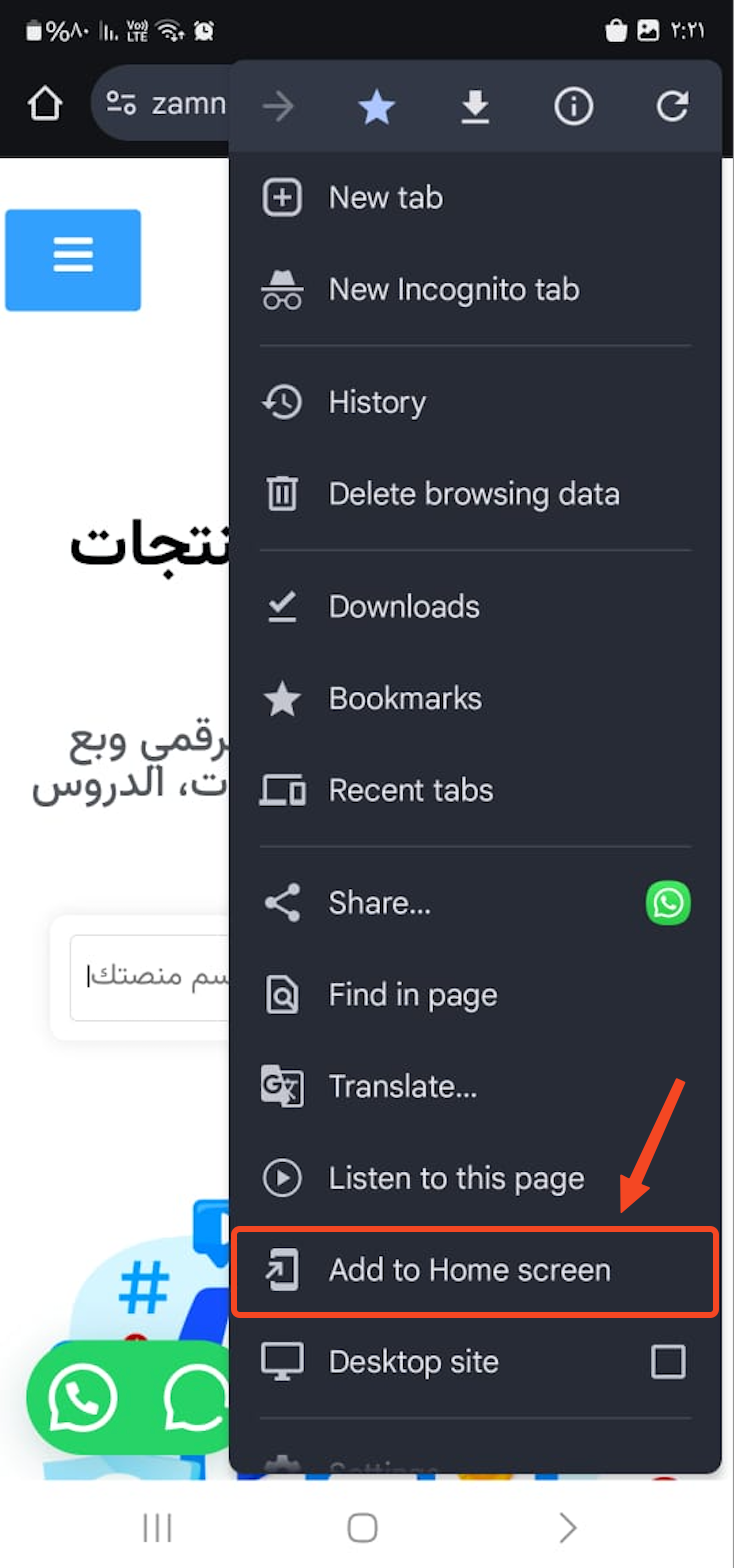
Tap Add to Home screen.
For iPhones (iOS)
-
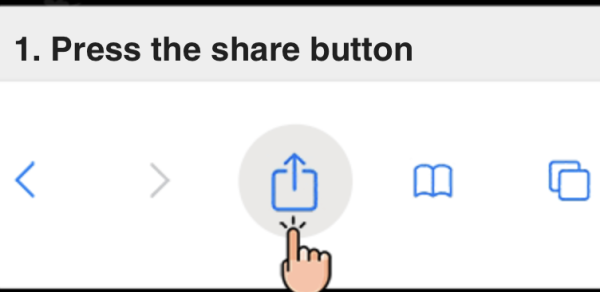
Open the Zamn website in your browser, then tap the share button.
-
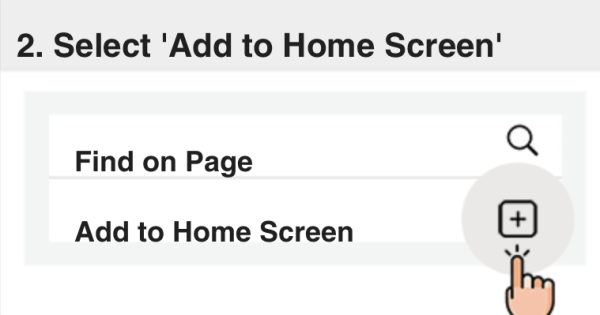
Choose Add to Home Screen.
-
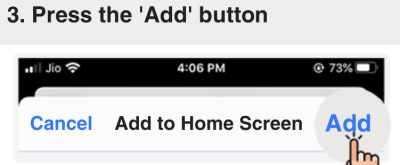
Tap Add to add Zamn to your home screen.