Increase cloud storage in LMS plans
This article shows how a platform owner can increase the platform's cloud storage. You can do it in two ways:
- When you subscribe to one of the LMS plans.
- By subscribing to one of the storage plans.
Reach the Plans page
Only the platform owner can subscribe or renew a subscription.
-
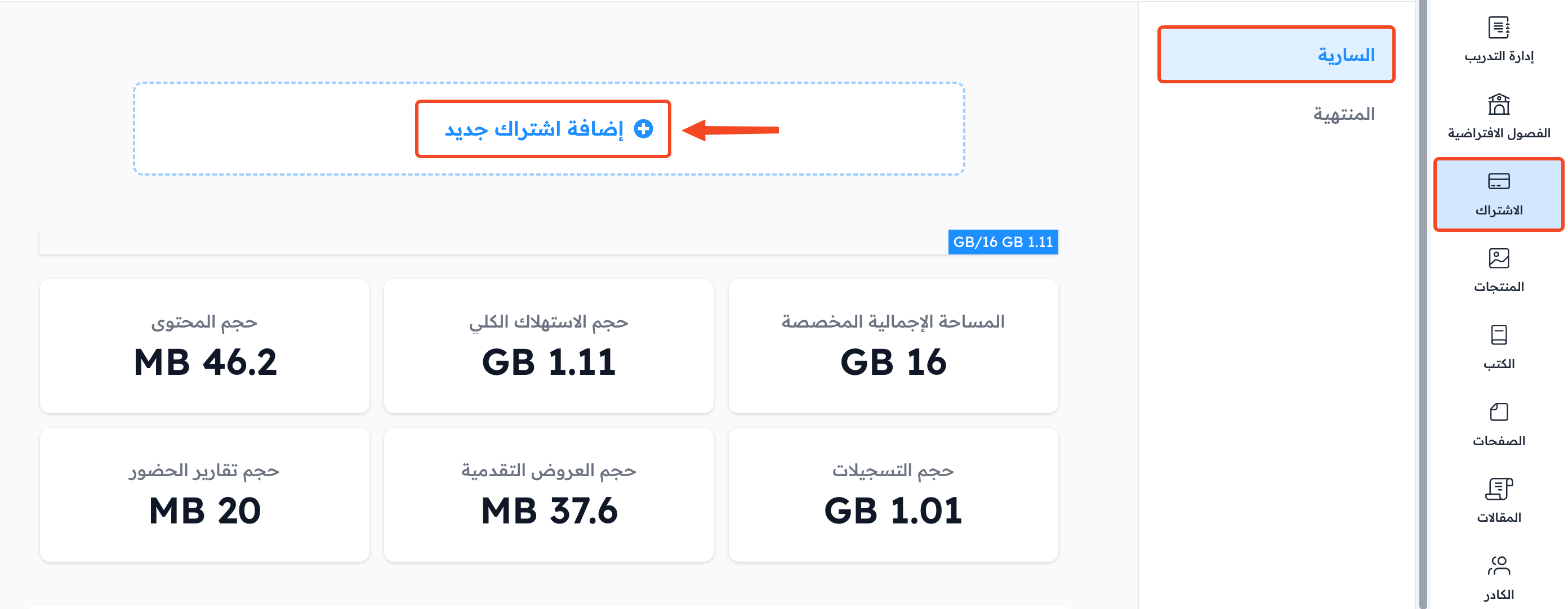
From your platform dashboard, choose Subscription.
-
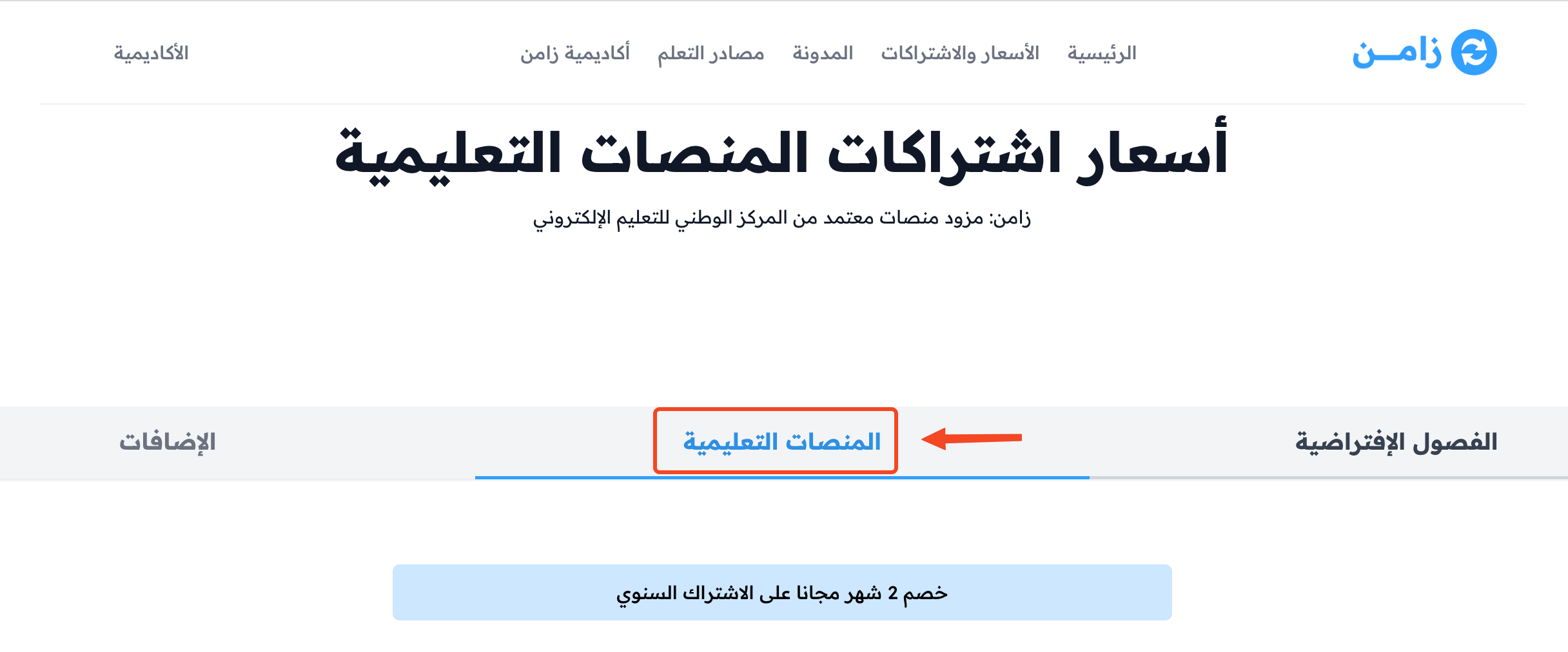
Go to the Plans page. The plans are shown in groups: Virtual Classroom, Websites and Storage.

Increase cloud storage in LMS plans
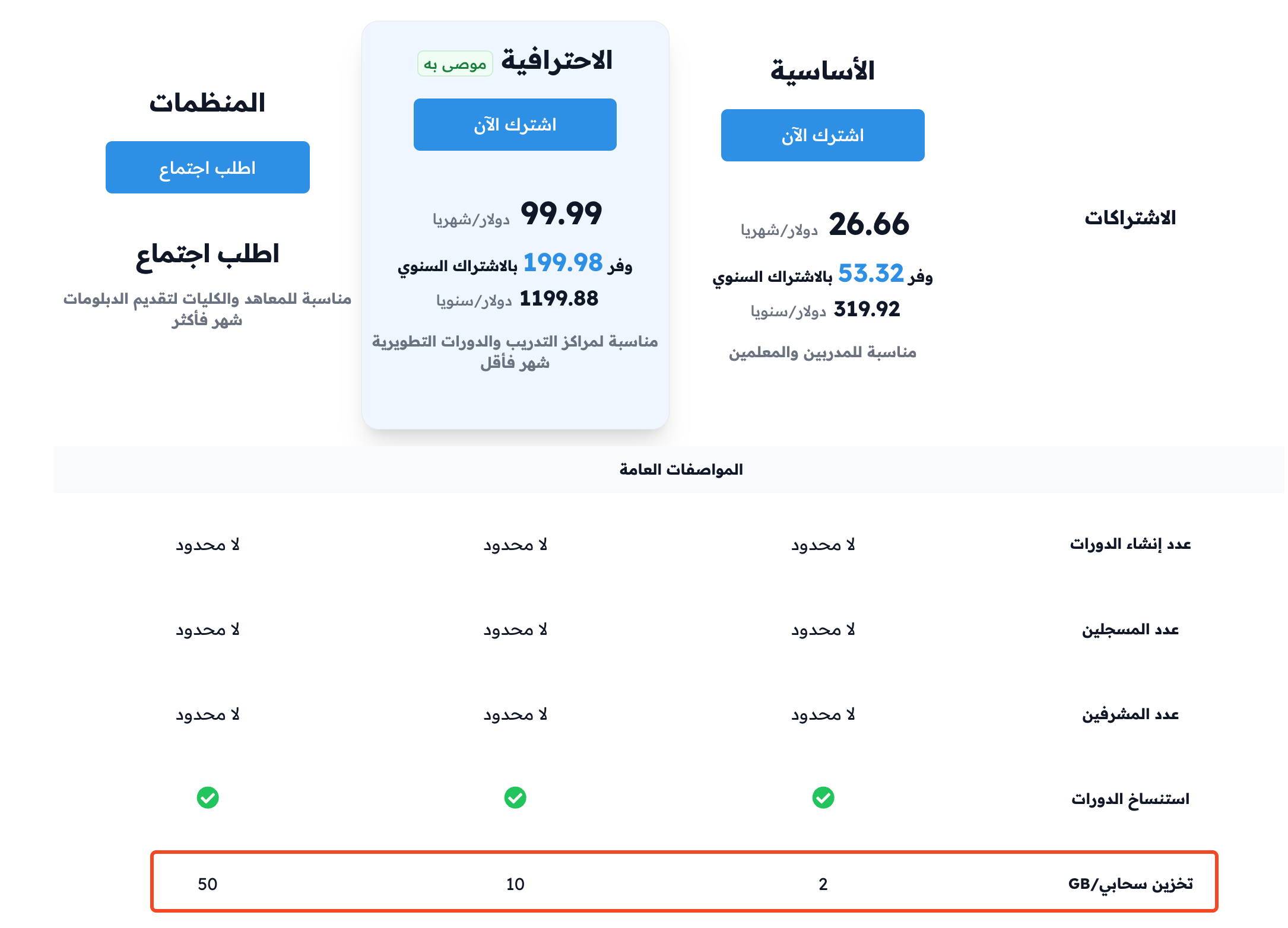
Each LMS plan comes with a different amount of cloud storage. You can add more storage to a plan by buying extra services when you subscribe.
-
On the Plans page, click Subscribe next to the plan you want in the Websites group.
-
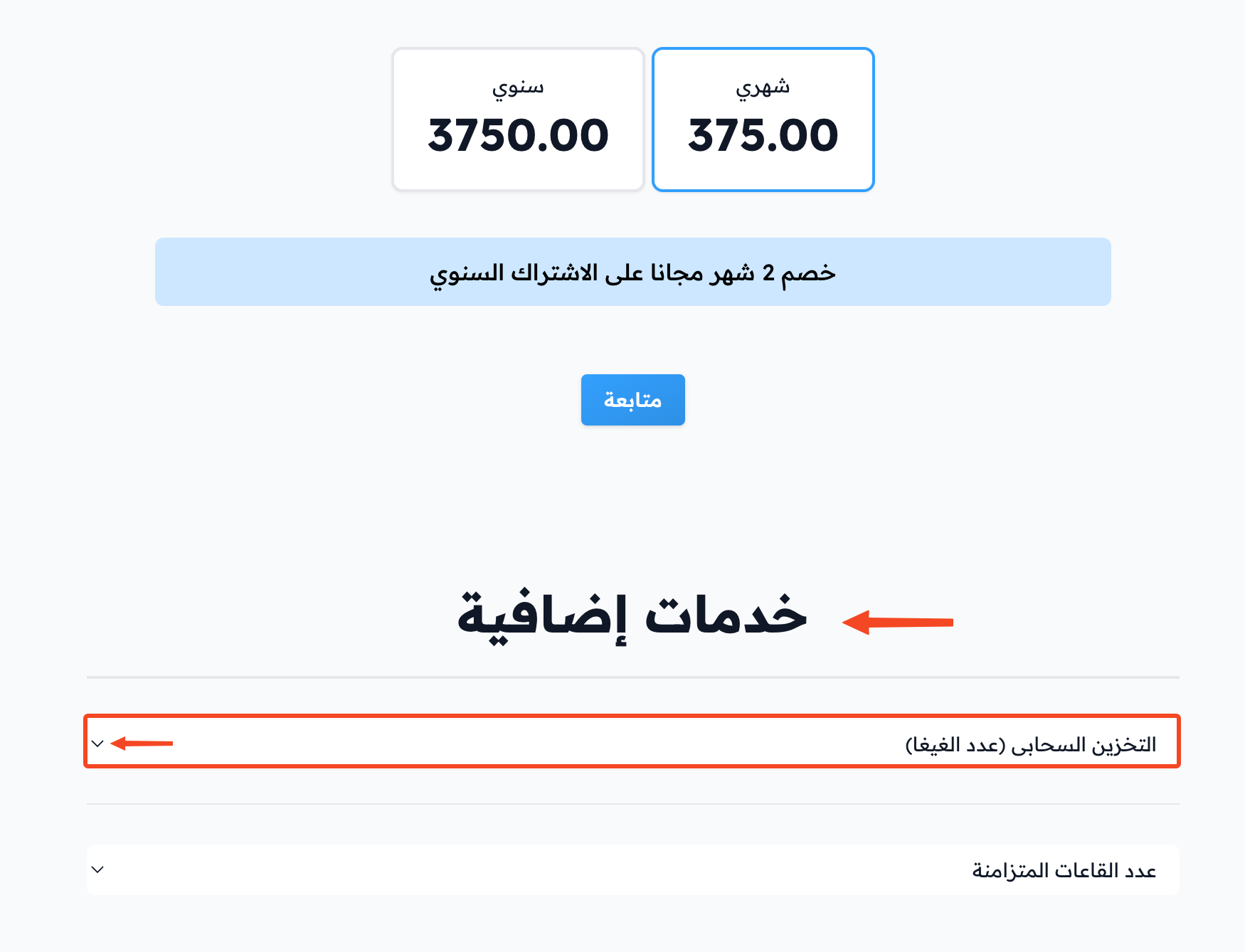
The payment page opens. Under Extra services, open the Storage list.
-
Choose the extra size that fits you.
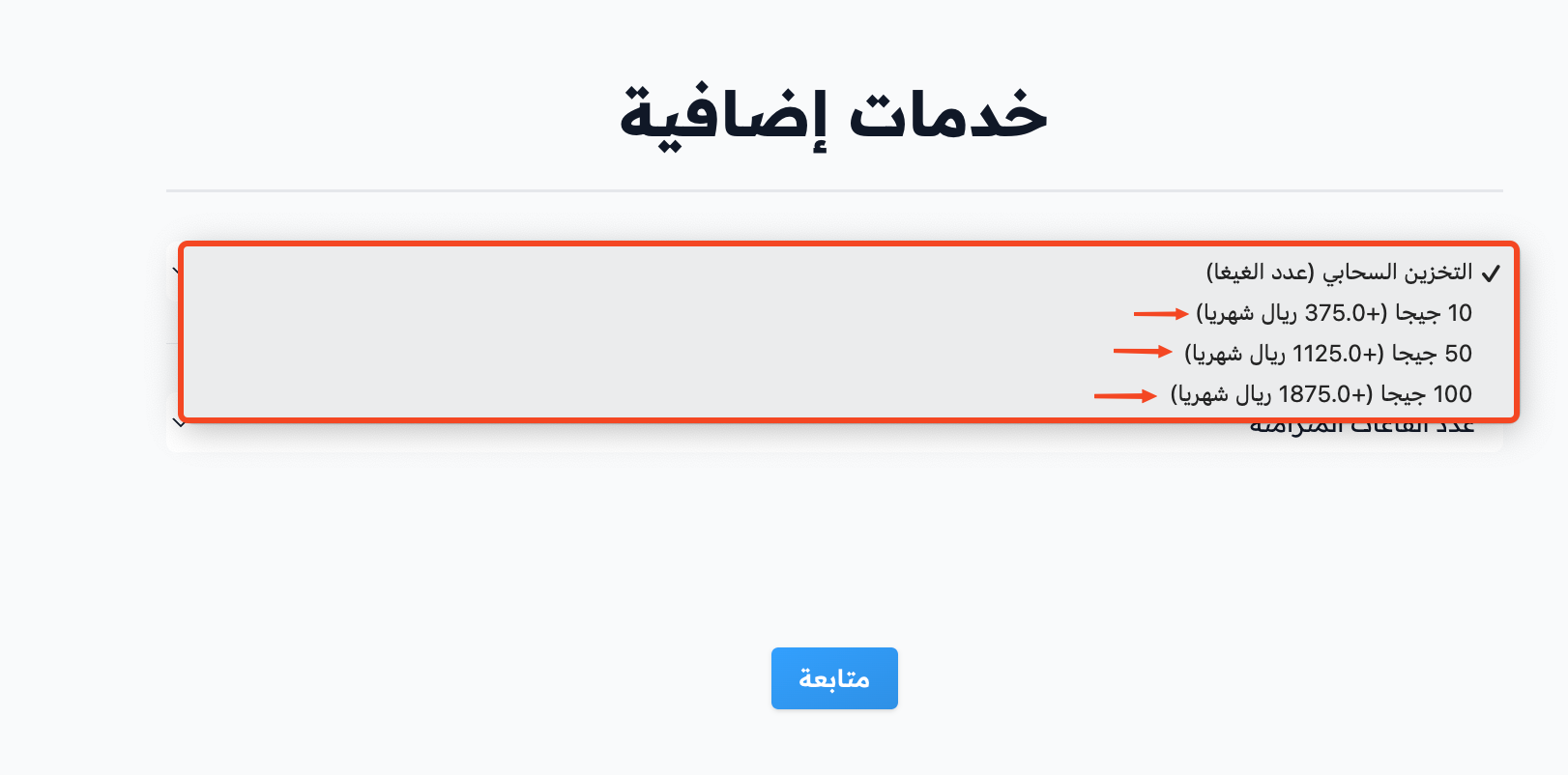
-
Finish the rest of the subscription steps.
Subscribe to a storage plan
-
On the Plans page, click Subscribe next to the storage size that fits you in the Storage group.
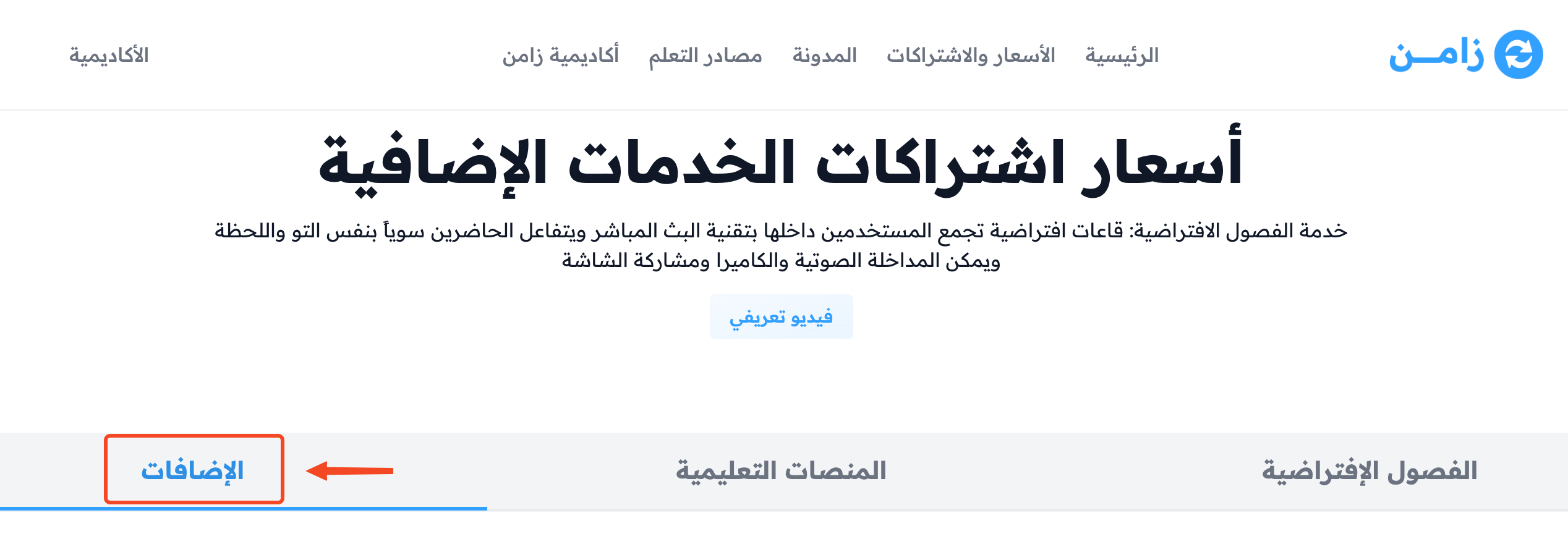
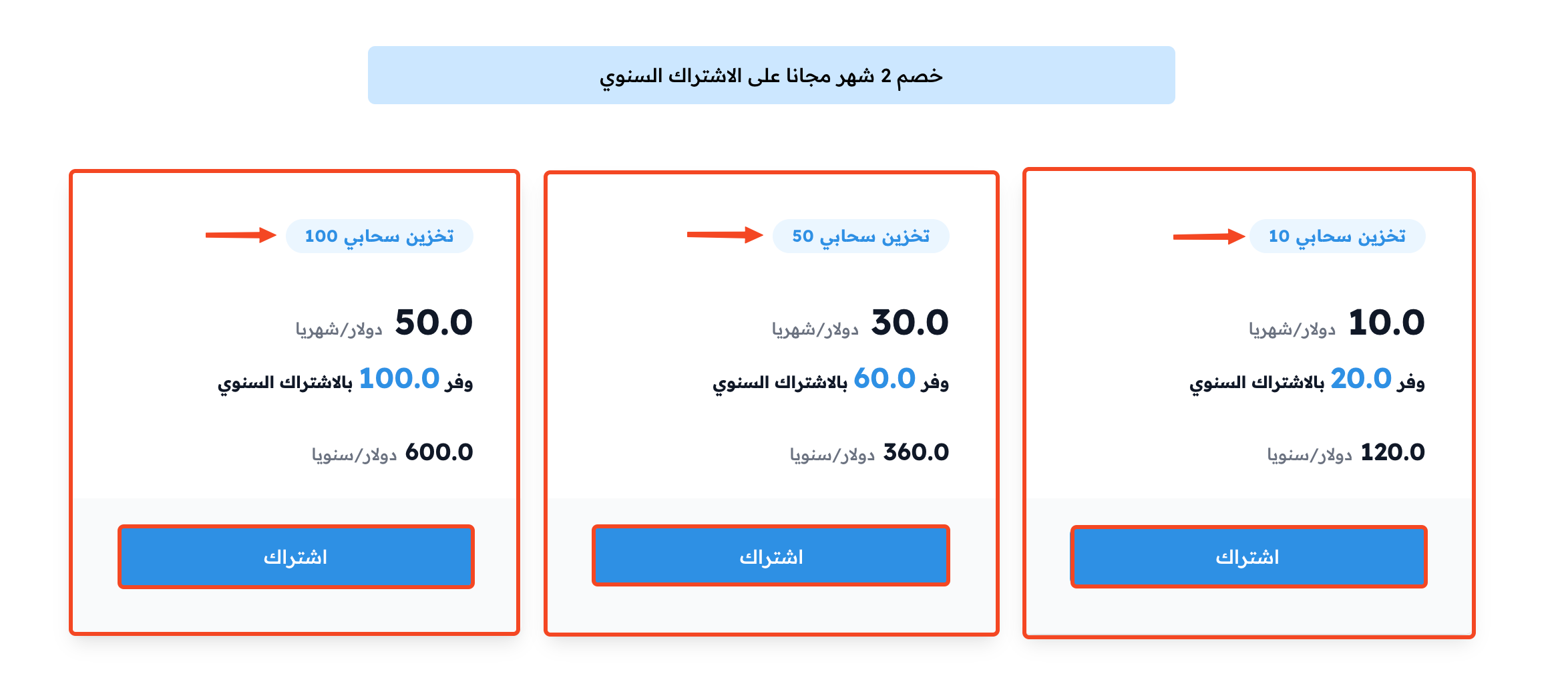
-
Finish the rest of the subscription steps.