How does a coach share the course link?
This article shows how a coach can get the link to a course page and share it with students or anyone else.
How to share the course link
-
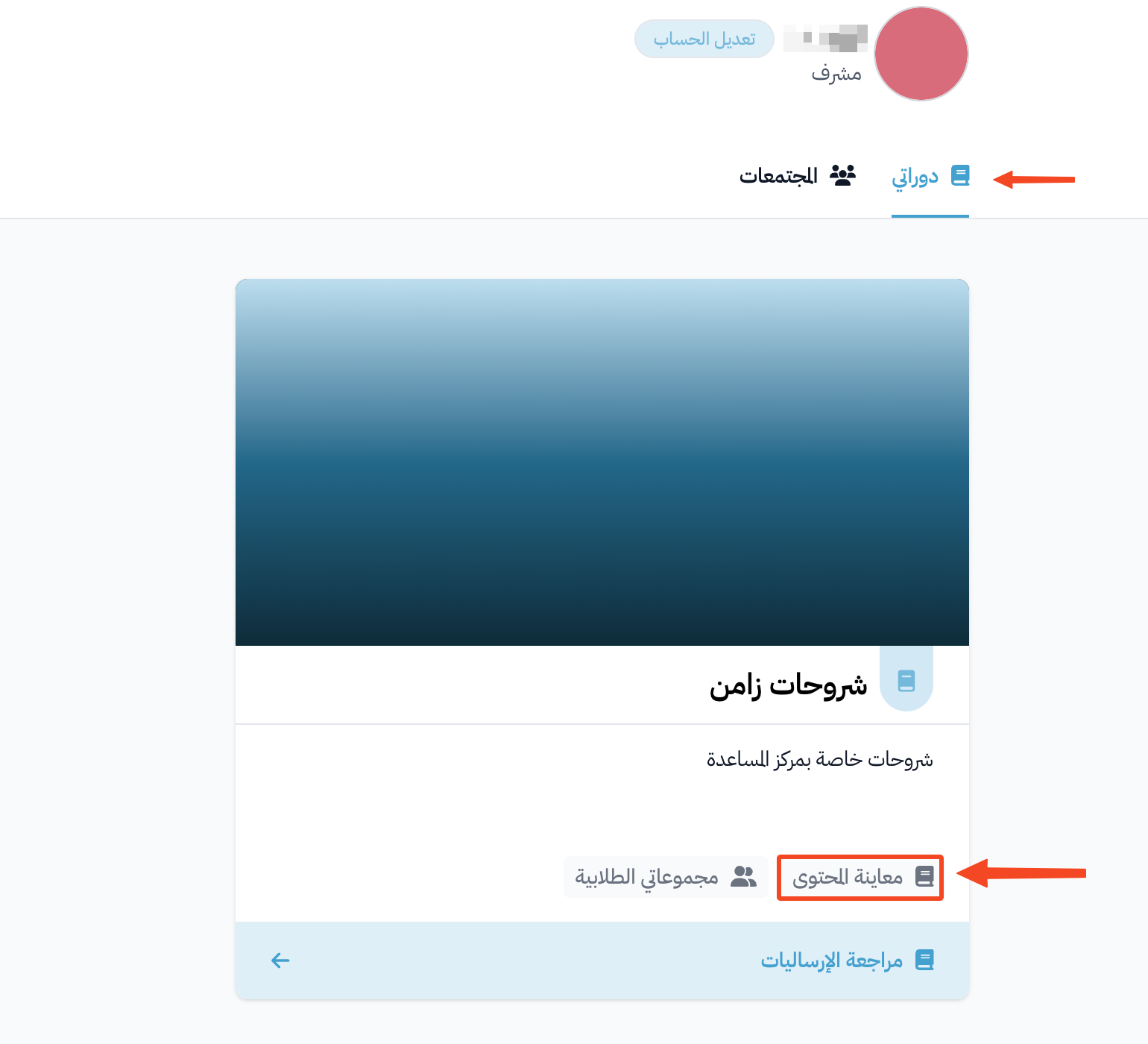
Click Dashboard in the top menu to open the My Courses page, then click View Curriculum on the card of the course you want to share.
-
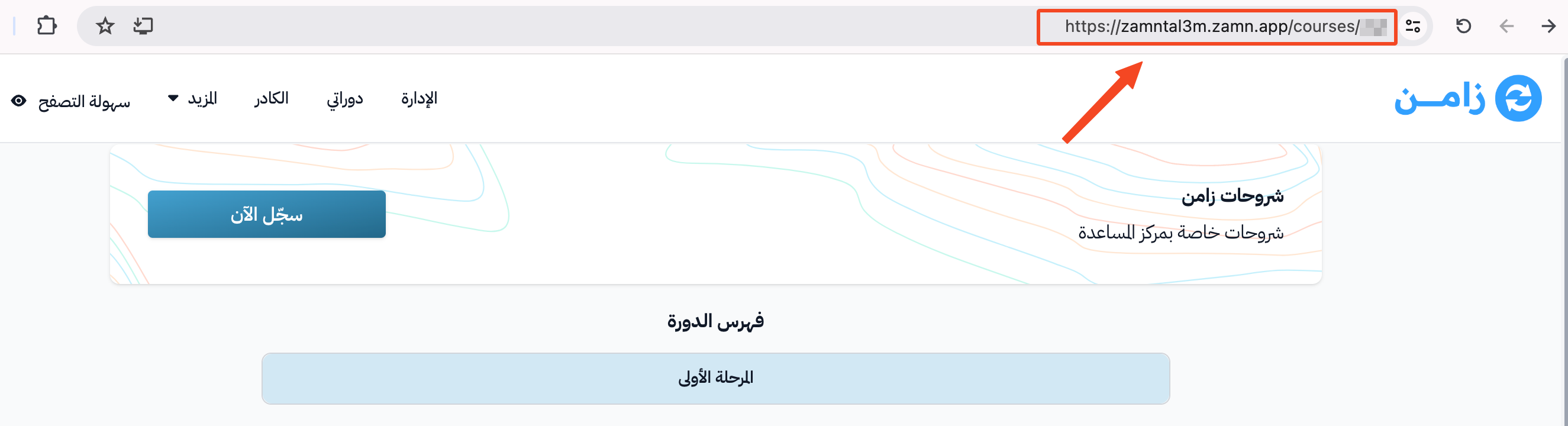
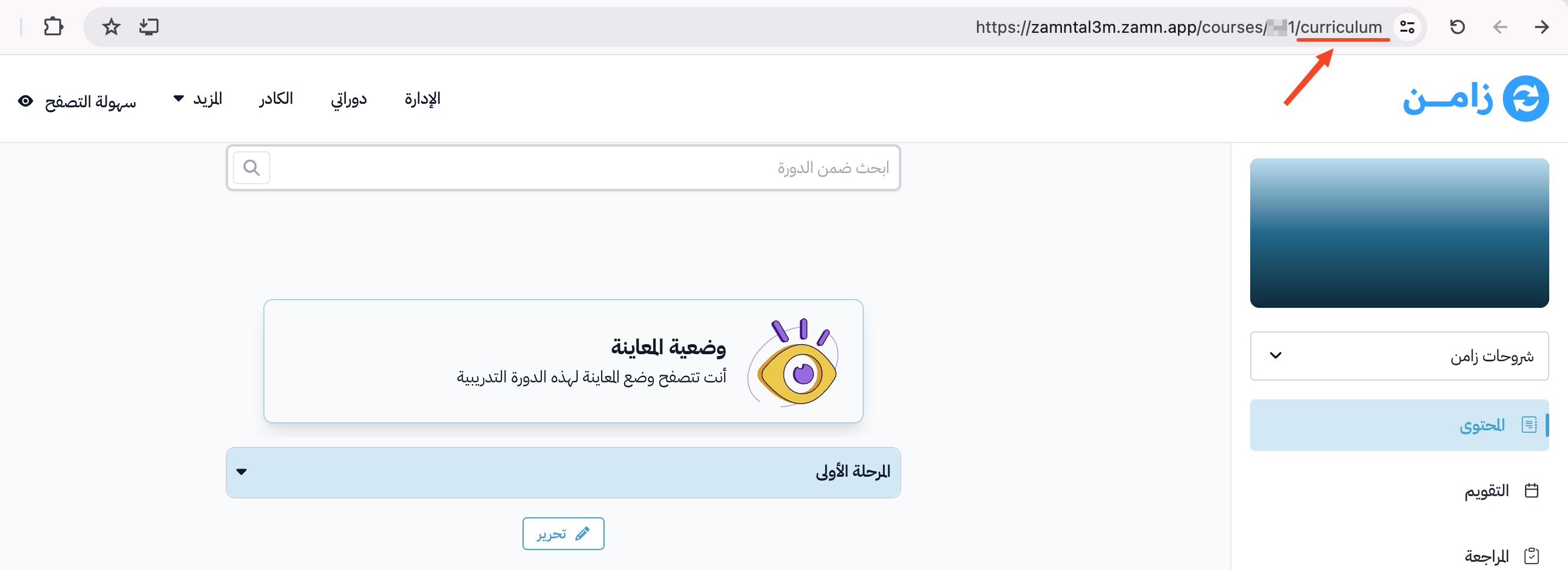
In the browser address bar, delete the word curriculum from the end of the link, then press the Enter key. The course page that visitors see opens.
-
Copy the course link from the browser address bar, then share it.