Cancel your membership / delete your coach account
You can delete your coach account from the platform for good. After that, your data is removed and you cannot sign in with this account again. Your replies in communities and your feedback to students are not deleted.
The Delete account section shows on the Edit Profile page only for accounts that have no admin or money ties. If you do not see this section, your account has admin rights on the platform or a history of payments (purchases or subscriptions).
How to delete your account (if you see the option in your profile)
-
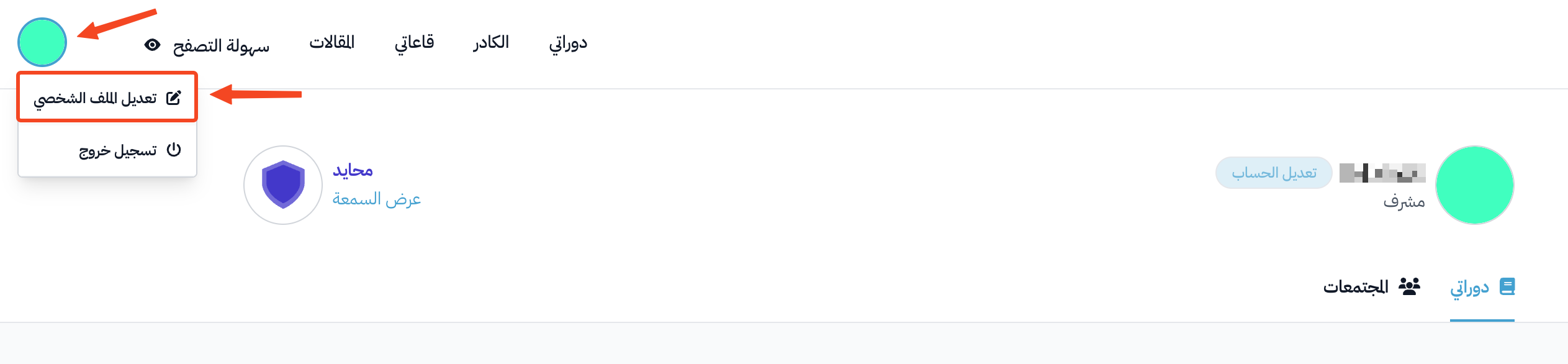
Click your profile icon.
-
Click Edit Profile.
-
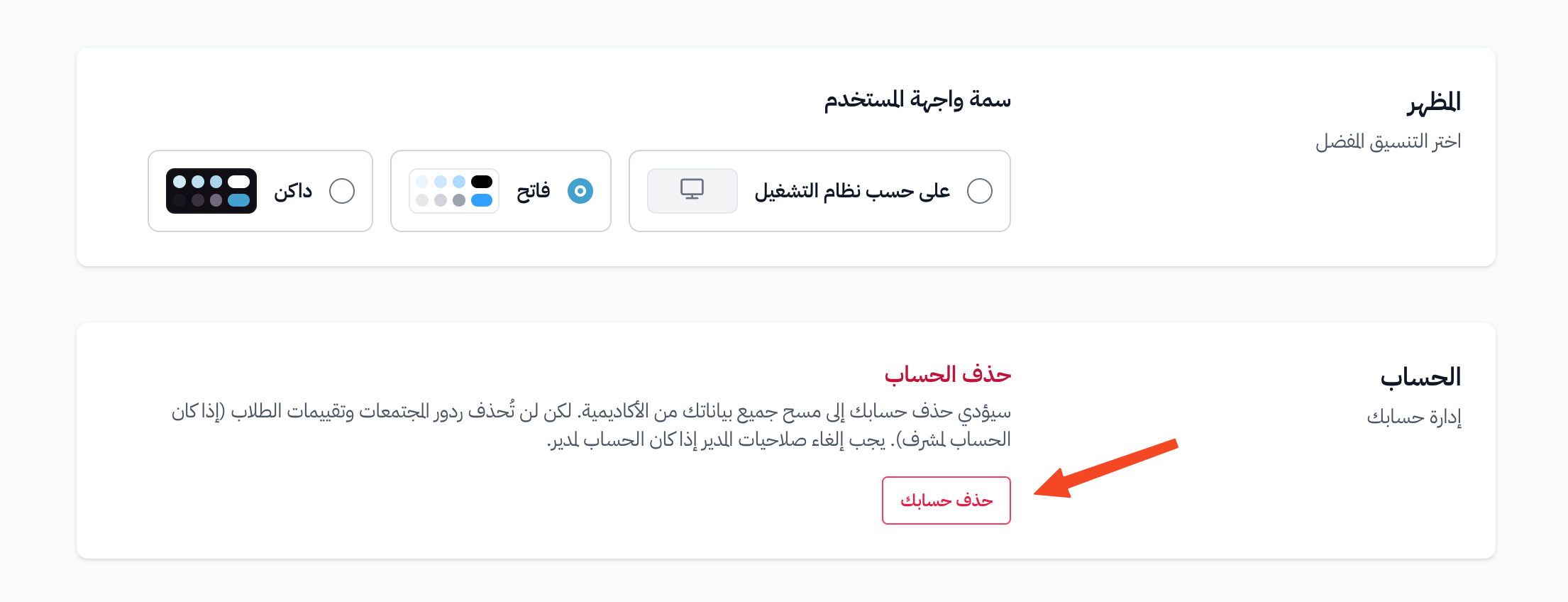
Go to the Account section at the bottom of the page, and click Delete your account.
-
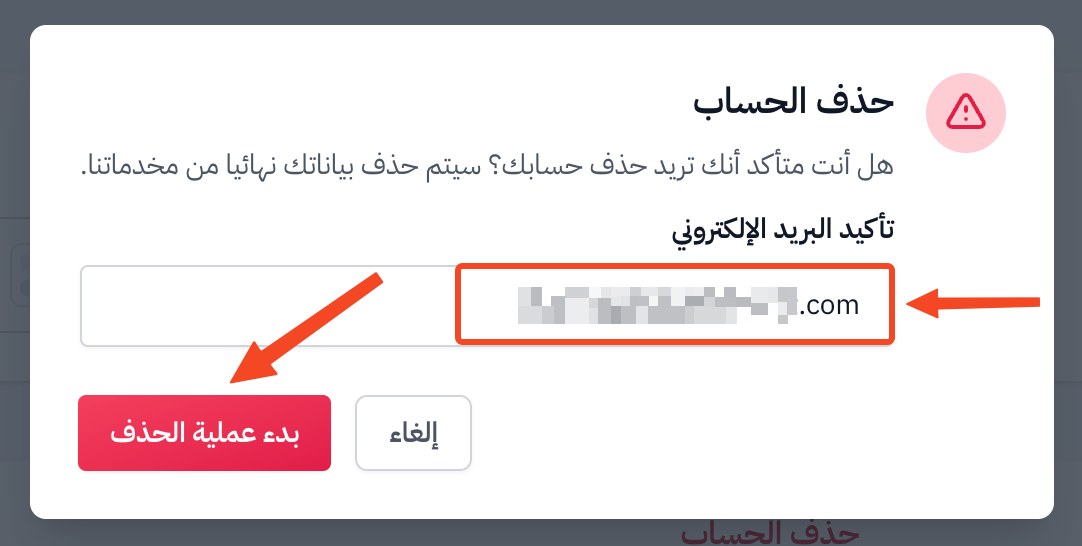
Enter your email in the Confirm your email field, then click Initiate Deletion. You will get an email to confirm that you want to delete your account.
-
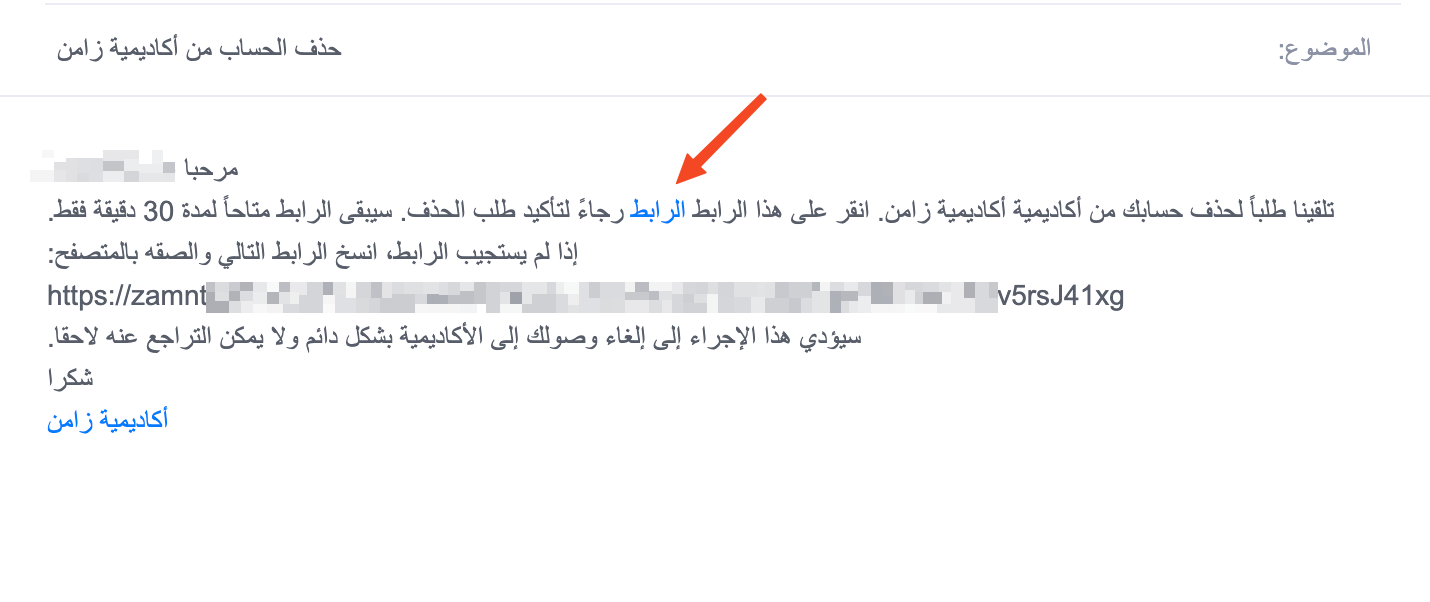
Open your email, and click the word link to go to the confirmation page. The link works for 30 minutes only.
-
Click Delete Account.
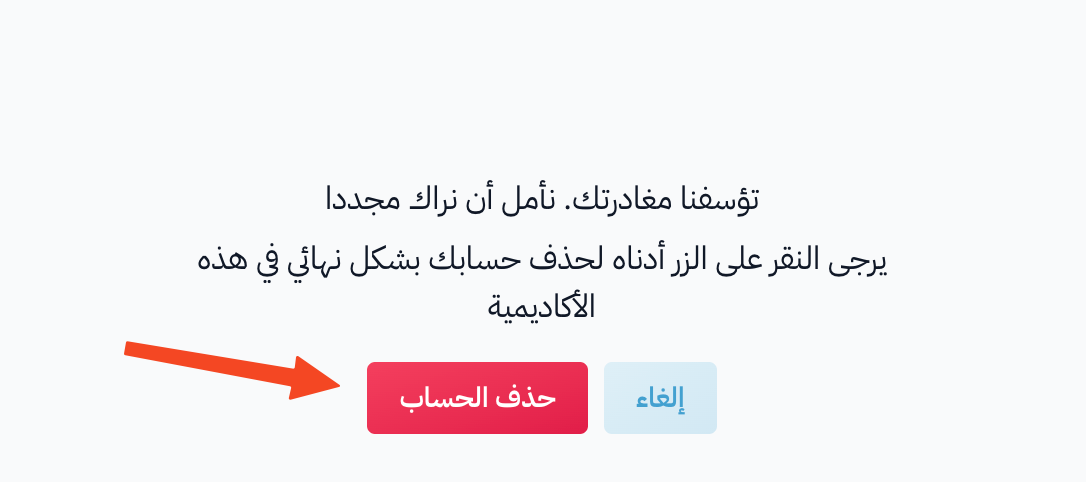
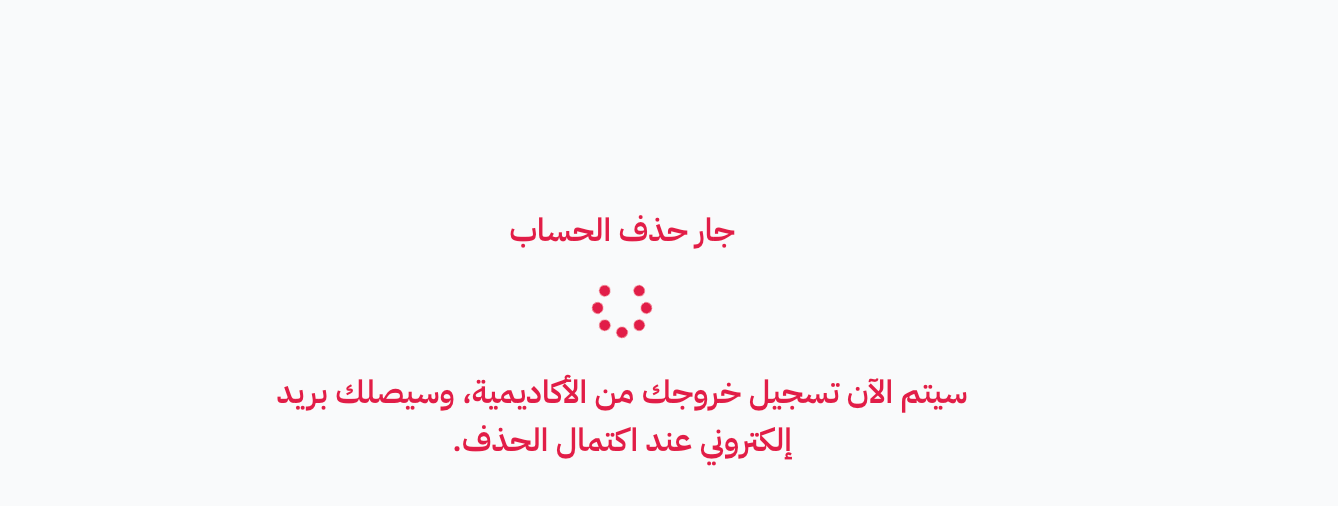
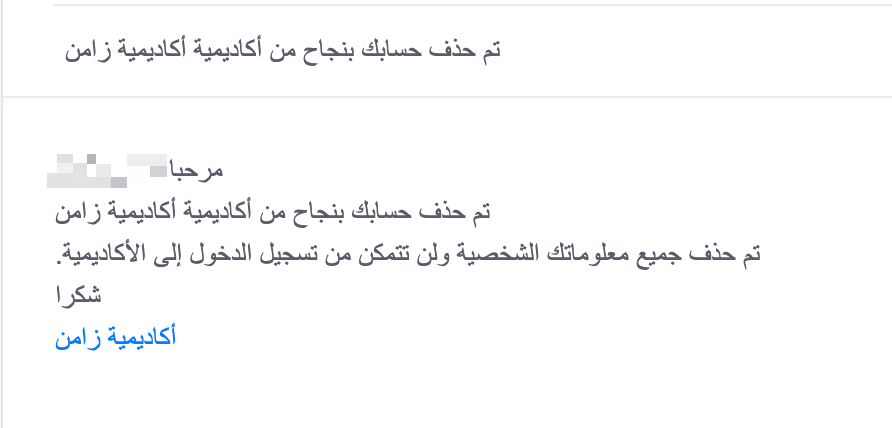
You are signed out of the platform. After a few minutes, you will get an email that confirms your account was deleted.
How to delete your account (if you do not see the option in your profile)
If you do not see the Delete account section on the Edit Profile page because your account has admin rights or a history of payments, you can ask for your account to be deleted:
-
Contact the Zamn support team through live chat (technical support) on the platform, or send a message from the email you registered with to the technical support email.
-
Say in your message that you want to close and delete your account for good.
-
Our team checks the account (for example, moves admin rights to another user if needed, or settles any open payments). Then they delete the account and confirm this to you by email.