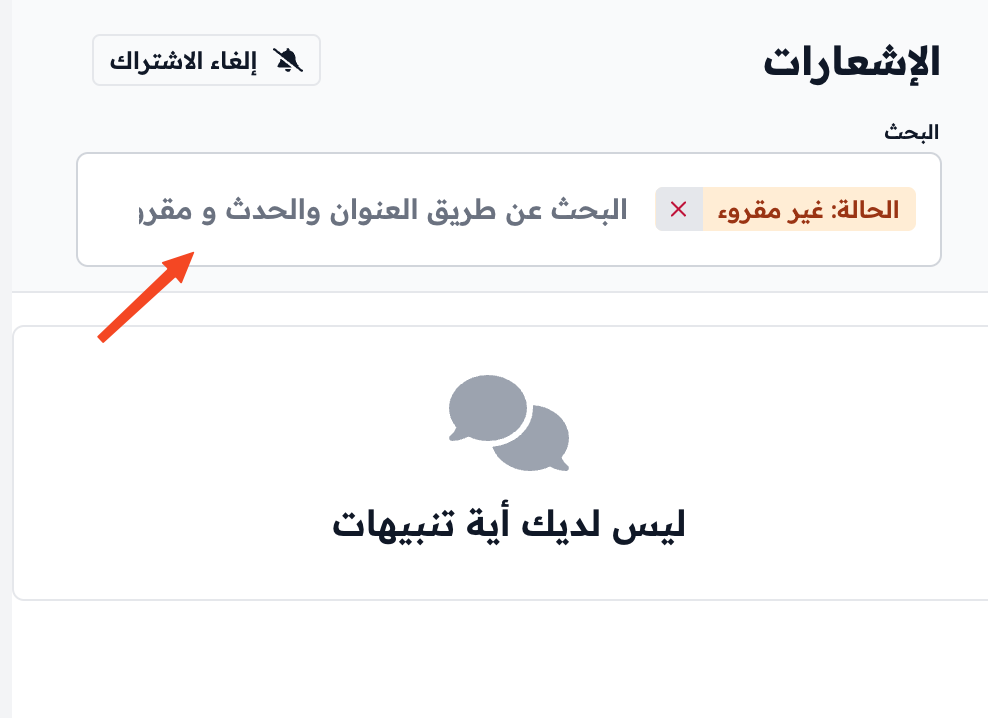
Turn on alerts and view notifications
Turn on alerts in your browser to get the platform's notifications on your device. Then view and search your notifications from the bell button.
Steps to turn on alerts
-
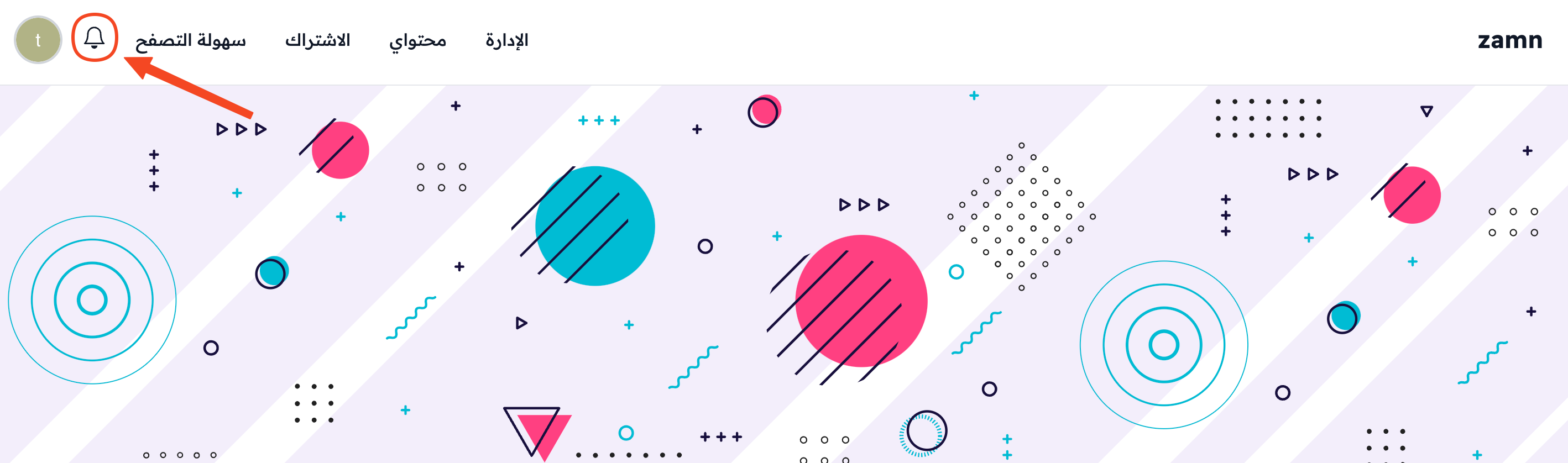
Click the bell button in the top bar of the platform.
-
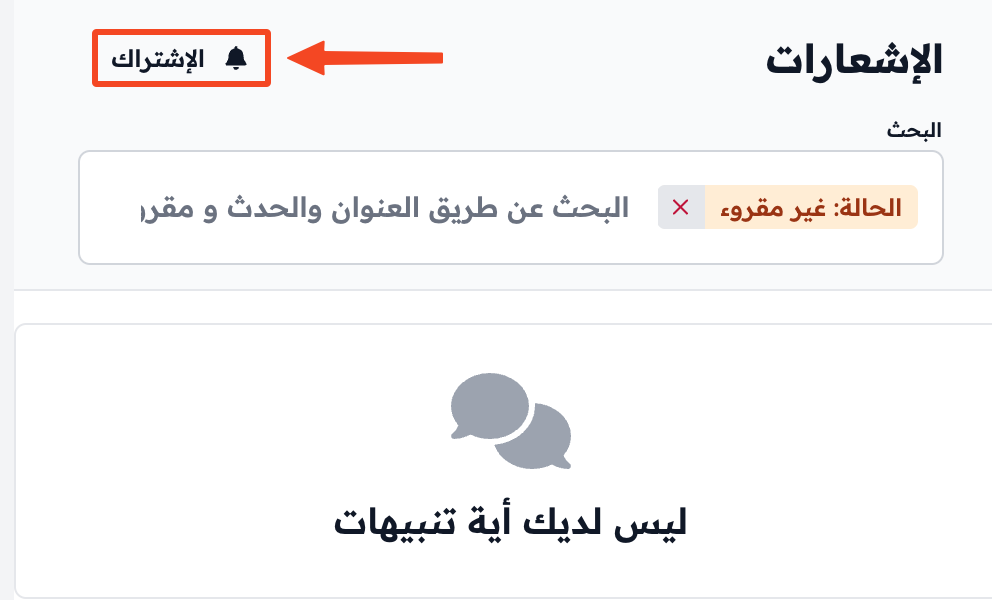
Click Subscribe. If you turned on alerts on another device, the button reads Subscribe on this Device.
-
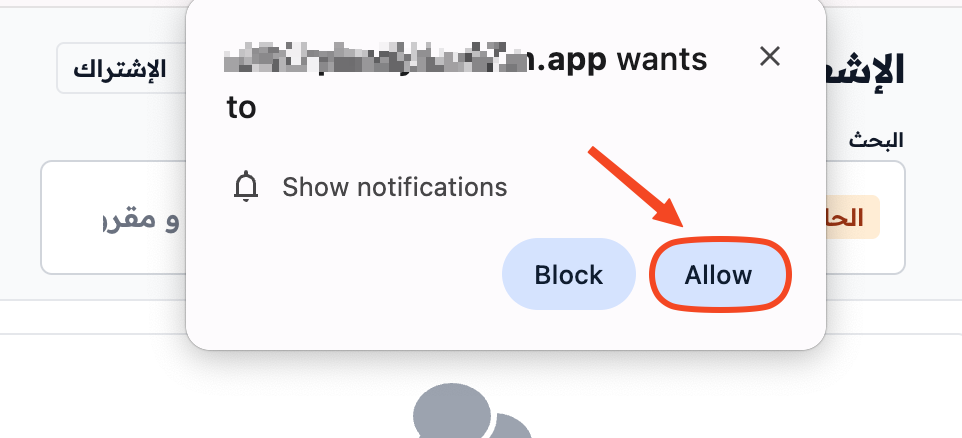
If you did not allow notifications in your browser before, a window asks you. Click Allow to let the browser send you notifications.
View notifications
Click the bell button to see the notifications you got. You can search your notifications from the Search field.