How an author shares the course link
You can copy the link of the course page and share it, so others can learn about the course and enroll in it. This guide is for course authors.
How to share the course link
-
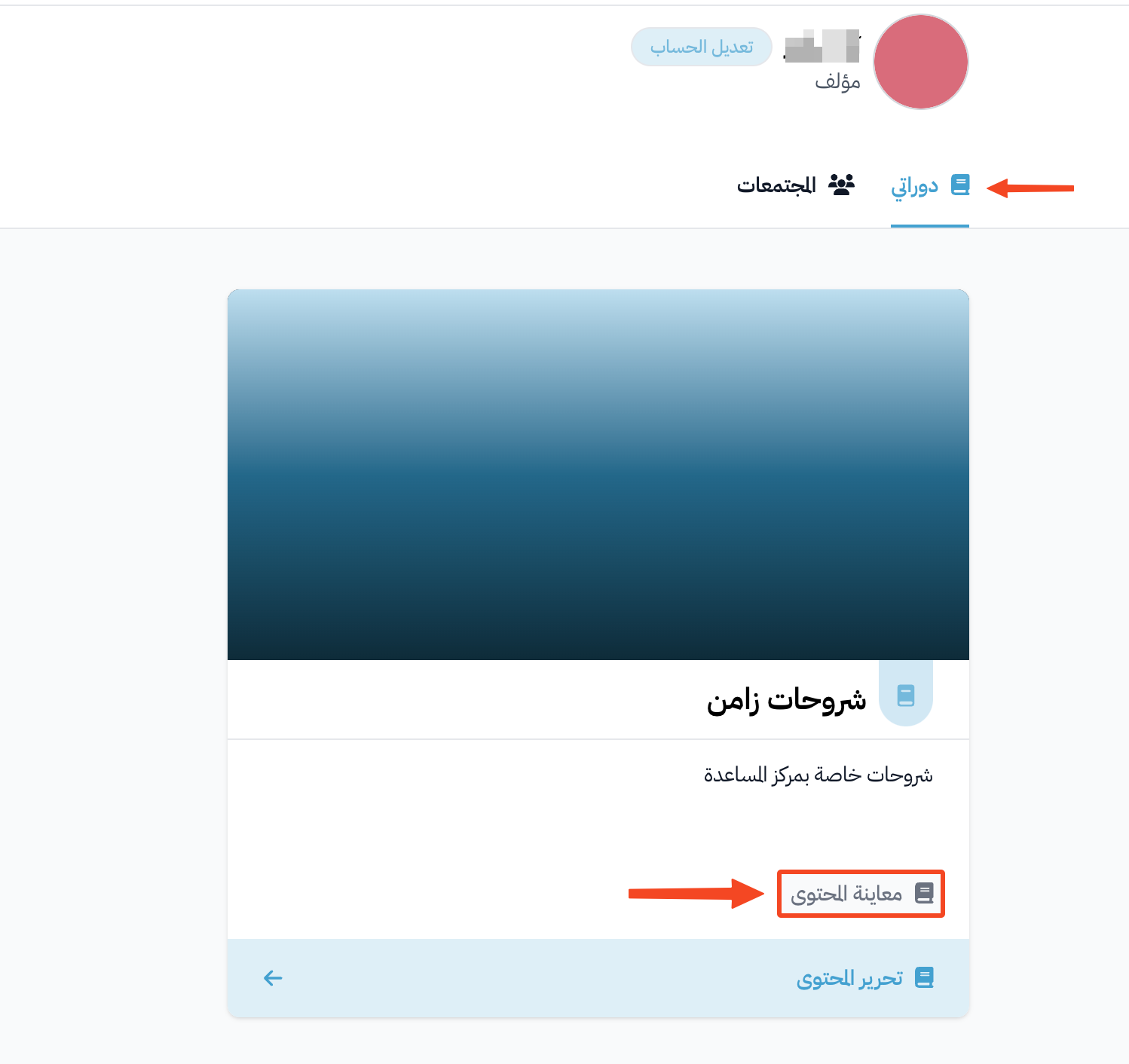
Click Dashboard at the top of the page. Then, under My Courses, click View Curriculum for the course whose link you want to share.
-
In the address bar of your browser, delete the word
curriculumfrom the end of the link, then press Enter.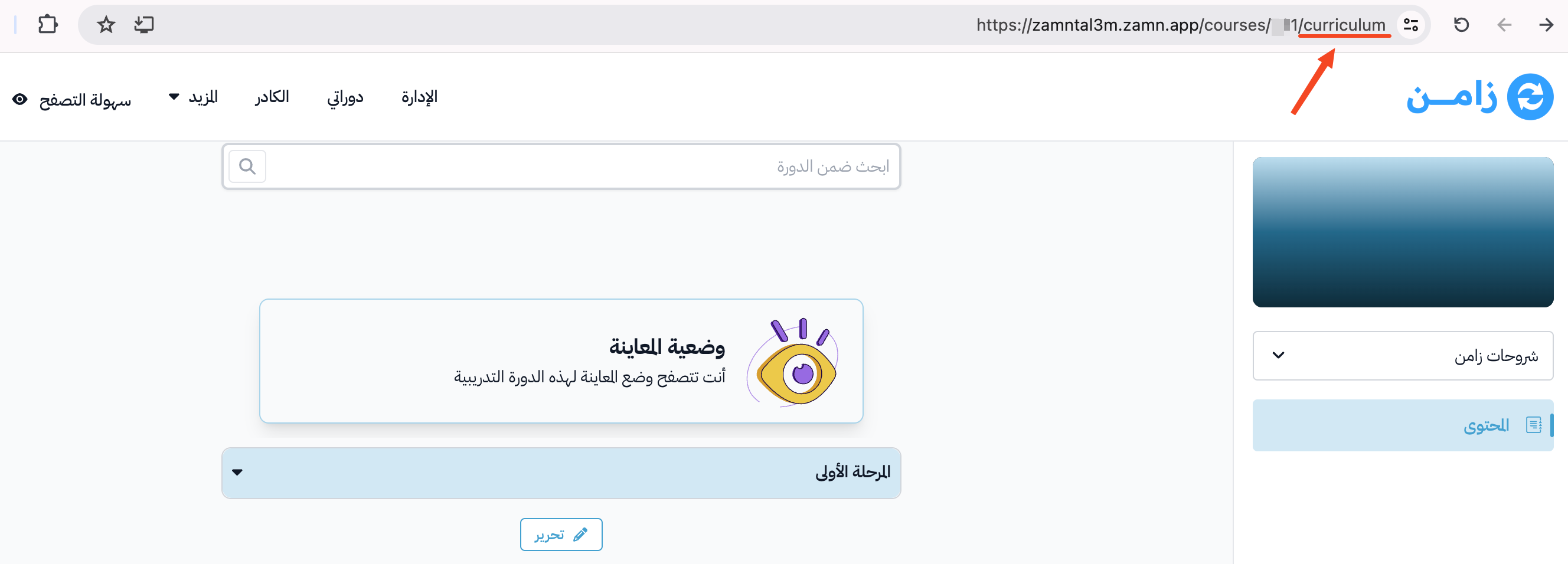
-
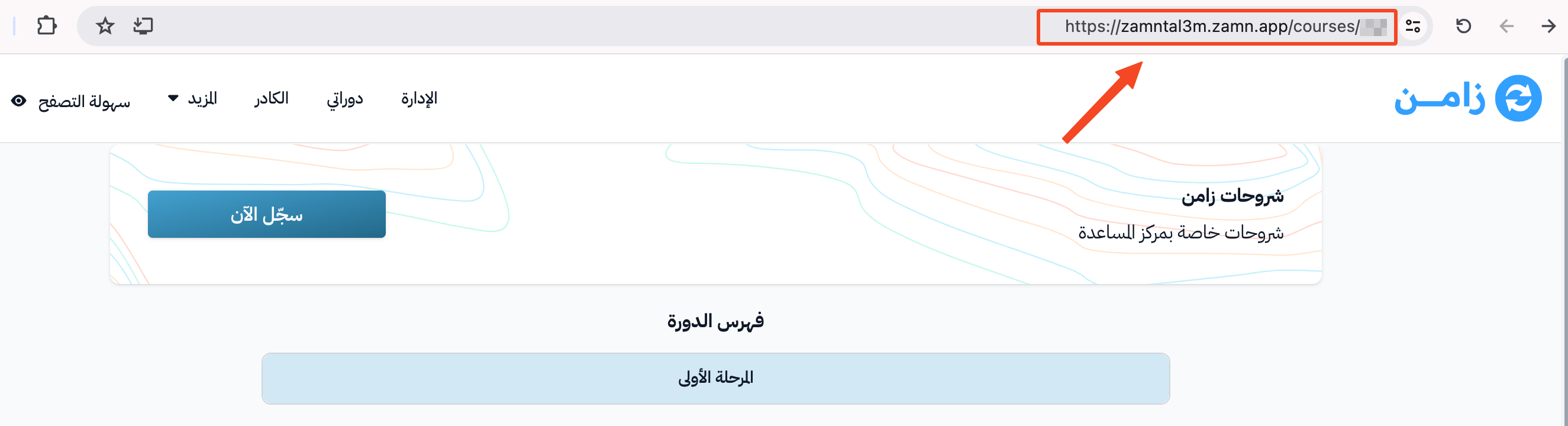
Copy the course link from the browser address bar, and share it.
tip
The course page has share buttons on the side of the page (email, WhatsApp, LinkedIn, X and copy link), and you can use them too. These buttons do not show if the platform admin turned on Hide social share buttons.