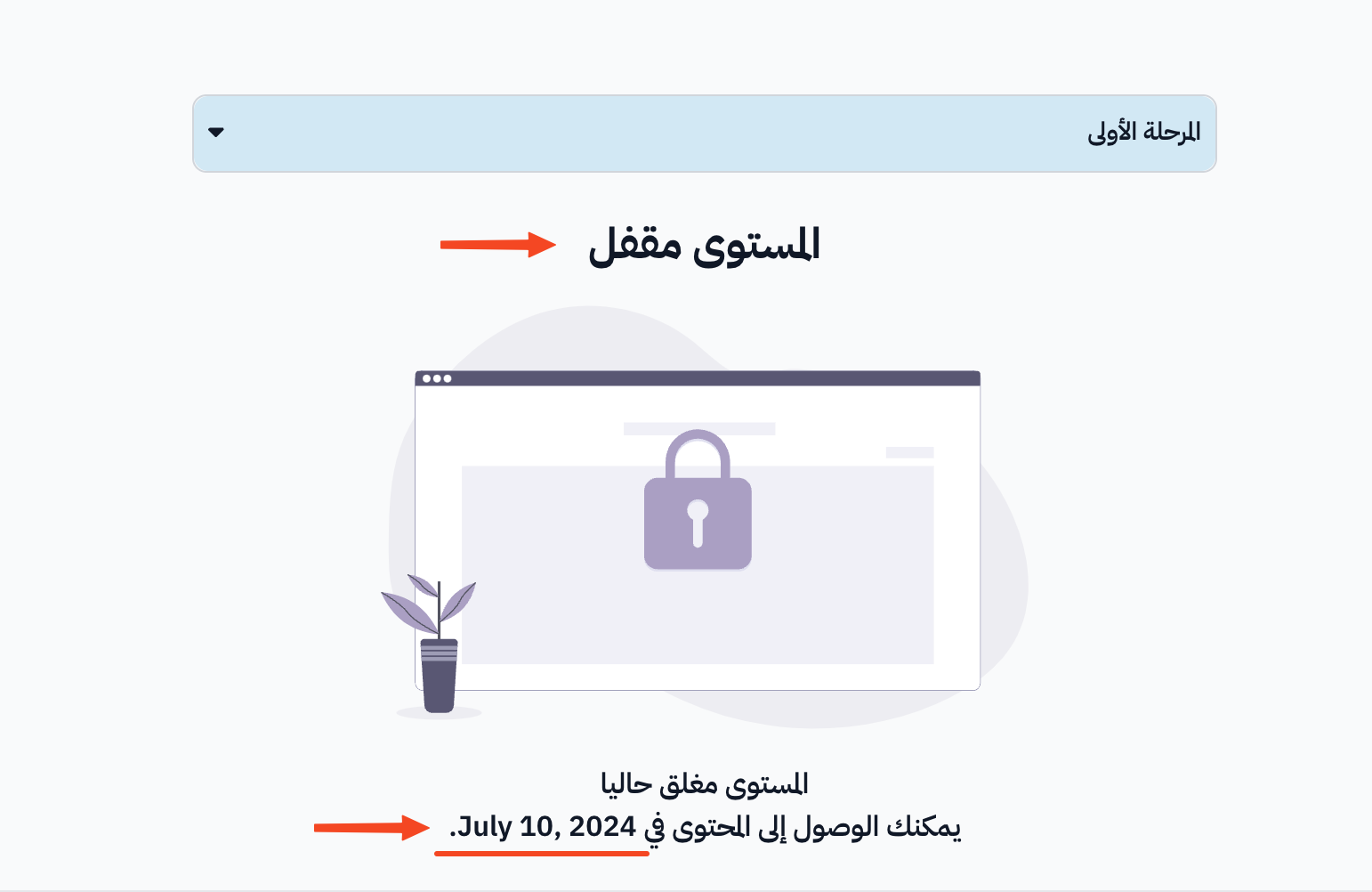
Set the unlock date of a section (level)
You can set a date when a section (level) of the course opens. The section stays locked for students until this date. This guide is for course authors.
Steps to set the unlock date of a section
-
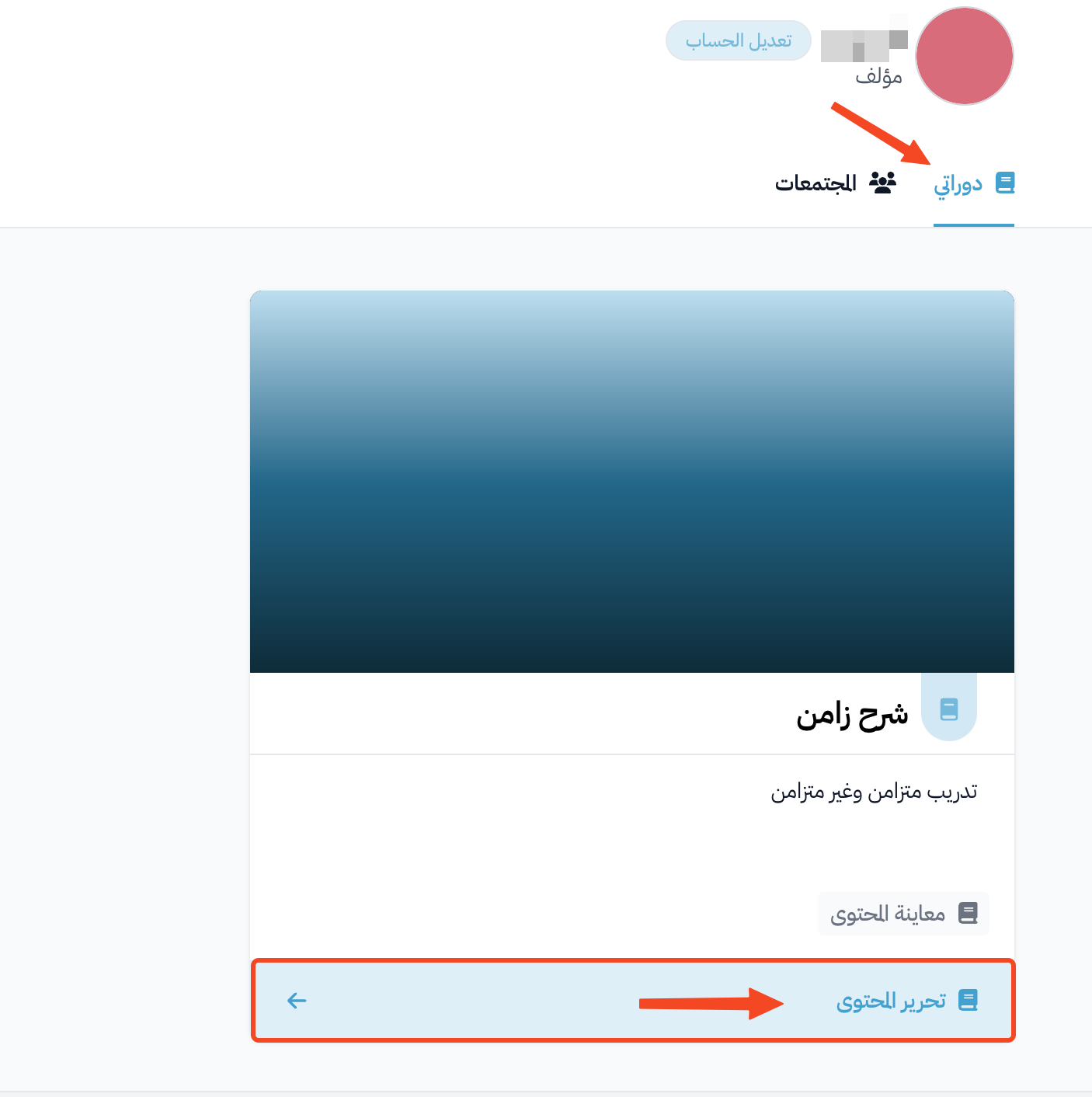
Click Dashboard at the top of the page. Then, under My Courses, click Edit Curriculum for the course whose sections you want to set an unlock date for.
-
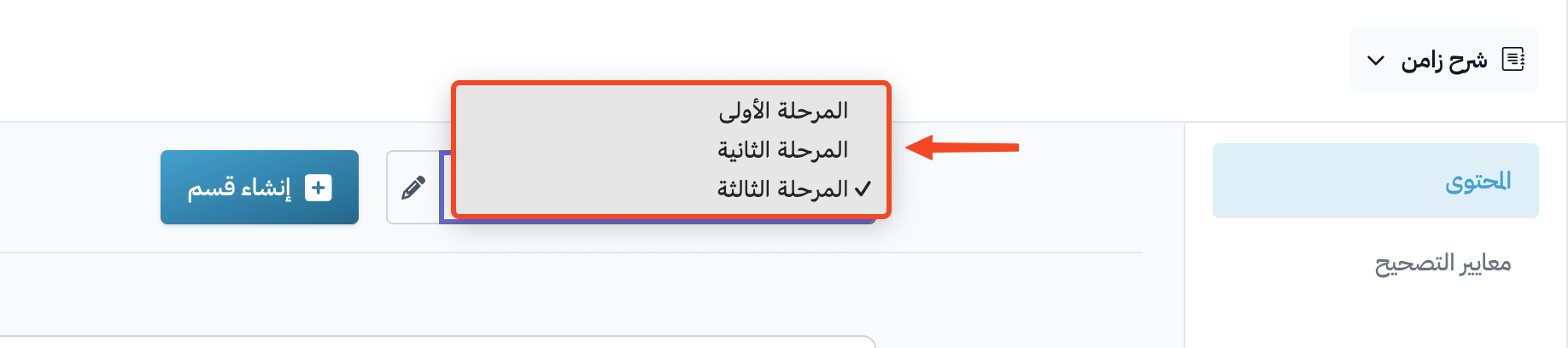
On the Curriculum page, choose the section you want to set the date for from the list.
-
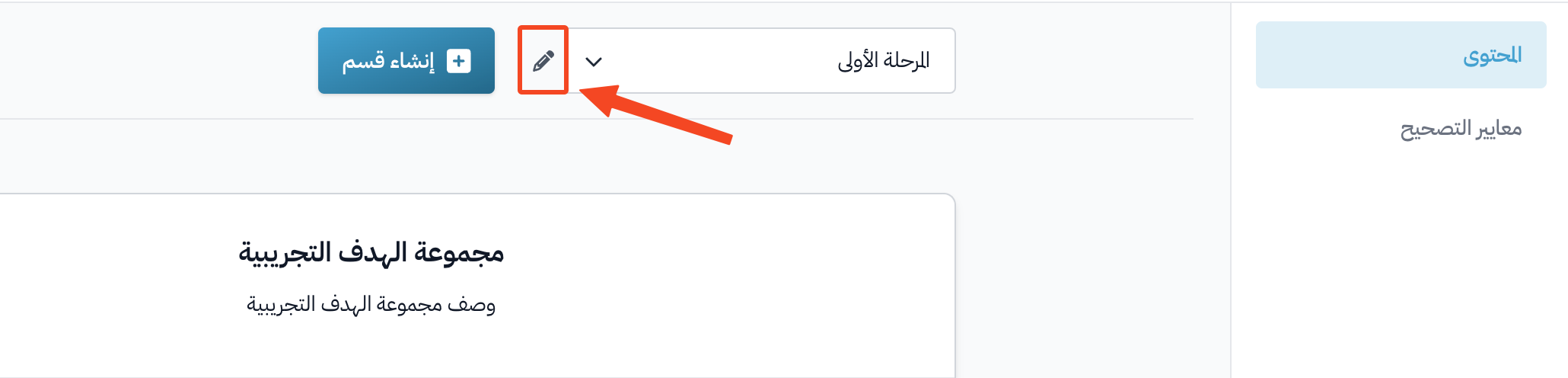
Click the pen button (Edit selected section) next to the list.
-
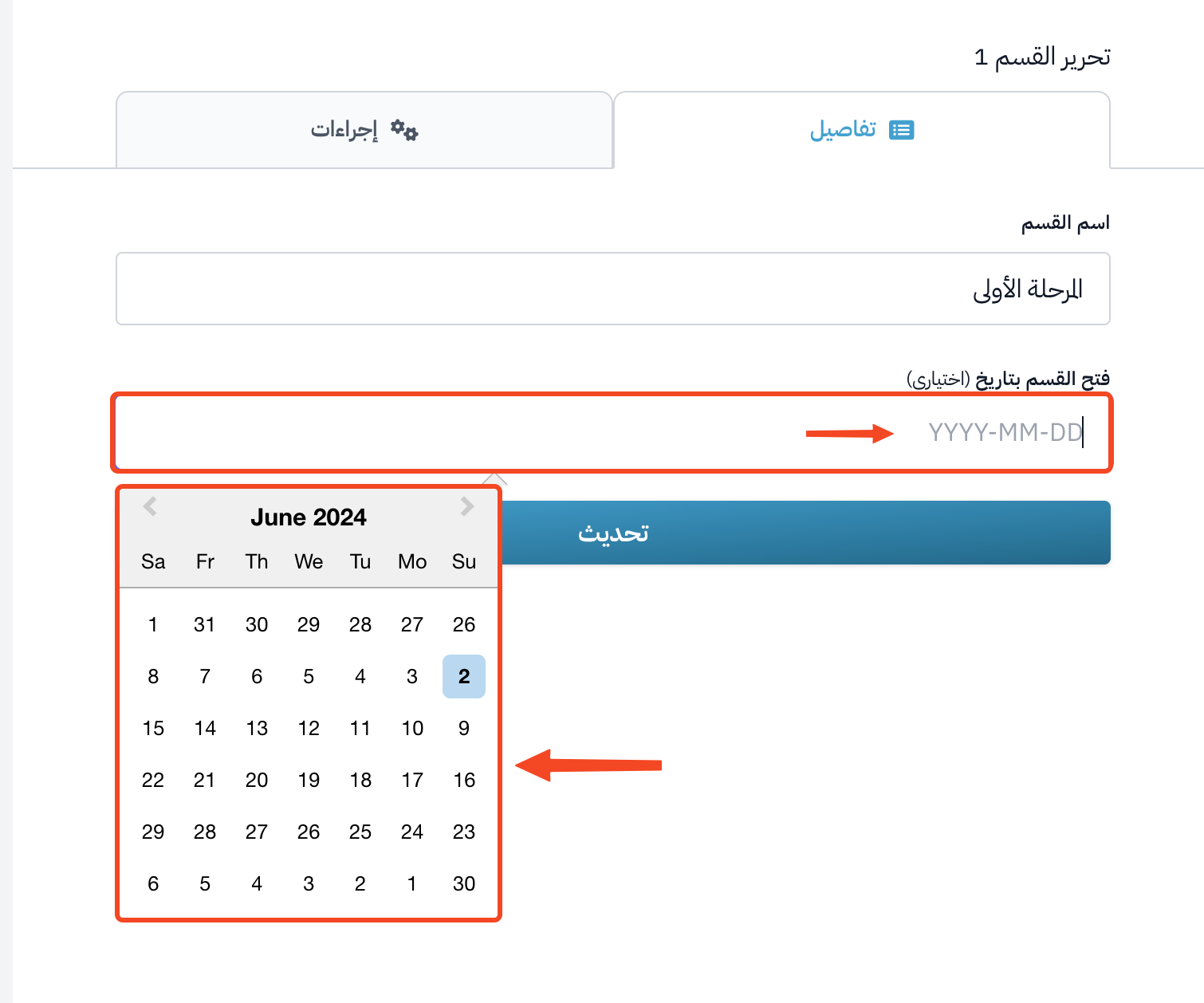
On the Details tab, click the Unlock section on field and pick the date from the calendar.
-
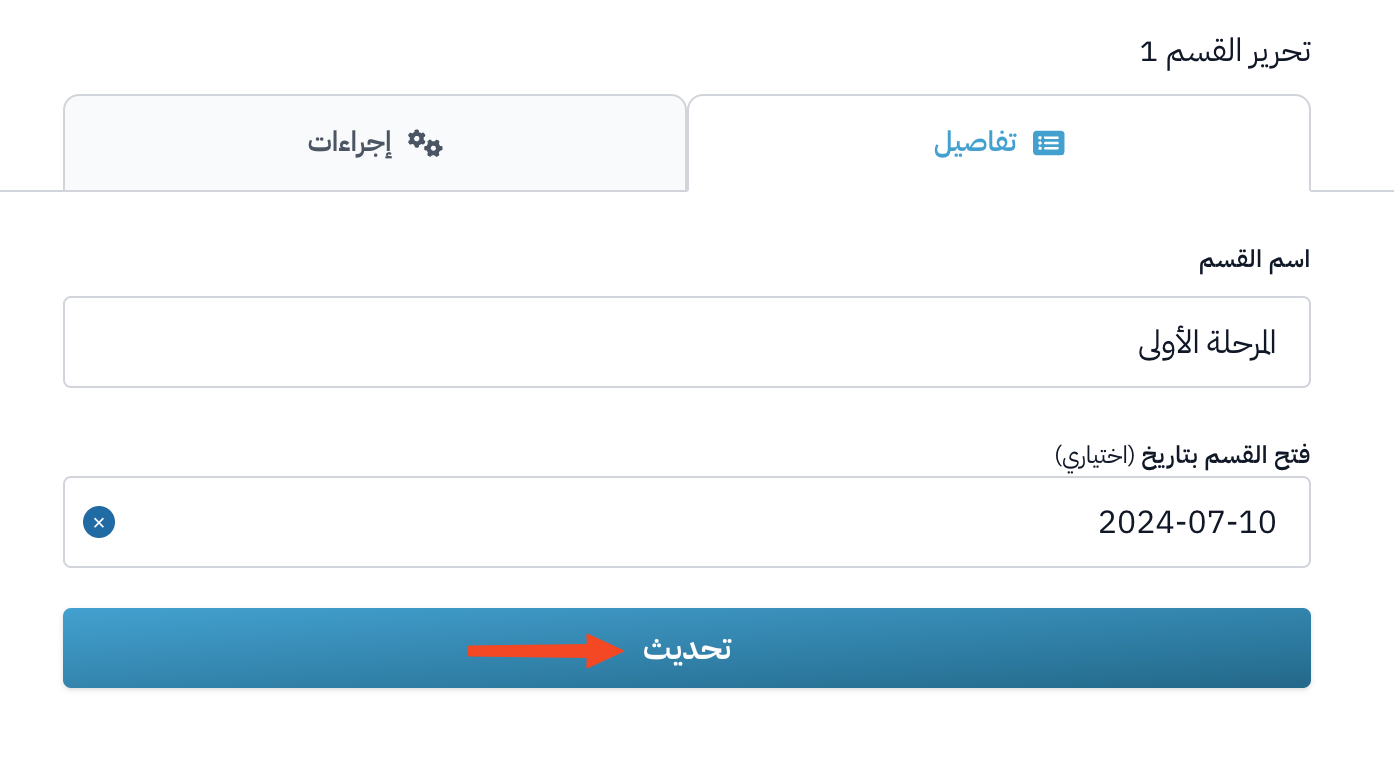
After you pick the date, click Update to save.
The student sees the section as locked, with its unlock date, so they know when they can open the content of this section.