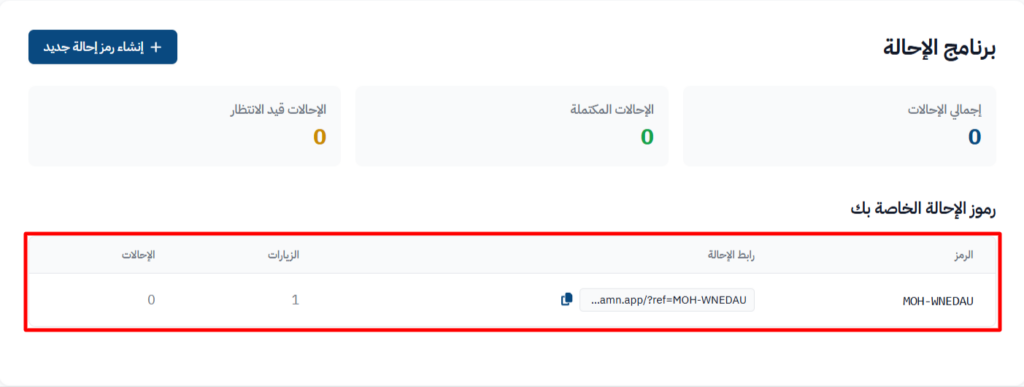
Use the referral system
The referral system lets marketers or partners promote the platform's courses and products, and track the visits and referrals linked to them. This helps reach more people and sell more.
The Create New Referral Code button shows only when the platform admins turn on the referral program. If the program is paused, you see a message about it, and you can only view your existing codes and referrals.
Steps to create a new referral code
-
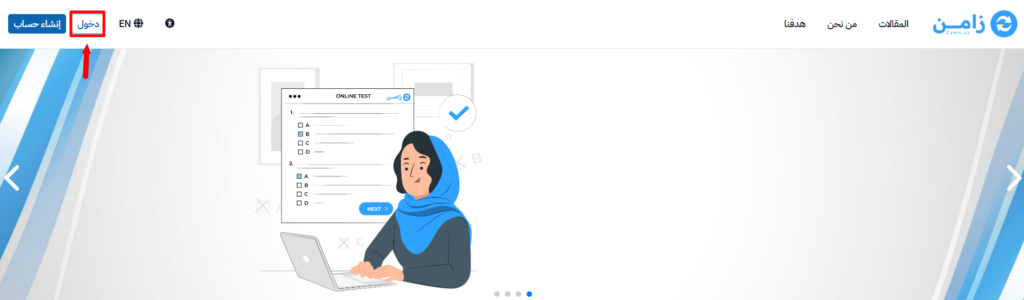
Click Login at the top of the page, and sign in to your account on the platform.
-
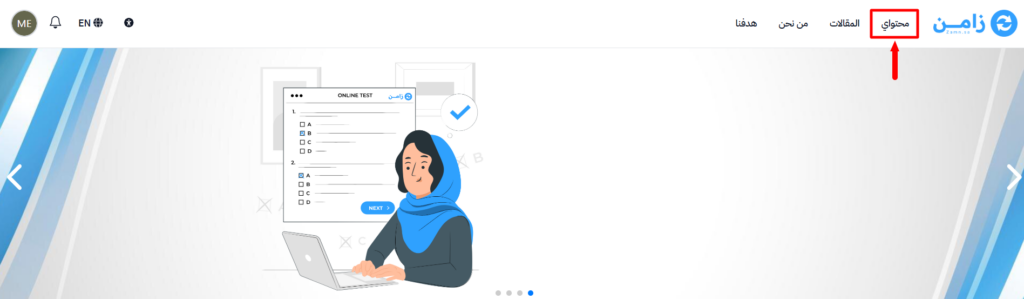
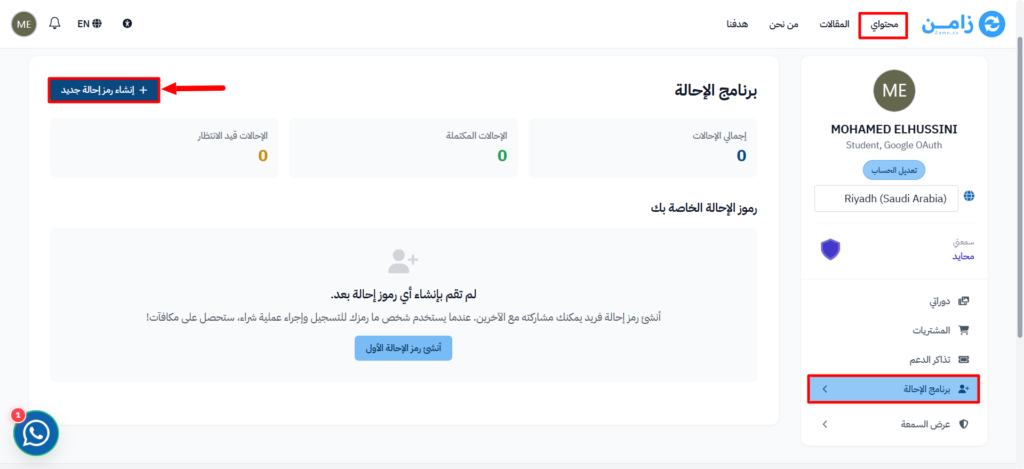
From the top menu, choose Dashboard.
-
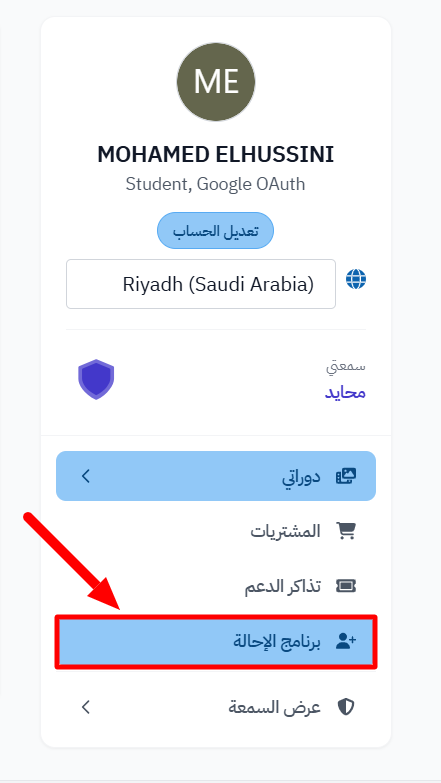
From the side menu, choose Referral Program to open the referrals dashboard.
-
On the Referral Program page, click Create New Referral Code to open the window that creates the code.
-
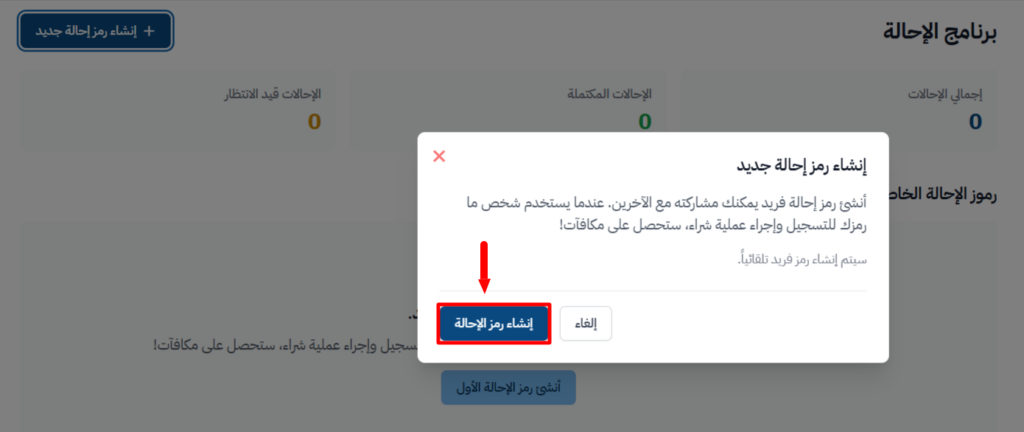
In the popup window, click Create Referral Code to confirm.
-
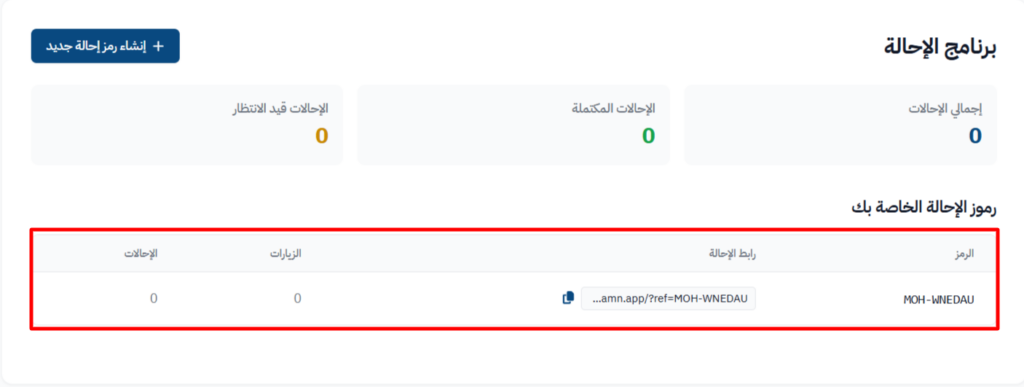
After it is created, your Code and Referral Link show under Your Referral Codes. Use them in your marketing campaigns to track visits and sales.
-
When people use your referral link, you see the number of Visits and Referrals that came from it.