How to send questions to your coach
You can send your questions to your course coach from the coaches page of the platform.
Steps to contact your coach
-
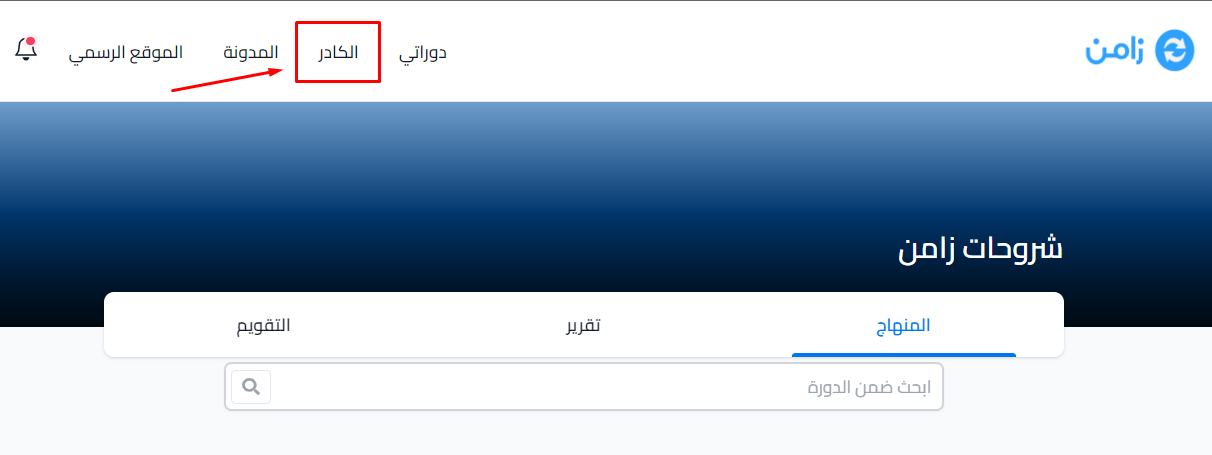
Click Coaches in the top menu.
-
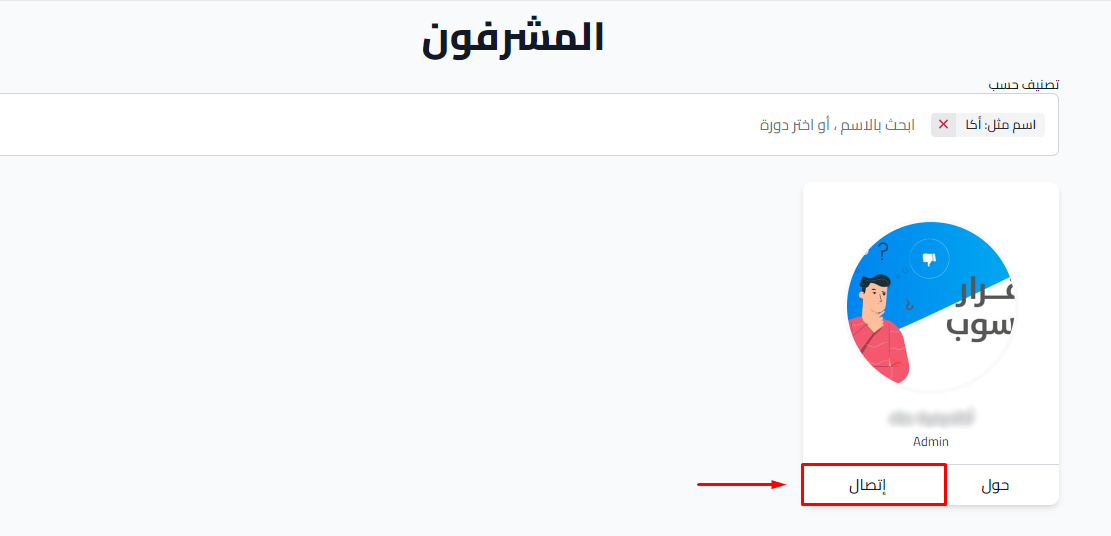
The Coaches page opens with the platform's coaches. To see only the coaches of your course, type the coach's name or choose your course in the Filter by field.
-
Click Connect on the coach's card. This opens the contact link that the coach added.
Note
The Connect button shows only if the coach added a contact link, your course allows students to contact coaches, and the coach teaches your course.