A guide to the main sections for students
A guide for students that explains the main parts of the training platform home page.
This information is for guidance only, and it is not related to any academic body.
Parts of the platform home page
Some platforms design their home page with the page builder, so you may see sections that are different from the ones below.
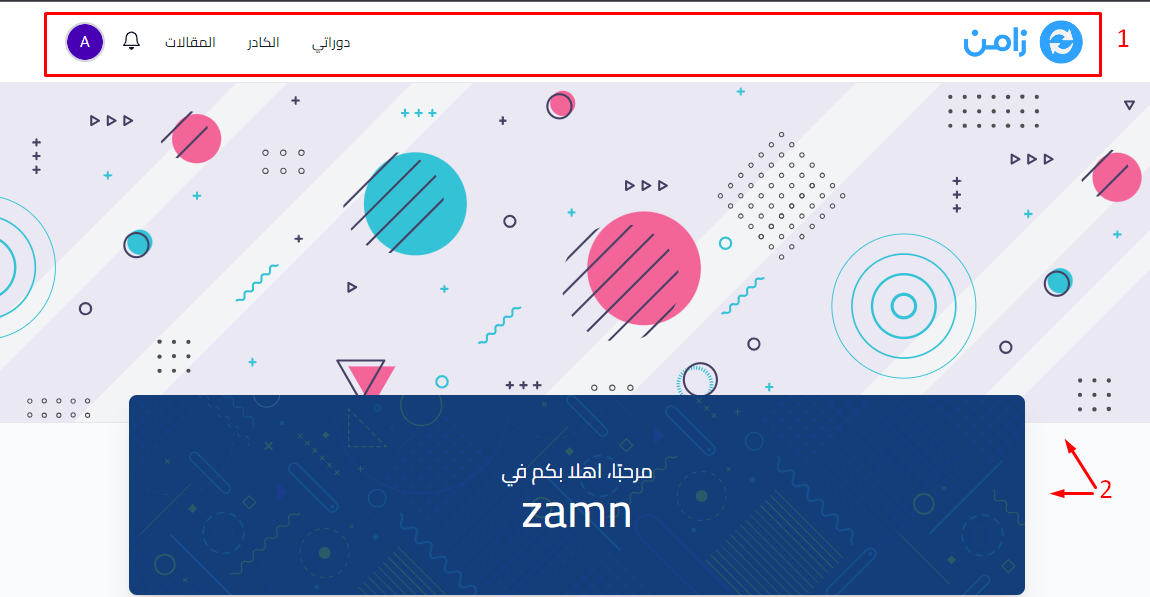
1. The top menu (header)
- The platform logo.
- Dashboard: to reach all the courses you enrolled in on the platform.
- Coaches: to contact the platform's coaches.
- Posts: the platform's blog.
- The notifications bell: shows alerts and notifications about the courses you joined.
- The profile icon: to edit your personal details (name, email, set a password, change the language, and more).
The top menu may have more items. This depends on what each platform adds.
2. The platform name and cover image
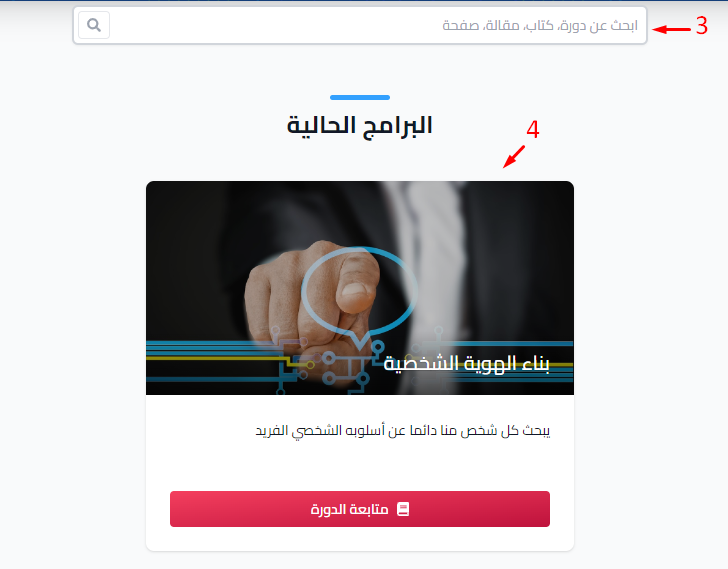
3. The search box
Use the search box to find any of the platform's resources, such as courses, books, posts and pages.
4. Active Programs
A tab that shows the training courses the platform shows on its home page.
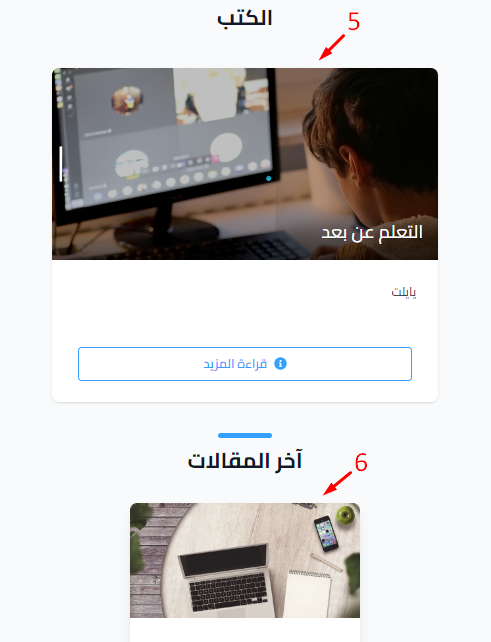
5. Books
A tab next to Active Programs that shows the books published on the platform. You may also see the Consultations and Diplomas tabs if the platform offers them.
6. Latest Blog Posts
A section that shows the newest posts published on the platform.
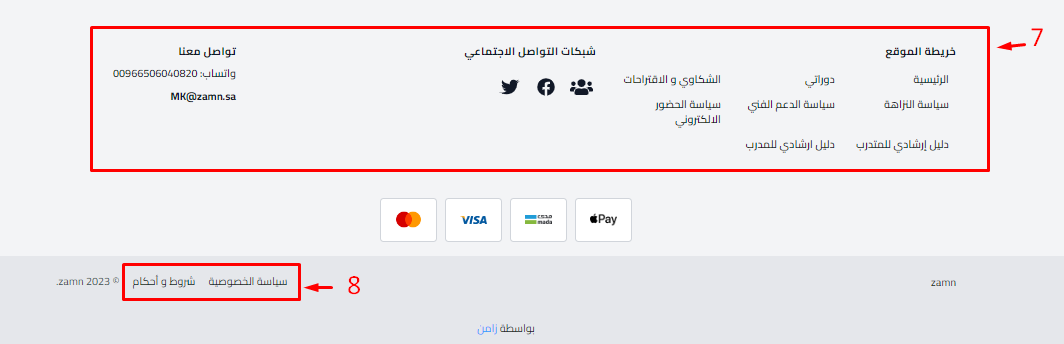
7. The footer
- Sitemap: helps you go to the platform's resources and pages.
- Social: the platform's social media accounts.
- Contact: contact details for technical support, complaints and more.
The footer may be different. This depends on what each platform adds.
8. Privacy Policy and Terms & Conditions
Links at the bottom of the page to read the platform's privacy policy and terms and conditions.