Work with the content and complete targets in a program
This article shows you, as a student, how to study the course content and how to complete each target, based on the completion method your coach chose.
How to work with the content
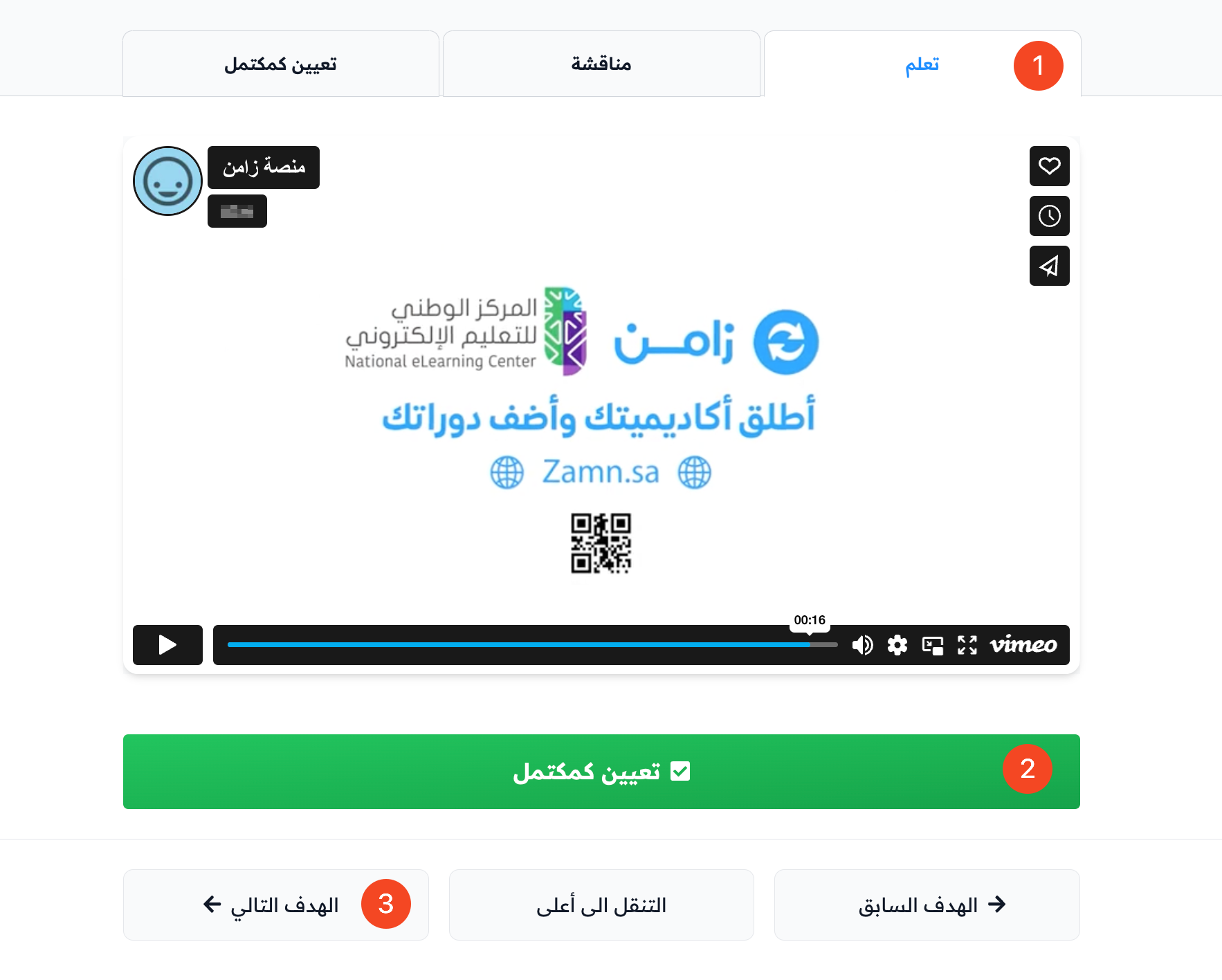
- Study the content of the target (text, file, video, live session, audio recording, and so on).
- Complete the target when you finish studying the content.
- Go to the next target.
Study the course content
-
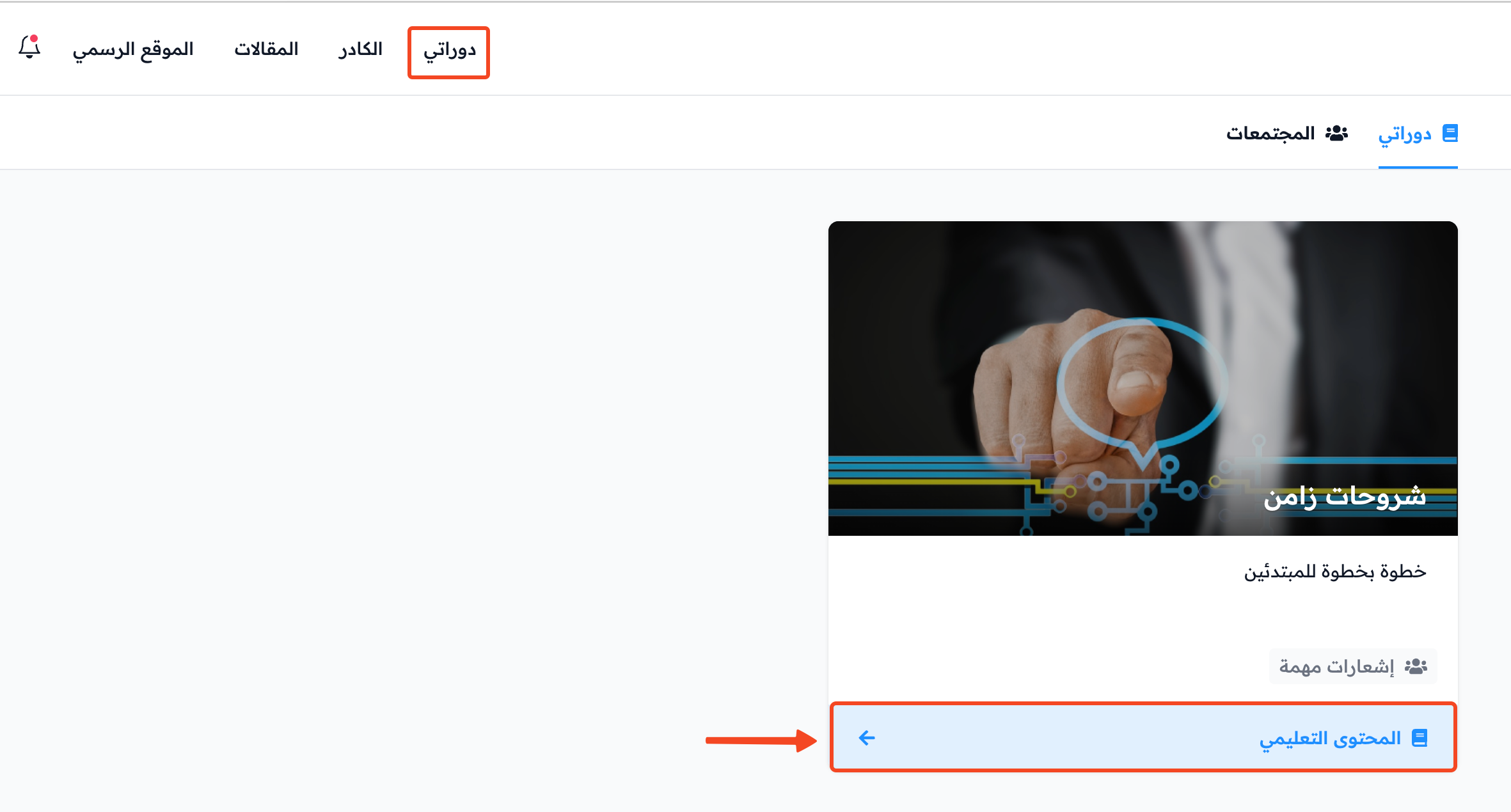
Click Dashboard in the top menu, then click View Course on the course card in the My Courses tab.
-
On the content page, click a target to start.
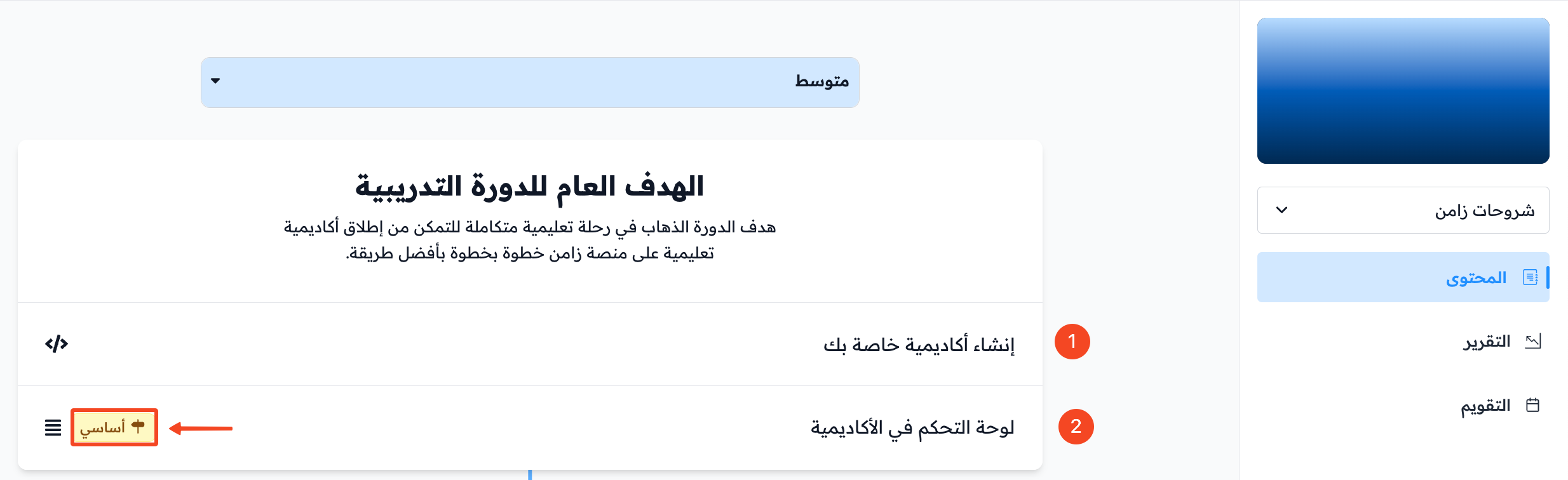
There are two types of targets:
- Non-milestone target: it does not affect your progress. You can finish the course without completing it.
- Milestone target: it has the Milestone label next to it. It affects your progress, and you cannot finish the course until you complete all milestone targets.
Ways to complete a target after you study it
- Mark as complete.
- Visit a link.
- Self-evaluation (with feedback).
- Advanced test.
- Survey.
The next sections explain each one.
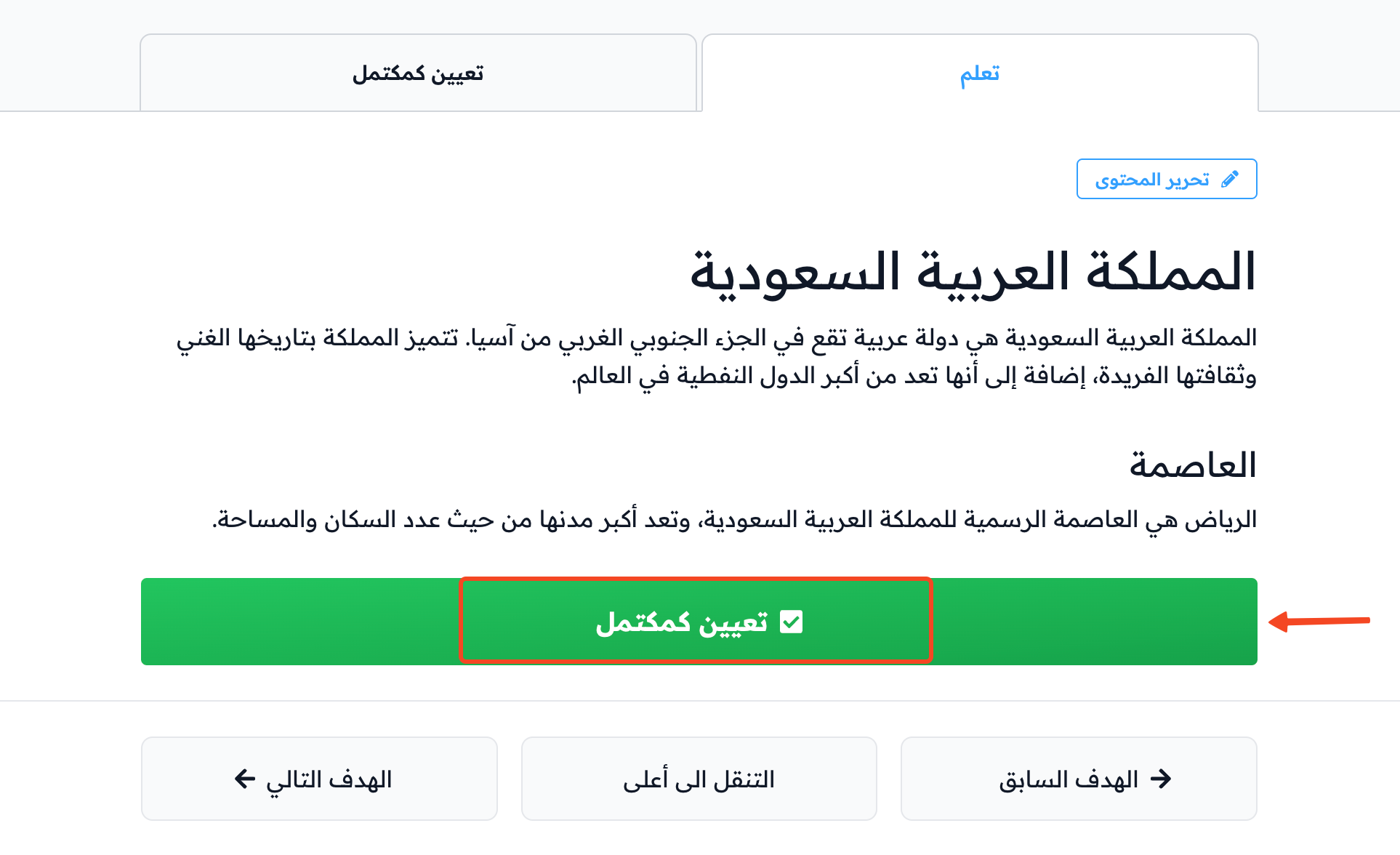
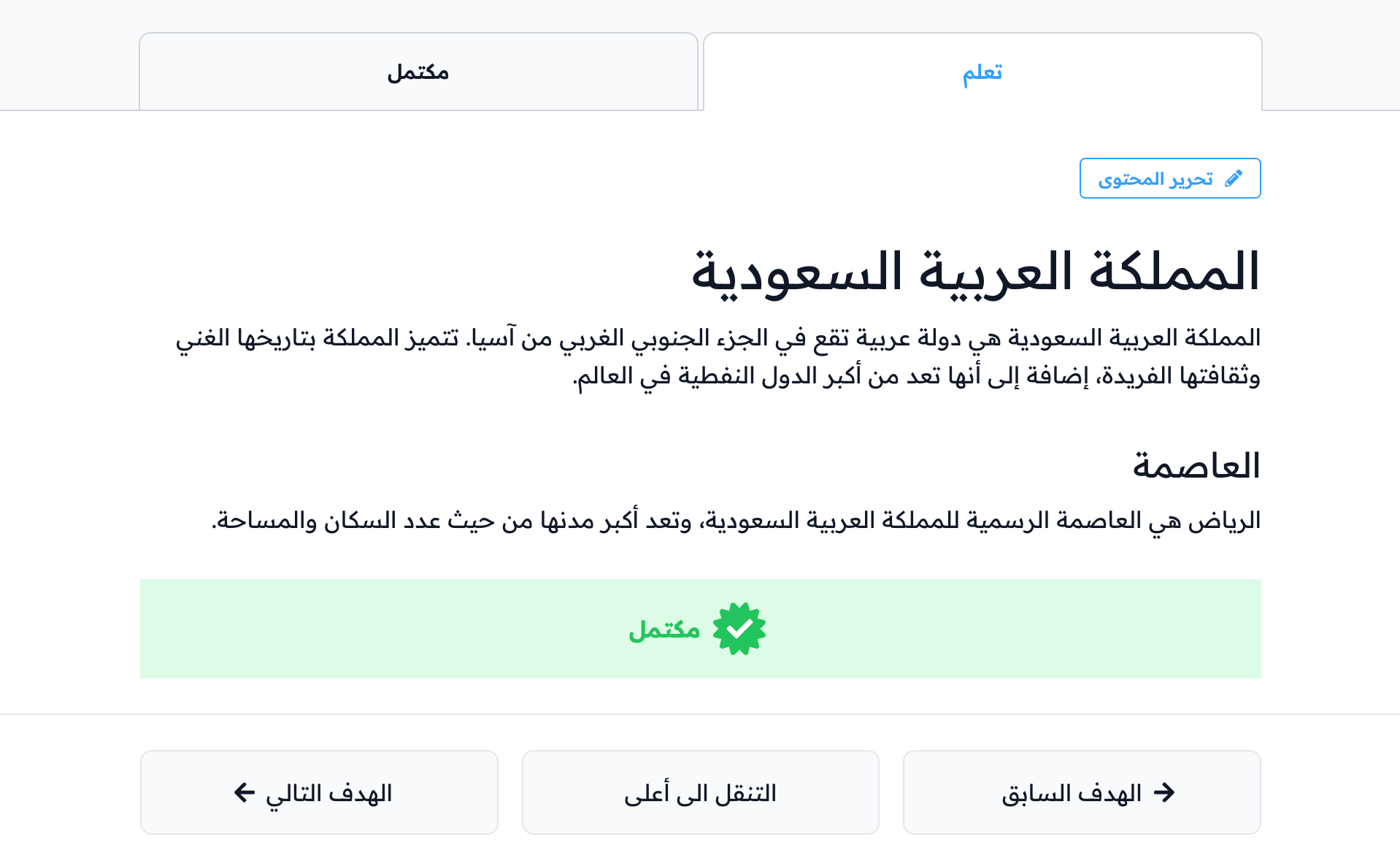
Mark as complete
Click Mark As Complete to mark the target as complete.
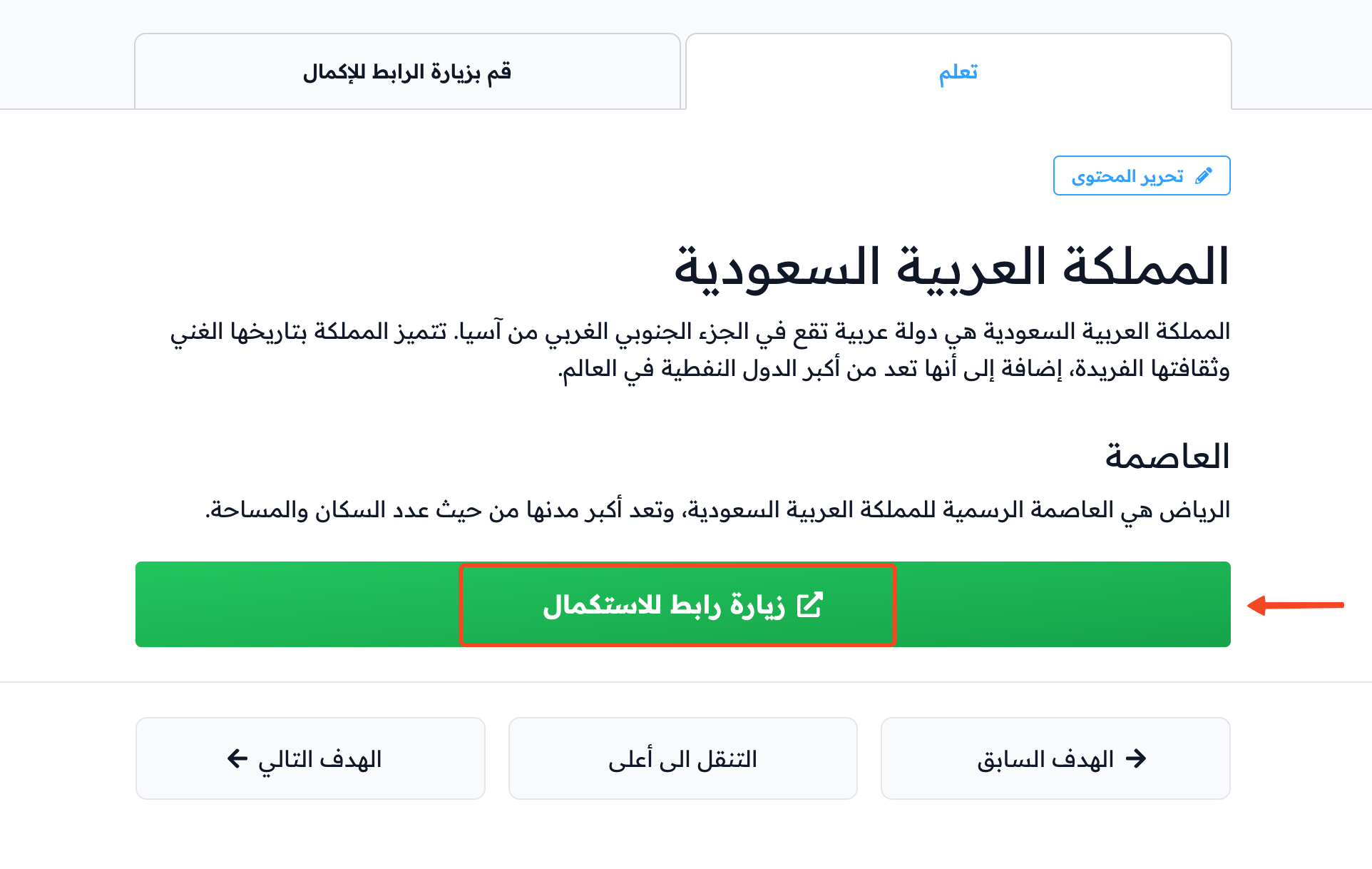
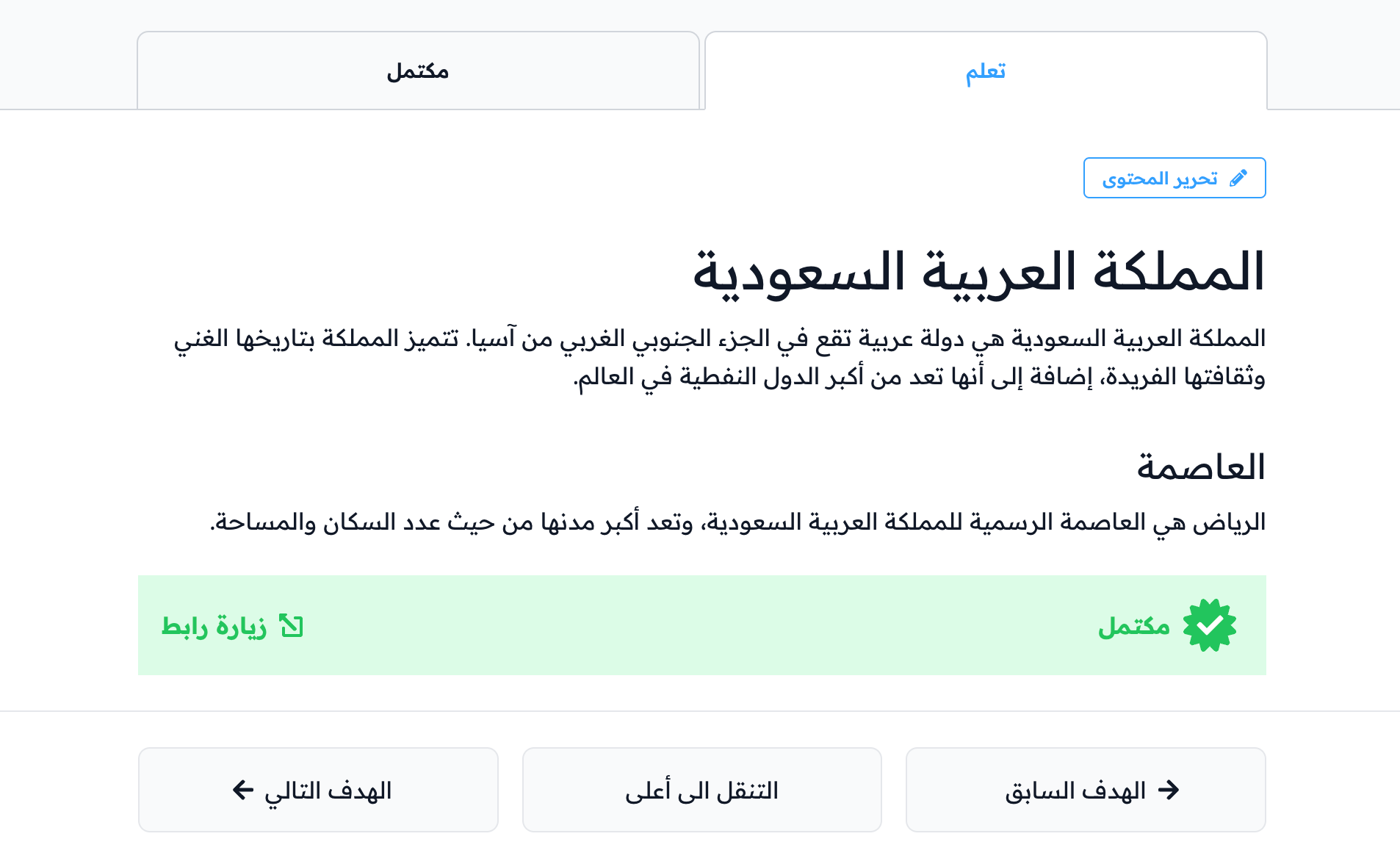
Visit a link
Click Visit Link To Complete to mark the target as complete.
Self-evaluation (with feedback)
-
In the Take Quiz tab, answer all the self-evaluation questions.
-
Click Submit to mark the target as complete.
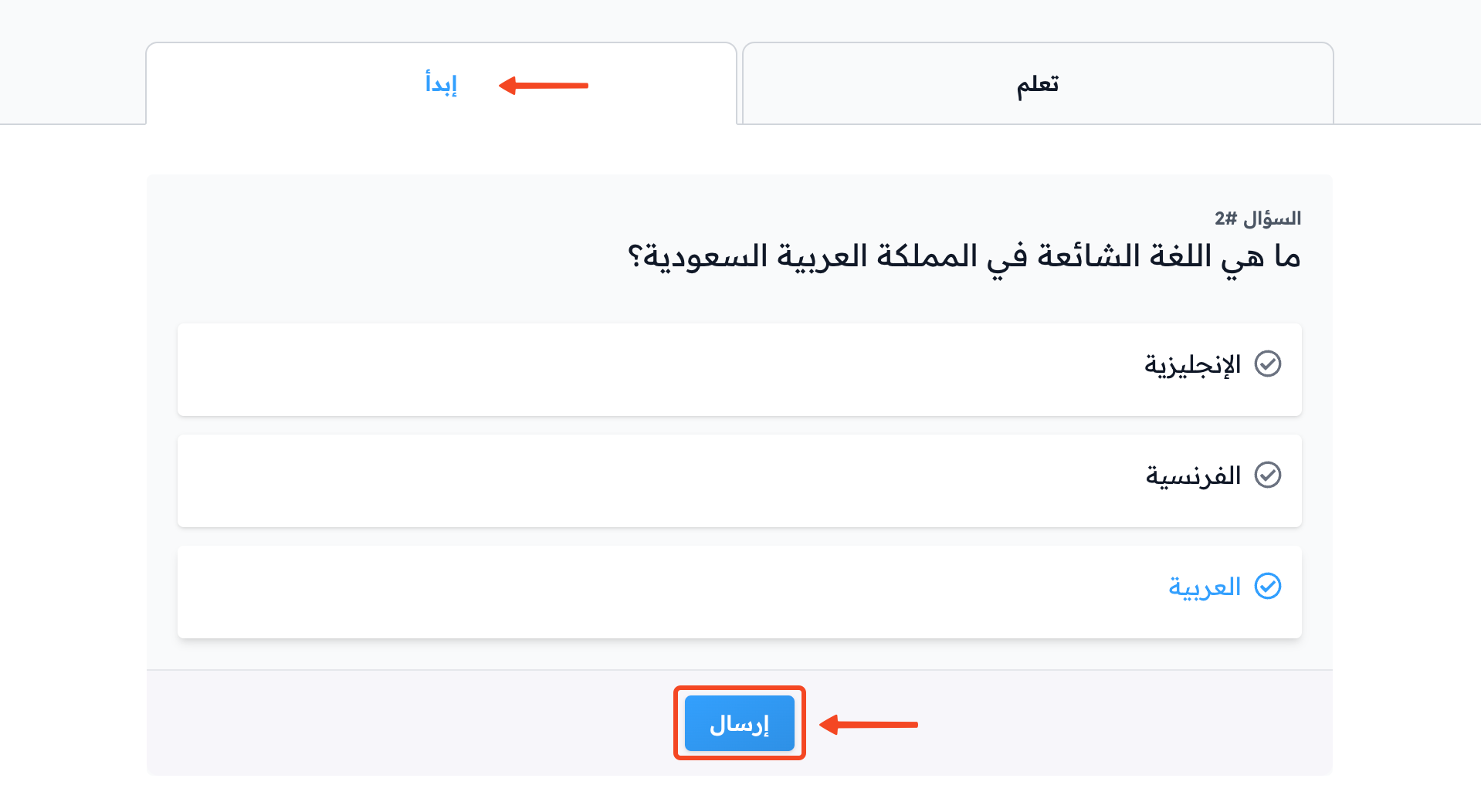
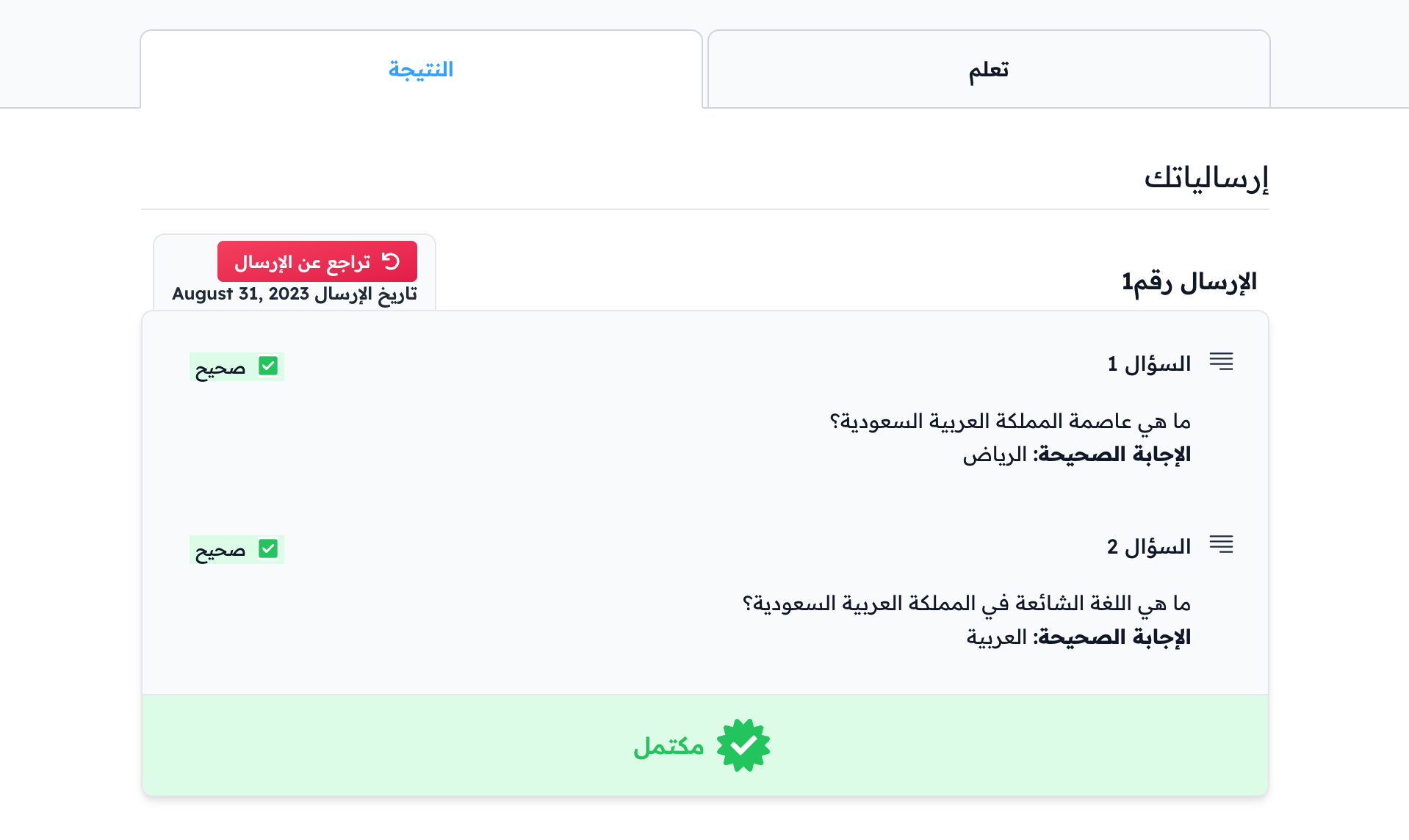
If your coach set a pass mark, you see the percentage you need above the questions. The target is not complete until you reach it, and you can take the self-evaluation again if you do not.
Advanced test
-
In the Complete tab of the target, answer all the test questions.
-
Click Submit.
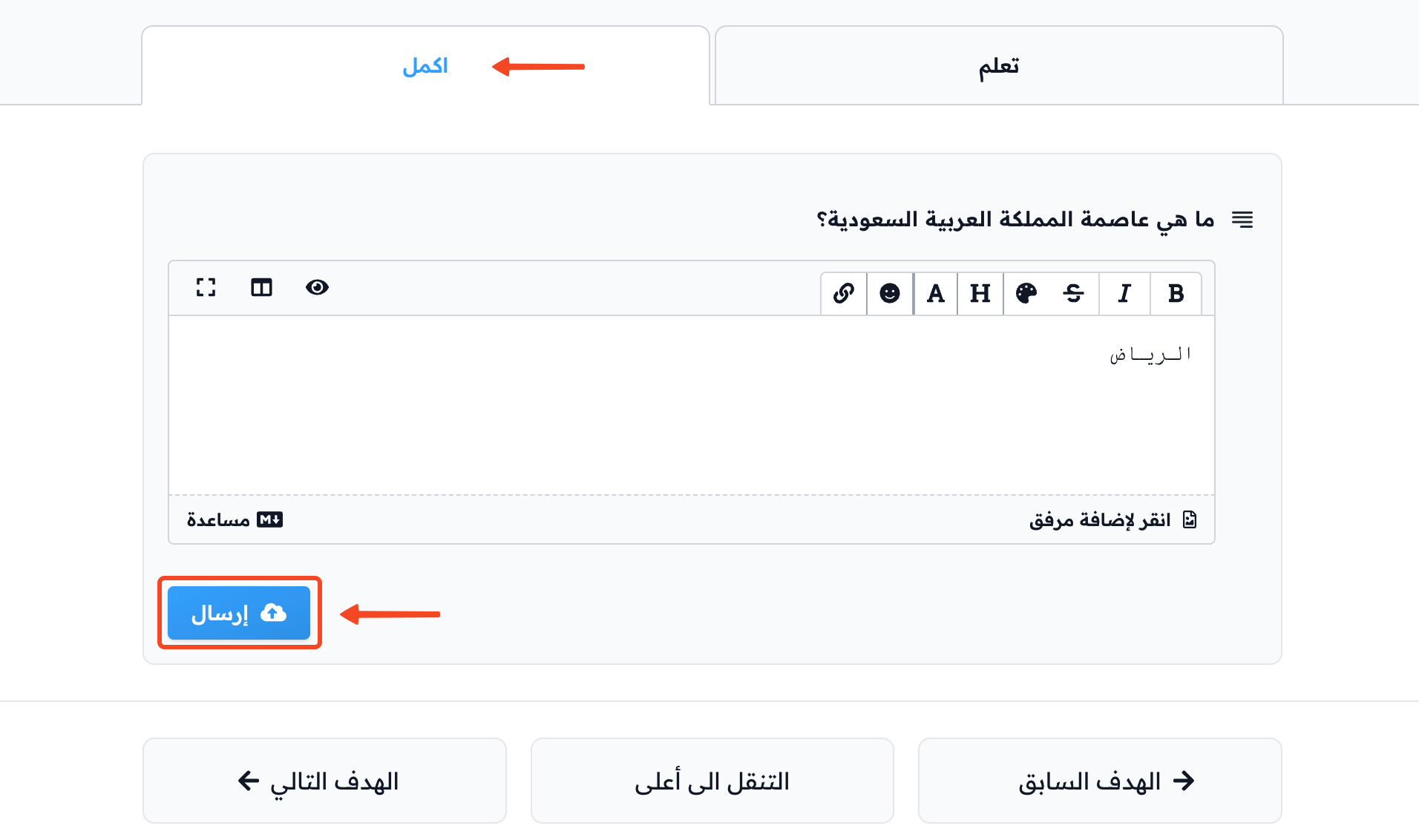
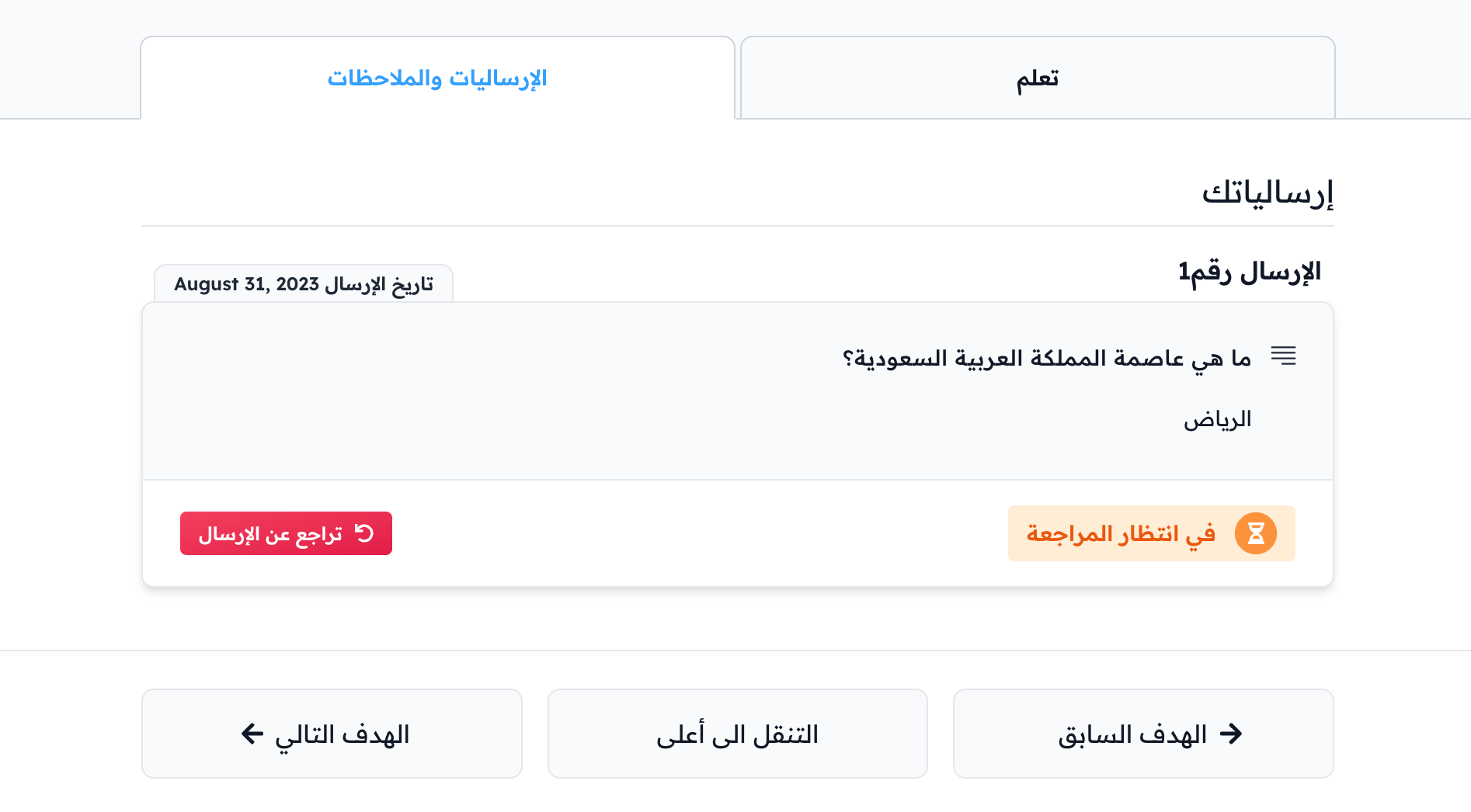
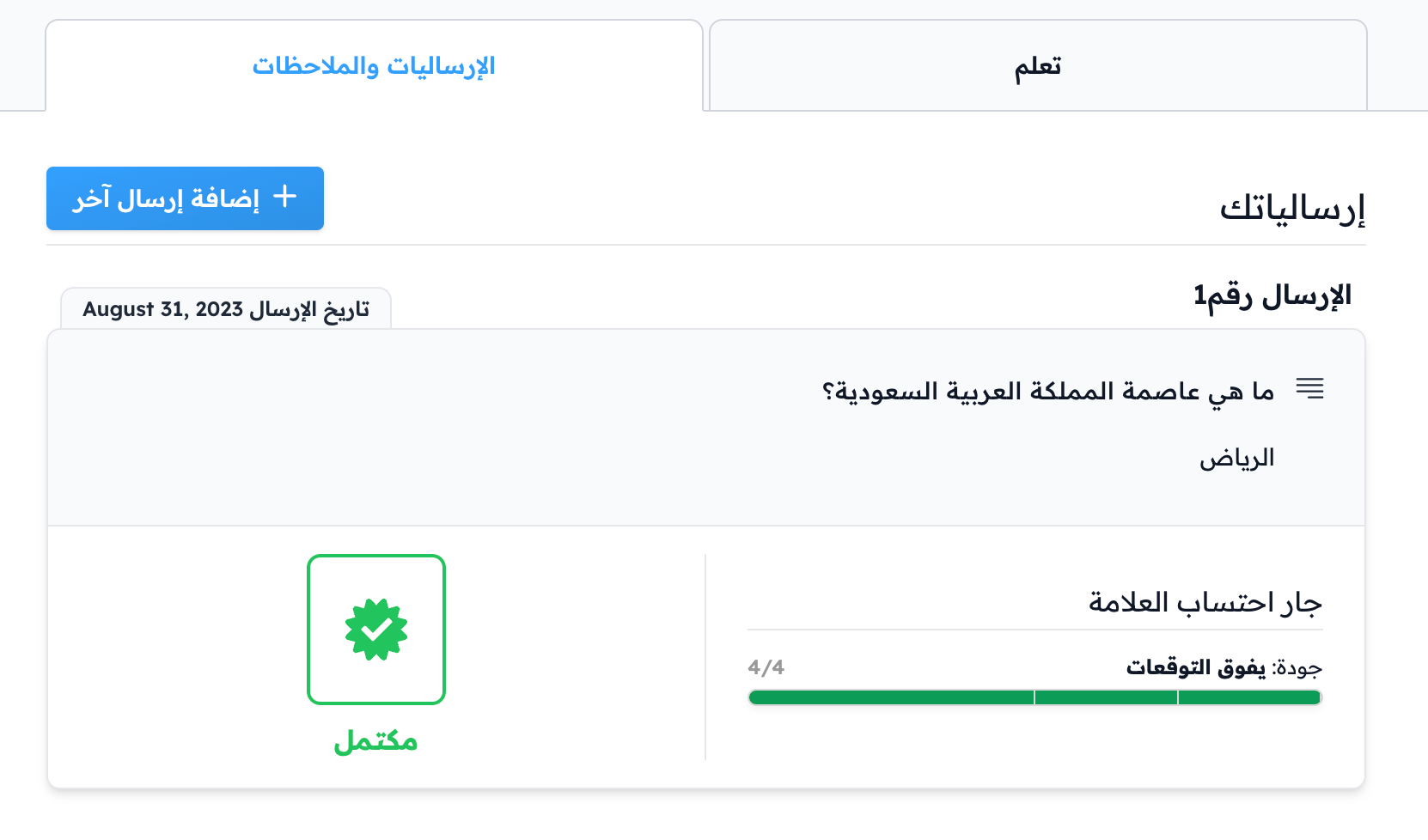
The target shows Pending Review until the coach reviews your submission. Then it is marked as complete.
Survey
-
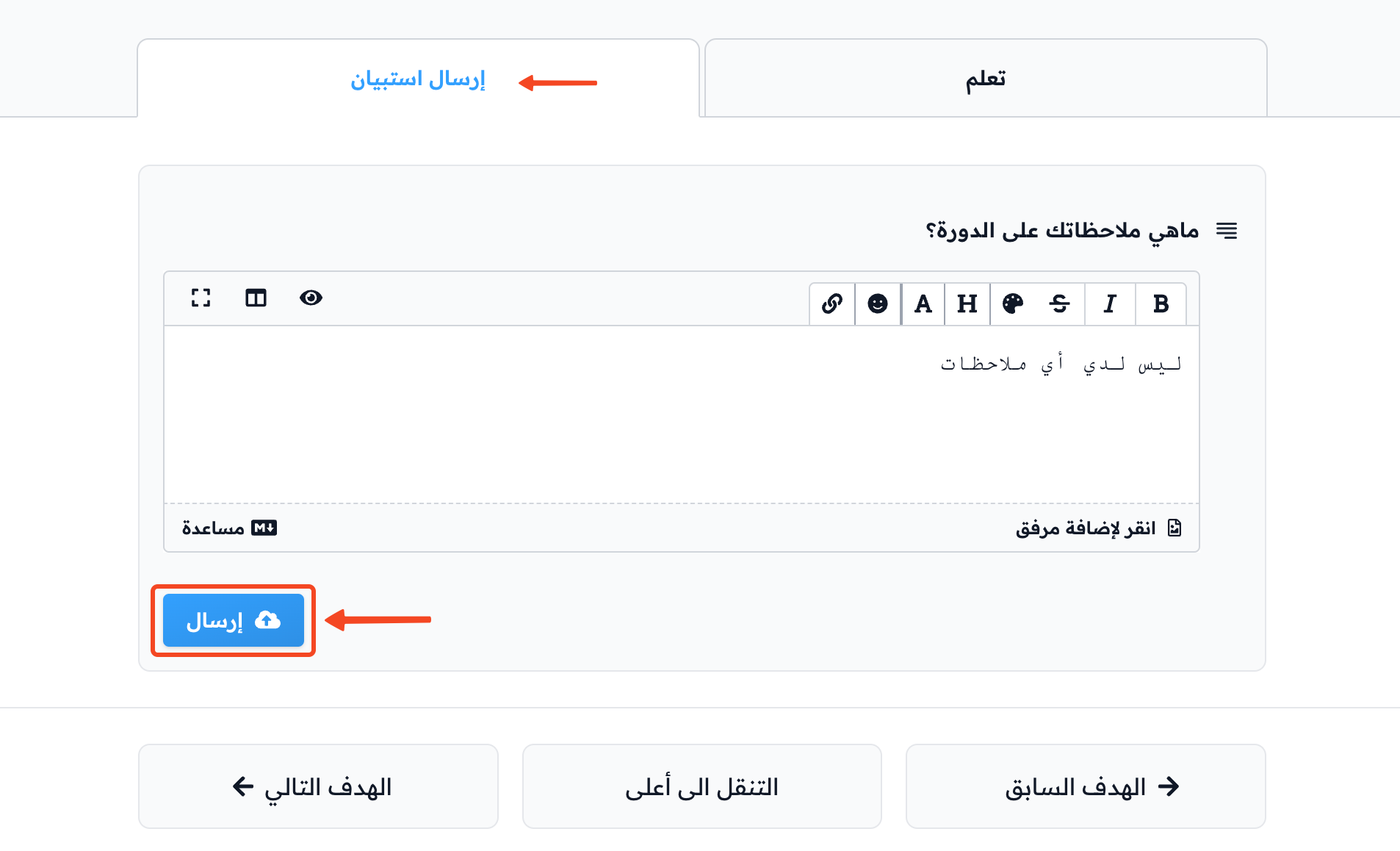
Open the Submit Form tab.
-
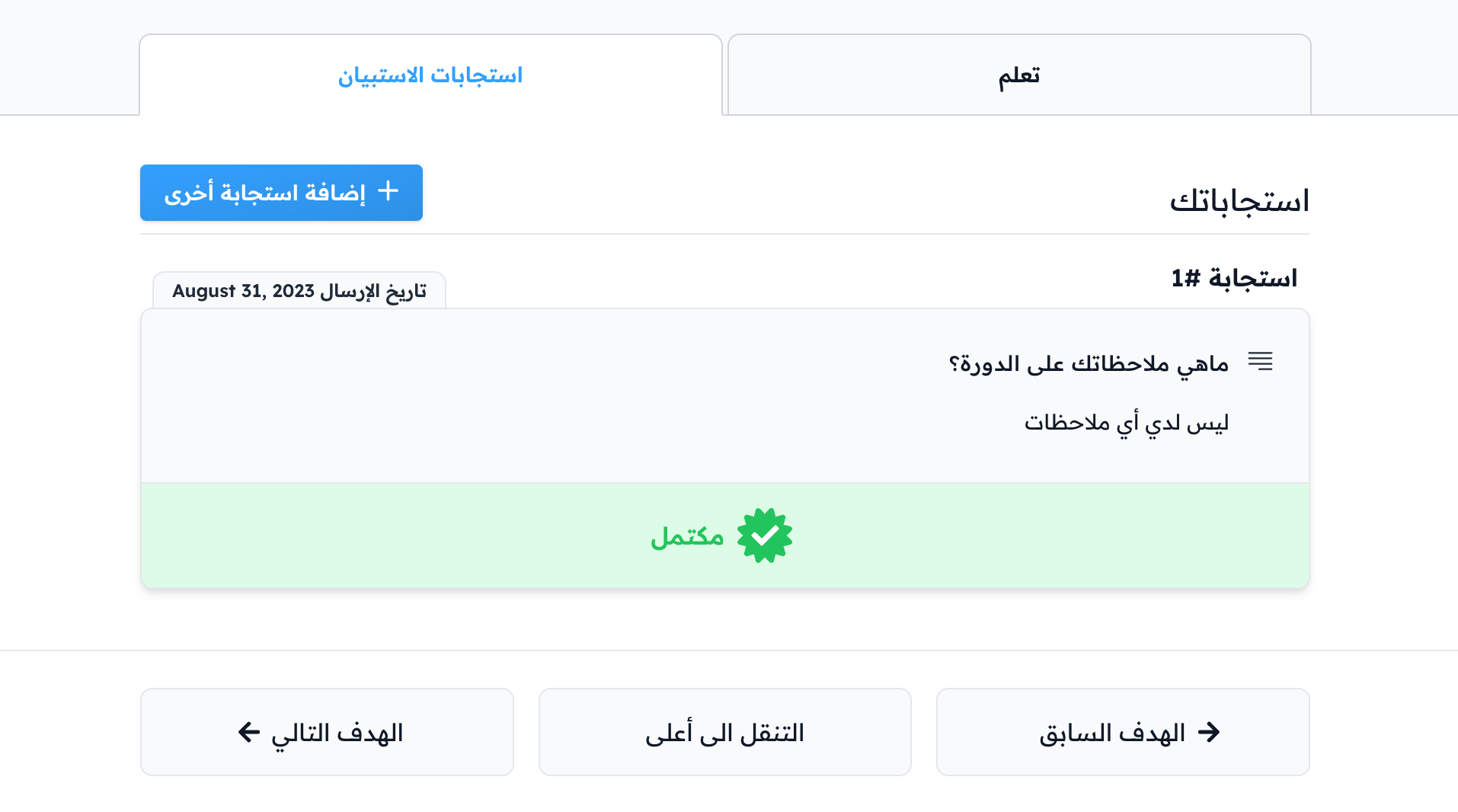
Answer the questions and click Submit to mark the target as complete.
Finish the course
When you complete all milestone targets in the course, the course is marked as complete. You can then rate the course and share your opinion about it.