Sign in to the platform with WhatsApp
You can sign in to your account on the platform with your WhatsApp number. You get a verification code on WhatsApp and use it to sign in.
How to sign in with WhatsApp
Your WhatsApp number must be added to your account before you can sign in with it. You can add it when you sign up on the platform or by adding the number to your account details.
-
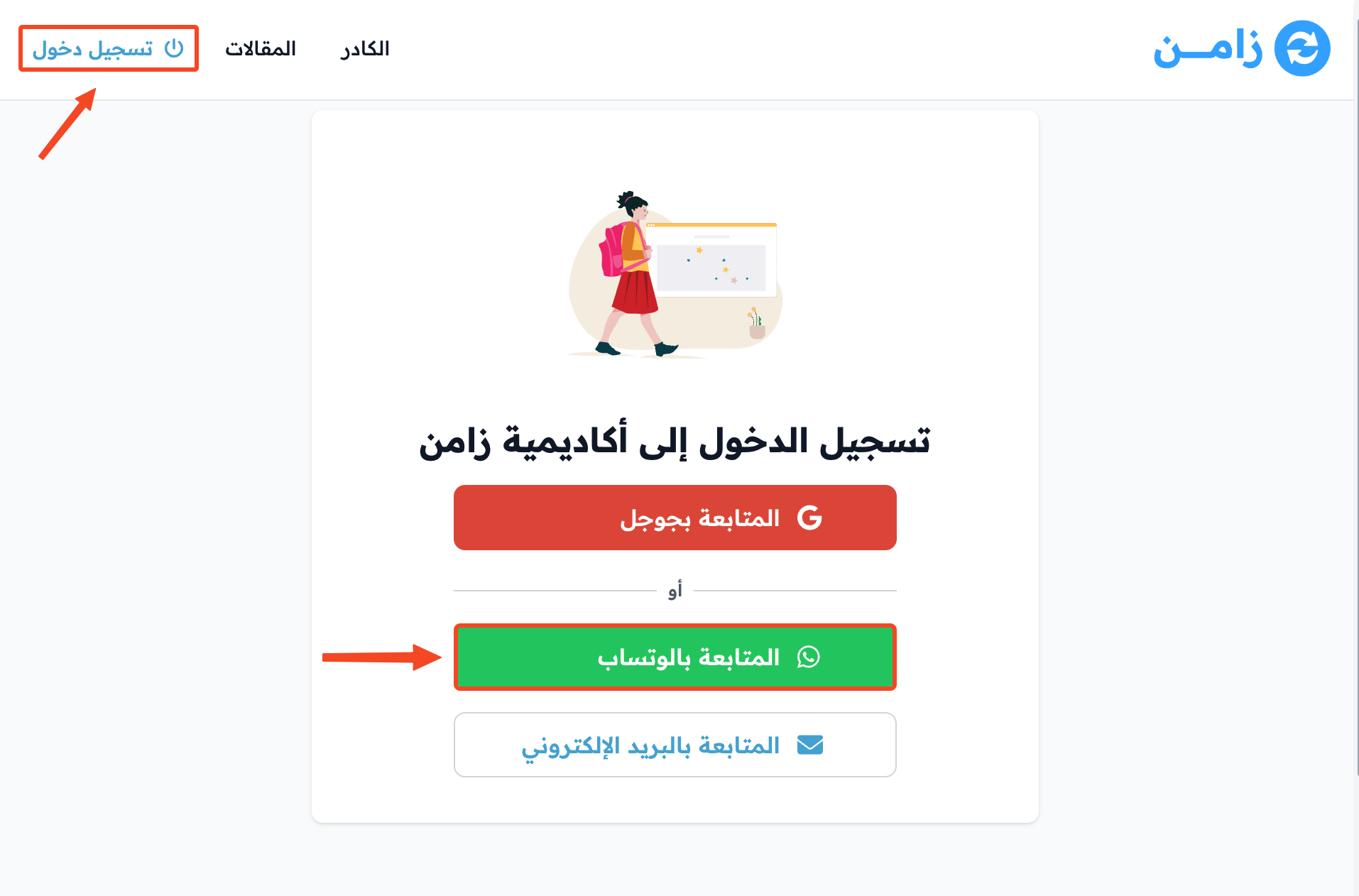
Click Sign In, then click Continue with WhatsApp.
-
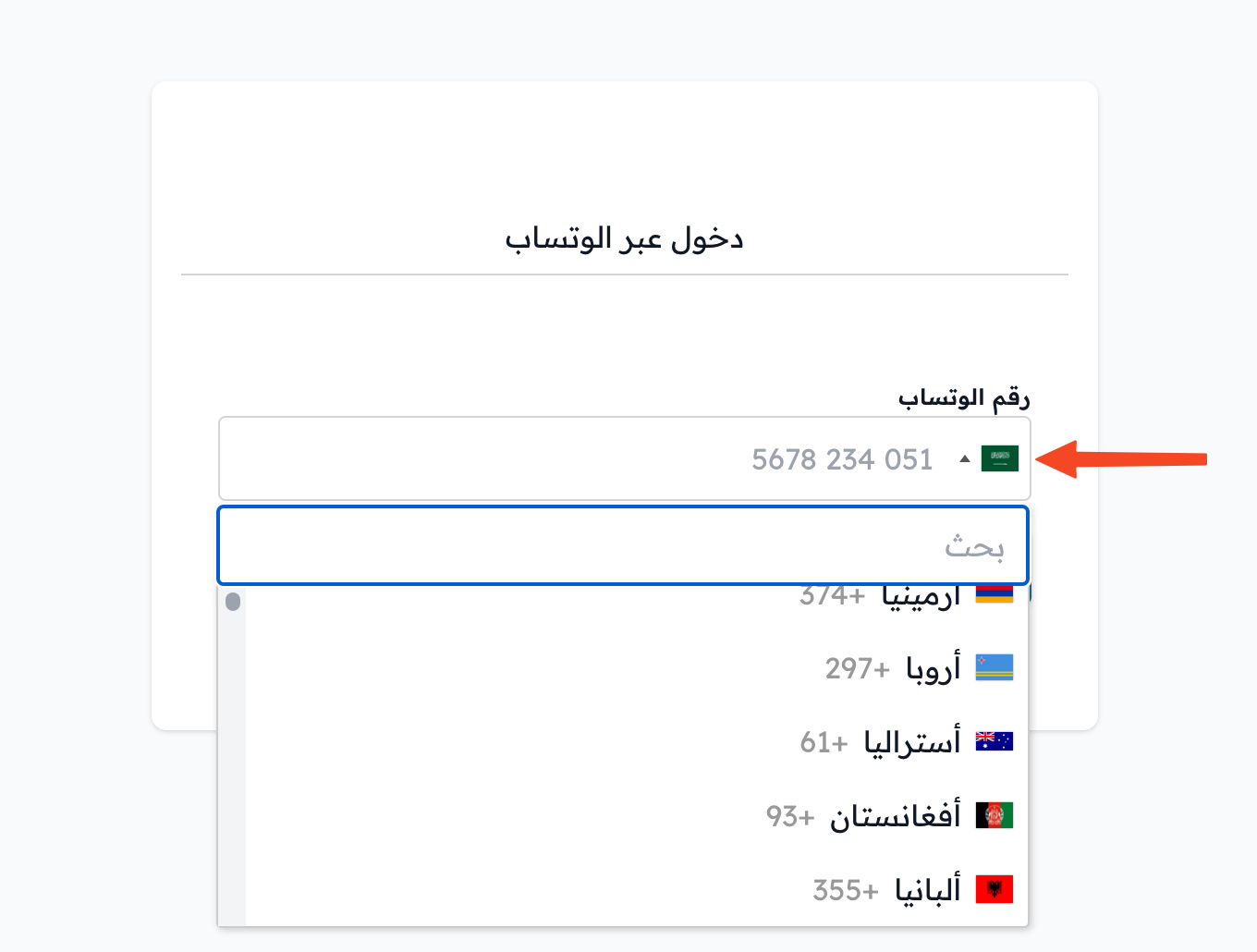
Choose your country code from the drop-down list.
-
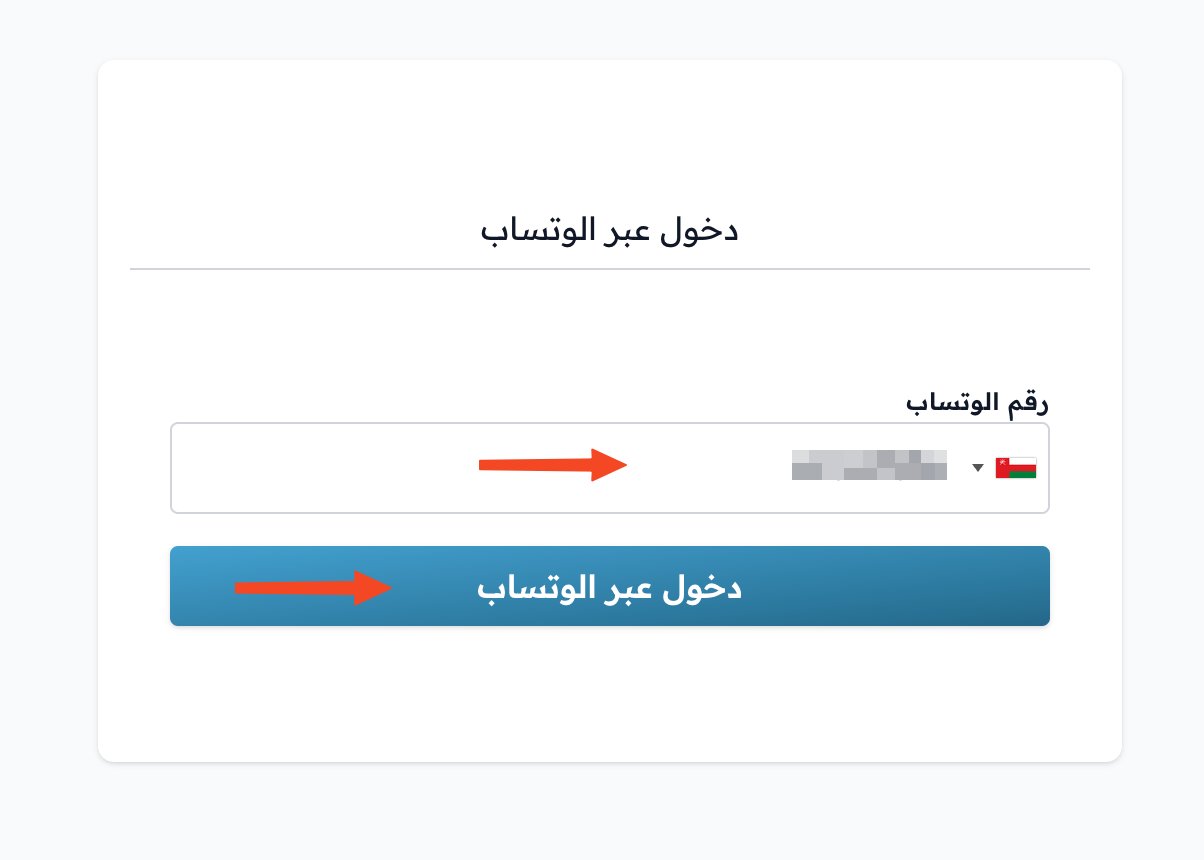
Enter your phone number, then click Request OTP to get a verification code on WhatsApp.
-
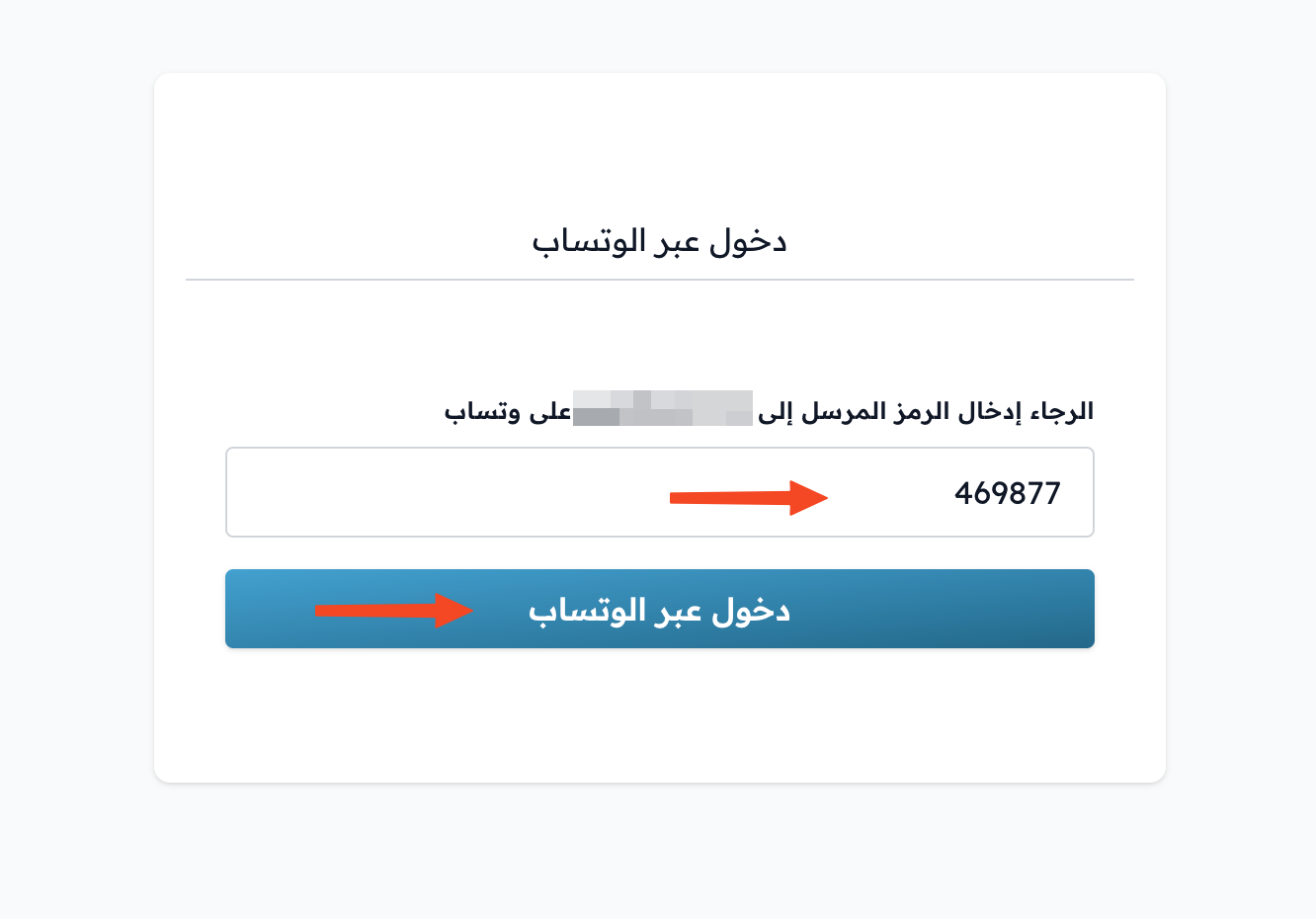
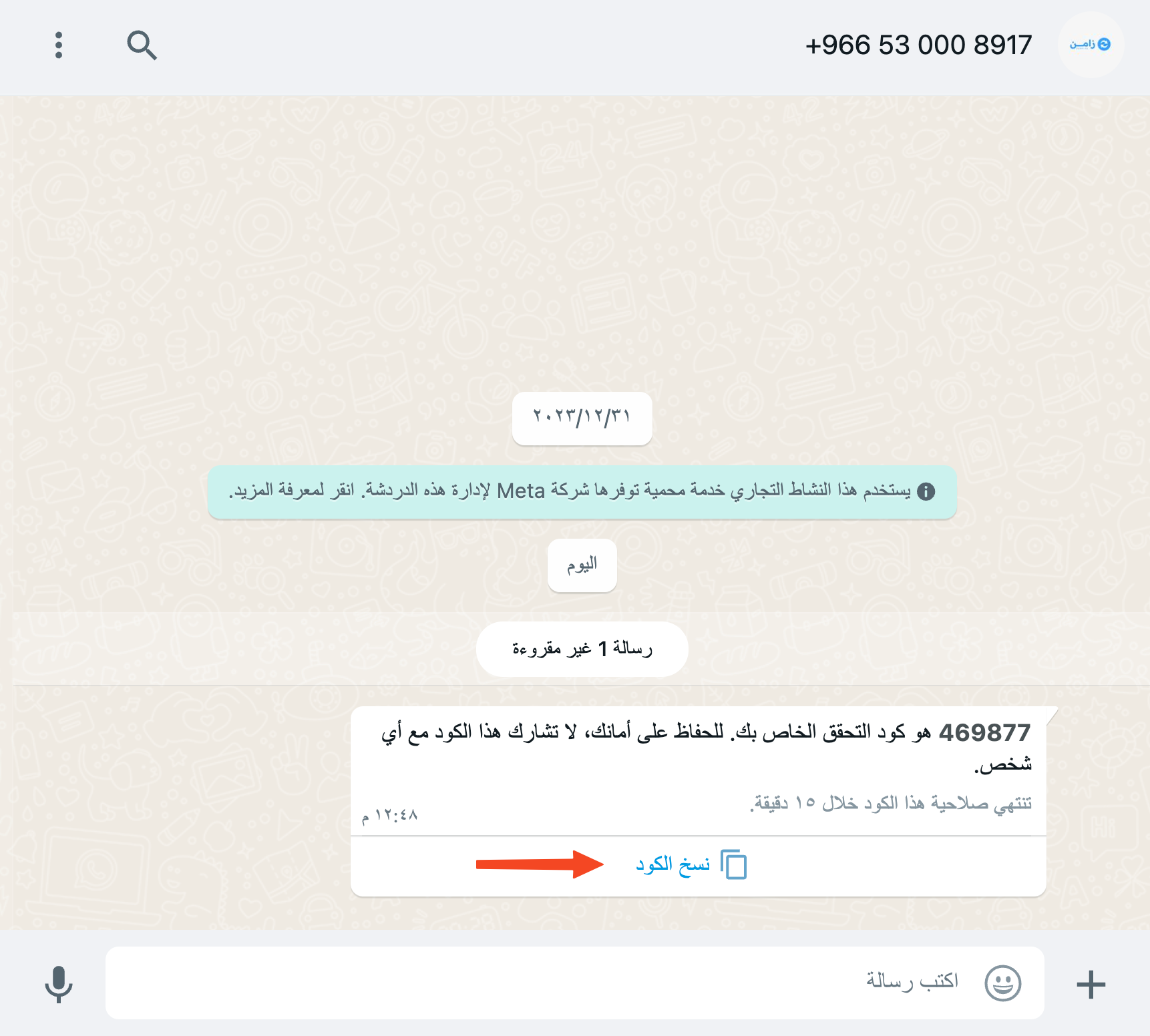
Open WhatsApp and copy the verification code from the message. If the message has a Copy code button, tap it.
-
Go back to the platform and paste the code in the code field. The code is checked as soon as all 6 digits are entered, and you are signed in without clicking any button.