How do you search for content on the platform?
You can search for content on the platform from two places: the platform home page and the course content page.
Search from the platform home page
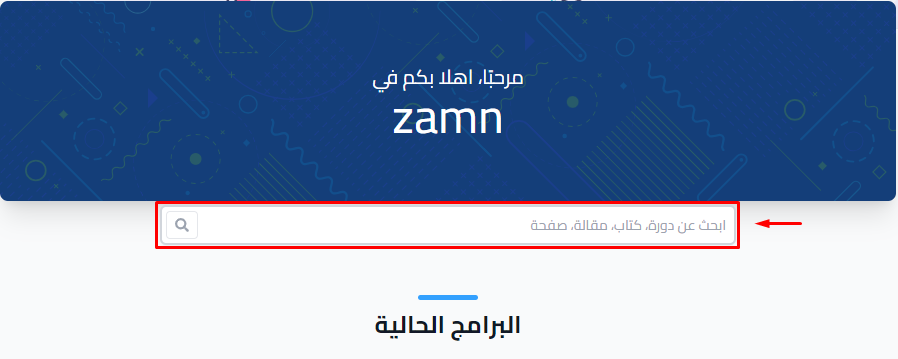
Type what you are looking for in the Search for courses, books, posts or pages box on the platform home page. You see results from courses, books, posts and pages.
Note
If your platform uses a custom-designed home page, the search box may not show on it.
Search inside a course
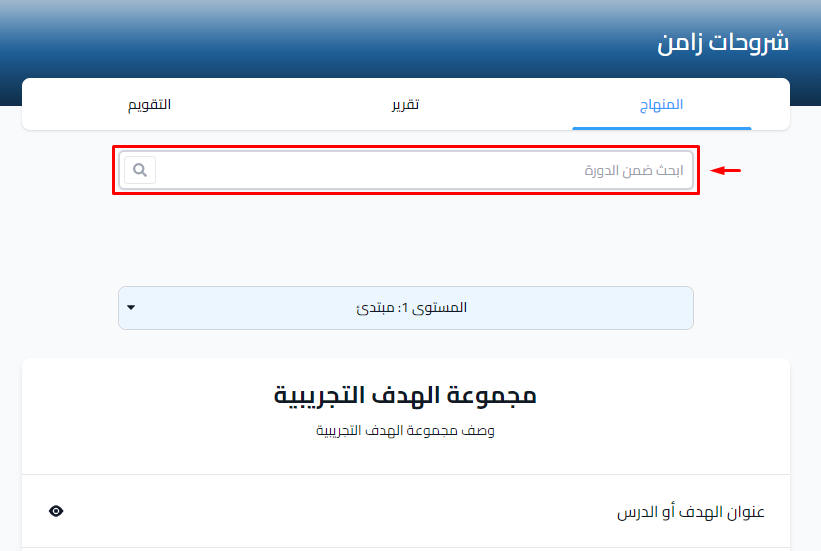
On the Program Launch page of the course, type what you are looking for in the Search in course box. You see the targets and content in the course that match your search.