Export a sales invoice (for students)
You can download an invoice for any product you bought on the platform, from the Purchases page in your account dashboard.
Note
To export invoices, the platform admin must add the VAT registration number.
How to export a sales invoice
-
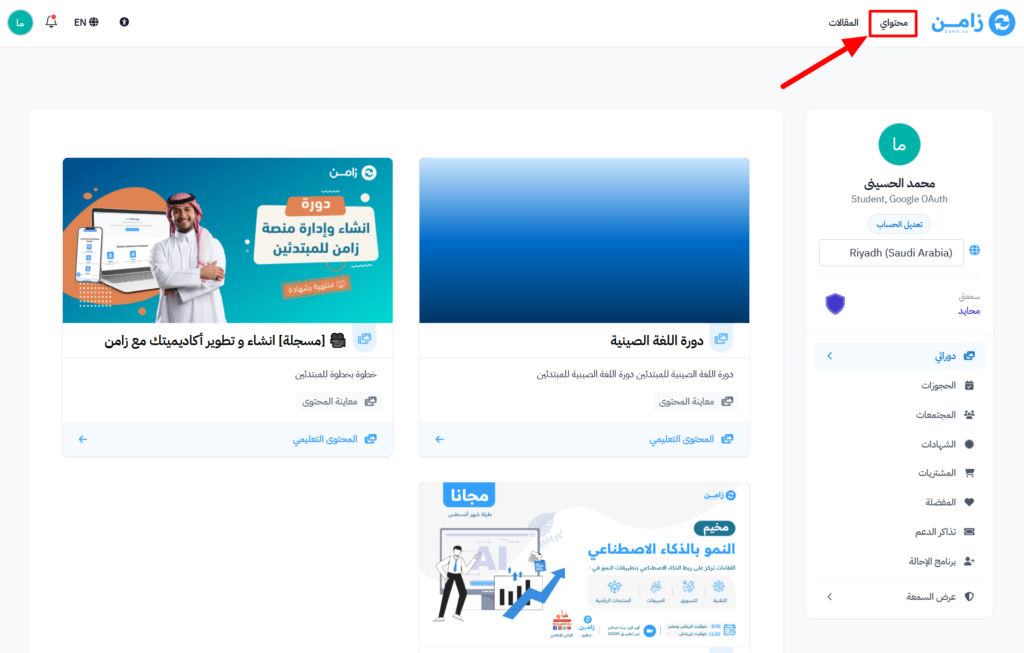
Go to the Dashboard page.
-
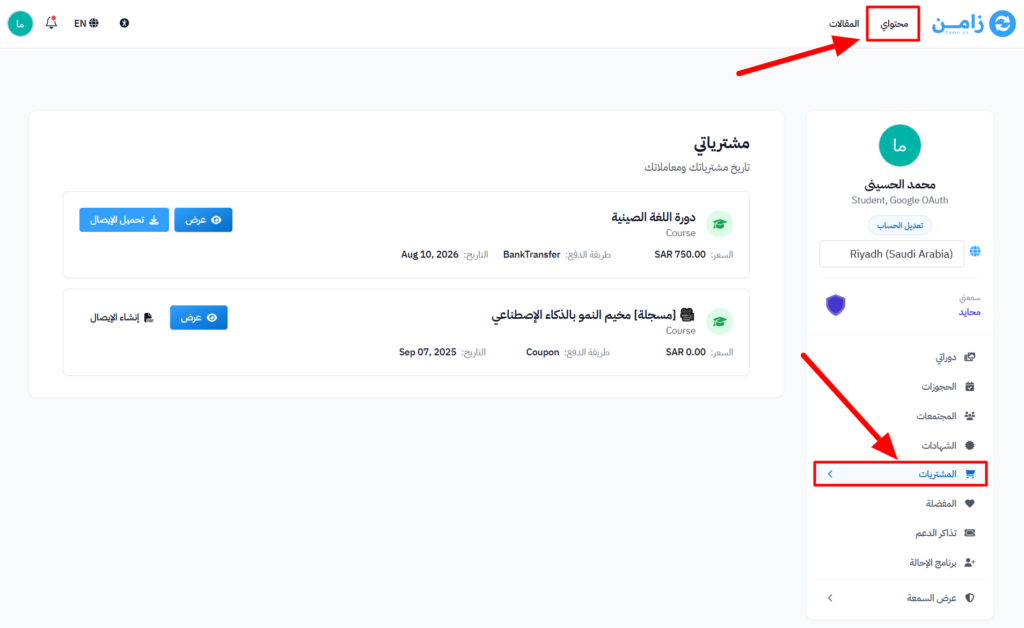
Choose Purchases from the side menu.
-
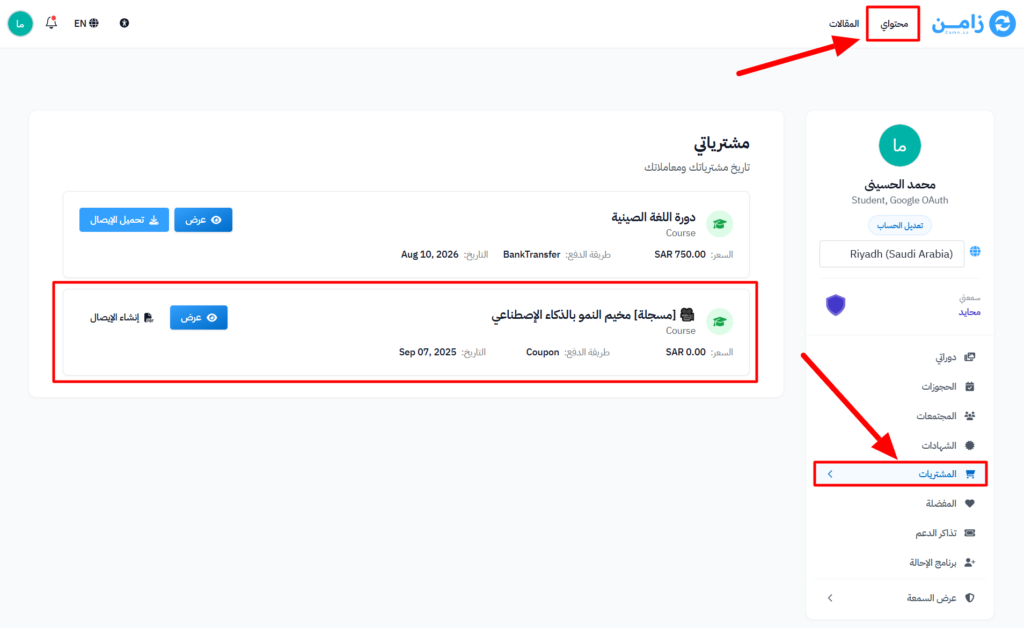
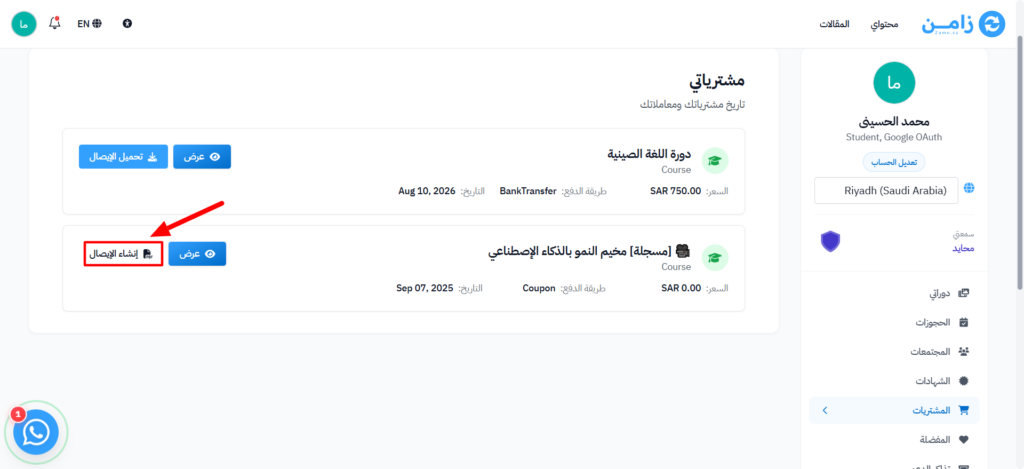
Find the product you want an invoice for in the My Purchases list.
-
Click Generate Receipt to get the invoice ready to download.
-
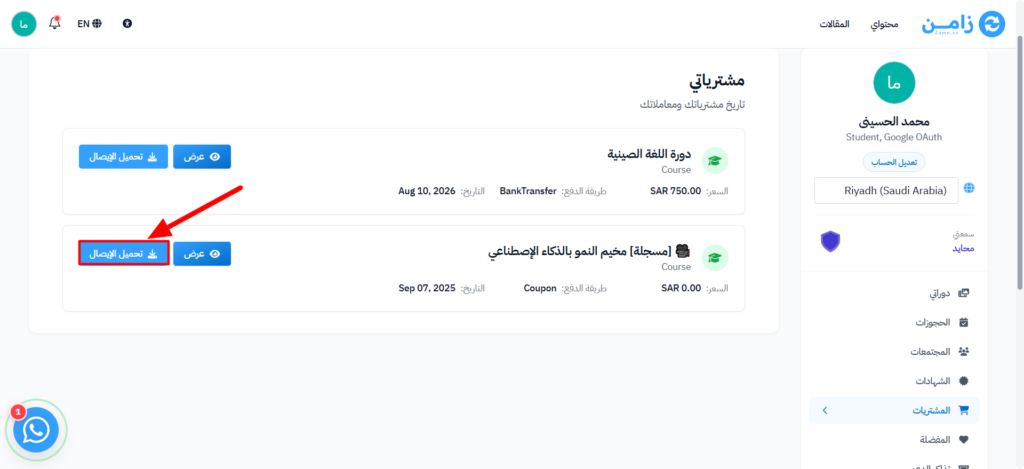
When it is ready, click Download Receipt to save the invoice on your device.