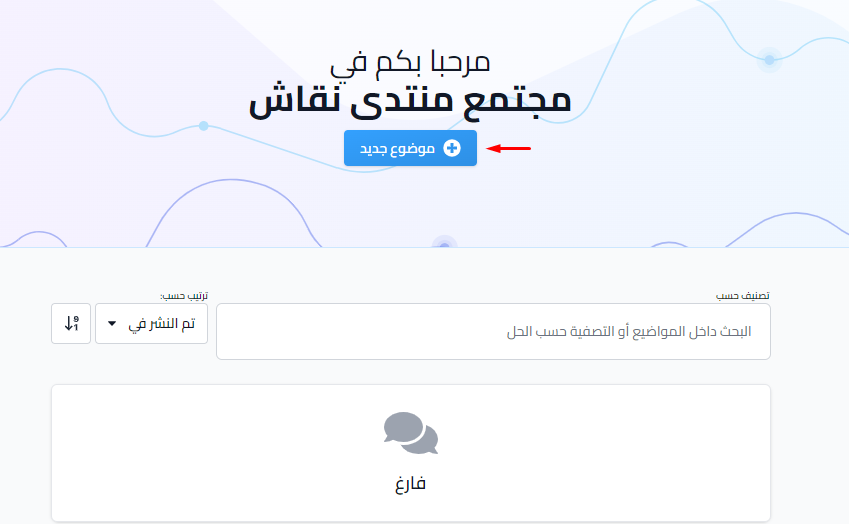
Community / discussion forum
Community / forum
A community is a place to talk and discuss things with the other students in your group. Members can add new topics and reply to topics in their communities.
How to reach the discussion community
You can reach the community in two ways:
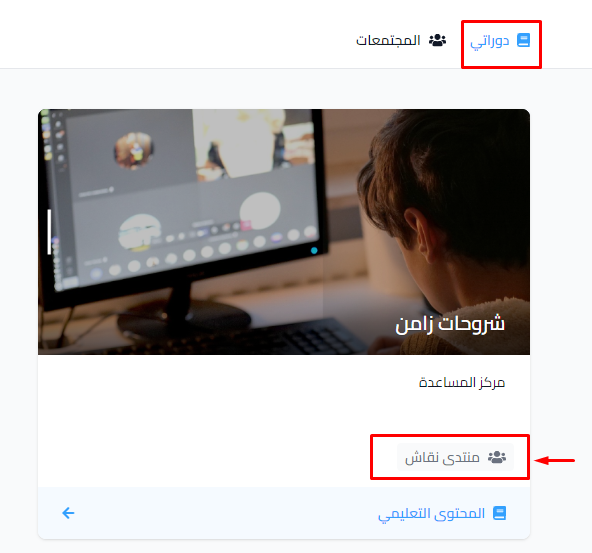
- From the course: click the community name on the course card on the My Courses page, or click Communities in the side menu inside the course.
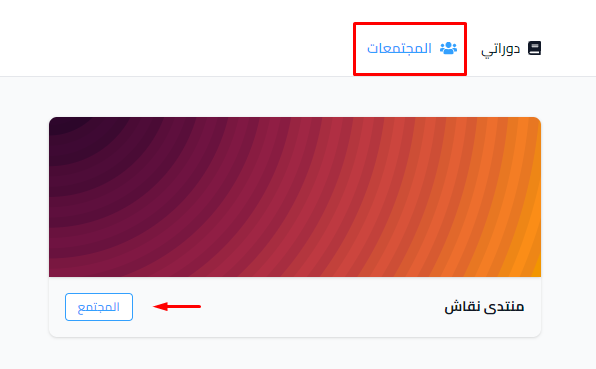
- From the Communities page, which shows all discussion communities. Click Visit Community next to the community you want.
Can a student create a community?
A student cannot create a community. A student can only take part in it: add a new topic with the New Topic button, or reply to topics that are already there.