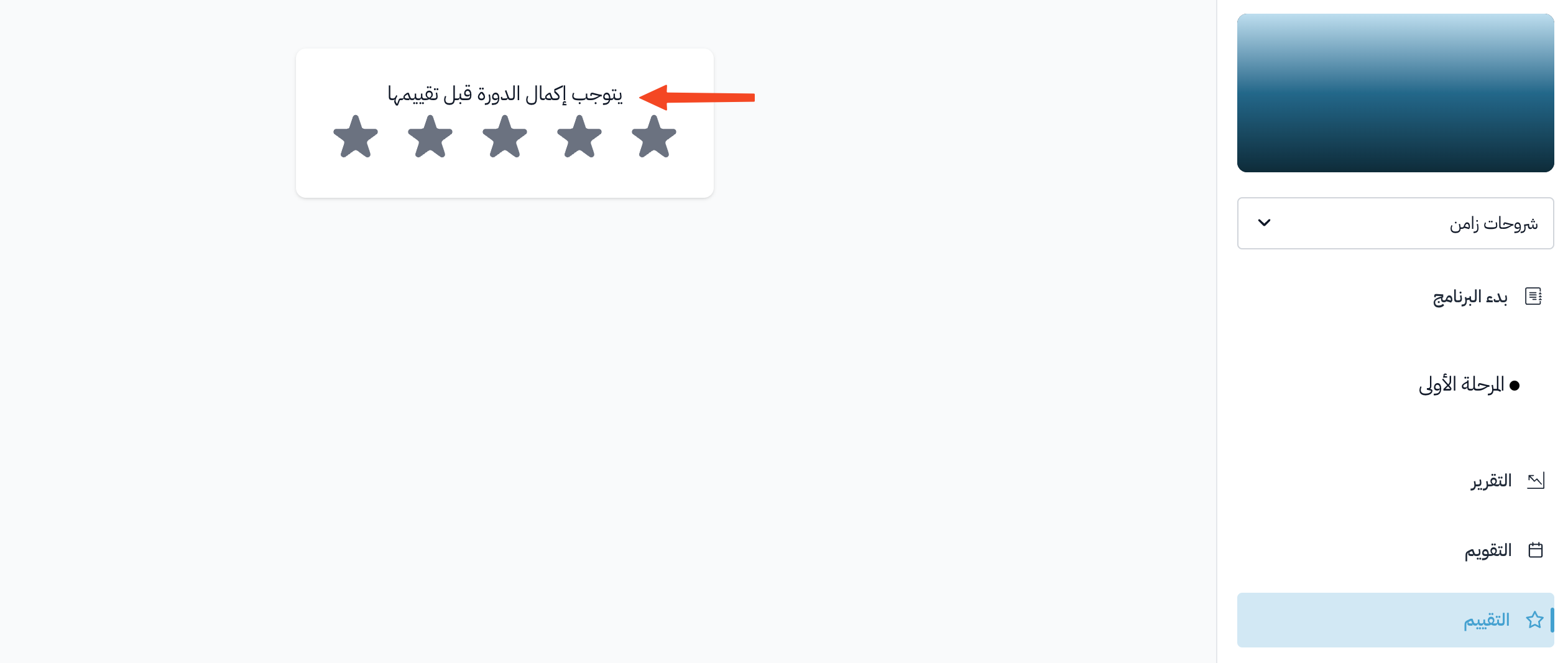
How to rate a course
You can share what you think about a course. Rate it with stars and write a comment about your experience.
How to rate a course
-
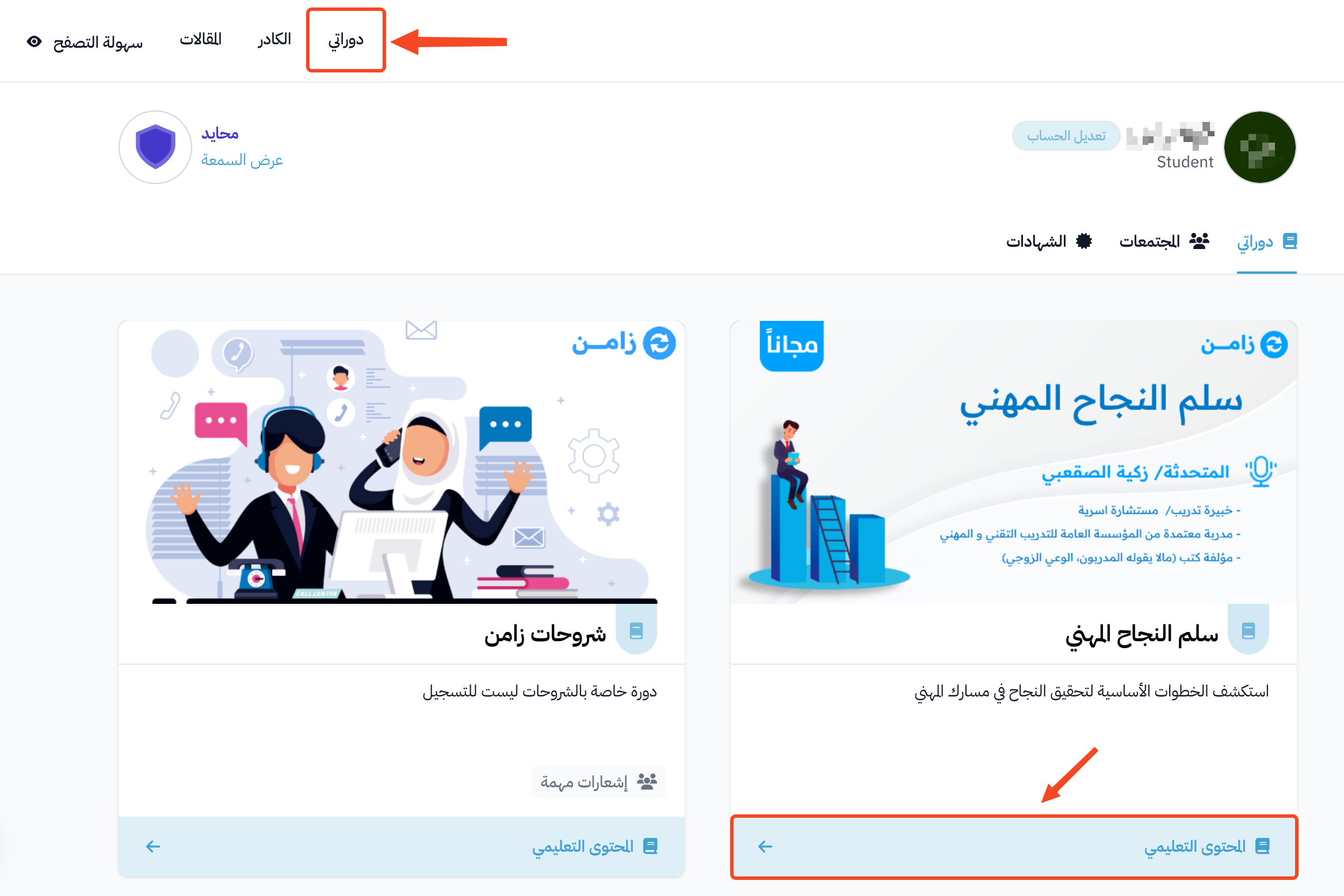
Go to the My Courses page.
-
Click View Course on the course card to open the course page.
-
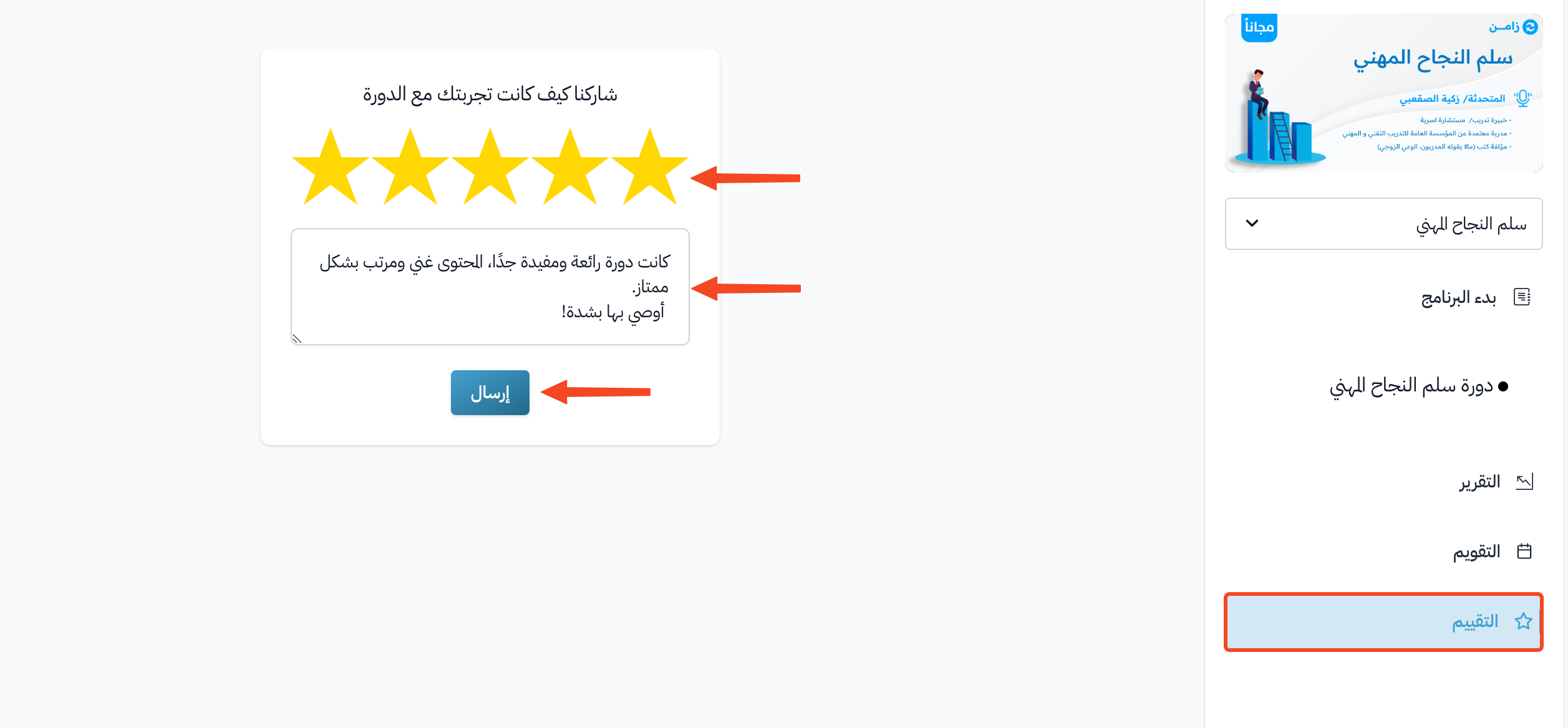
Click Rating in the course side menu.
-
Choose the number of stars, then write your comment about the course. The comment is required to send your rating.
-
Click Send.
Note
You can rate the course at any time. You do not need to finish it first. You can rate a course only once.