Get your certificate
After your certificate is issued, you can open it from the course page or from the certificate email in your inbox.
Note
The certificate is issued only after you finish the course and complete all of its milestone targets.
How to get your certificate
-
Open the certificate in one of two ways:
-
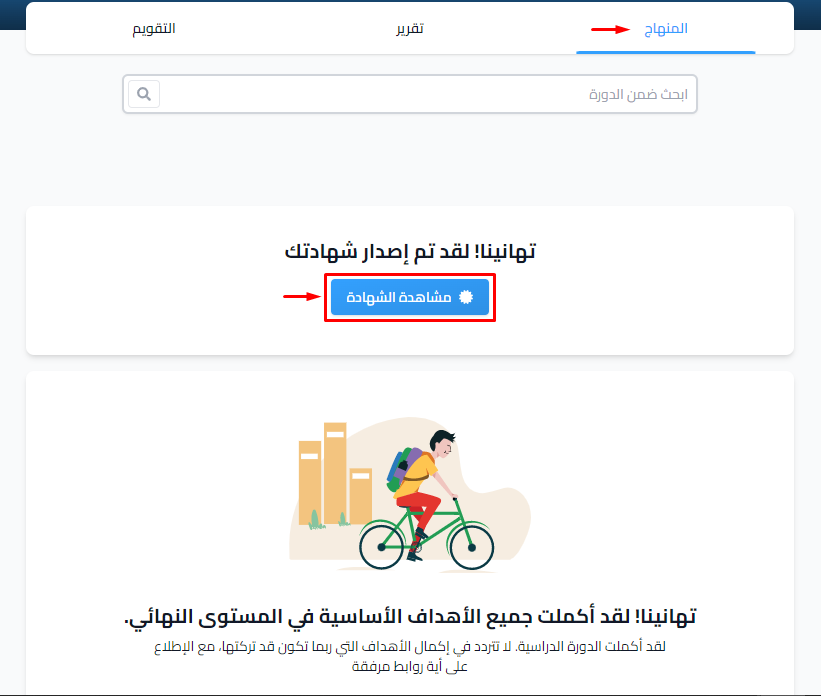
Click View Certificate in the Curriculum tab on the course page.
-
Or click the certificate link in the certificate email you get in your inbox.

-
-
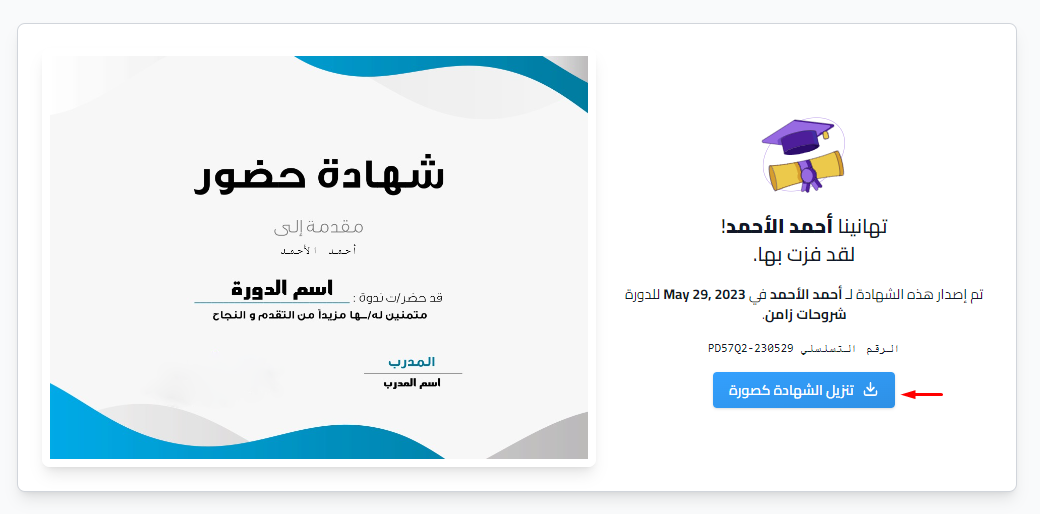
To download an image of the certificate, click Download as image.