Add a WhatsApp button to your platform
You can add a WhatsApp button to your platform, so visitors and students can reach your WhatsApp account easily.
Steps to add WhatsApp to your platform
-
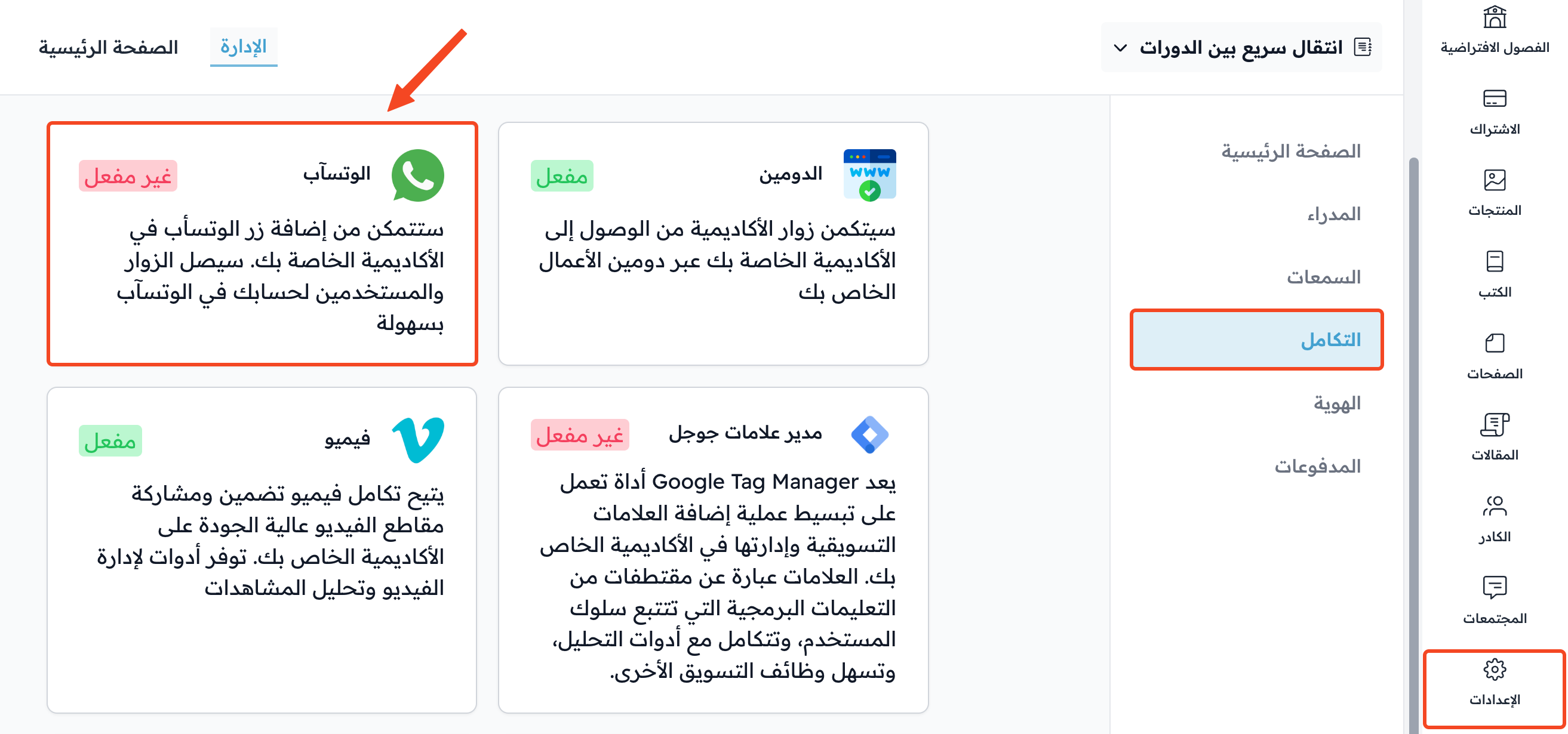
Click Settings in the dashboard.
-
Go to the Integrations page.
-
Click WhatsApp.
-
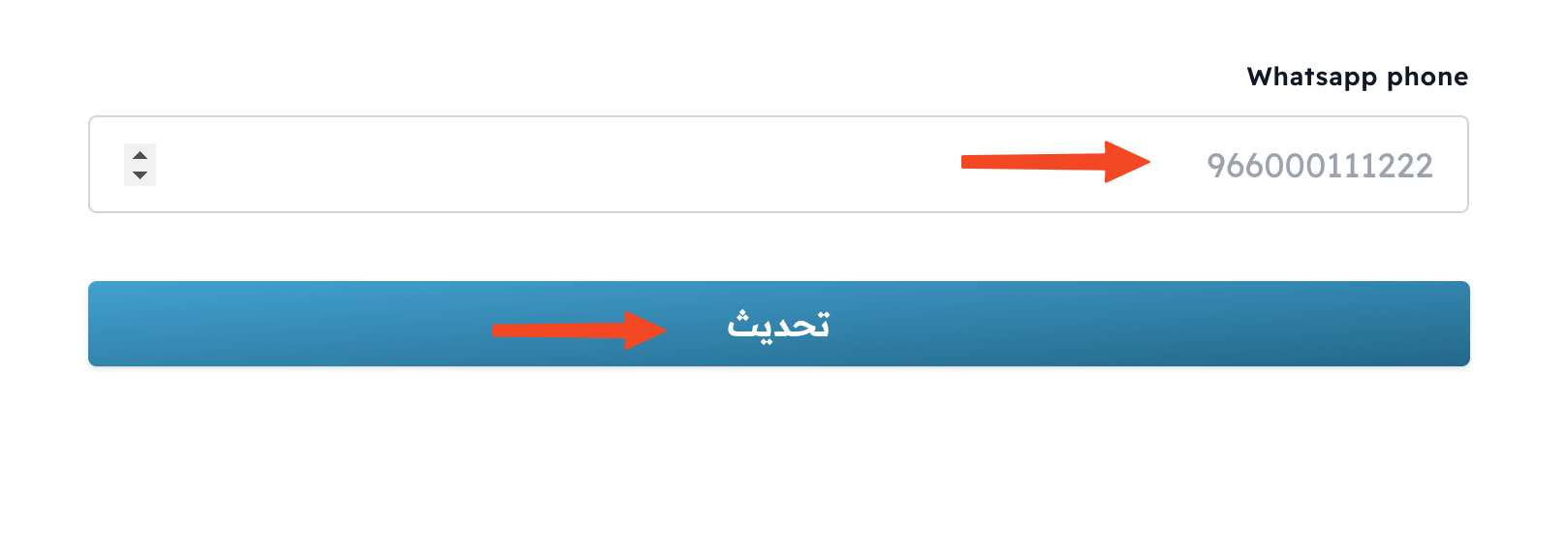
Type your WhatsApp number in the Phone number field. Start the number with the country code, like 966000111222.
-
Turn on Enable WhatsApp Integration.
-
Click Create to turn it on. If you saved the number before, the button is called Update.
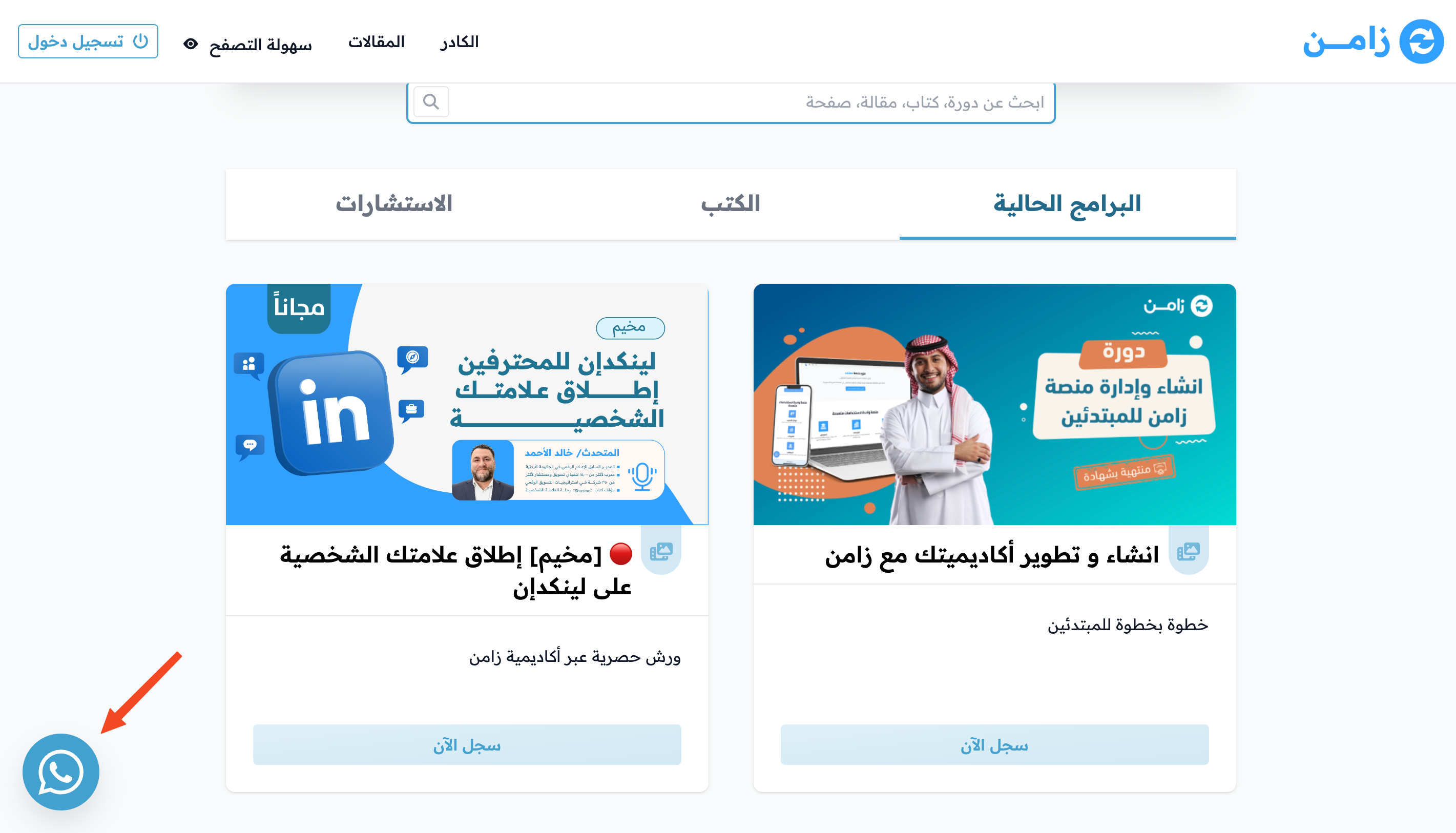
The WhatsApp button now shows on your platform's pages.
Note
If you see the message You need to upgrade your plans to use Whatsapp integration, your current plan does not include this feature.