Show student ratings on the course page to visitors
You can show the average of student ratings for a course on its public page, so your platform's visitors can see it.
Steps to show the ratings
-
From the dashboard, go to Courses, then click Edit Curriculum on the card of the course whose ratings you want to show.
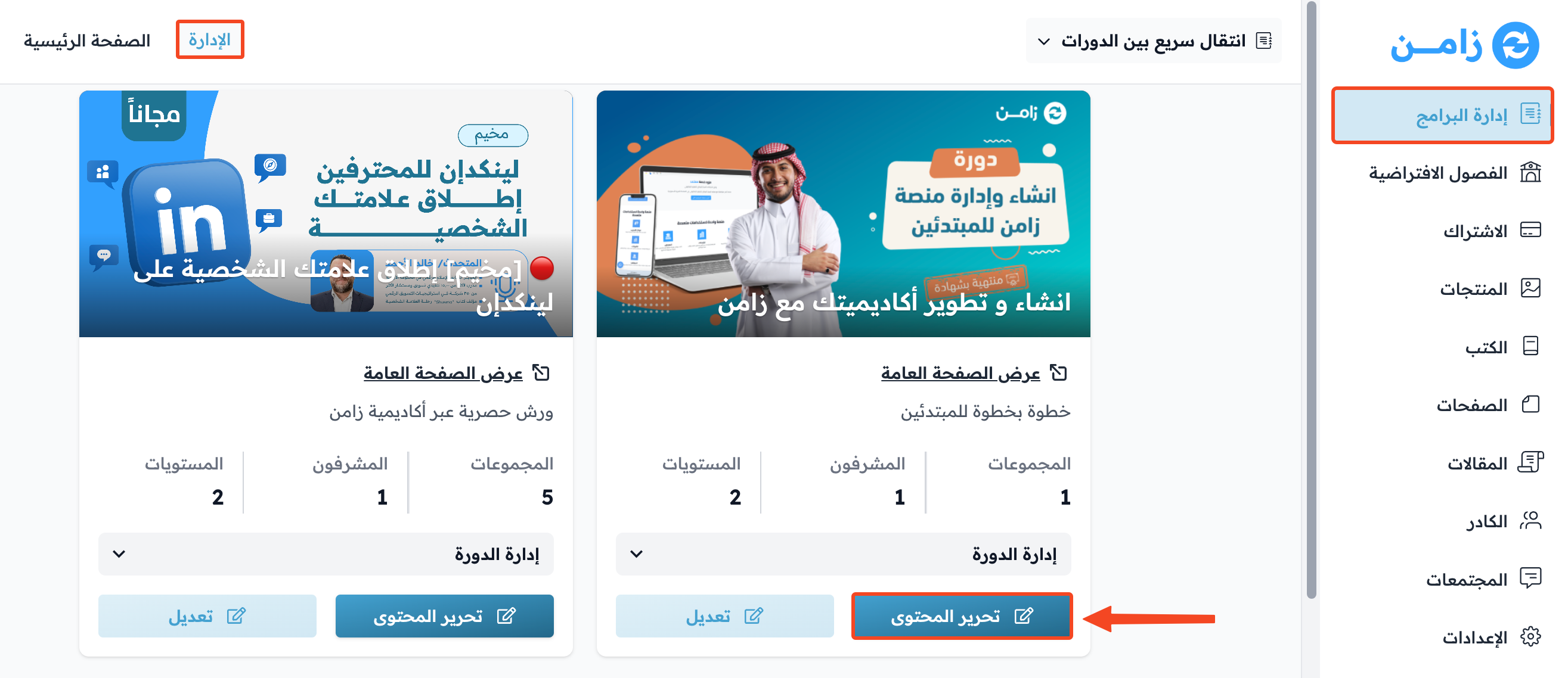
-
From the course side menu, go to the Ratings page.
-
At the top of the page, turn on Show the rating average on the course page.
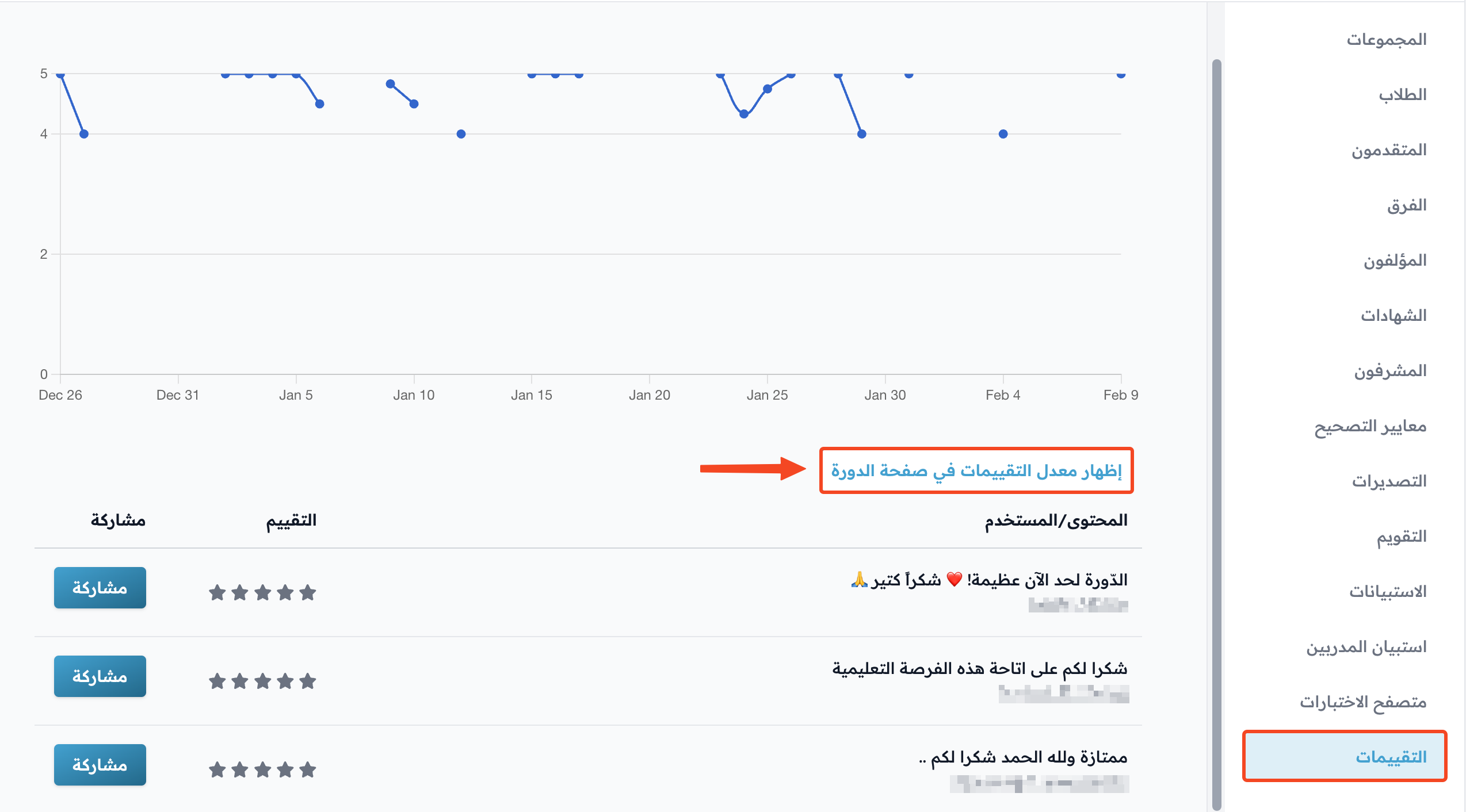
The average of student ratings shows on the course's public page under the title Course evaluations, as in the image.

tip
To hide the rating average from the course page, turn off the same option on the Ratings page.