Question types in assignments
Your platform offers different question types to create assignments. These types help you assess different skills of your students, so your assignments are accurate and fair.
You choose the question type when you create an assignment with Advanced questions reviewed by coach, under What steps should the student take to complete this target?.
Question types
Zamn offers 6 question types:
1. Write Long Text
This type asks the student to write a long answer, such as an essay, a story or any other kind of creative writing.
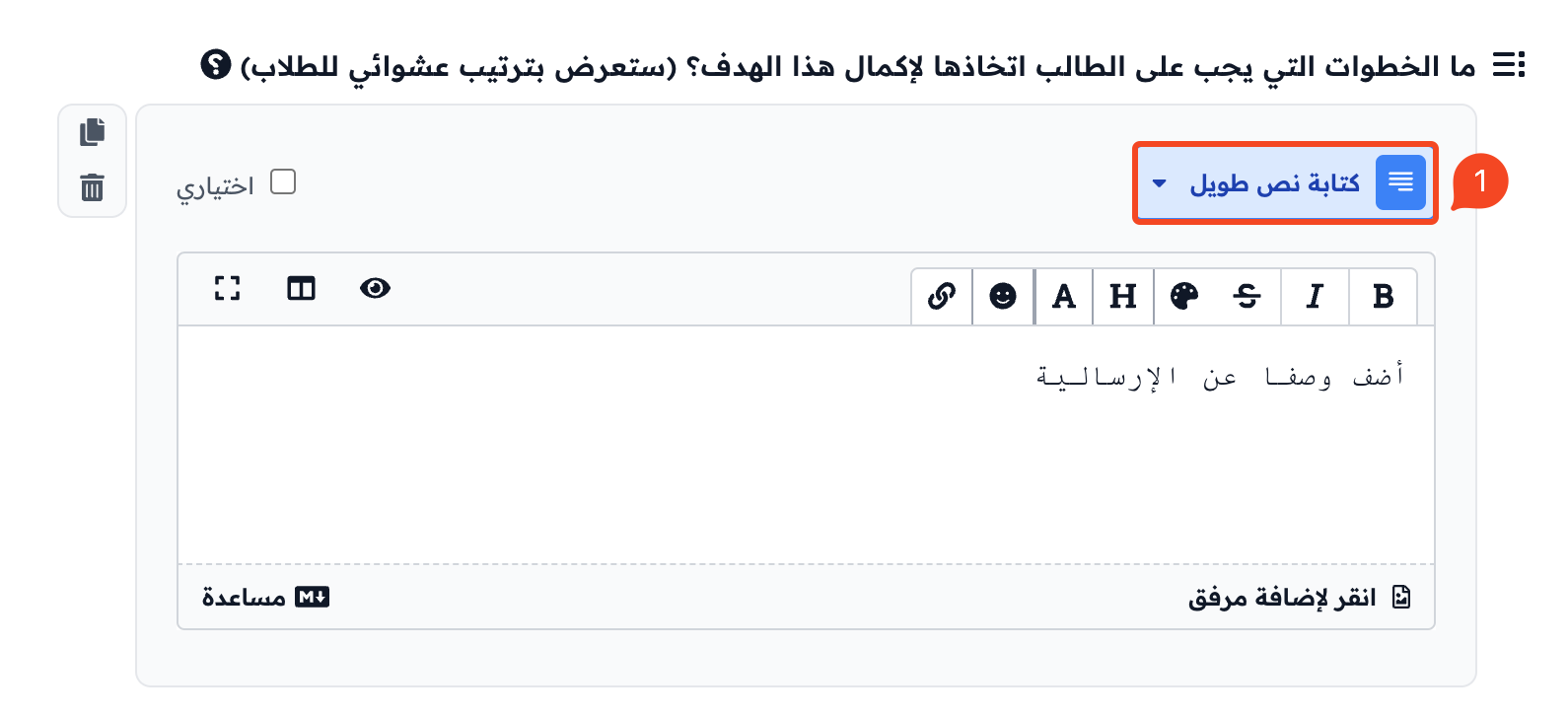
How the question looks to the student:
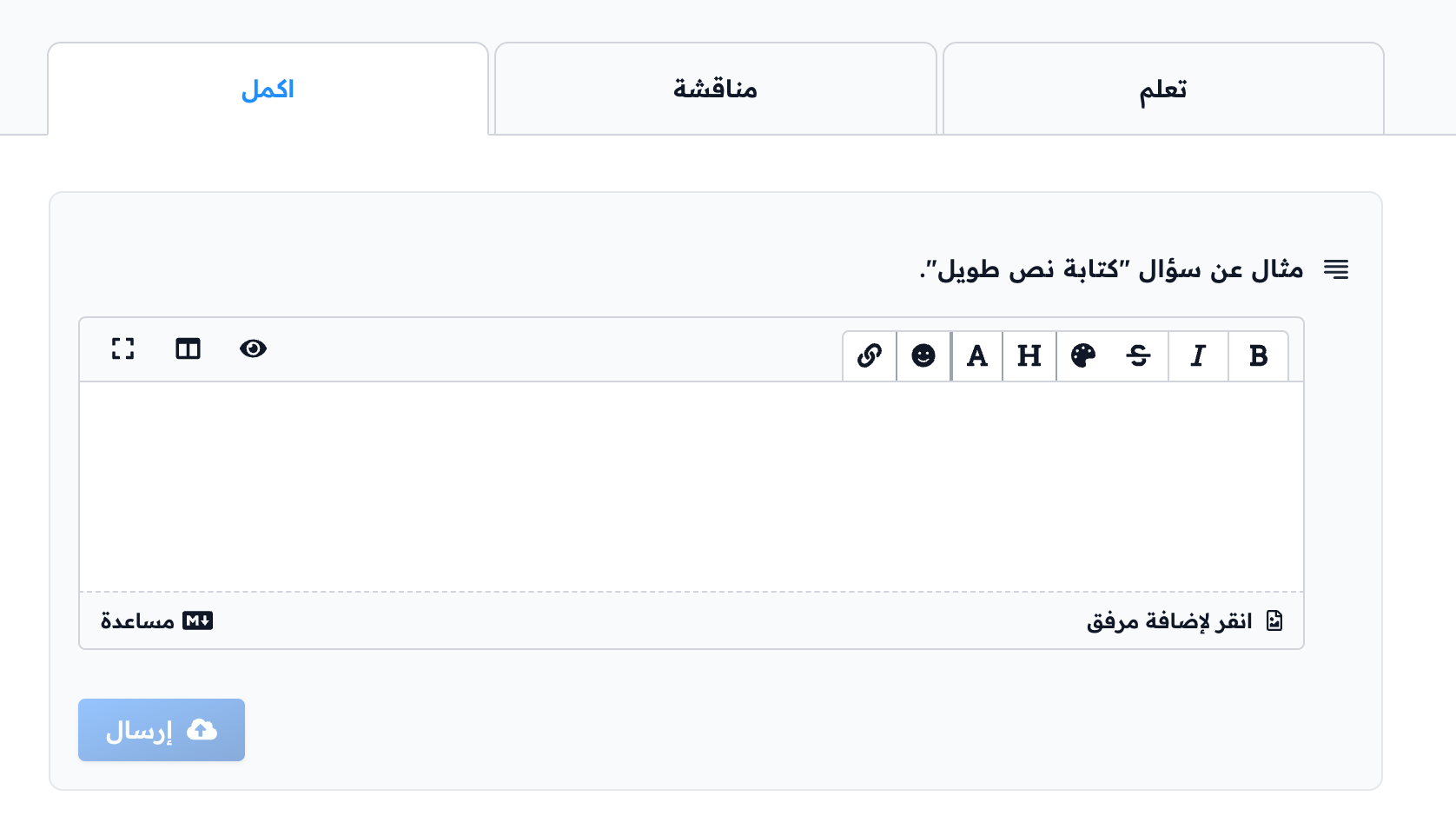
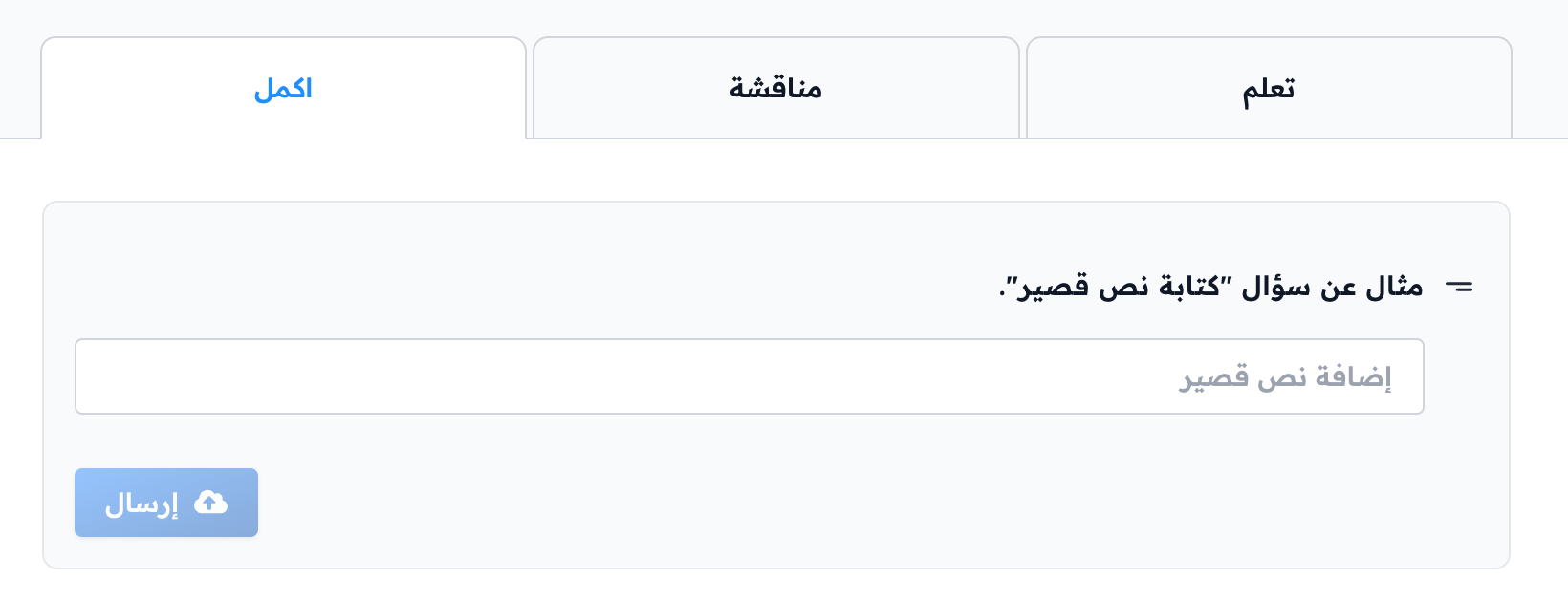
2. Write Short Text
This type asks the student to write a short answer, such as a sentence or a paragraph.
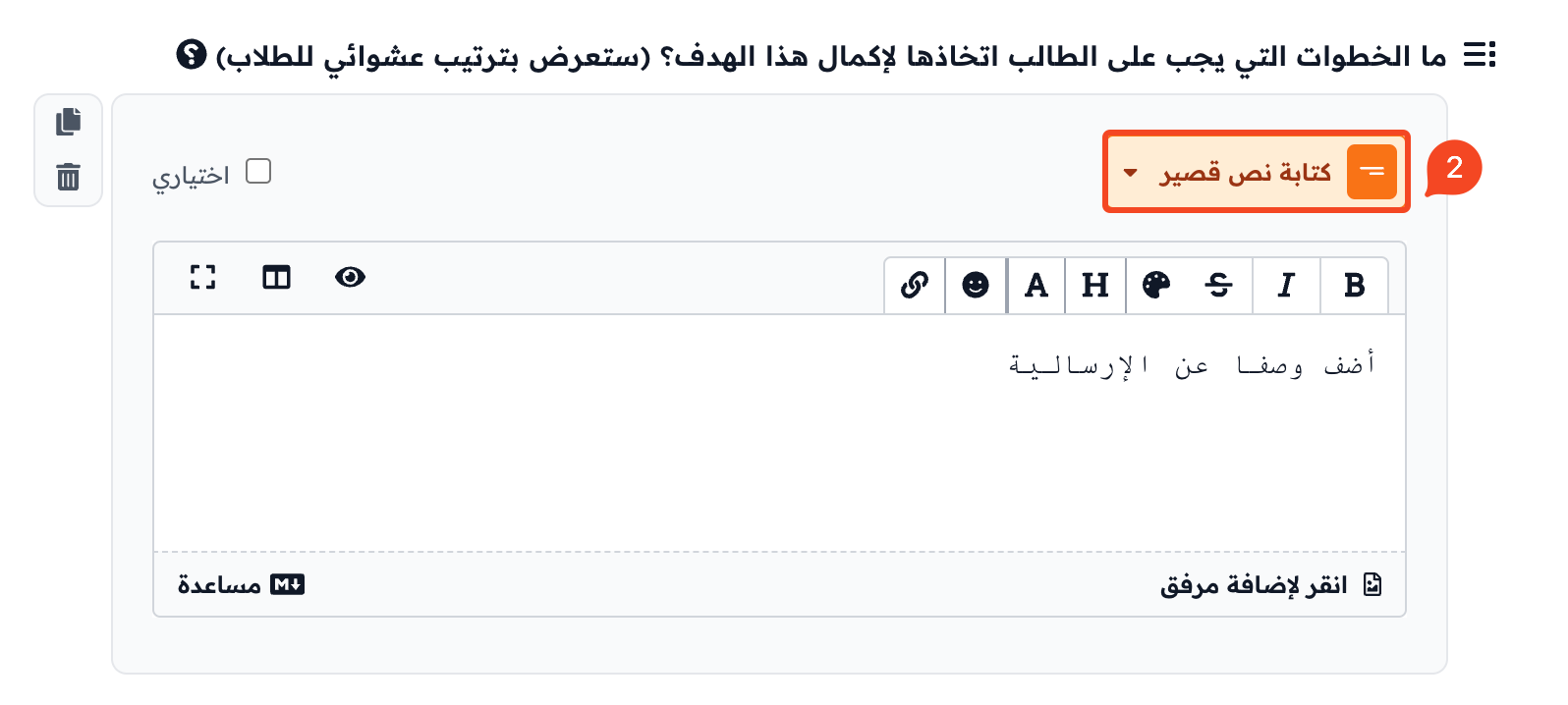
How the question looks to the student:
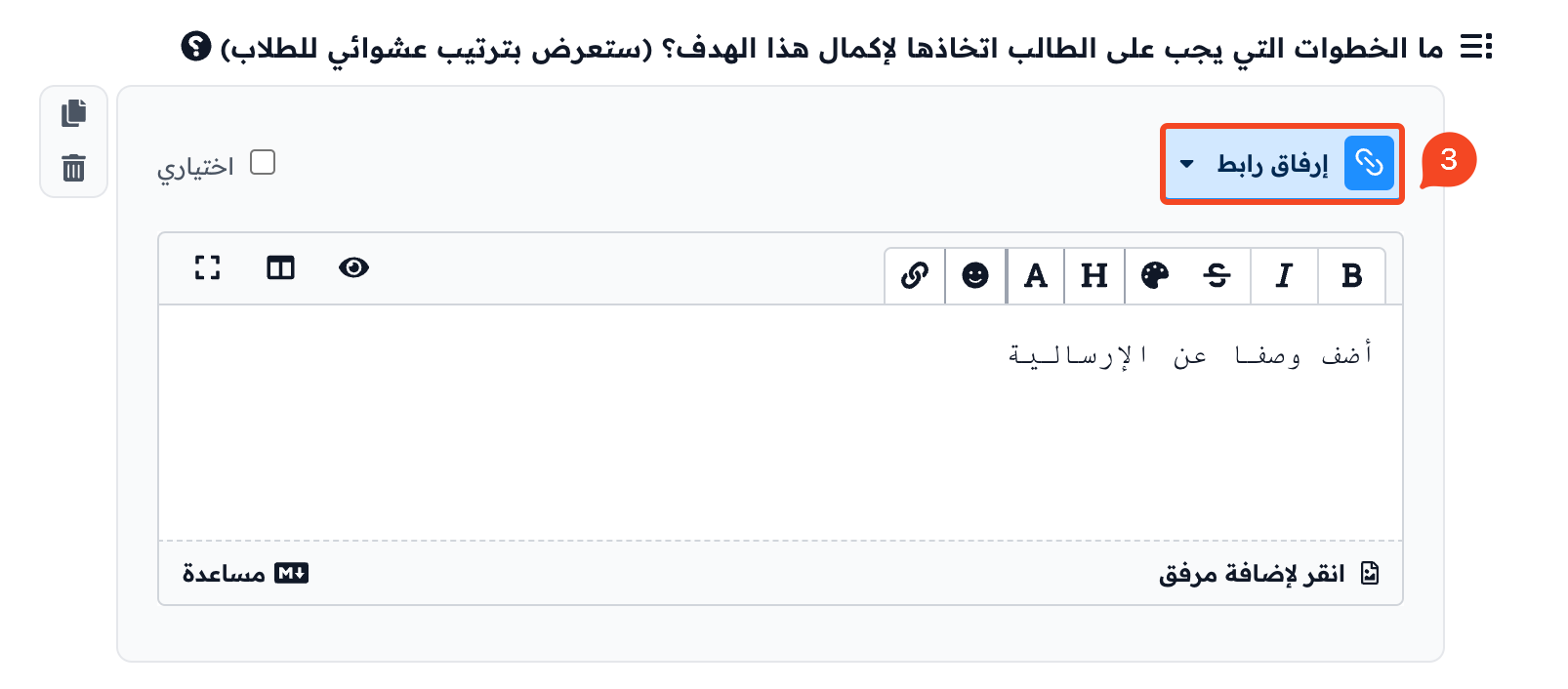
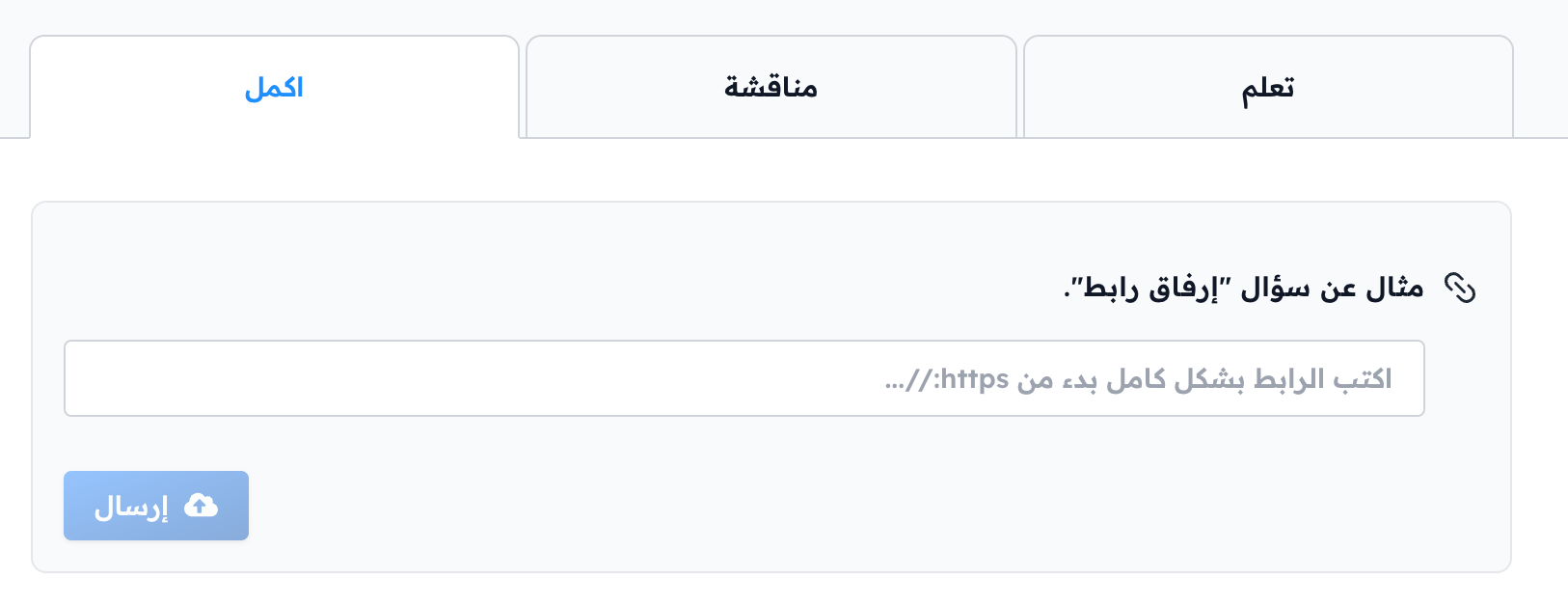
3. Attach a Link
This type asks the student to attach a link to a website, a document or any other source. It helps you assess how well students find and judge information.
How the question looks to the student:
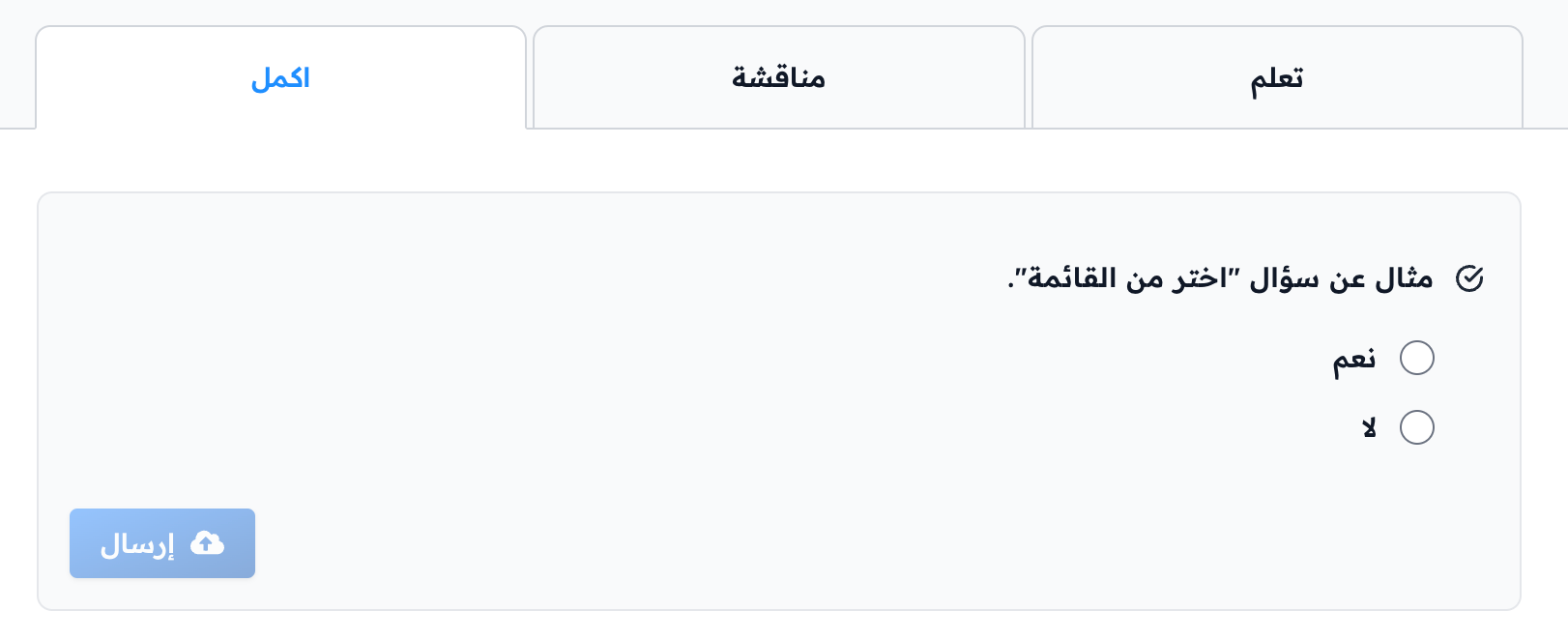
4. Choose from a list
This type asks the student to choose the right answer from a list of choices. You can turn on Allow multiple selections if the question needs it.
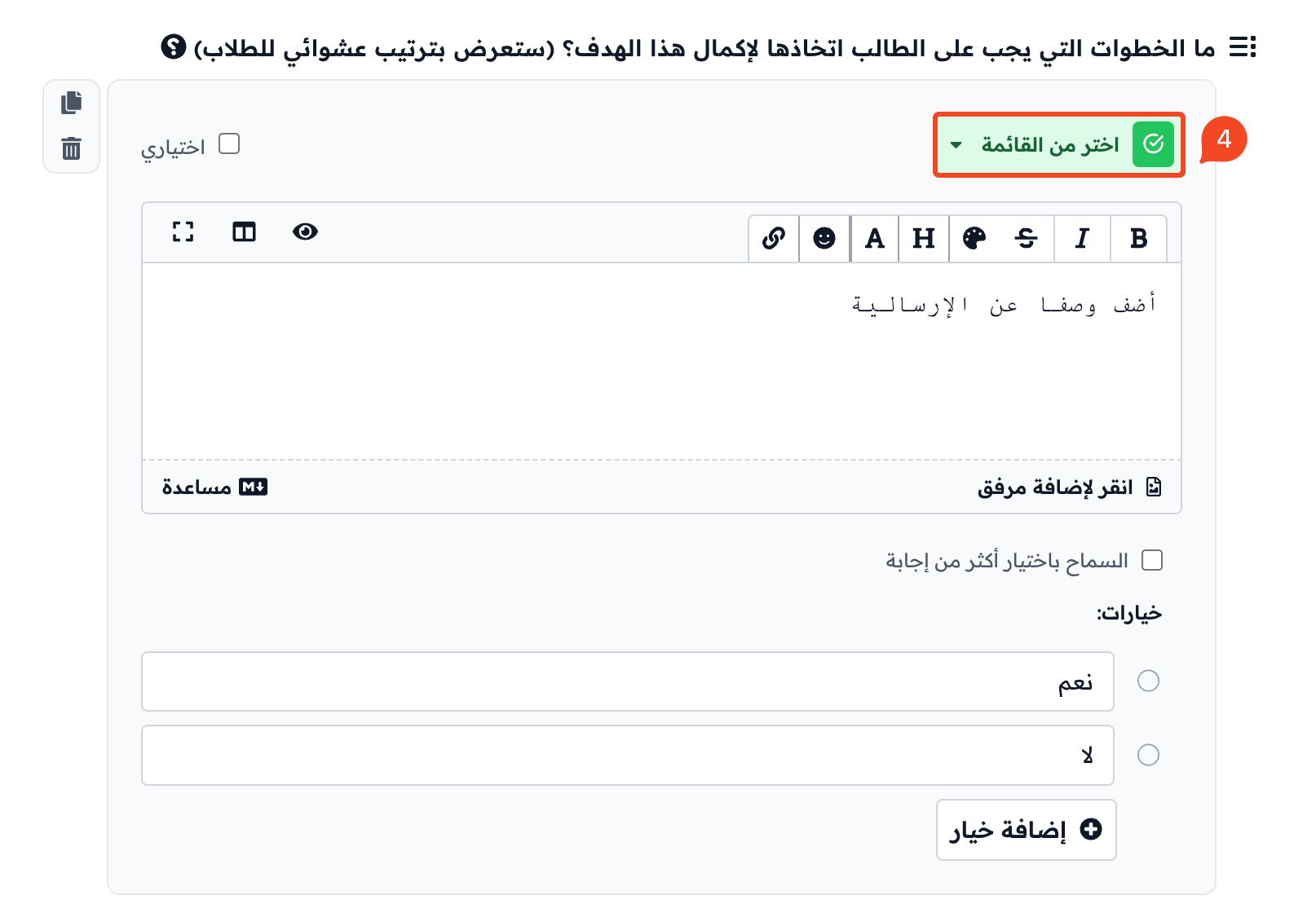
How the question looks to the student:
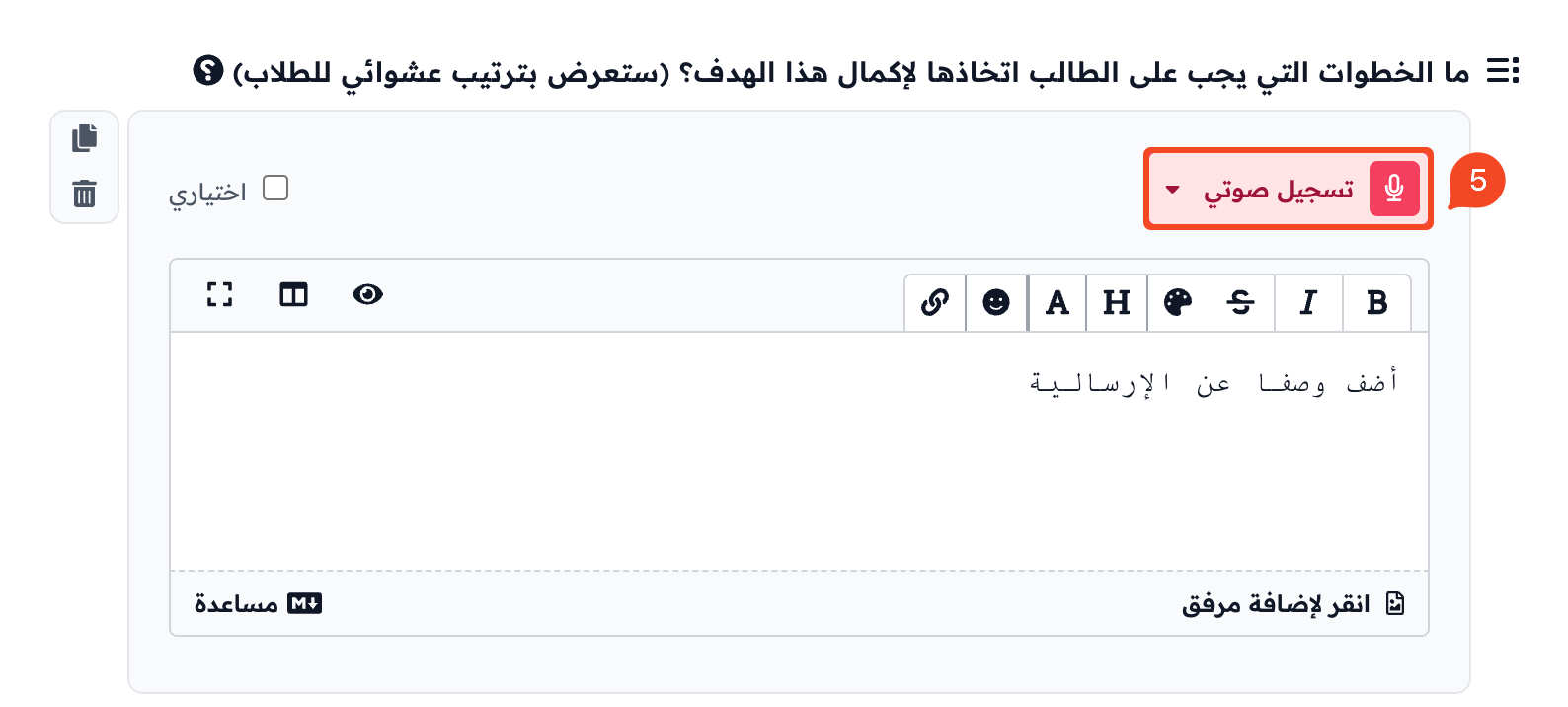
5. Record Audio
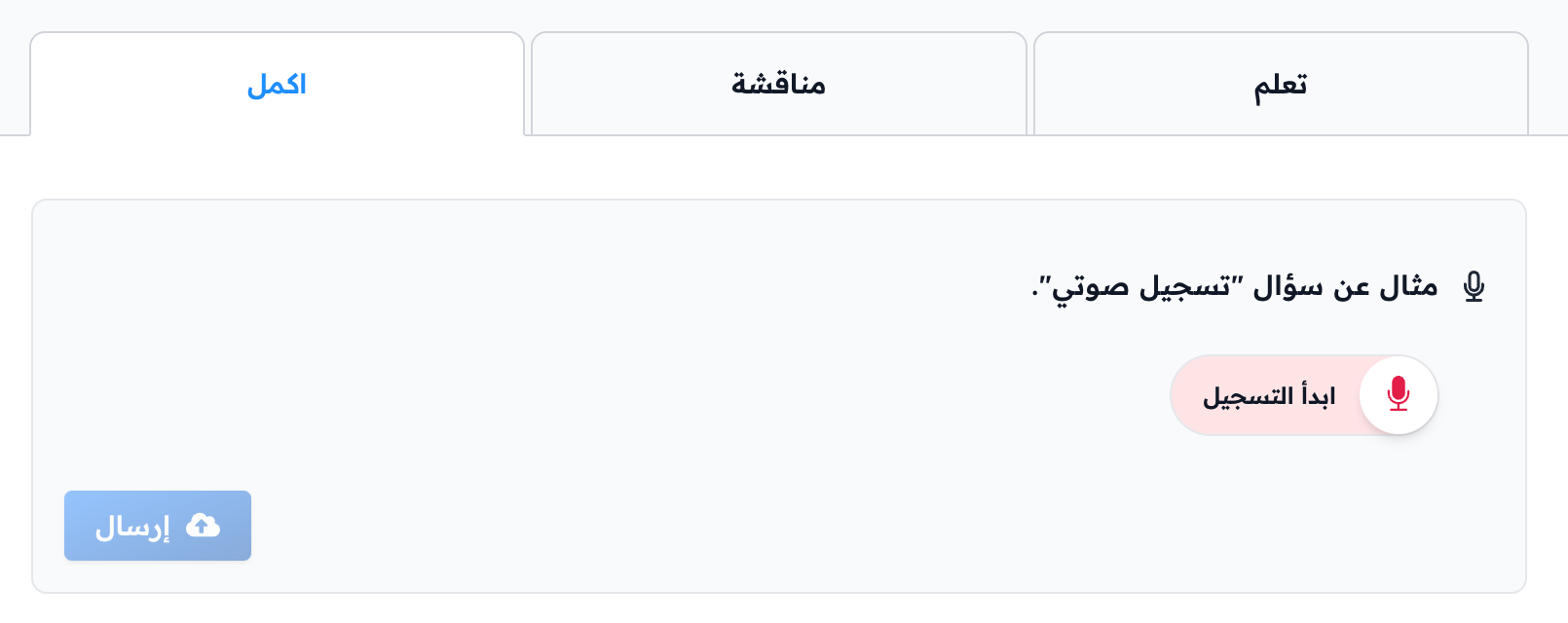
This type asks the student to record the answer with their voice. It helps you assess how well students speak and explain.
How the question looks to the student:
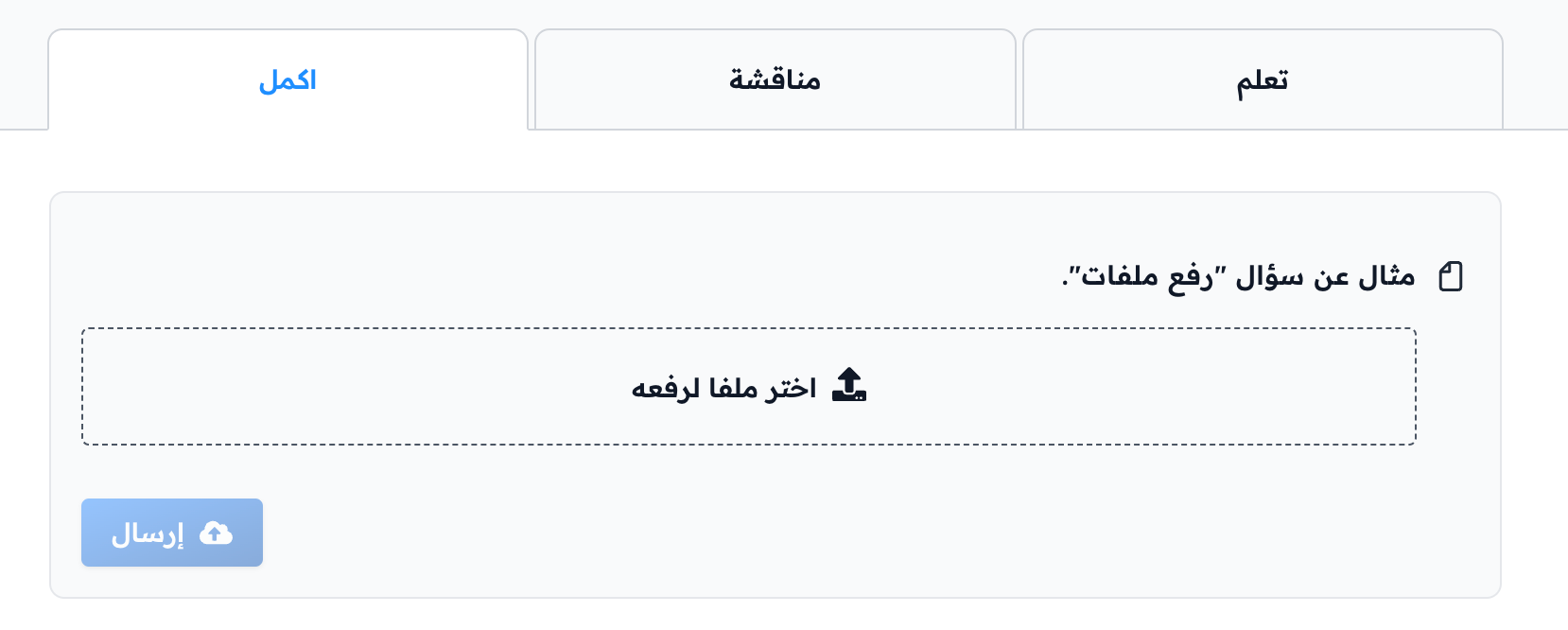
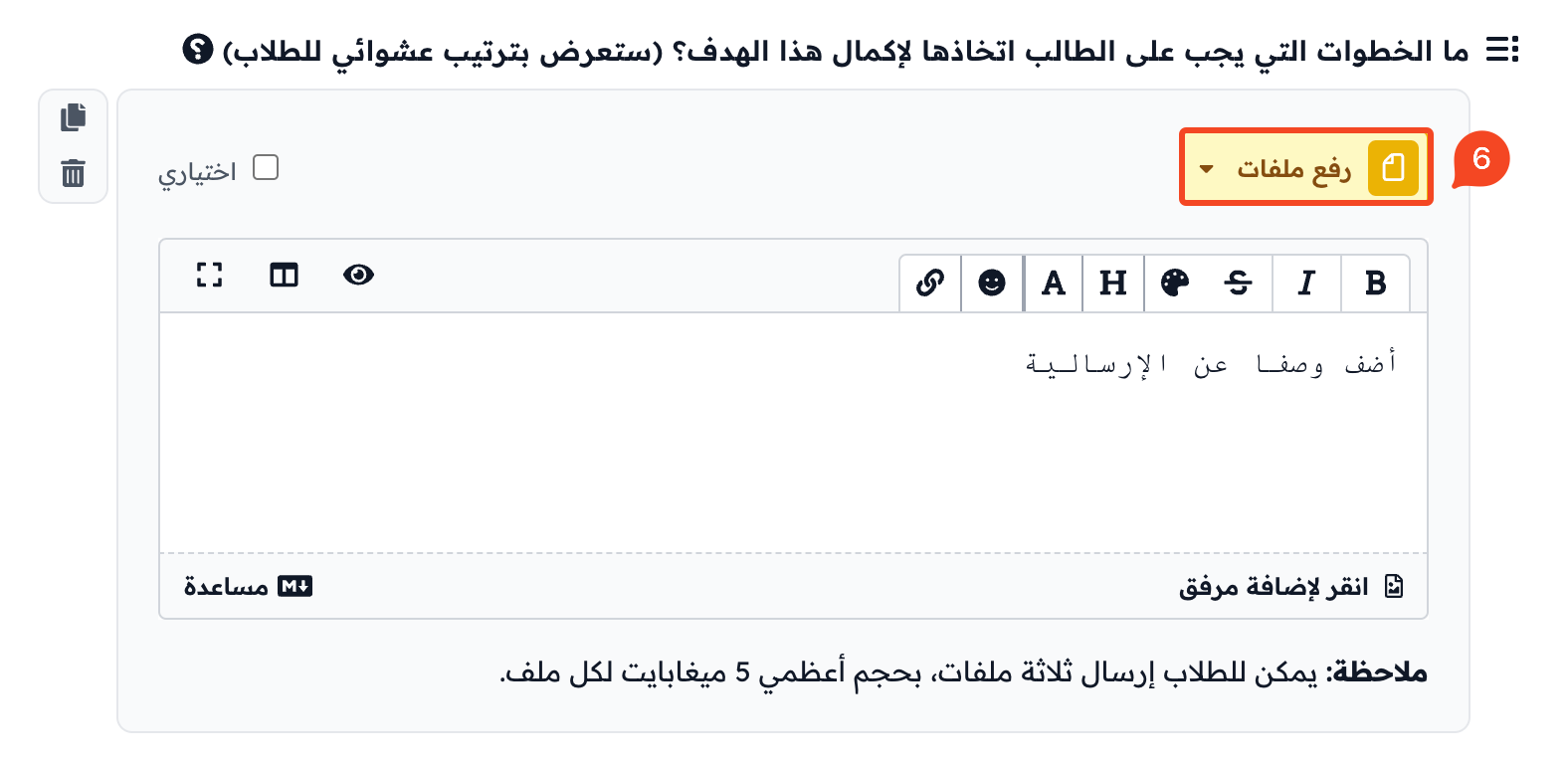
6. Upload Files
This type asks the student to upload a file to your platform, such as a document, an image or a video.
How the question looks to the student: