Unarchive a course
This article shows how to restore a course that you archived before. This feature is for platform admins.
Steps to restore an archived course
-
From the dashboard, go to the Courses page.
-
In the Search box above the course list, choose Status: Archived to show the archived courses. If you do not change the status, the list shows only active courses.
-
Click Edit Course Details for the course you want to unarchive.
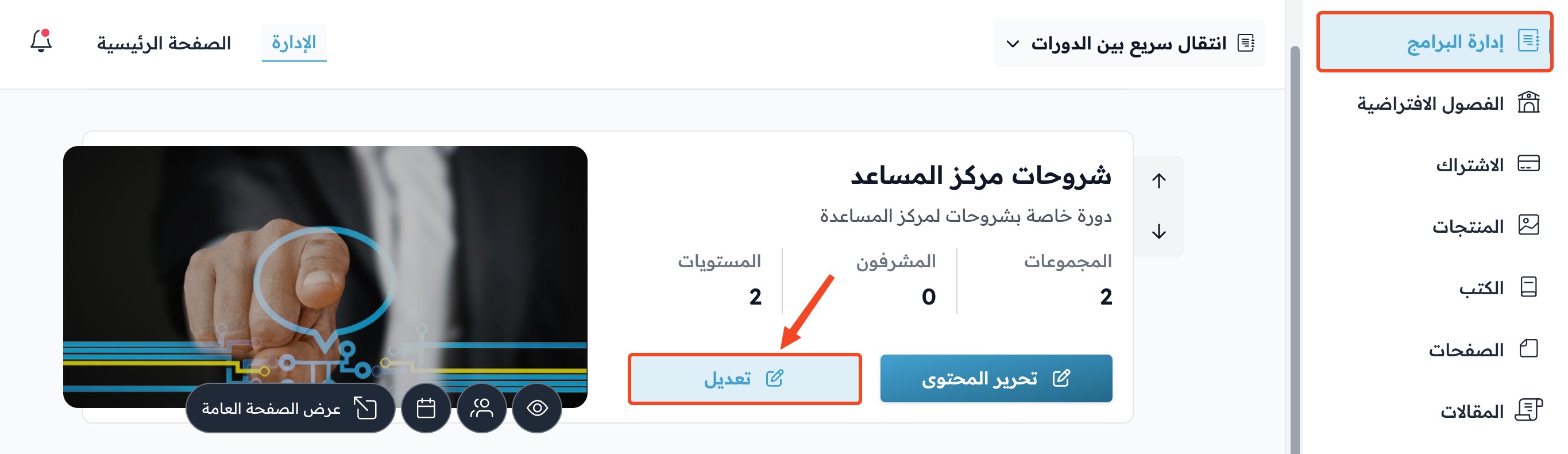
-
Go to the Actions tab.
-
Under Do you want to unarchive the course?, click Unarchive Course.
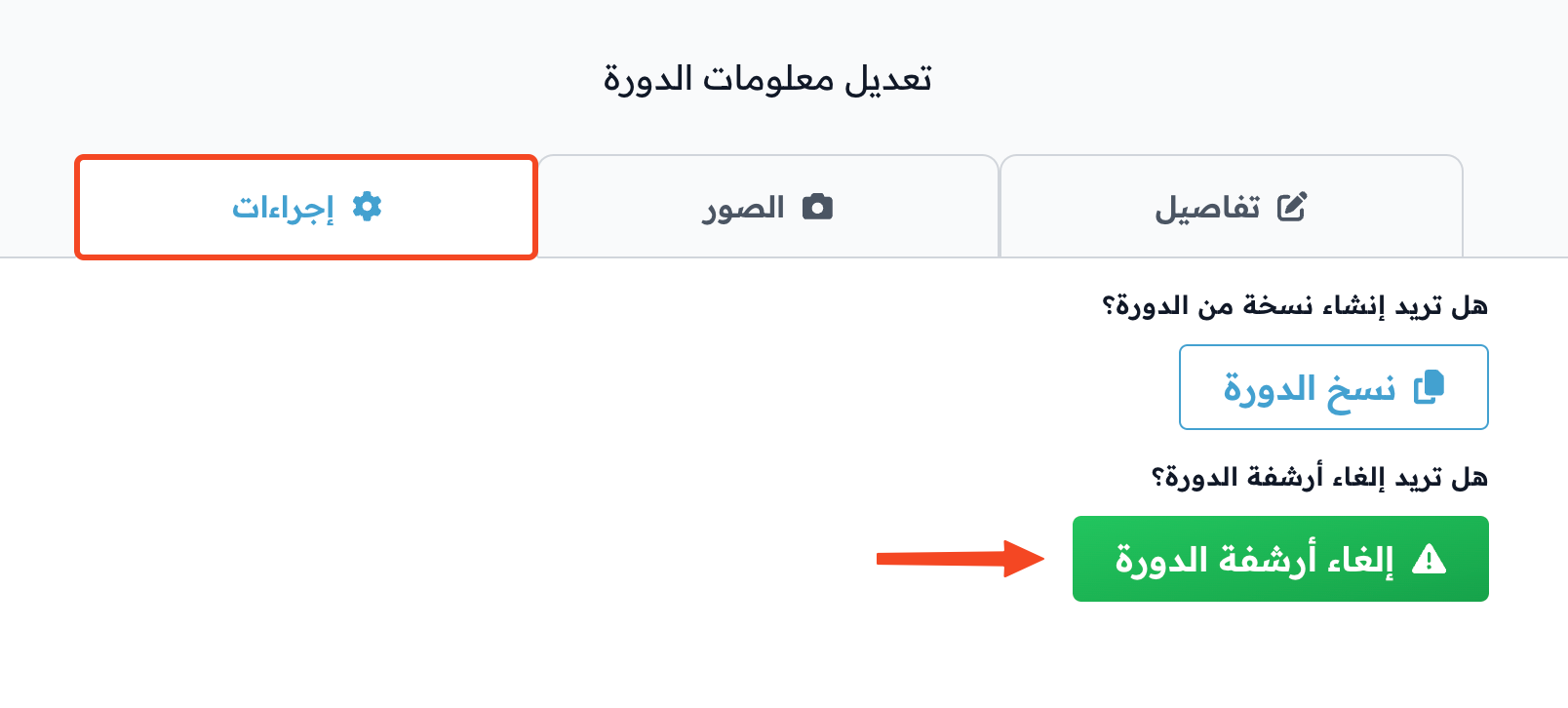
-
The message Are you sure you want to unarchive the course? shows. Click OK to confirm.

Note
To unarchive a course, you need an active subscription to one of the Websites plans, or your platform must be in the free trial.