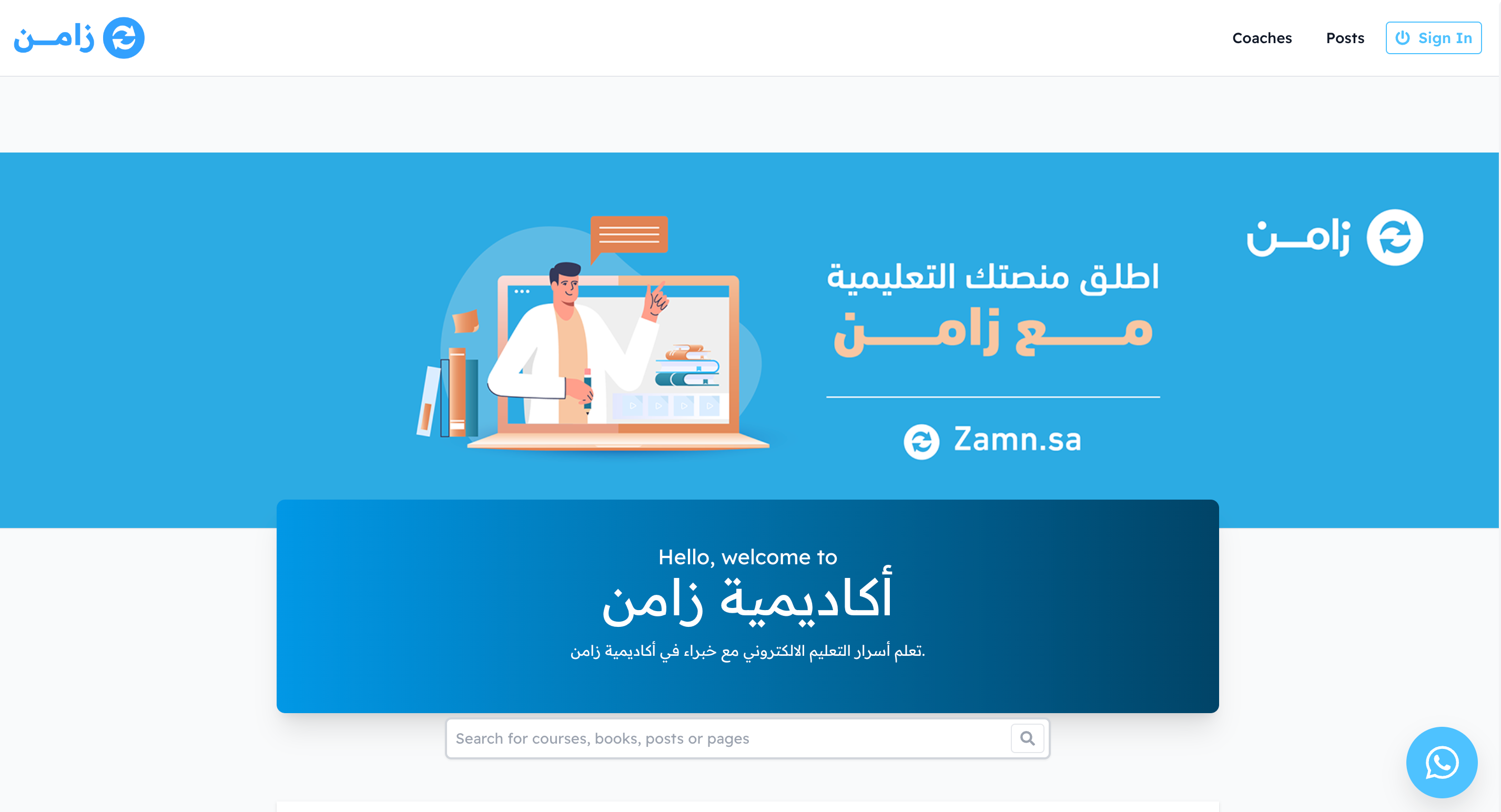
Change the platform language for visitors
You can choose the language your platform shows to visitors. These steps are for platform admins.
Steps to change the platform language for visitors
-
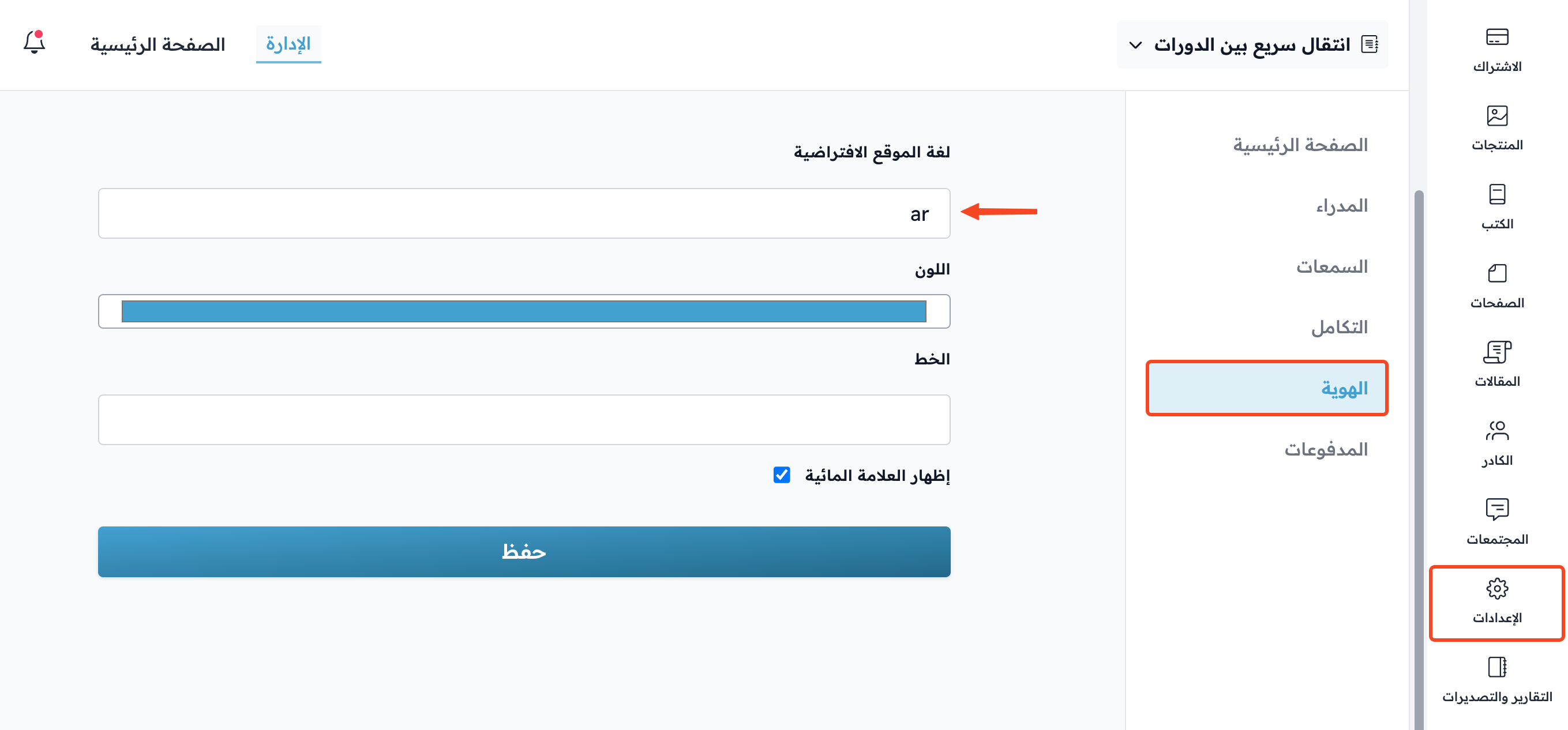
From the dashboard, go to Settings, then to the Branding page.
-
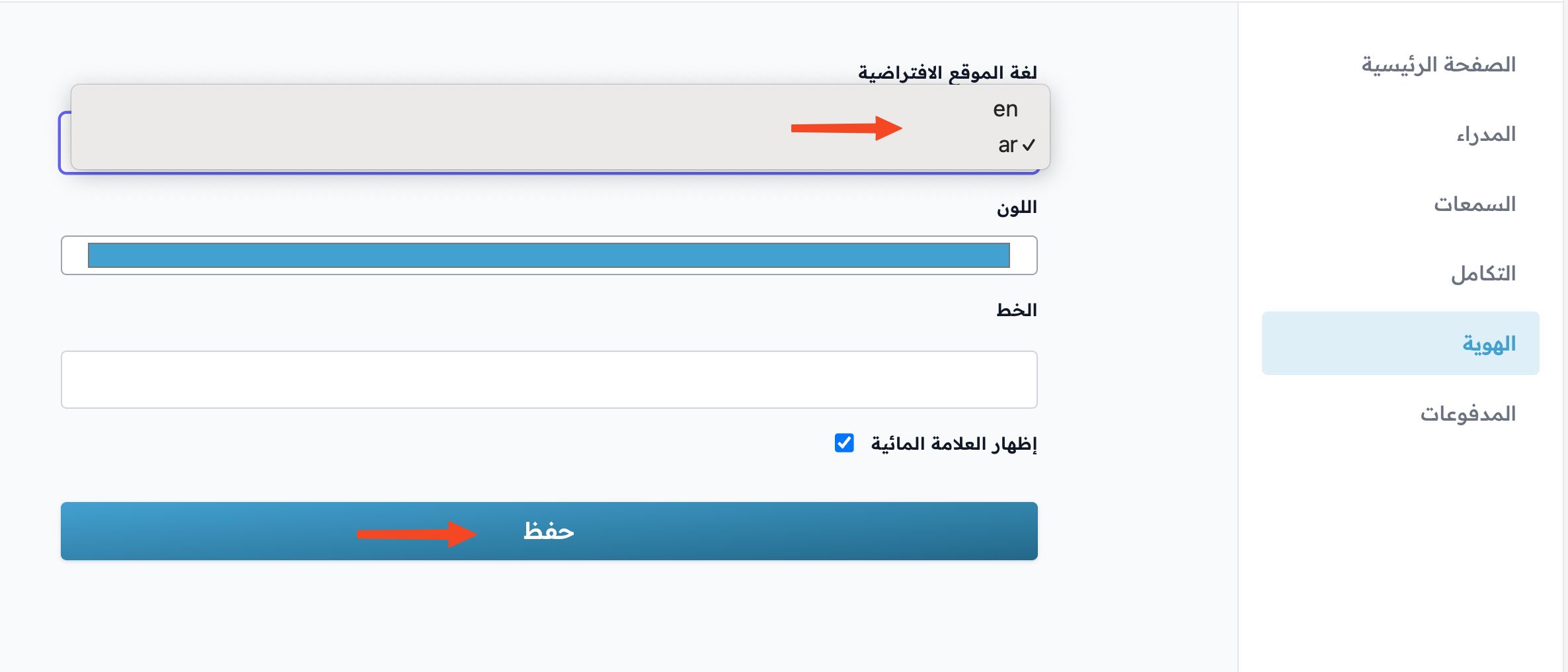
Click the Site default language field.
-
From the list, choose ar for Arabic or en for English.
-
Click Save.
Note
The Site default language field shows only if you have the Pro plan from the Websites plans, or during the free trial.
How the platform looks to visitors
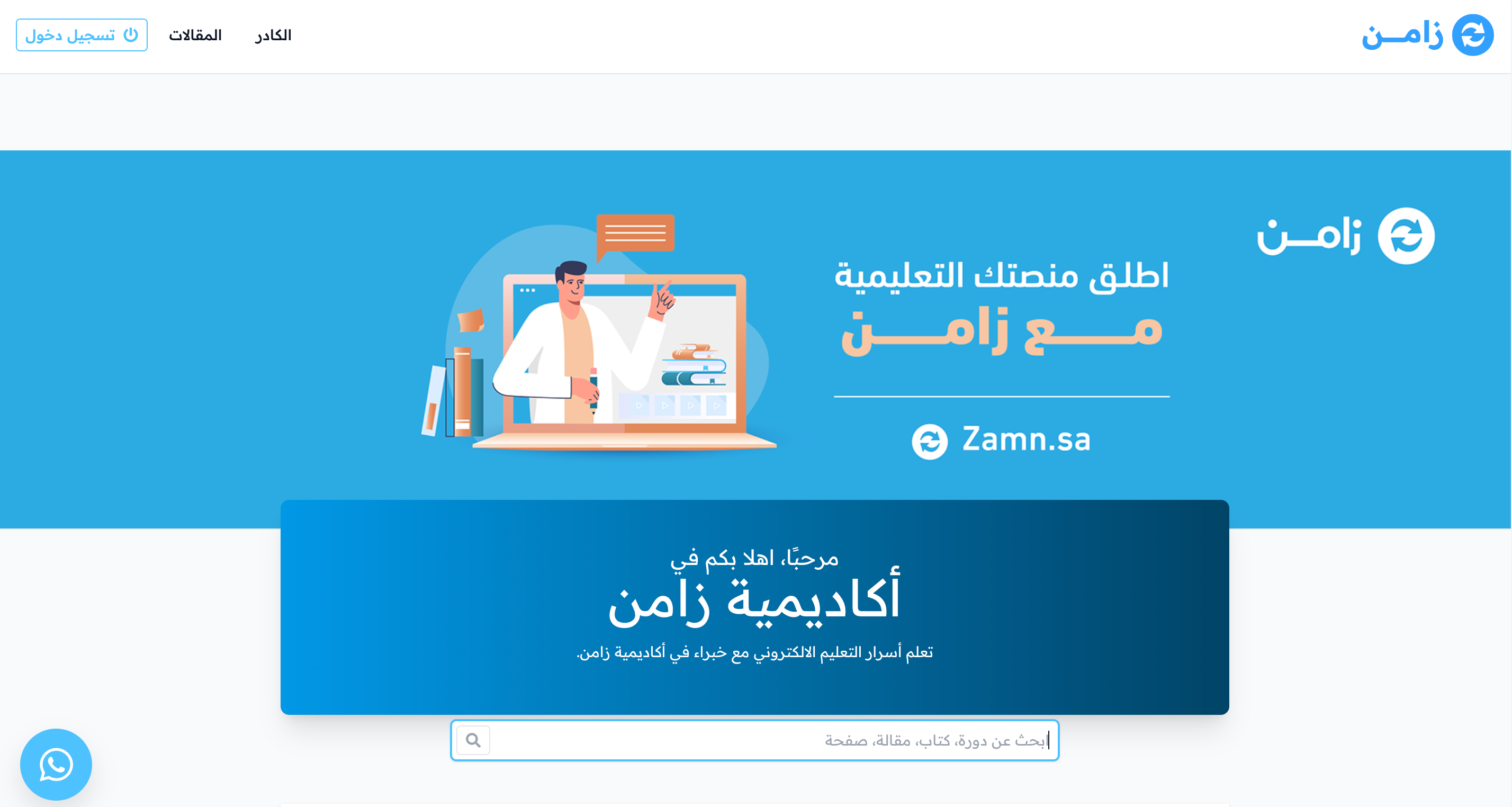
The platform in Arabic, as a visitor sees it:
The platform in English, as a visitor sees it: