Share a course link
You can share the link of the public page of any course on your platform, so people can see it and enroll. These steps are for platform admins.
Steps to share a course link
-
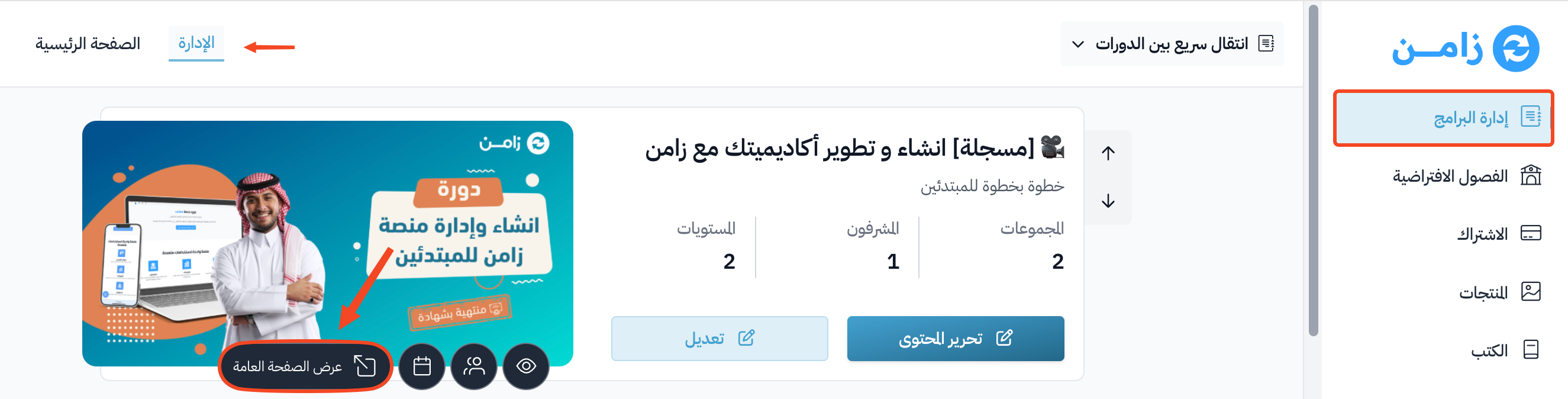
On the Courses page in your platform dashboard, click View public page on the course you want to share.
-
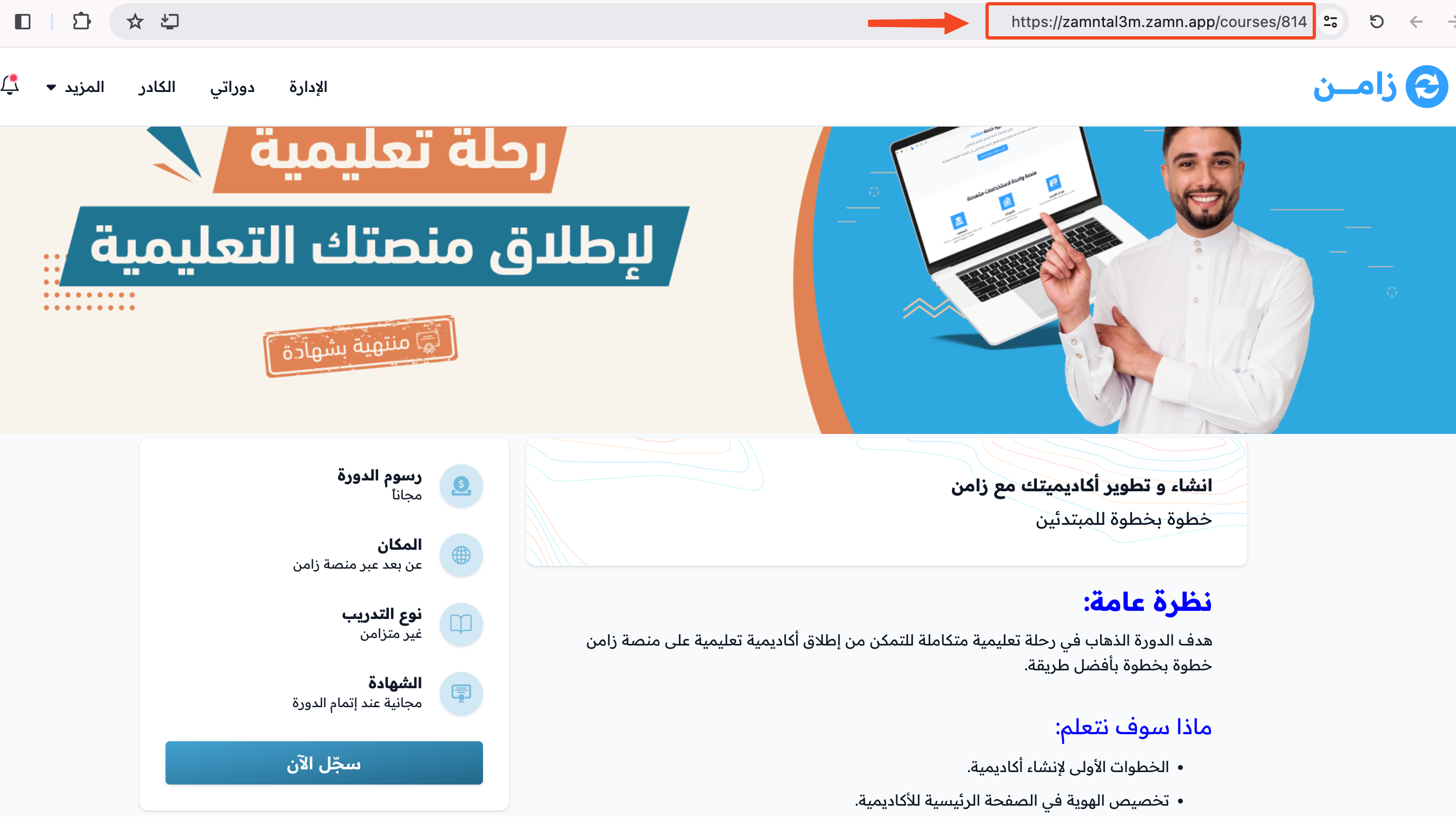
The public page of the course opens in a new tab. Copy the link from the browser address bar, then share it.