Self-evaluation and quiz question types
Self-evaluation quizzes help students check that they understand. As soon as students finish the quiz, they see their right and wrong answers, with no need for a coach to review or step in. To learn how to create a quiz, read this article.
Question types
Self-evaluation quizzes have three question types:
Single Choice
- A question comes with several choices.
- The student picks only one correct answer.
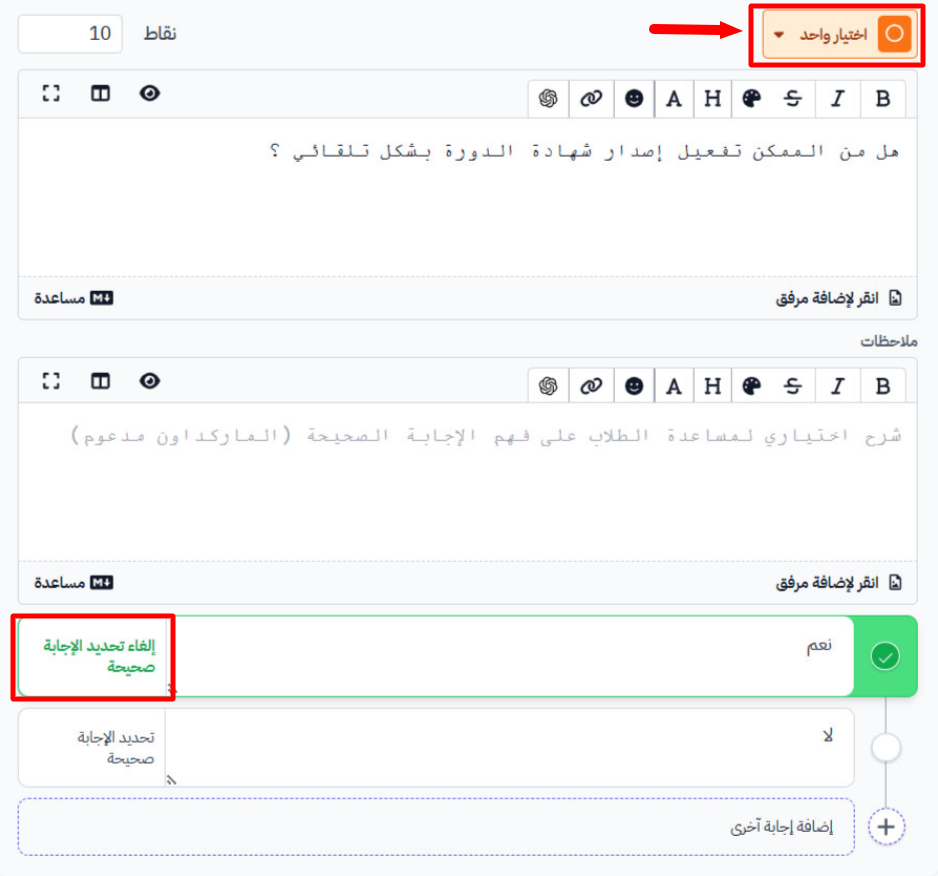
In the dashboard, you type the question with a list of choices, and mark the correct answer ahead of time.
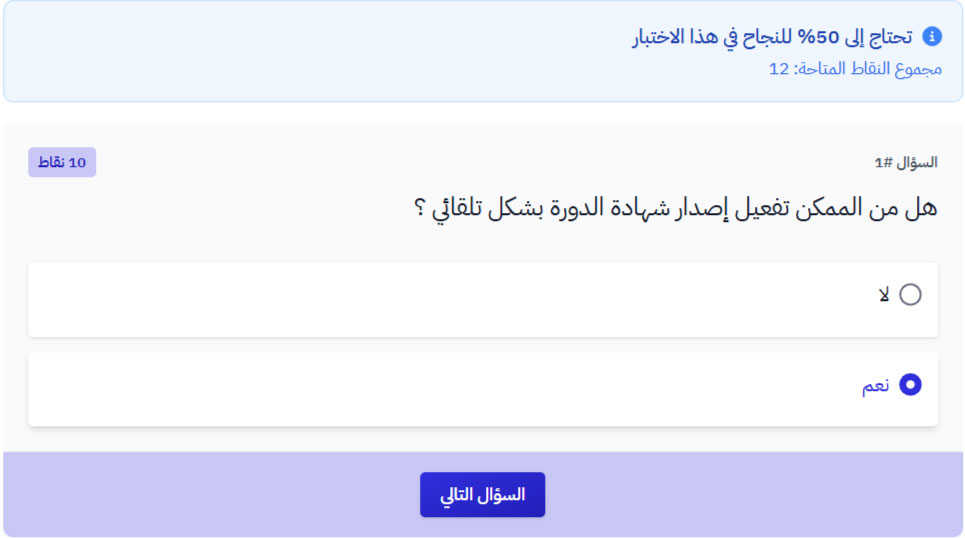
The student sees the question with the choices, and can pick only one.
Multiple Choice
- A question comes with several choices.
- The student must pick all the correct answers, not just one.
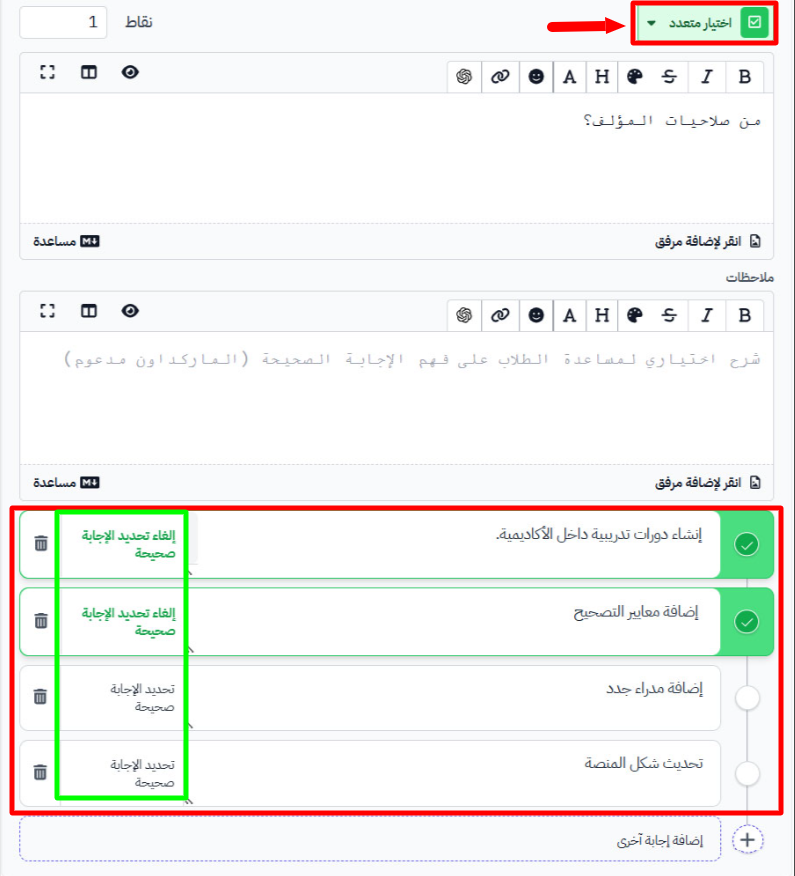
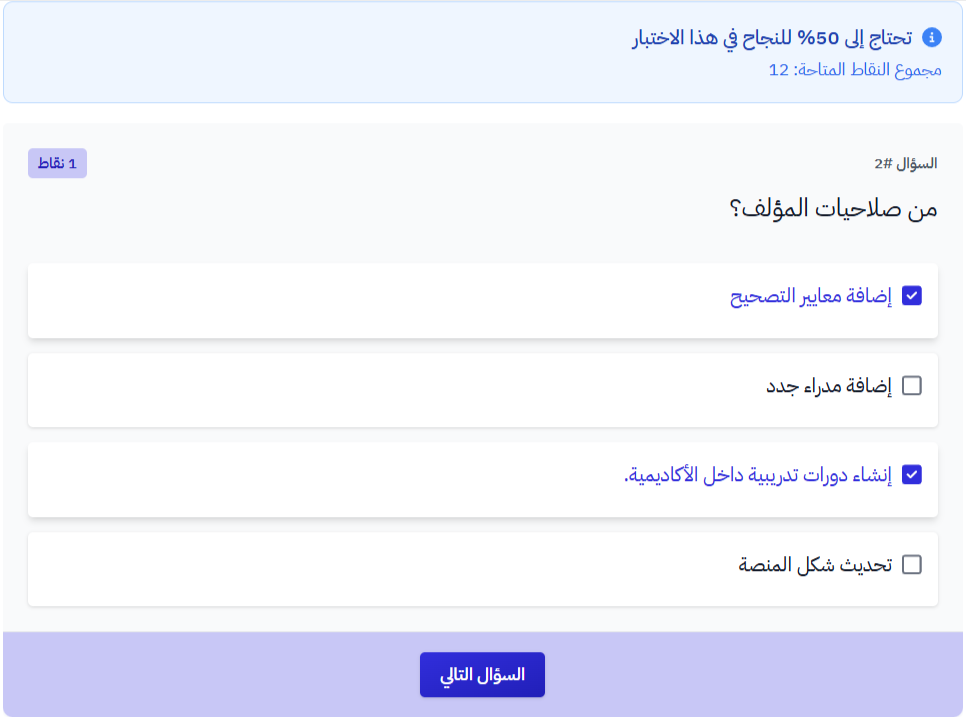
In the dashboard, you type the question and mark more than one choice as correct.
The student sees the question with the choices, and can pick more than one.
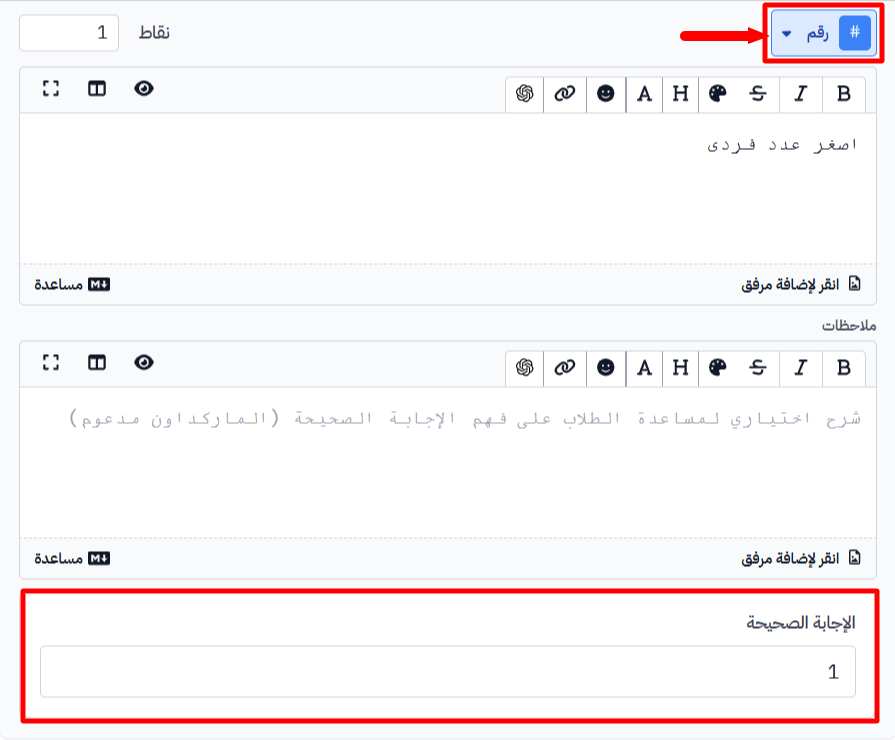
Number
The student's answer must be a number only.
In the dashboard, you type the question, then type the right number in Correct Answer.
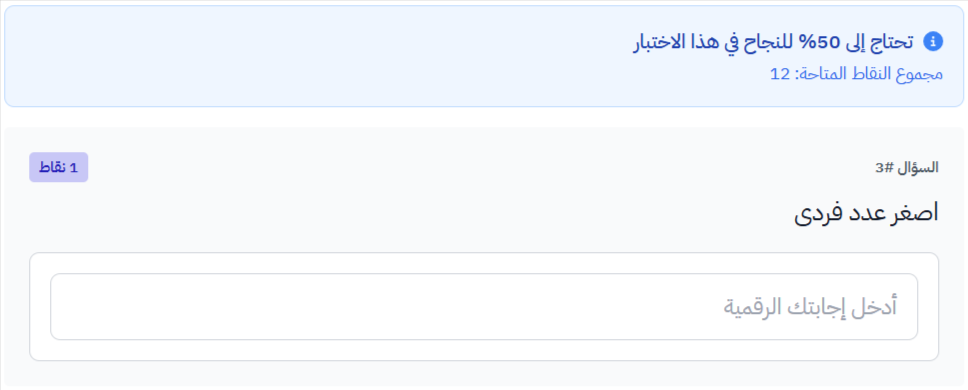
The student sees the question and types a number as the answer.