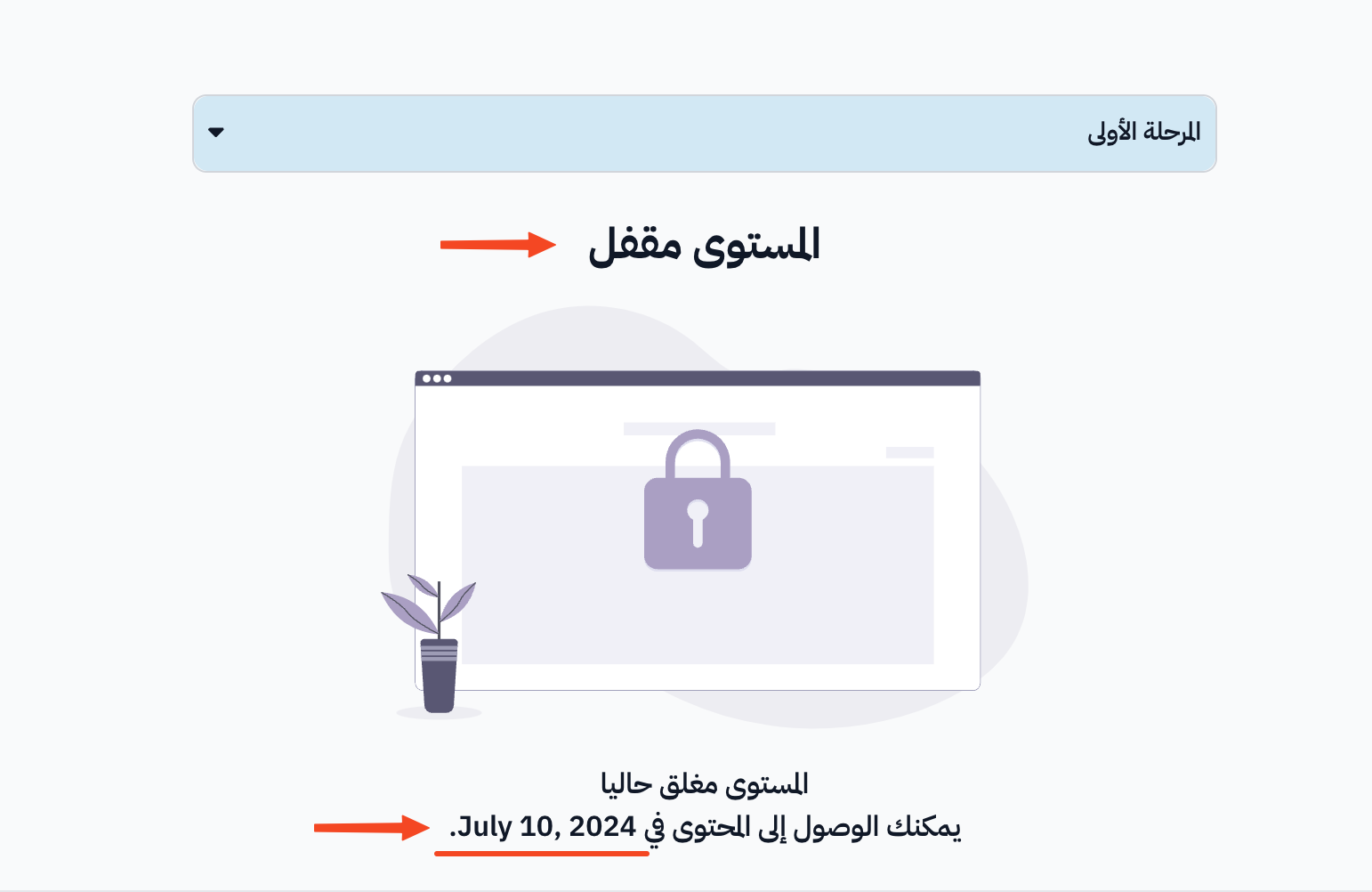
Set a section opening date
You can choose a date when a section (level) of a course opens. The section stays locked for students until that date.
Steps to set a section opening date
-
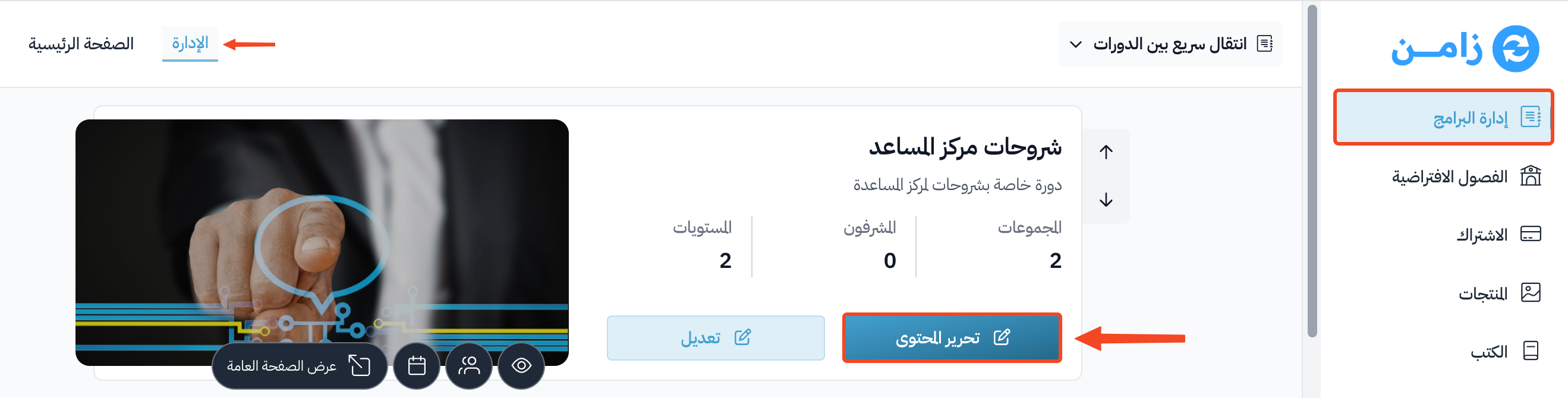
On the Courses page, click Edit Curriculum on the course whose sections you want to schedule.
-
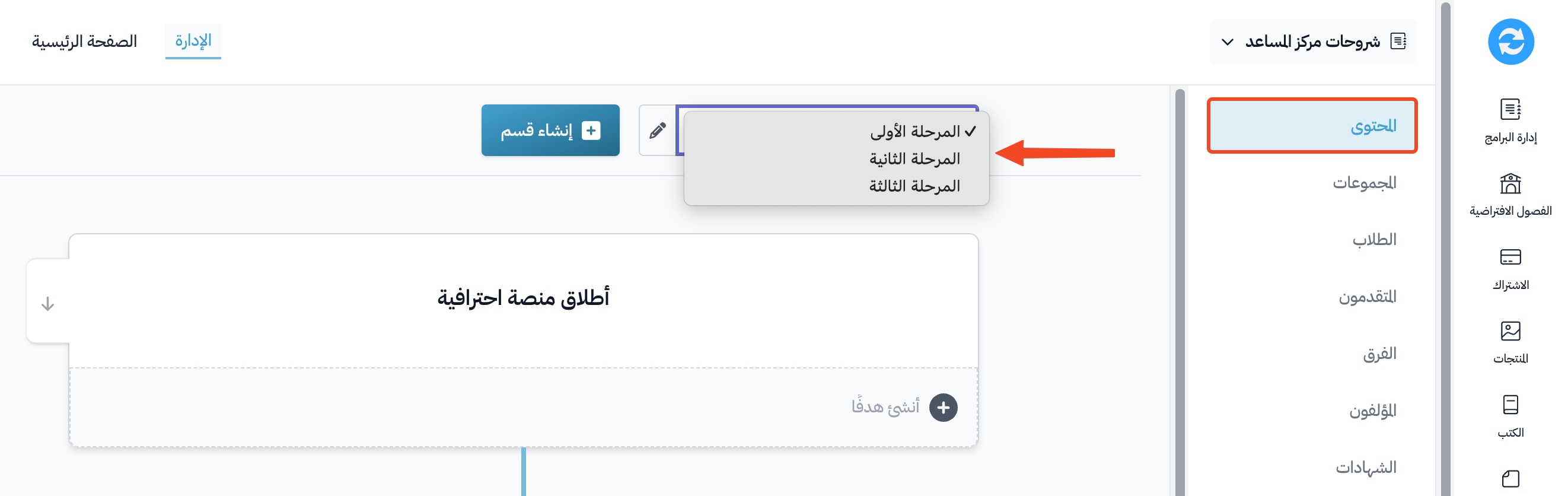
Choose the section you want to schedule from the list of sections.
-
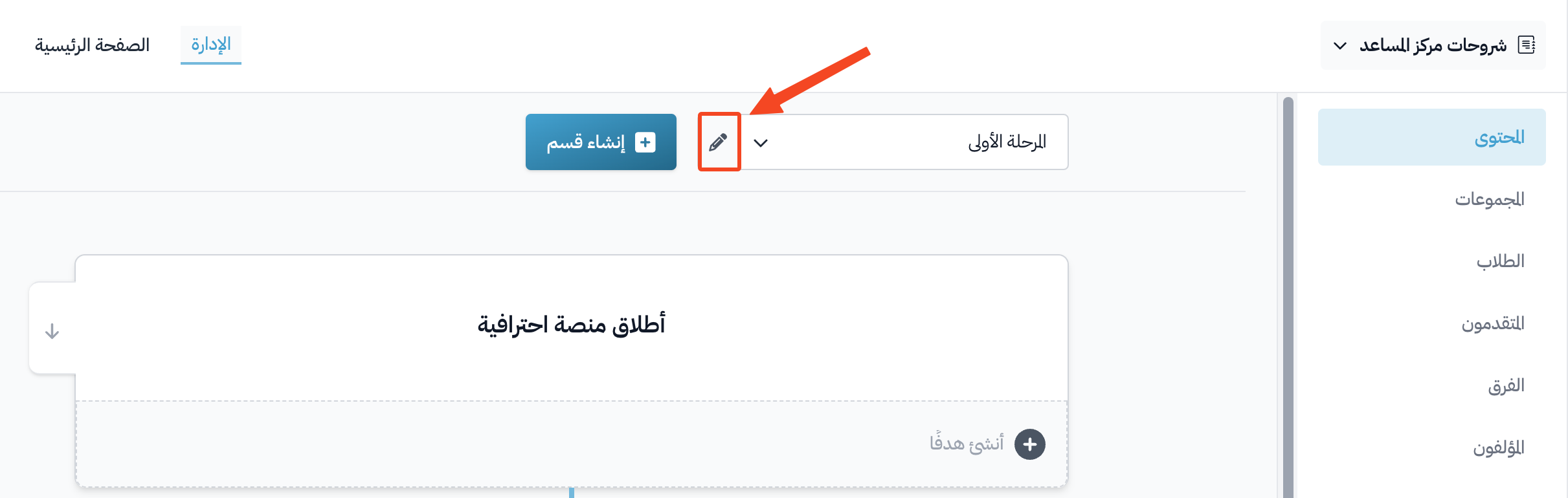
Click the edit button (pencil icon) next to the section.
-
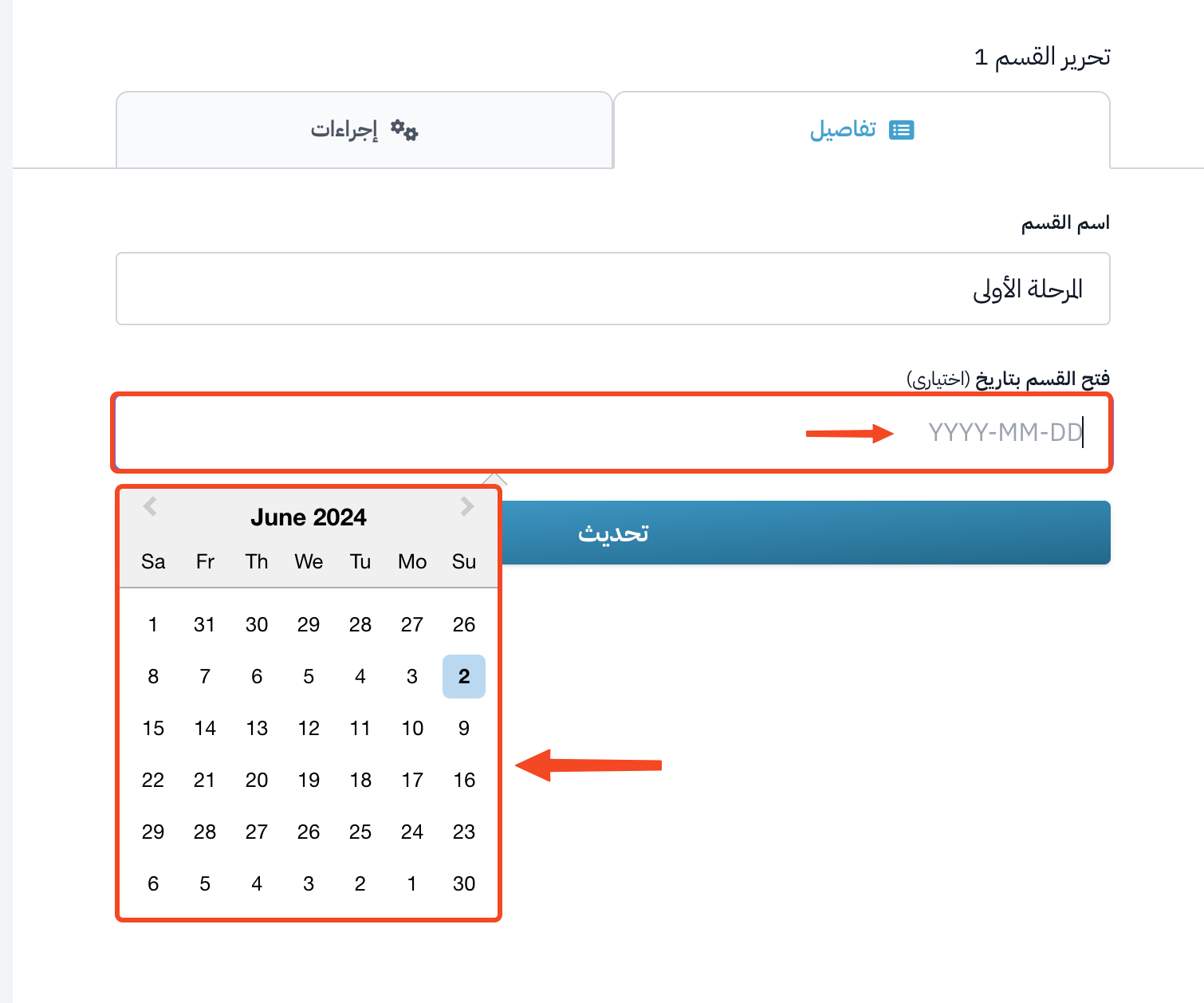
Click the Unlock section on field, and choose the opening date.
-
After you choose the date, click Update to save.
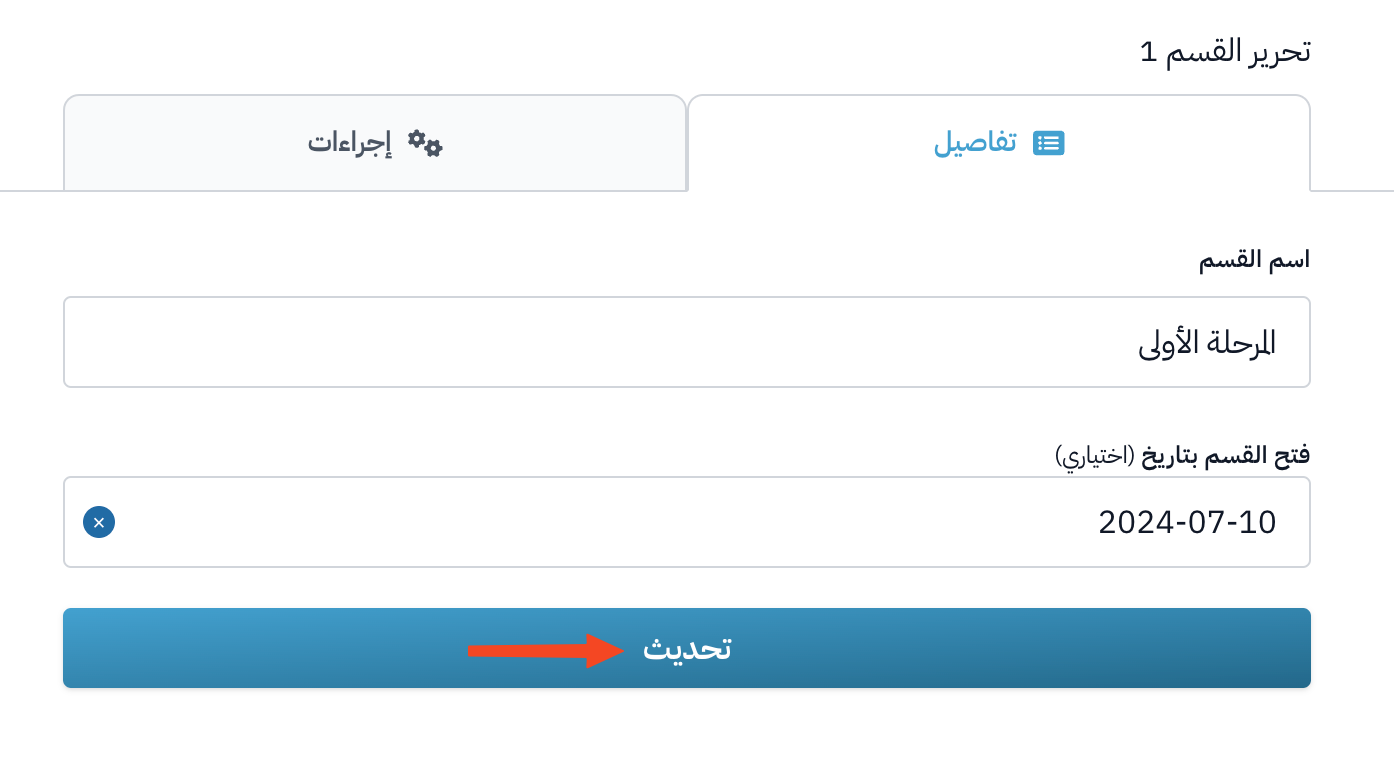
After that, students see the section as locked, with its opening date, so they know when they can open its content.