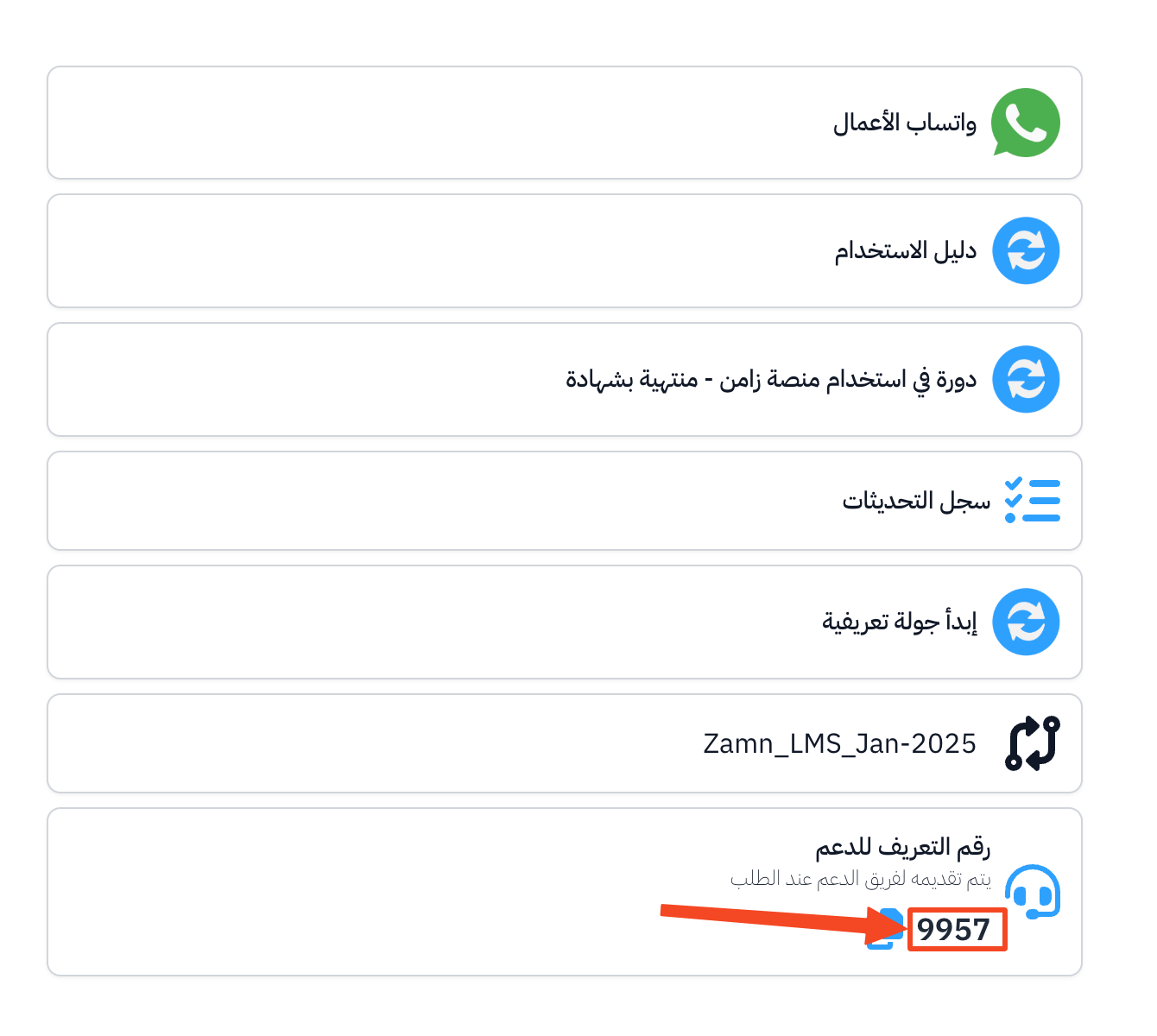
Get your support PIN
The Zamn support team may ask you for your Support PIN when they help you. Follow these steps to get it.
Steps to get your support PIN
-
In the dashboard, click your profile icon.
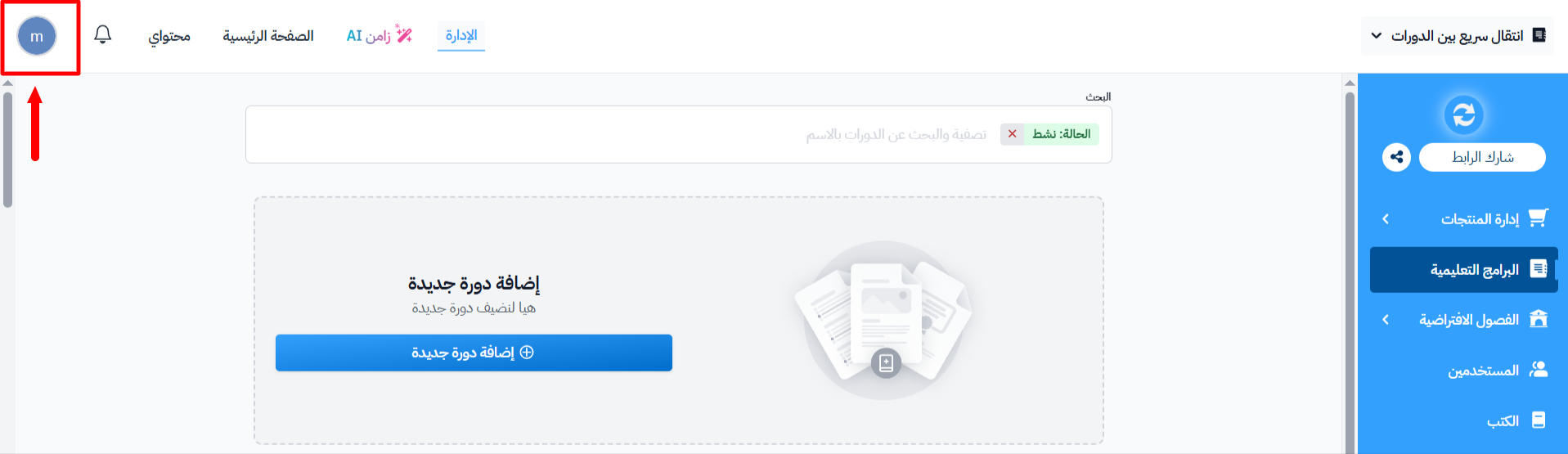
-
From the menu, choose Support.
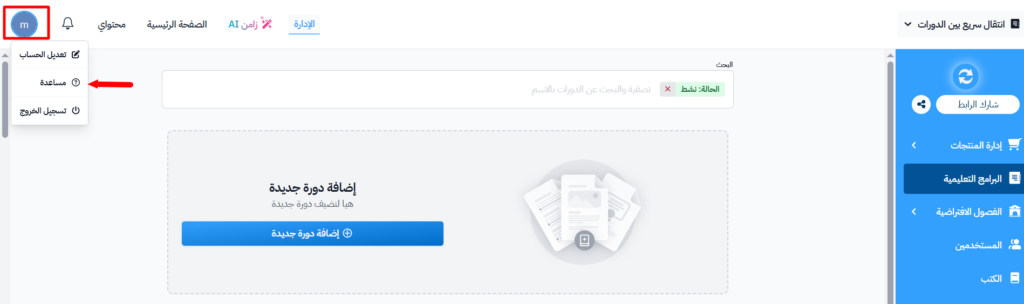
-
Copy the Support PIN with the copy icon next to it, and share it with the support team when they ask.