Add your platform logo
Your logo shows to your users on every page of your platform. This article is for platform admins. It shows how to add or change the logo.
Steps to add or change the logo
-
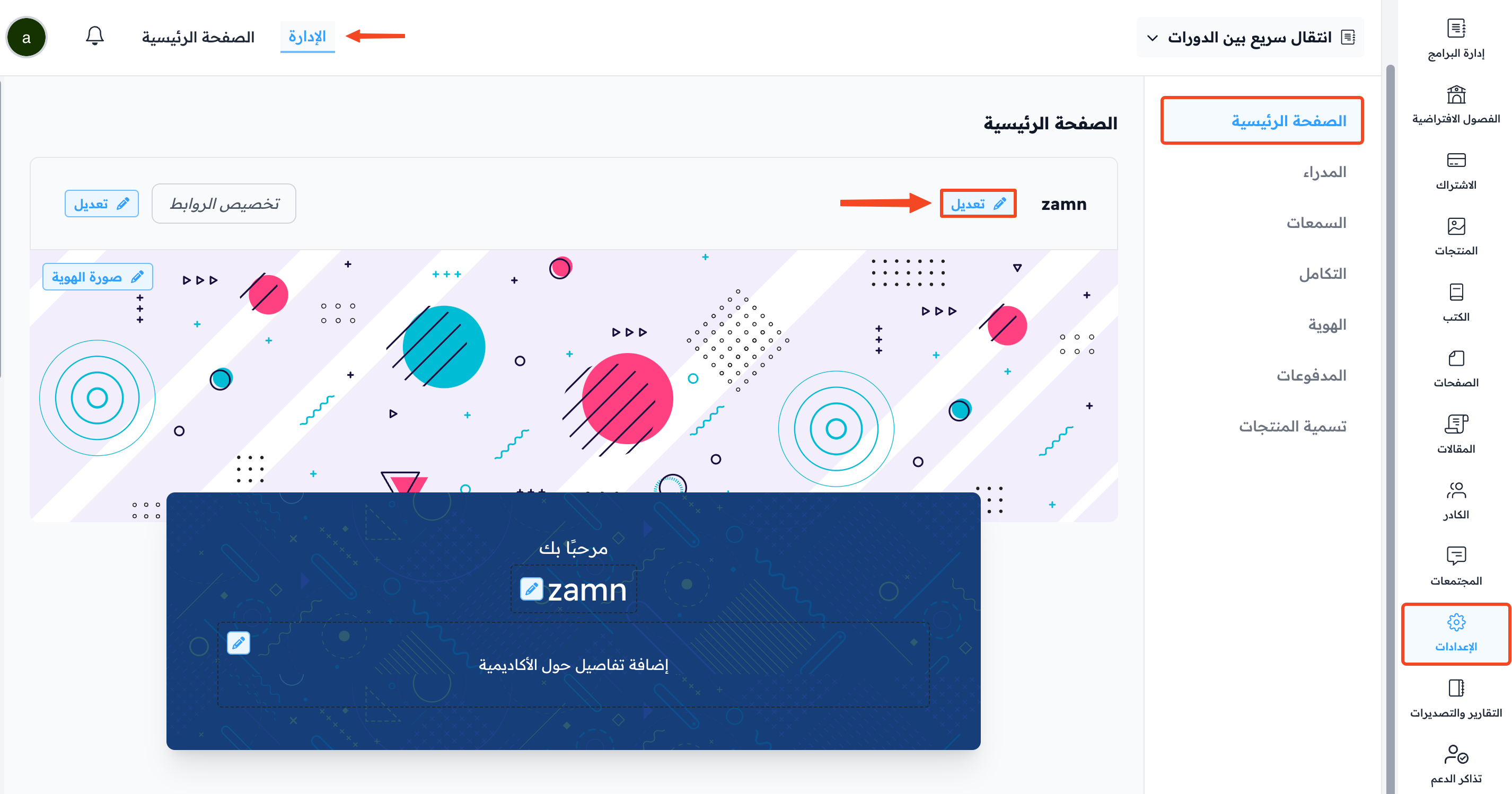
From the dashboard, go to Settings, then to the Customization page.
-
Click Edit next to the logo.
-
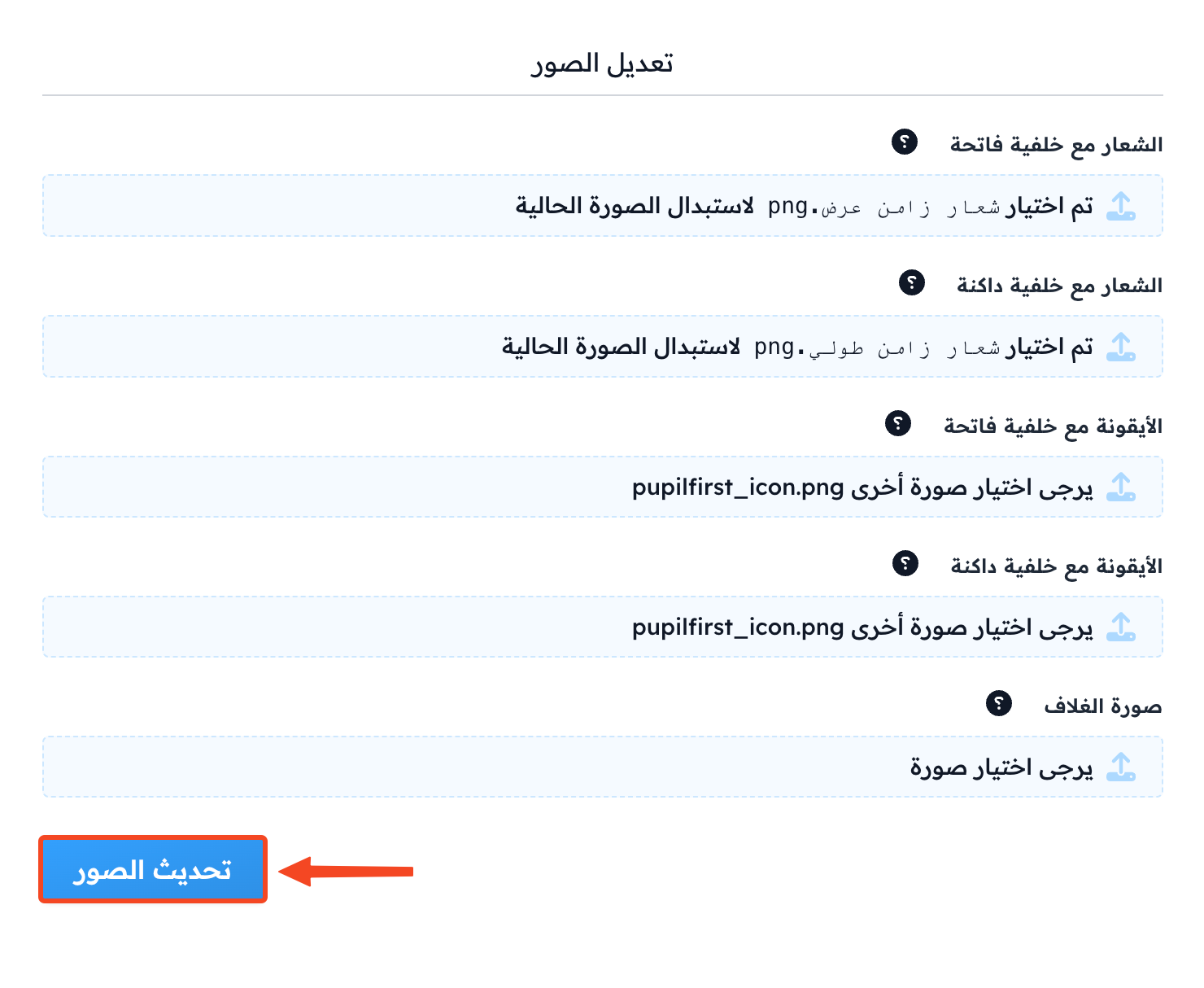
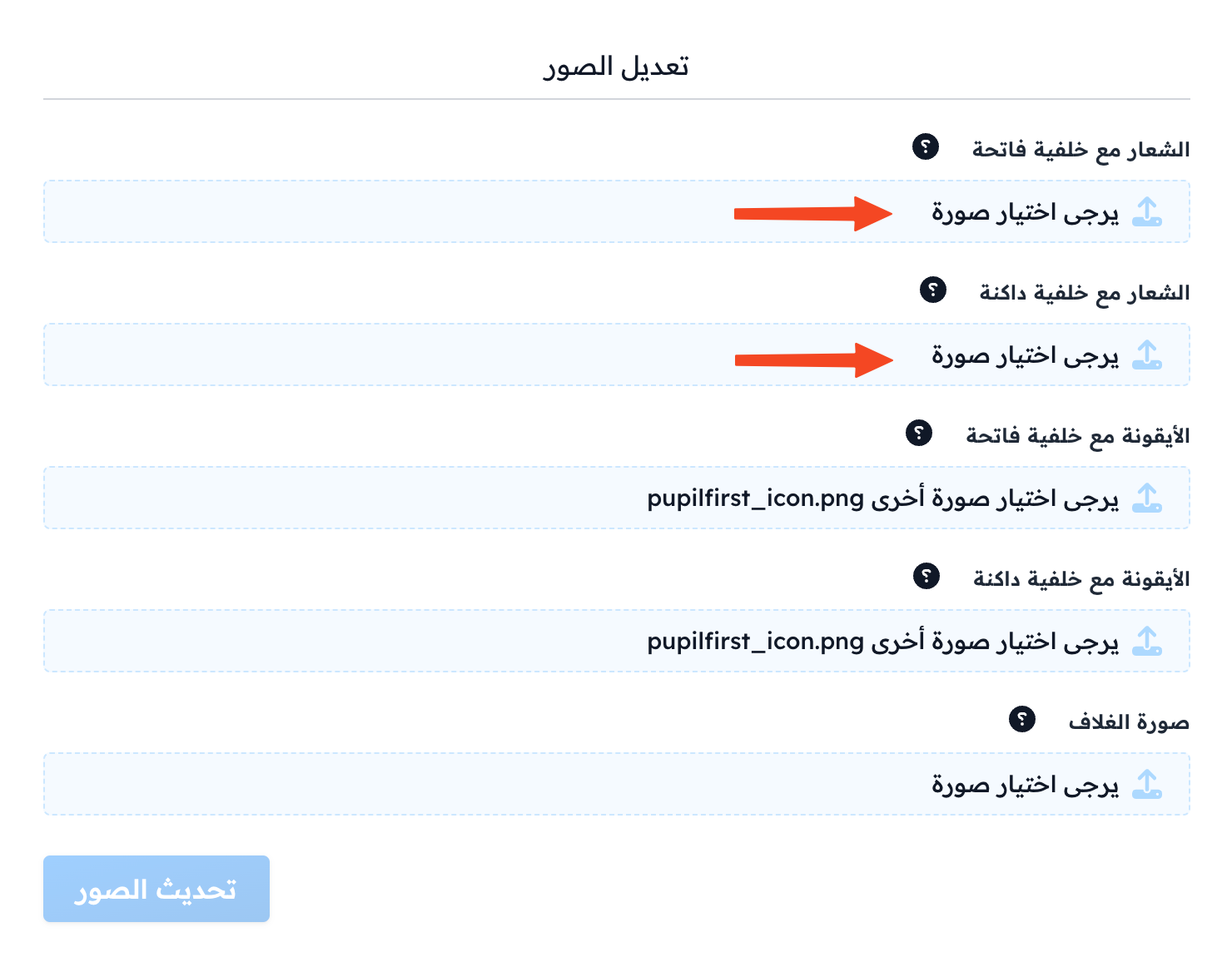
Upload your platform logo:
- Logo on a light background: for light mode.
- Logo on a dark background: for dark mode.
tipThe recommended logo size is 512 × 512 (1:1 ratio). The image must be a JPEG or PNG file under 2 MB.
-
Click Update Images to save.