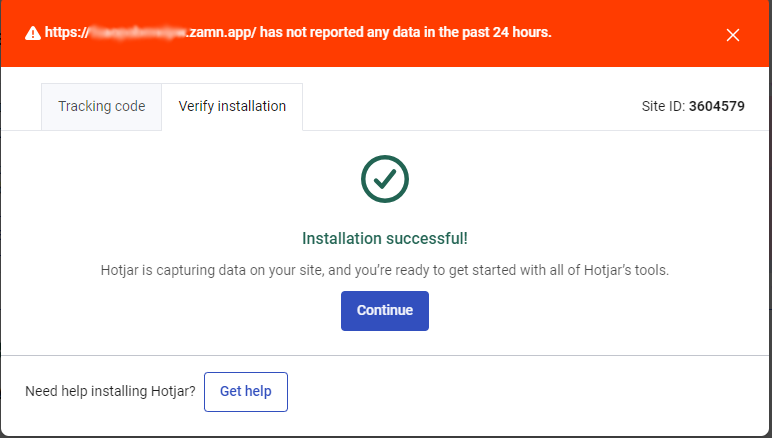
Connect your platform with Hotjar using GTM
What is Hotjar?
It is a tool that tracks the visitors and customers on your platform and records how they move. It gives you all the details you need to understand customer behavior, and to check and improve how your platform performs.
Steps to connect your platform with Hotjar using GTM
- Sign up for Hotjar.
- Connect Hotjar with Google Tag Manager.
You must first connect Google Tag Manager to your platform, then connect your platform with Hotjar using Google Tag Manager.
1. Steps to sign up for Hotjar
-
On the Hotjar website, click Start free with email.

-
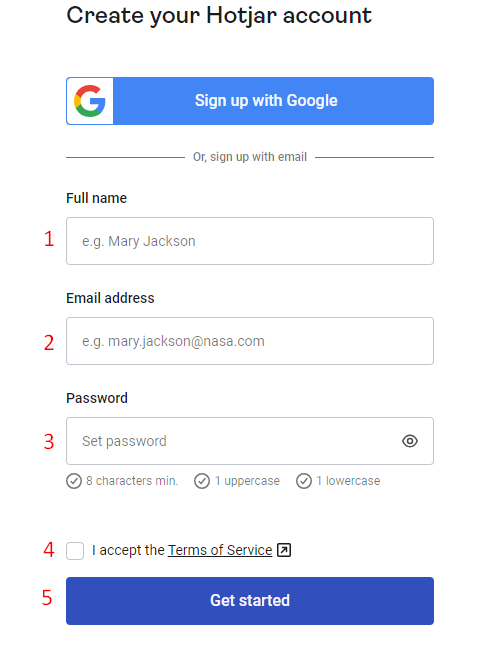
Enter the needed details:
- Full name.
- Your platform's email address.
- Password.
- Accept the terms of service.
- Click Get Started to save and start.
-
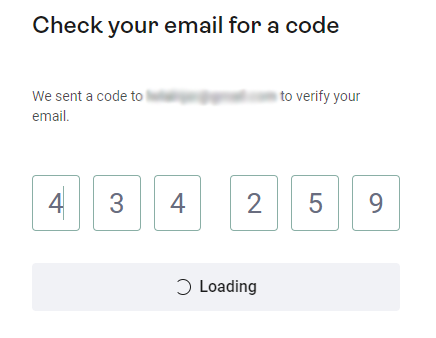
Enter the verification code that was sent to the email you used in the previous step.

-
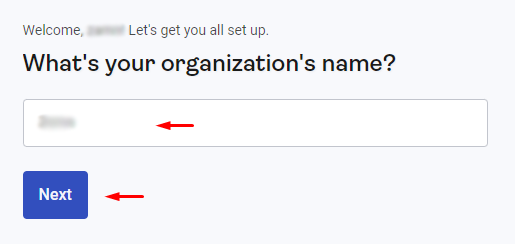
Type your platform name.
-
Choose about how many people work on your platform, then click Next.

-
Choose your role, then click Next.

-
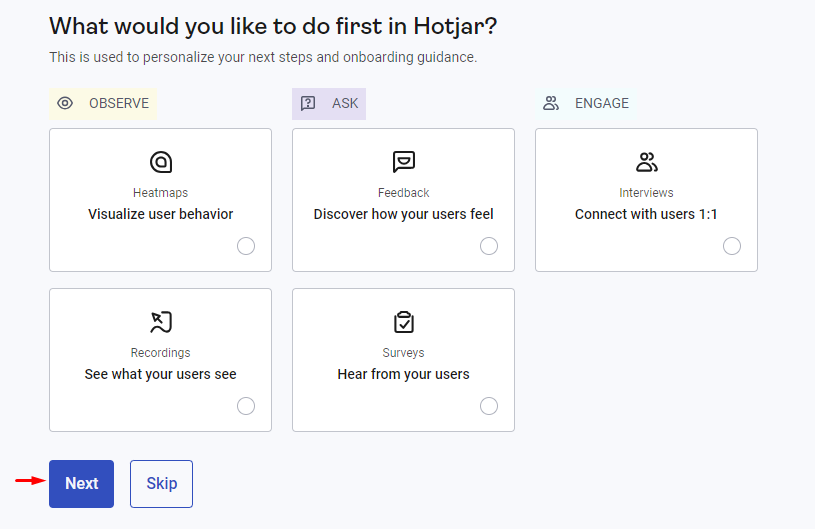
Choose what you want to do first in Hotjar, then click Next.
-
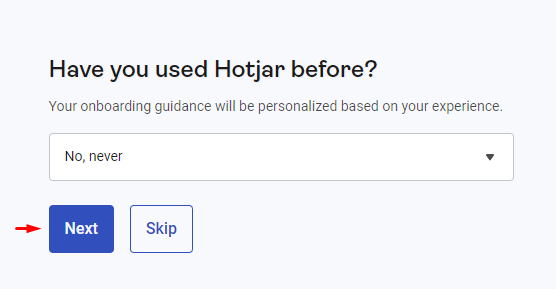
Choose whether you have used Hotjar before, then click Next.
-
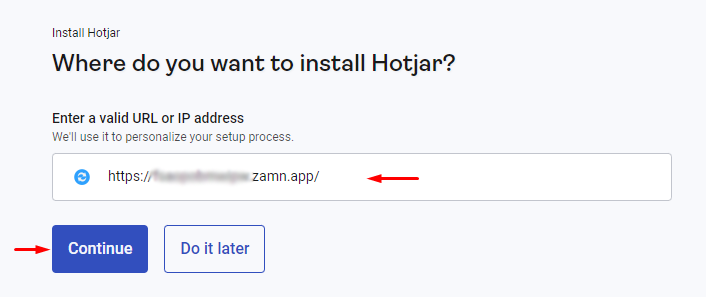
Type your platform link, then click Continue.
-
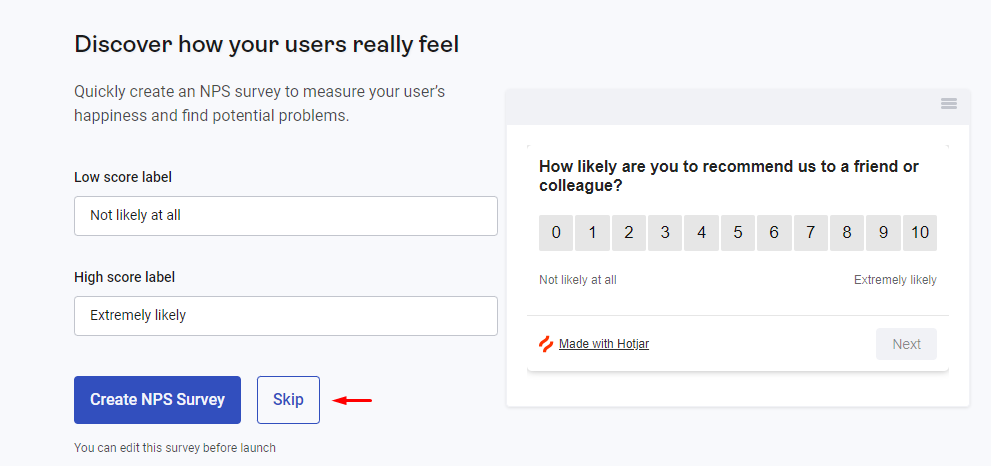
You can skip the next pages by clicking Skip.
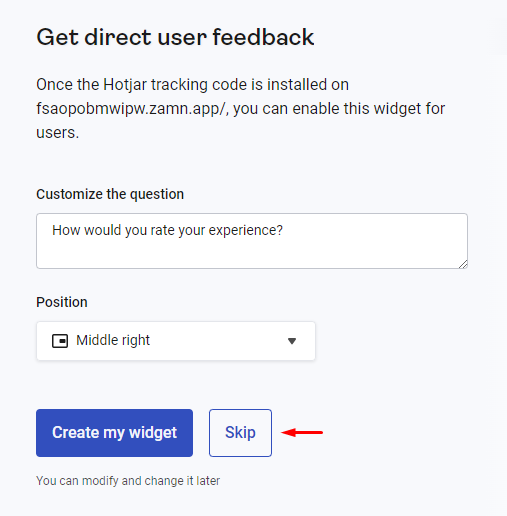
Your account is created and you are signed in to Hotjar.
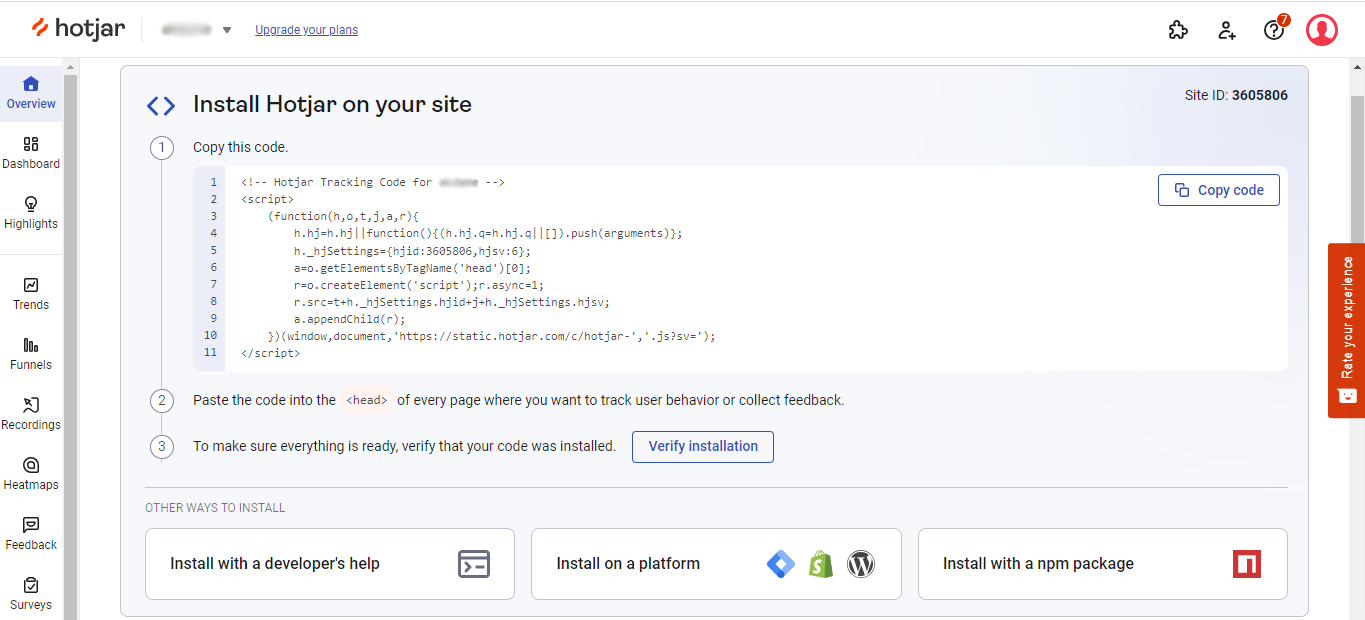
2. Steps to connect Hotjar with Google Tag Manager
-
Click Install on a platform.
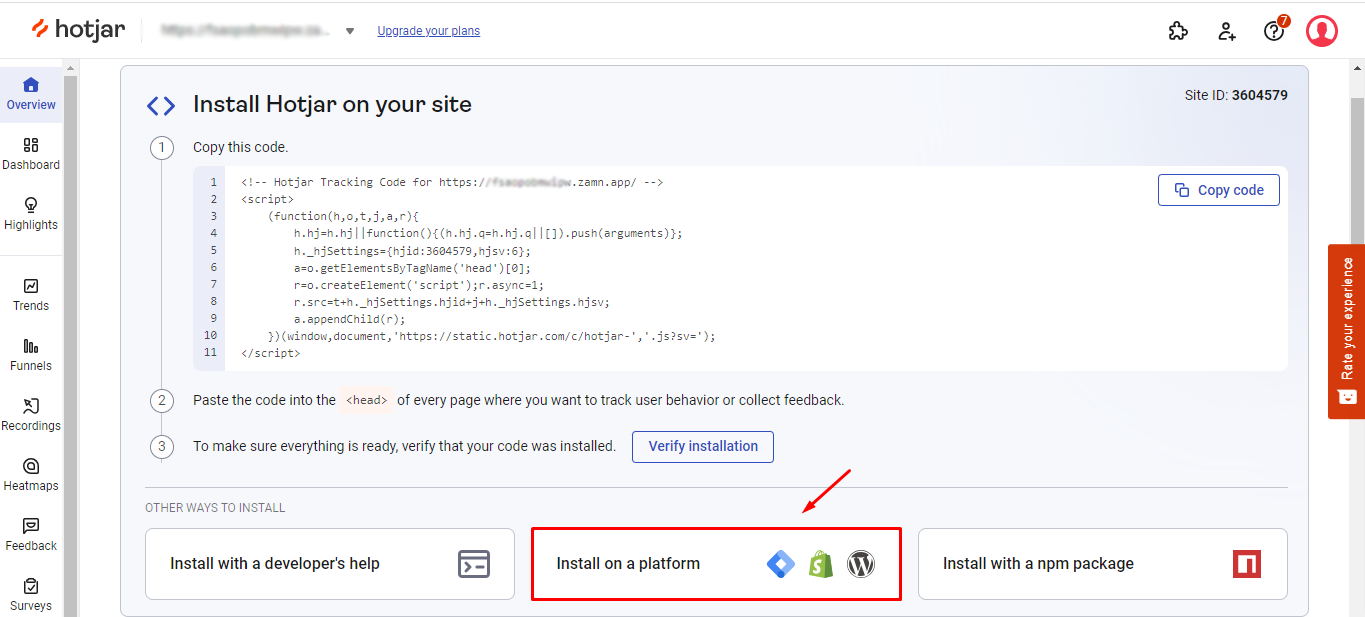
-
Choose Google Tag Manager.
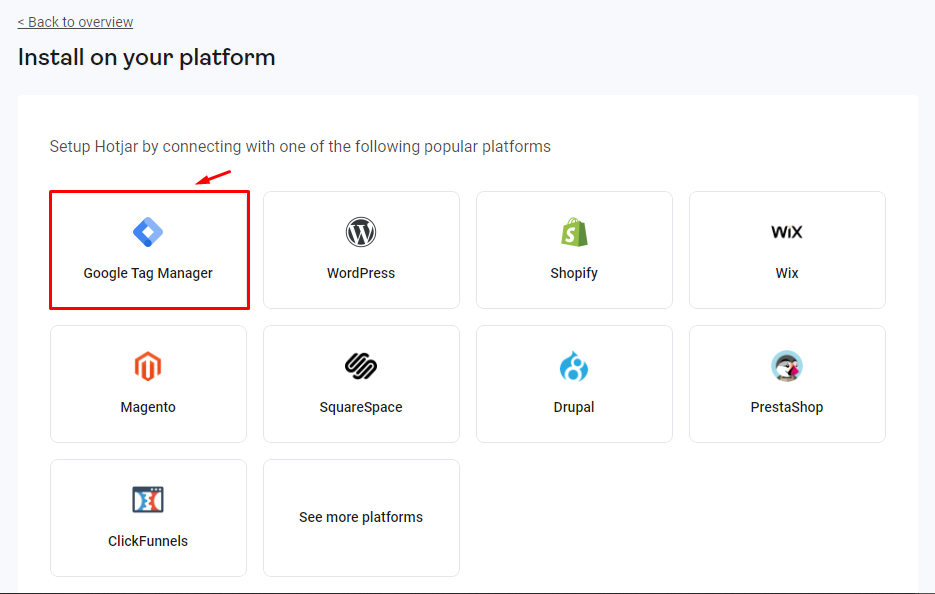
-
Choose the email account that you used for Google Tag Manager.

-
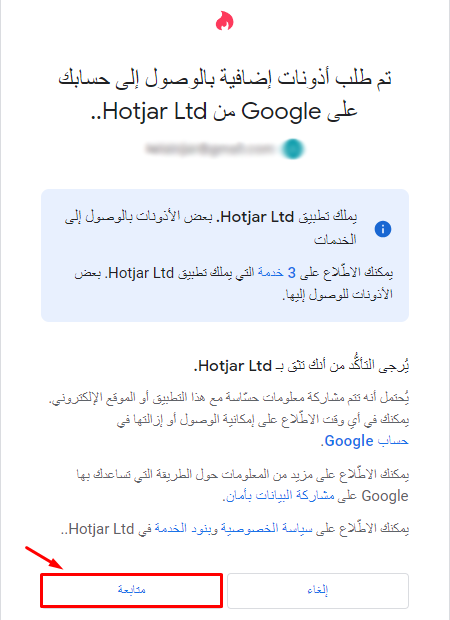
Click Continue to give access.
-
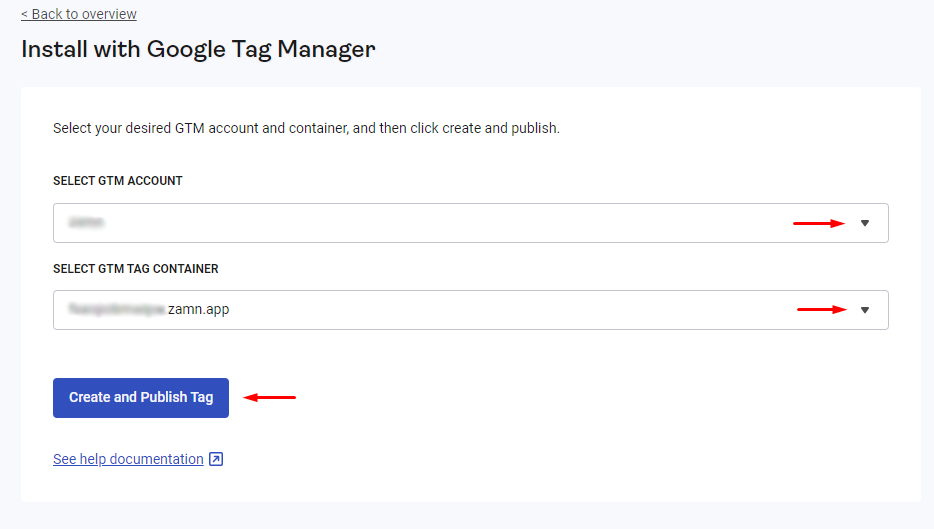
Choose the GTM account and container, then click Create and publish tag.
-
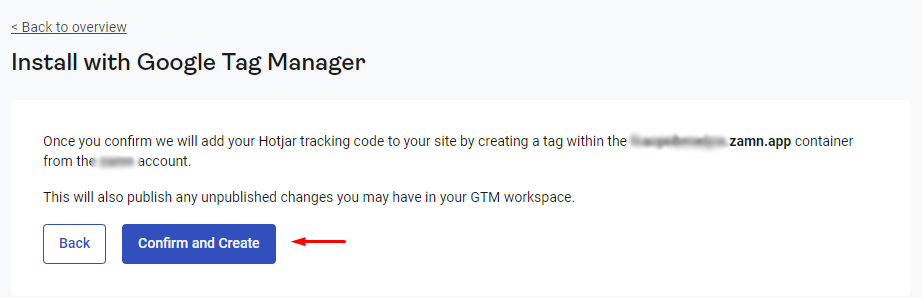
Click confirm and create to confirm.
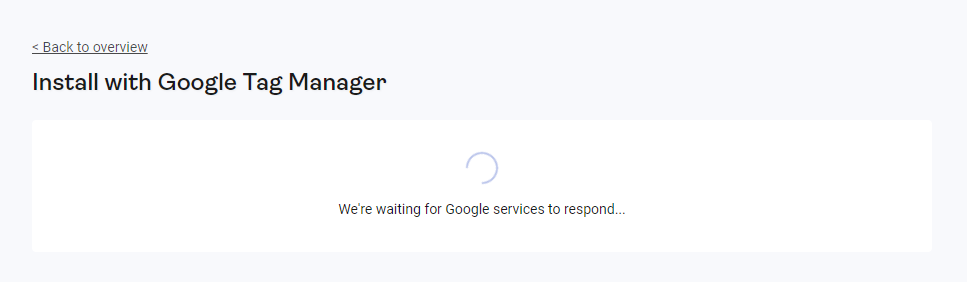
Wait a few seconds until the tag is created and published.
-
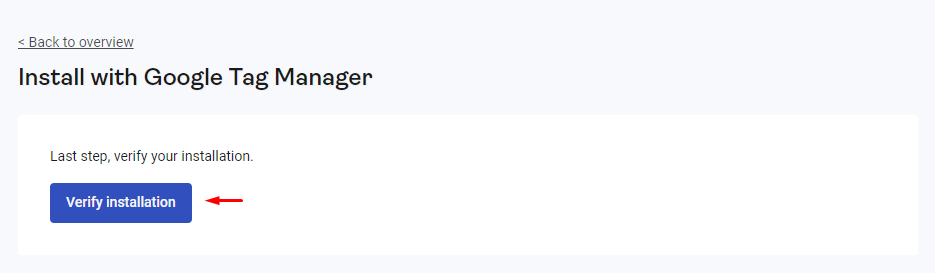
Click Verify installation to go to the page that checks the connection.
-
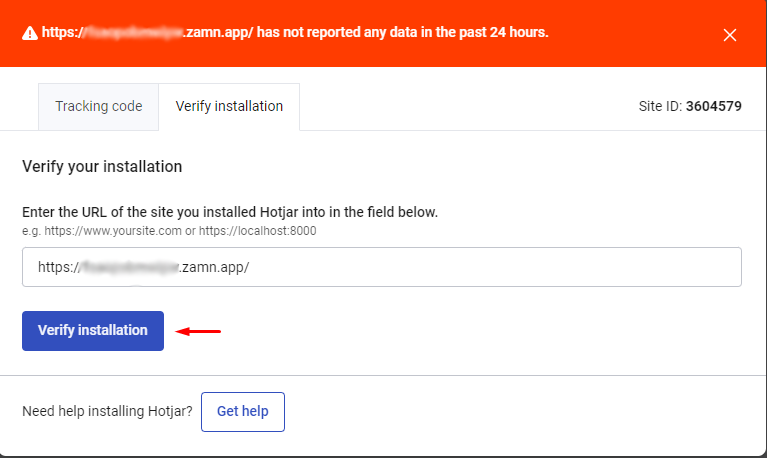
Click Verify installation to start the check.
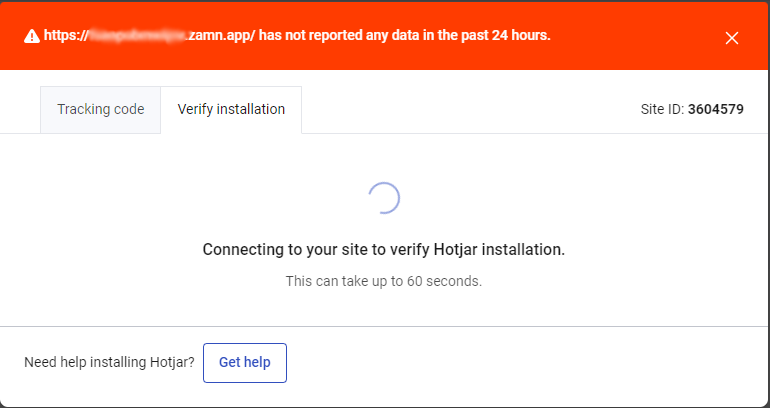
After the connection is confirmed, you can turn on tracking with heatmaps, recordings and more.