Add getting started instructions to a course
You can write getting started (start here) instructions for your students in the title and description of a target group in the course.
Steps to add getting started instructions
-
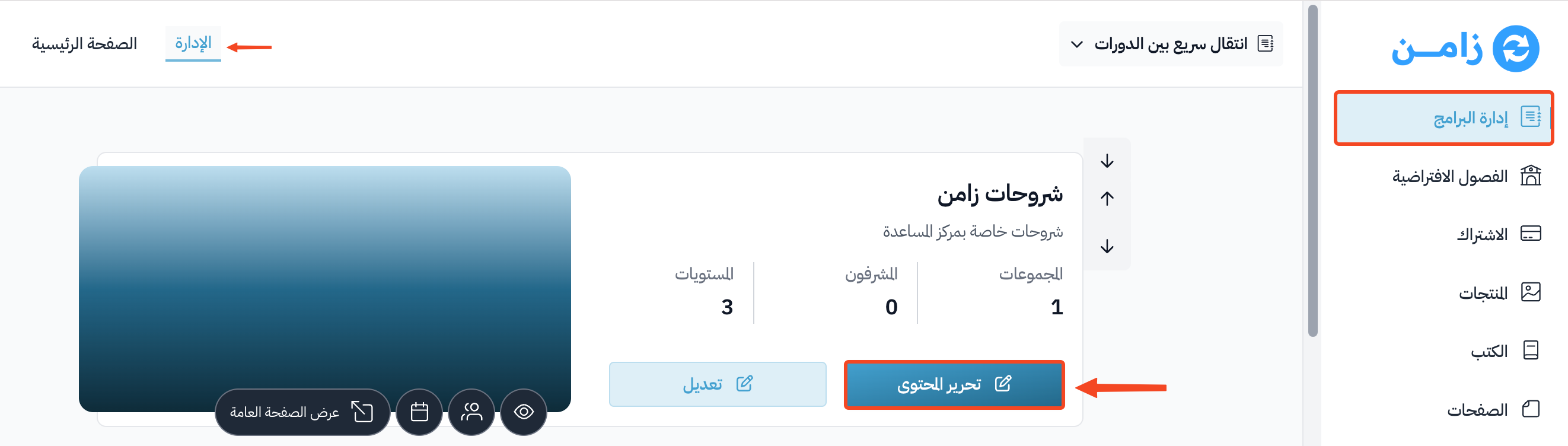
From the dashboard, click Courses, then click Edit Curriculum for the course.
-
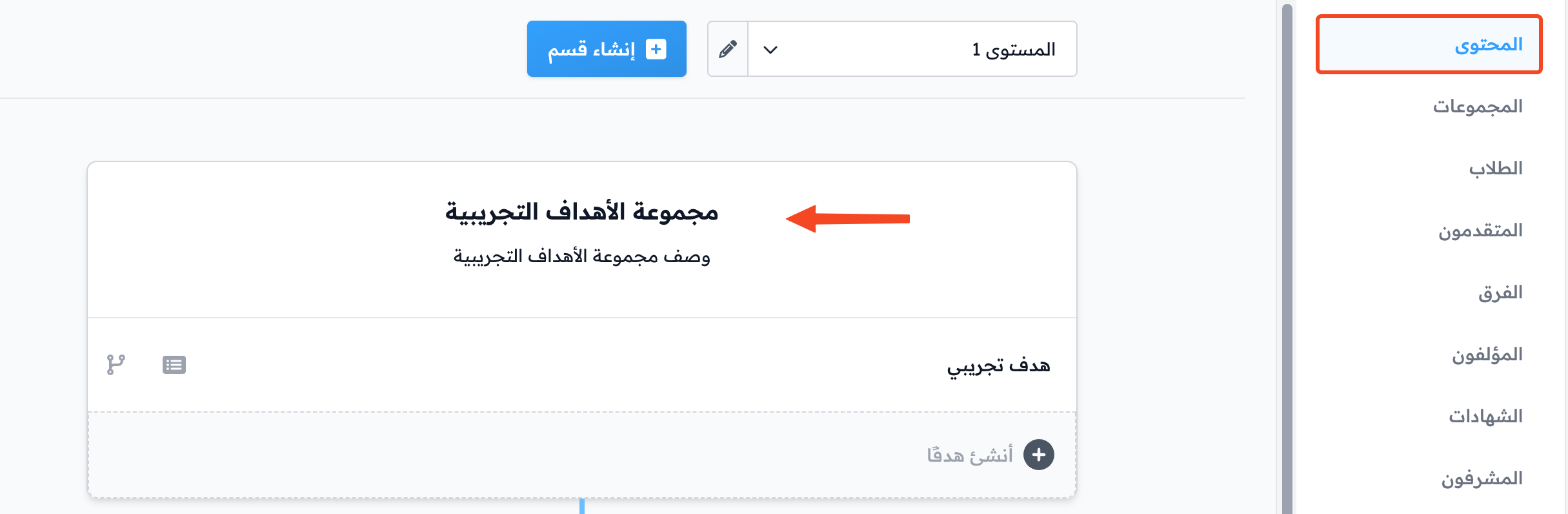
Click the title of the target group where you want to put the instructions to edit it, like the demo target group in the screenshot.
-
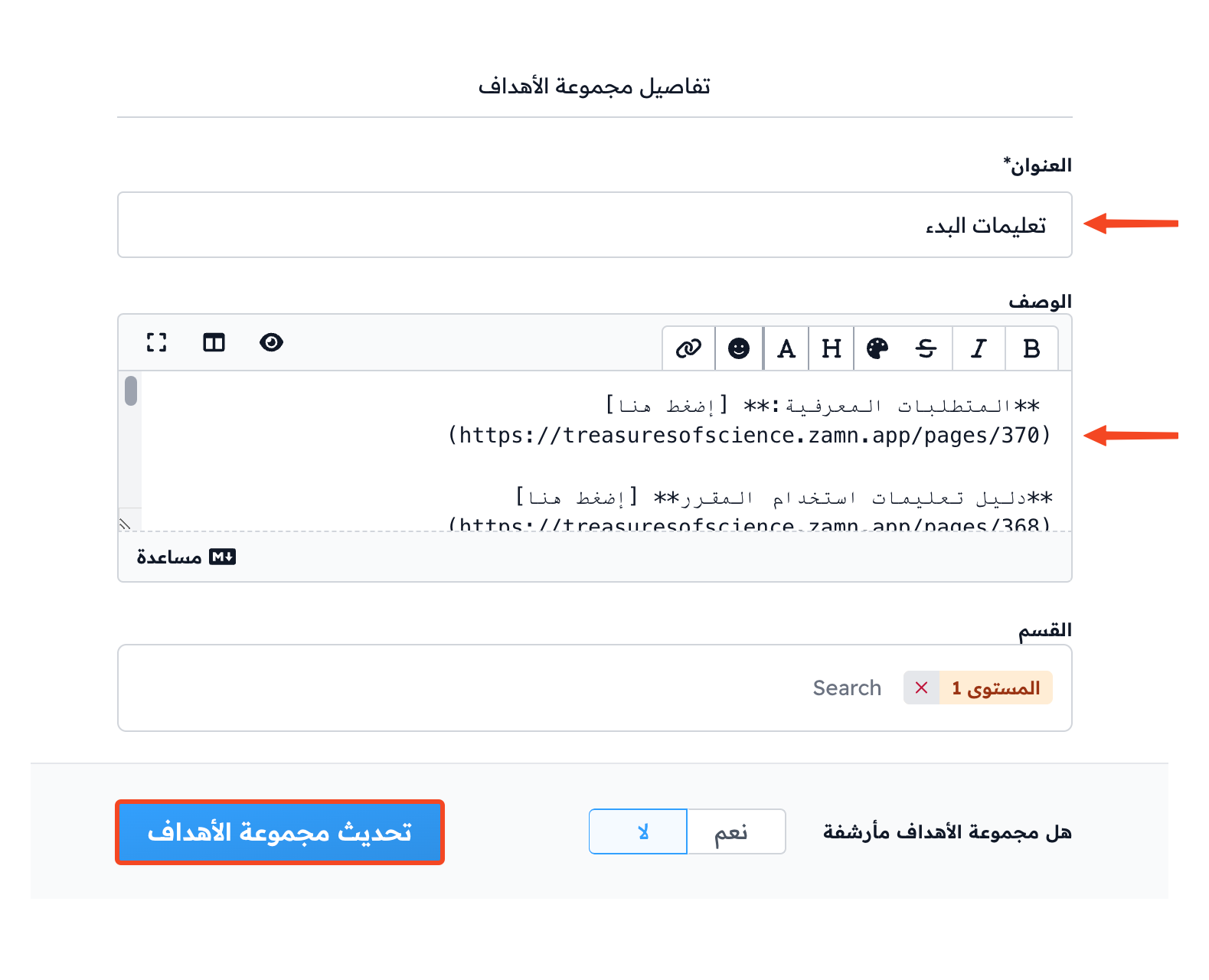
Type the title of the instructions in the Title field.
-
Write the getting started instructions in the Description field.
-
Click Update Target Group to save your changes.