Search for content on your platform
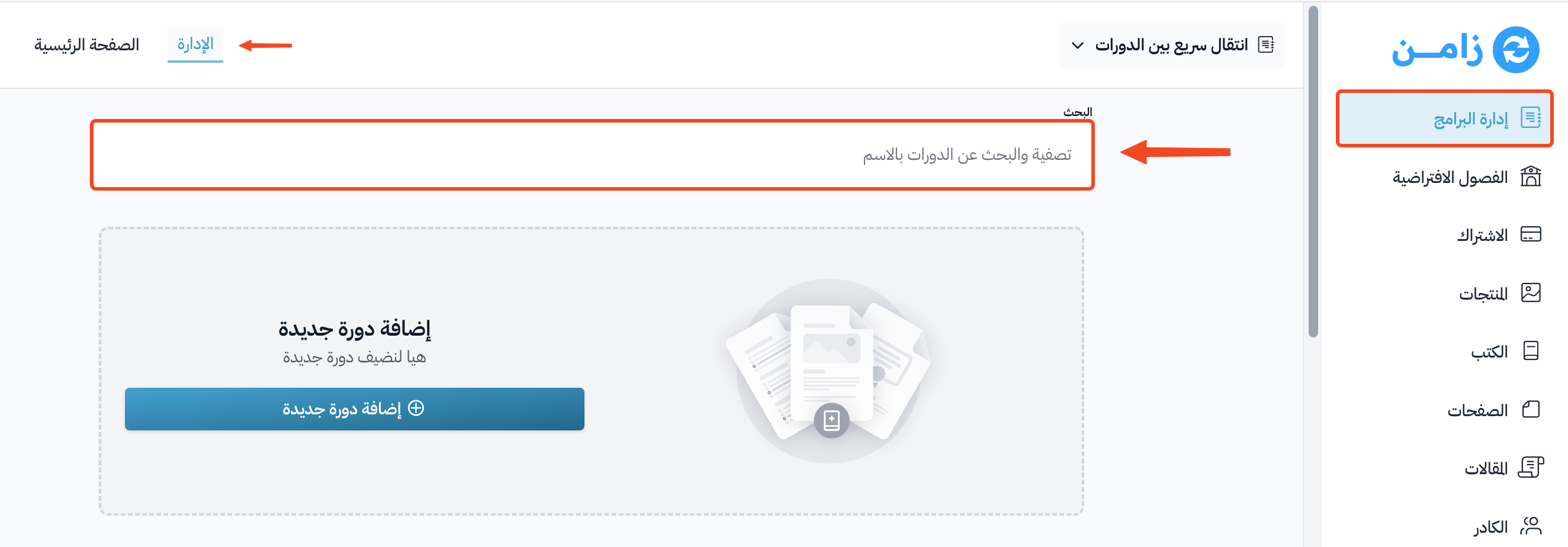
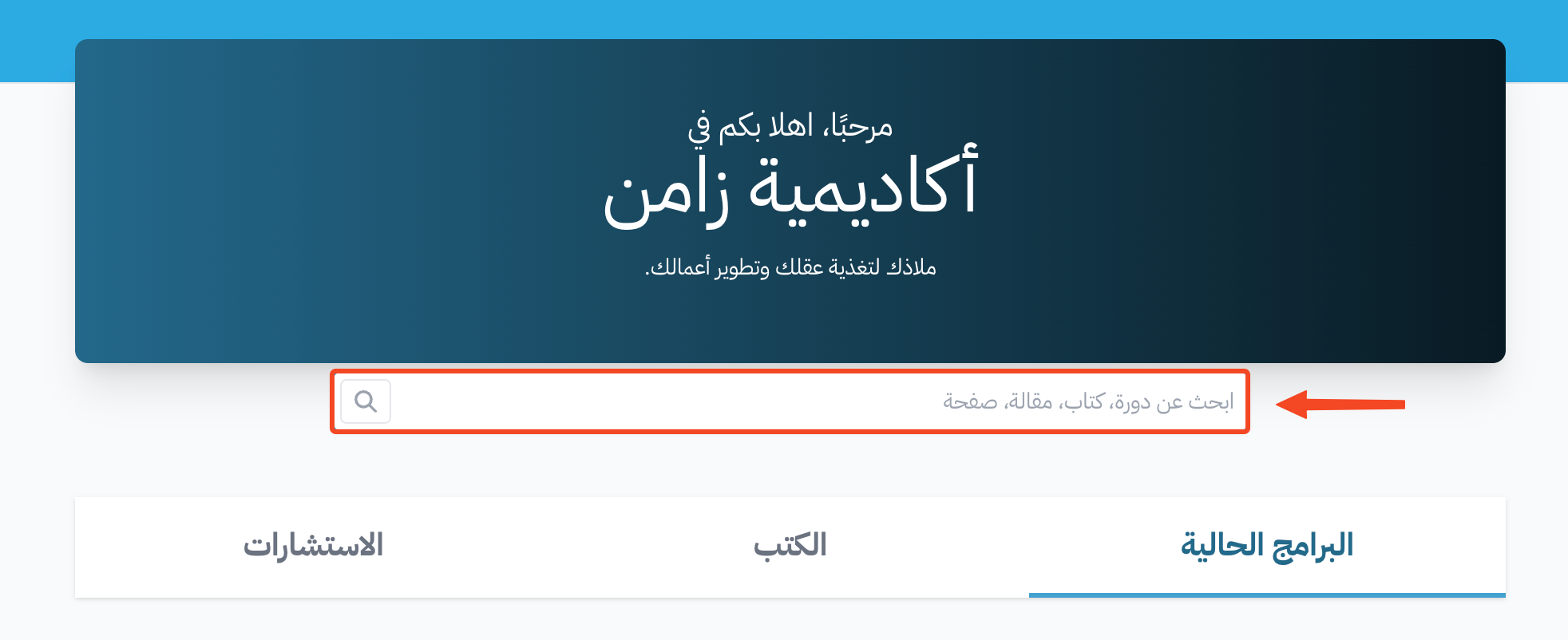
You can search for content on your platform from two places: the platform's home page, and the Courses page in the dashboard.
Search from the home page
Use the search box on your platform's home page to search for a course, book, post or page. Type what you are looking for, and the results show under the box.
Search from the dashboard
-
From the dashboard, click Courses.
-
Use the Search box to filter courses by status (Active, Ended or Archived), or start typing to search for a course by name.