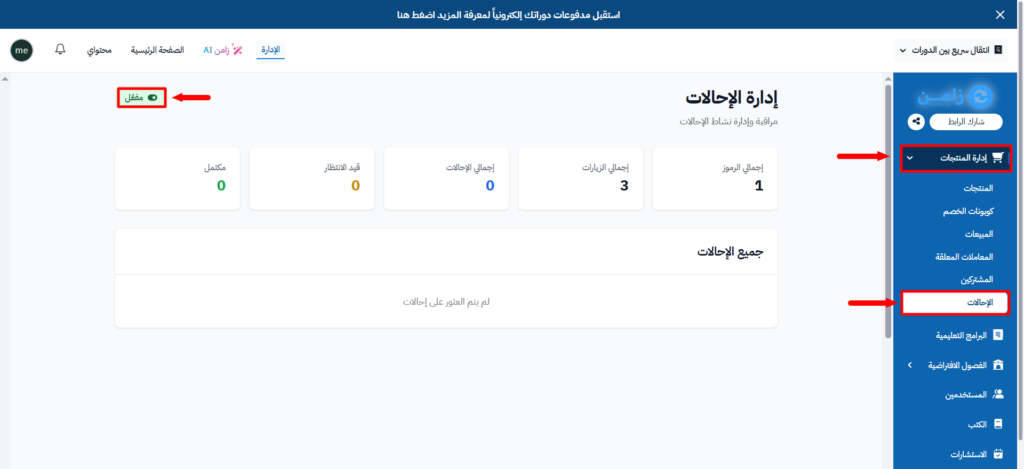
Turn on the referral system
The referral system lets the users of your platform create their own referral code and share it with others. From the Referral Management page, you turn the system on and follow its results.
Steps to turn on the referral system
-
Sign in to the Dashboard of your platform.
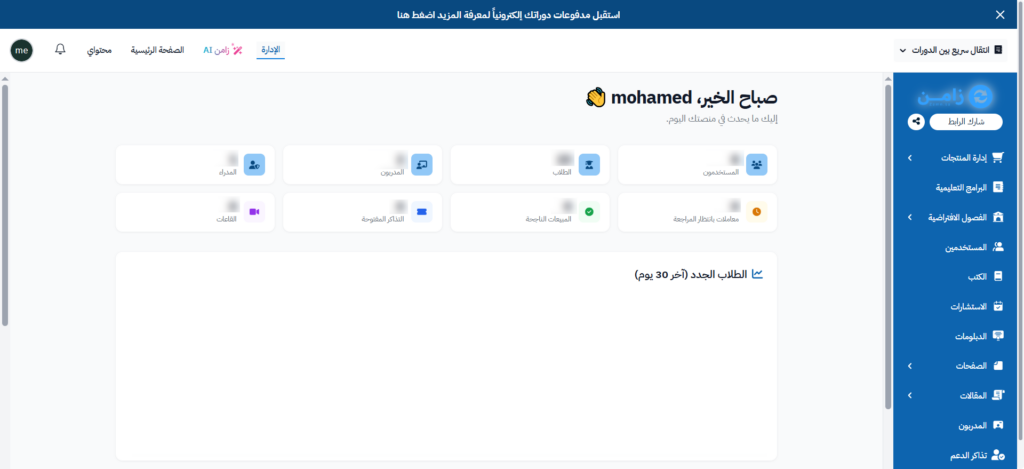
-
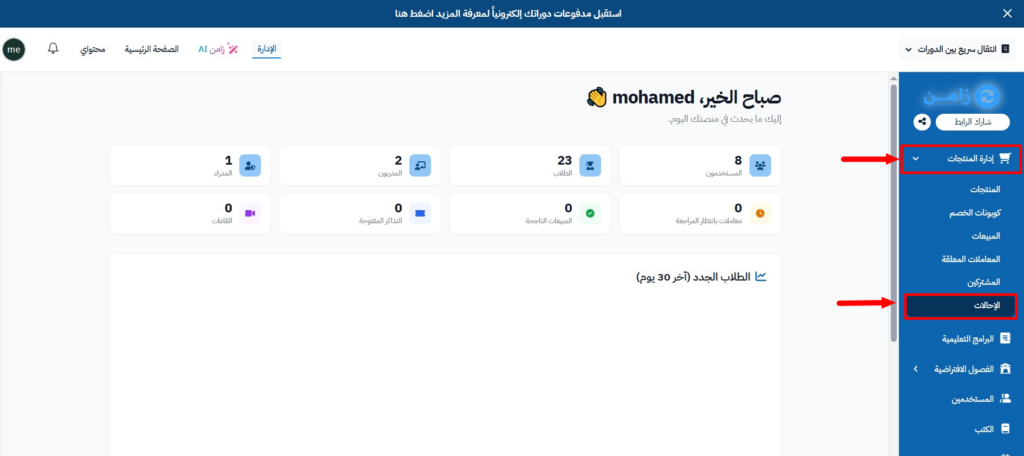
In the side menu, click Product Management, then choose Referrals.
-
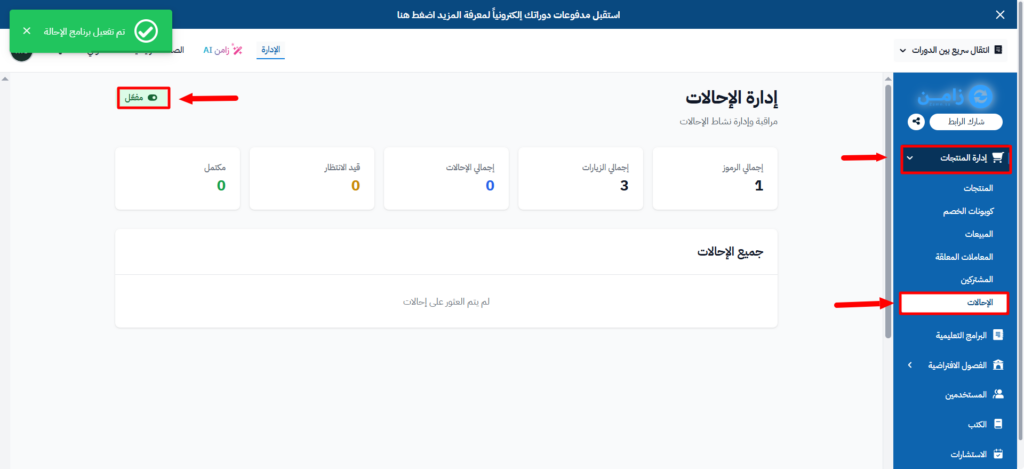
On the Referral Management page, turn on the Referral program switch. The message Referral program has been enabled appears.
-
On the same page, you see the referral statistics:
- Total Codes.
- Total Visits.
- Total Referrals.
- Pending.
- Completed.
You also see the details of each referral in the All Referrals section: Referrer, Referred User, Referral Code, Status, Referred Date and Completed Date.