Confirm your domain integration
After you add a CNAME record for your custom domain, you can check that it works with the Dnschecker.org website.
Confirm your domain integration with Zamn using Dnschecker.org
From the website home page, follow these steps:
-
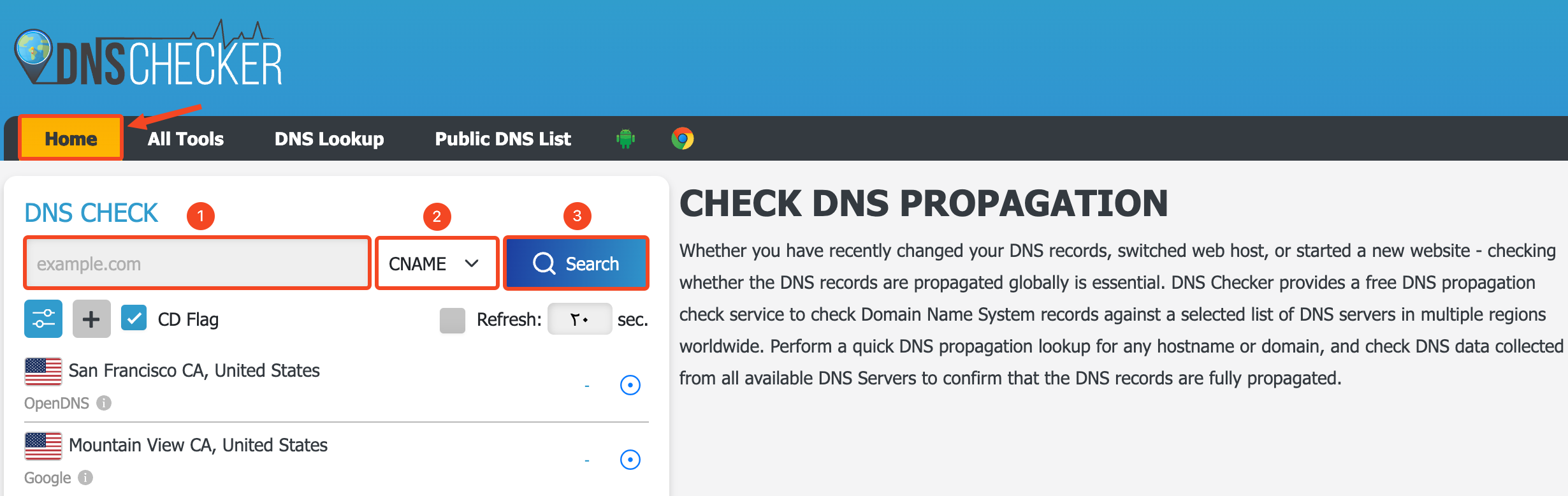
Enter the domain name you want to check.
-
Choose the CNAME record type.
-
Click Search to start the search.
-
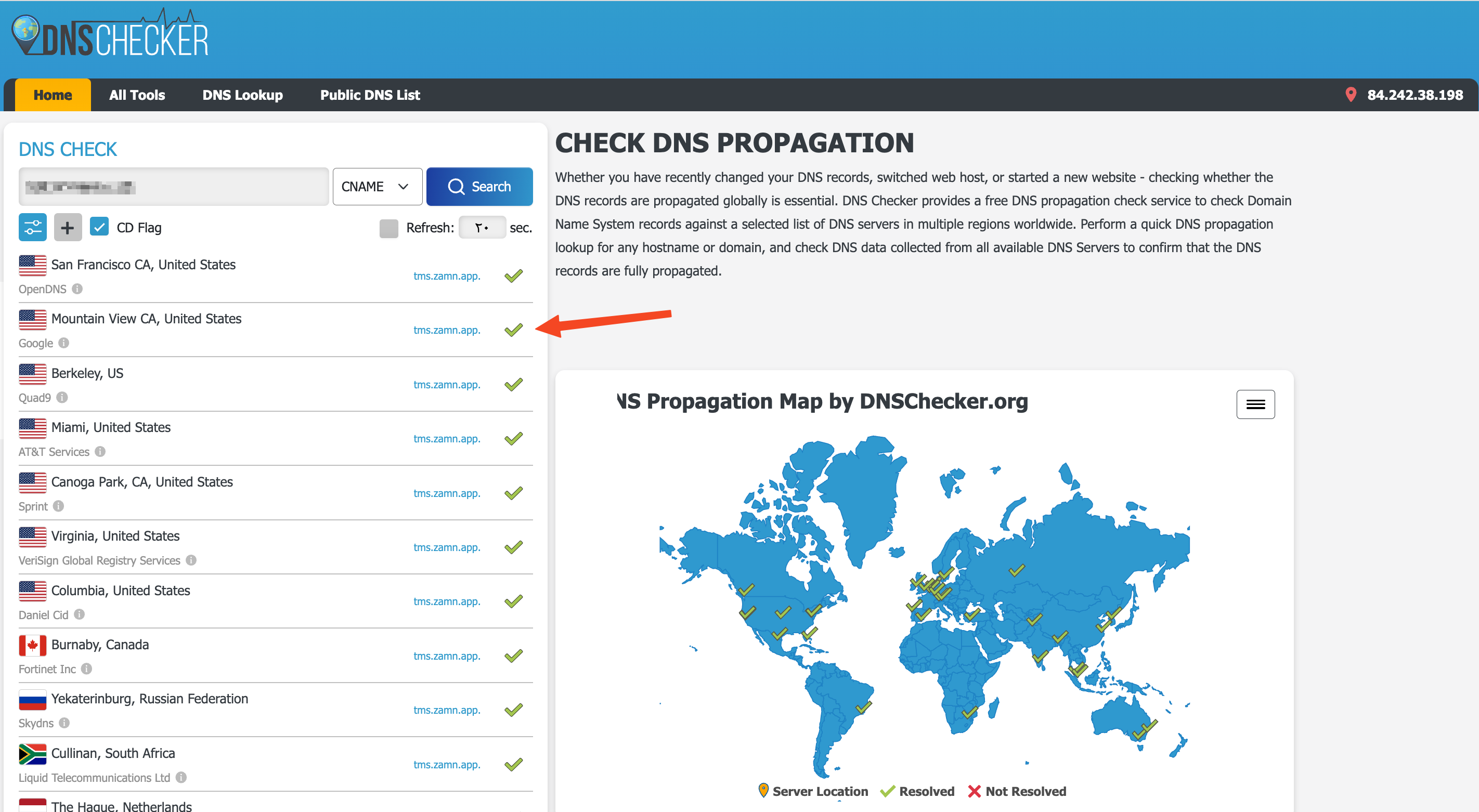
If the DNS records are correct, the website shows check marks next to the value tms.zamn.app.
-
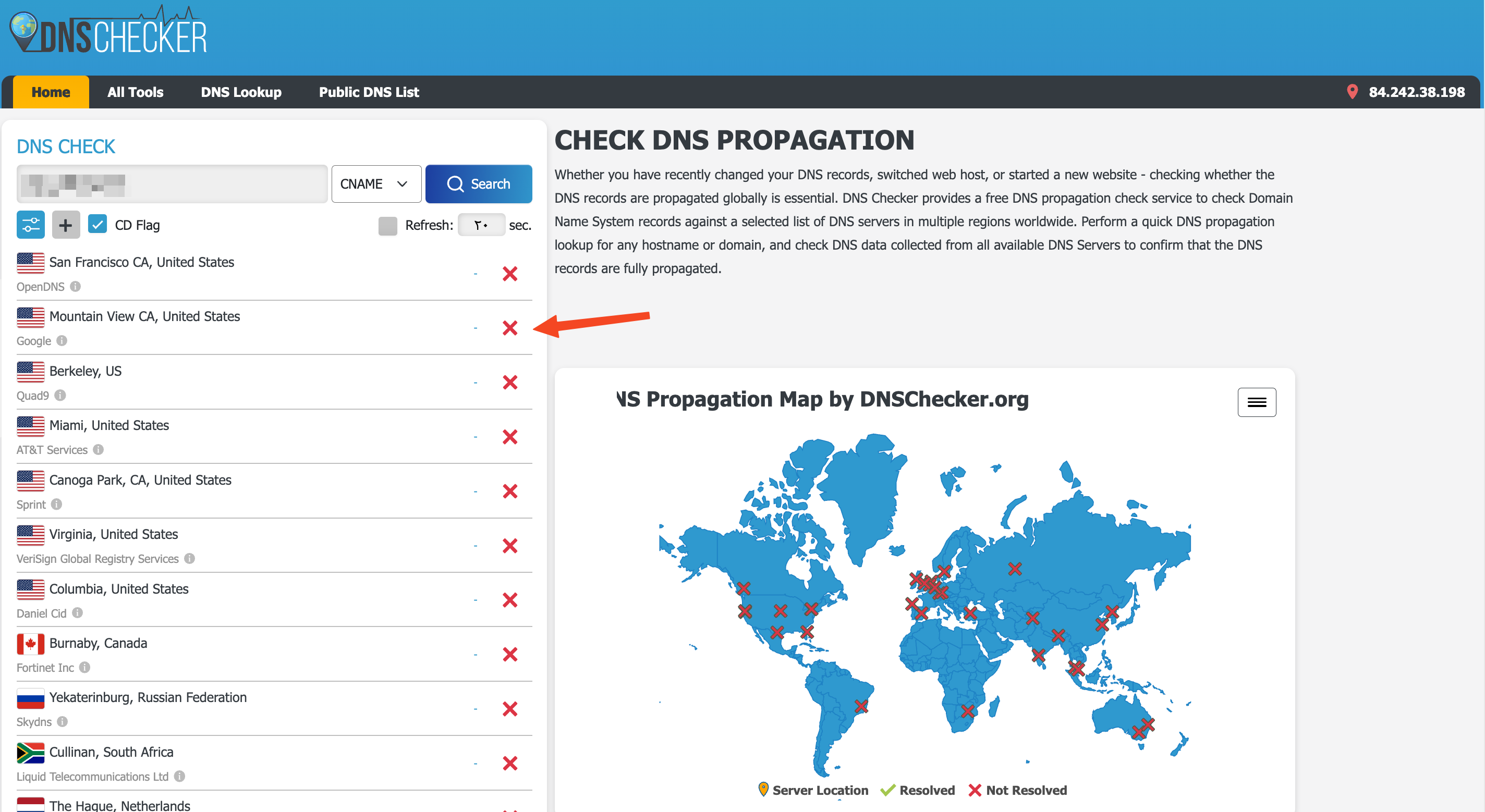
If there is any error in the DNS records, the website shows error marks.