Create and share text pages
This article shows how to create a text page on your platform, and how to share its link with others. This feature is for platform admins.
How to create a page
-
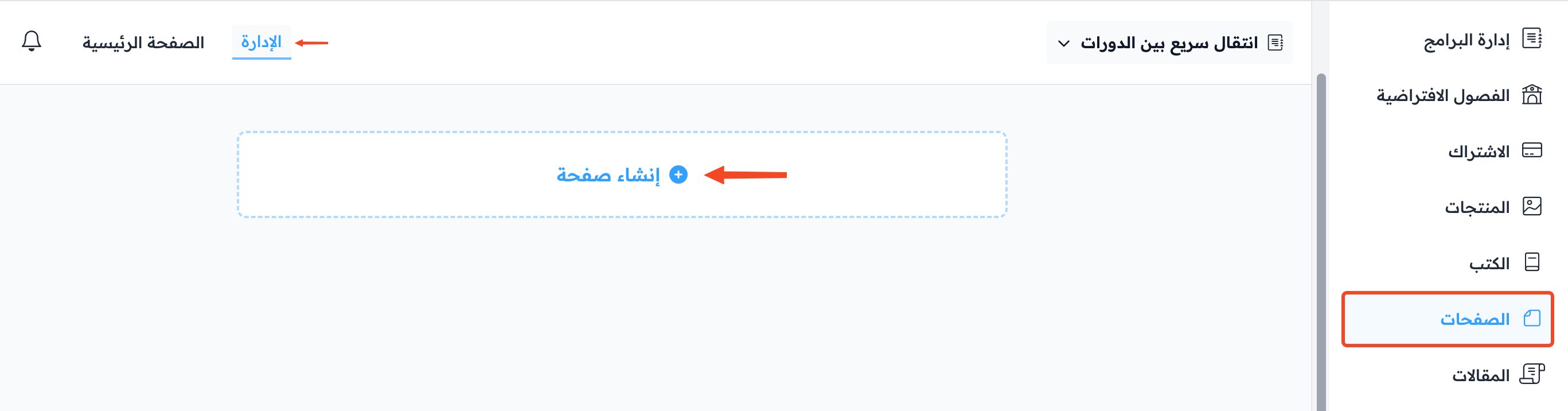
In your platform dashboard, click Pages, then go to Text Pages.
-
Click Create Page.
-
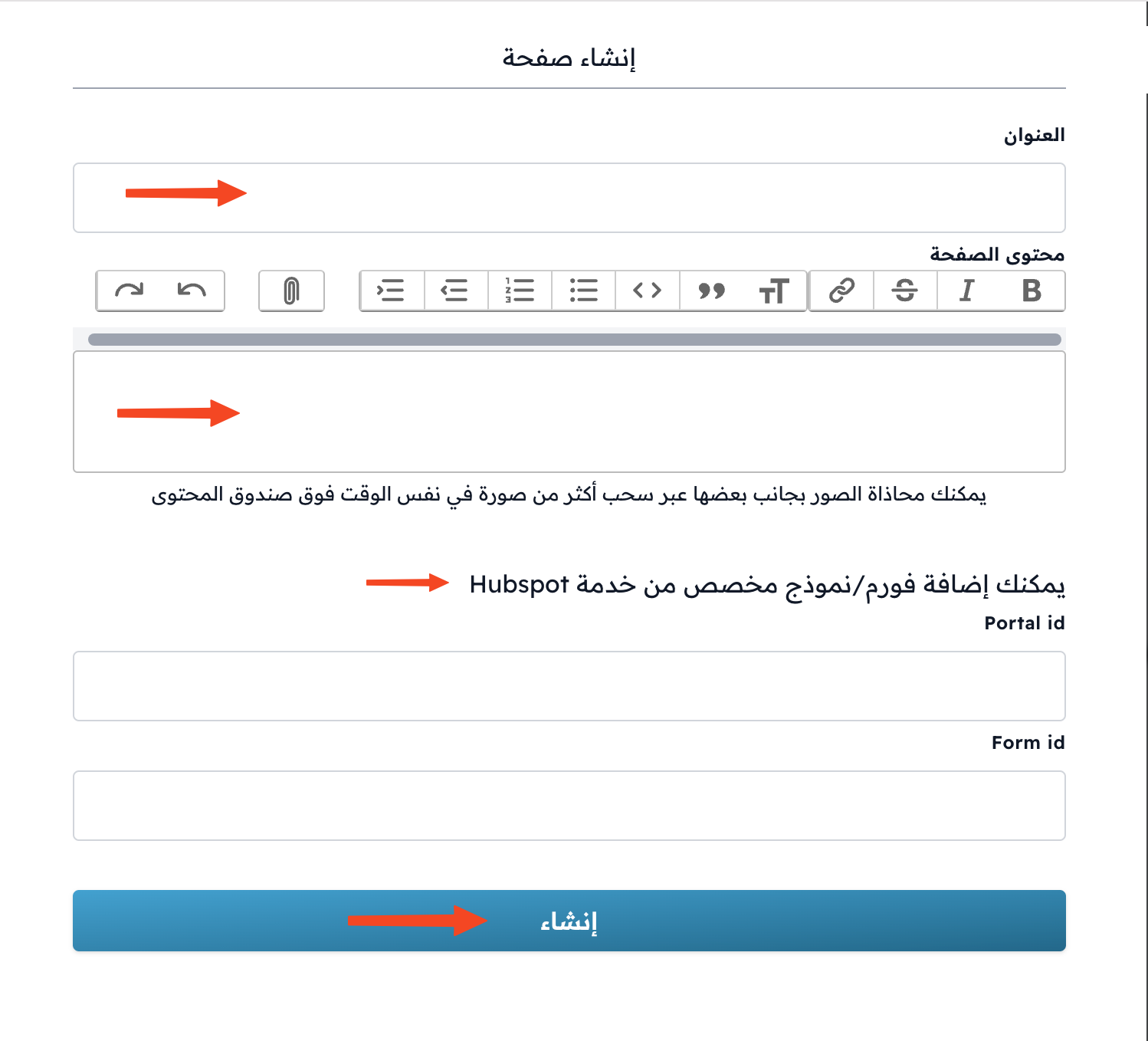
Type the Title.
-
Choose the Type: Regular for a normal page, or a policy type like Terms And Conditions.
-
Choose the page status: Published or Draft.
-
Write the page Content.
-
You can add a HubSpot form at the end of the page, if you want to collect data from visitors. Enter the Portal Id and Form Id.
-
Click Create.
How to share a page
-
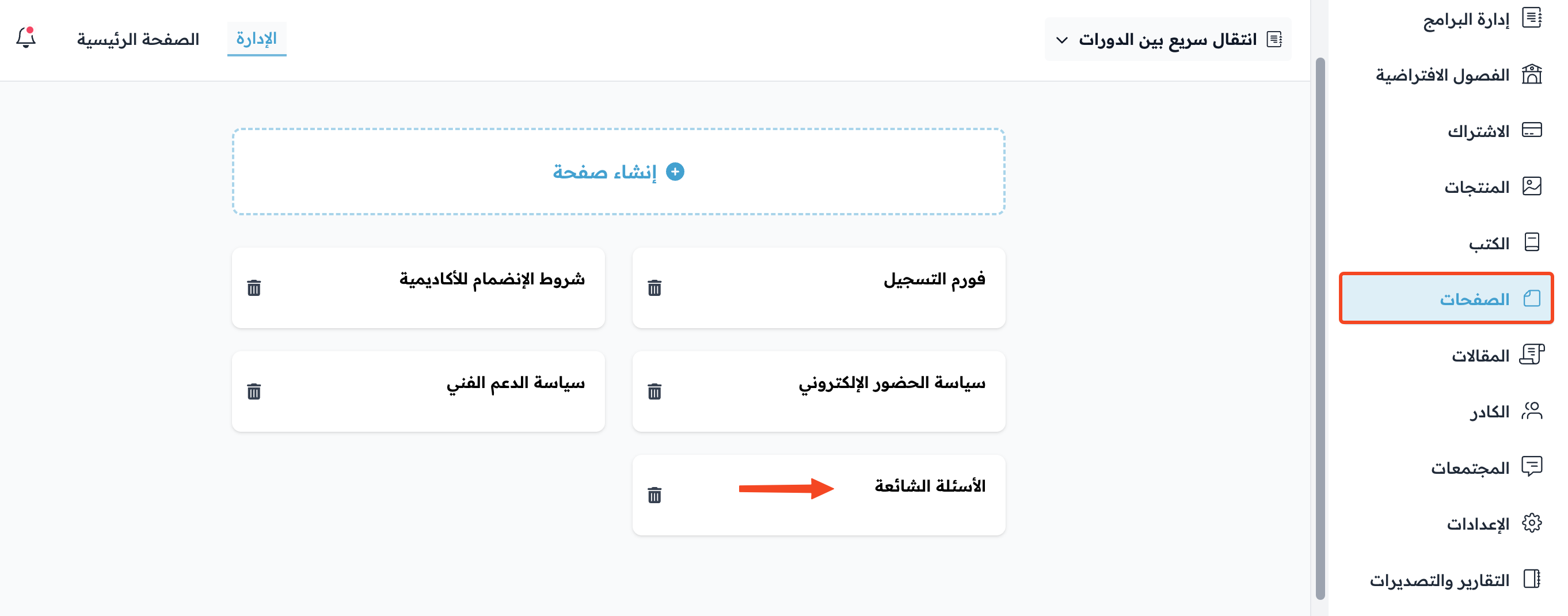
In Text Pages, click the page you want to share.
-
Under Page Actions, click View Public to open the page as visitors see it.
-
Copy the page link from the address bar of your browser.
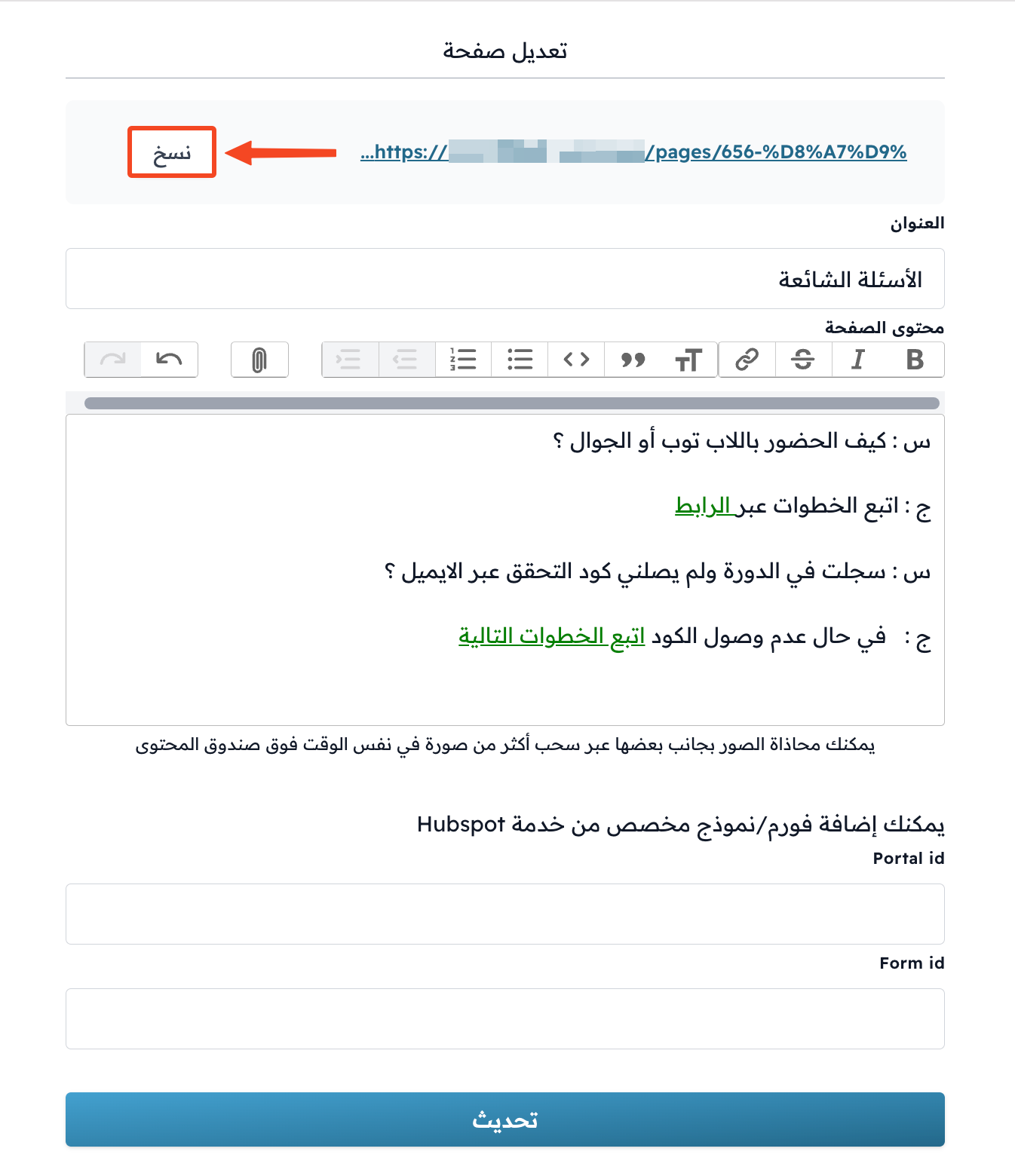
You can change the last part of the link in the Slug field under Page Settings.
Visitors can see the page only when its status is Published.
You can share the link directly, add it to other pages, or add it to the footer links of your platform, and more, as you need.