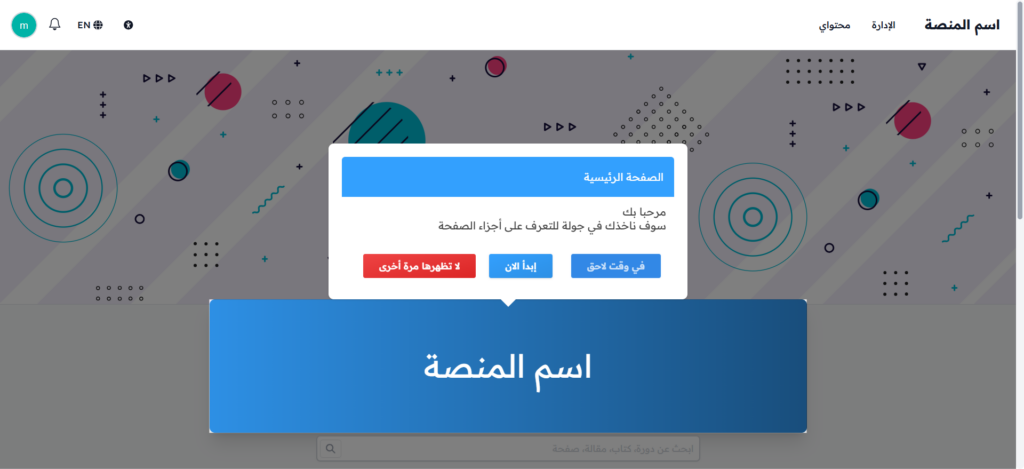
Sign up for Zamn and create your platform
This article shows how to create a Zamn account and set up your own platform. These steps are for anyone who wants to launch a new platform. The sign-up pages show in Arabic, so the English names below help you match each field.
Steps to create your platform
-
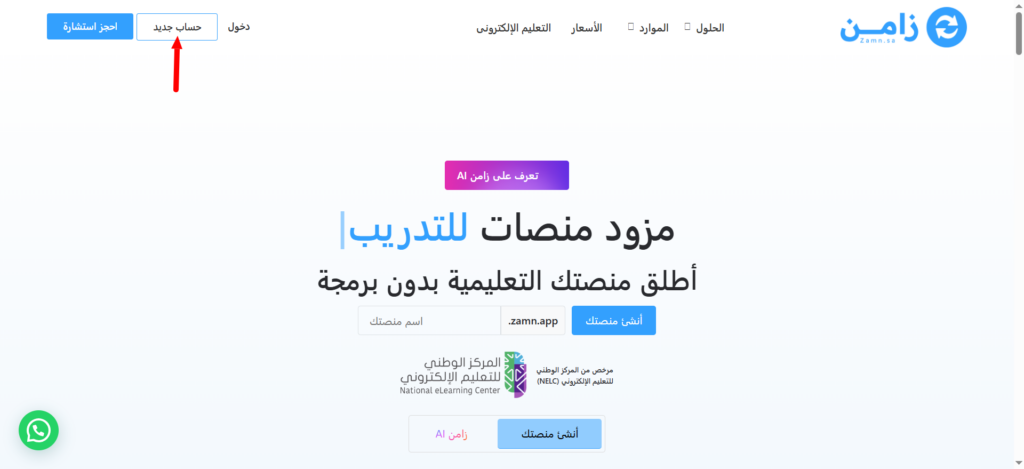
Go to the Zamn website, then click the New account button at the top of the page.
-
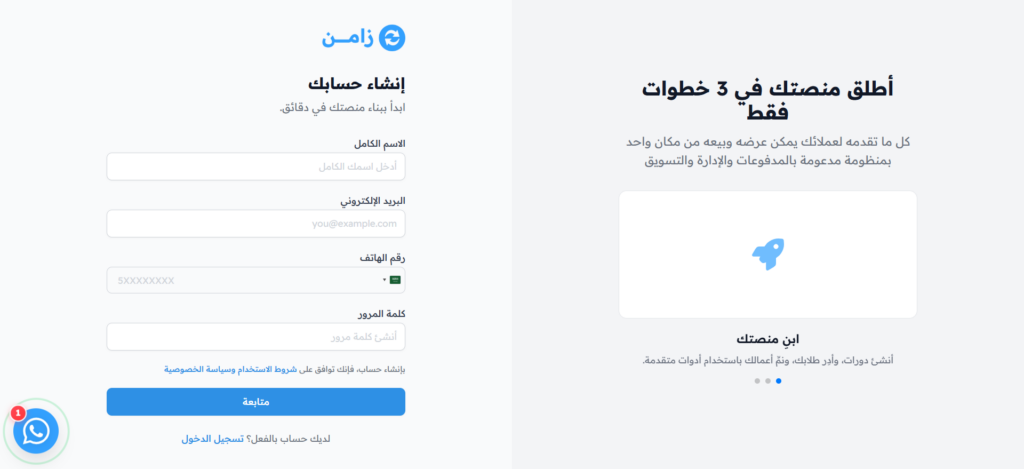
On the Create your account page, enter these details:
- Full Name
- Phone Number
- Password: at least 8 characters, with one uppercase letter, one lowercase letter and one number.
Then click Continue.
-
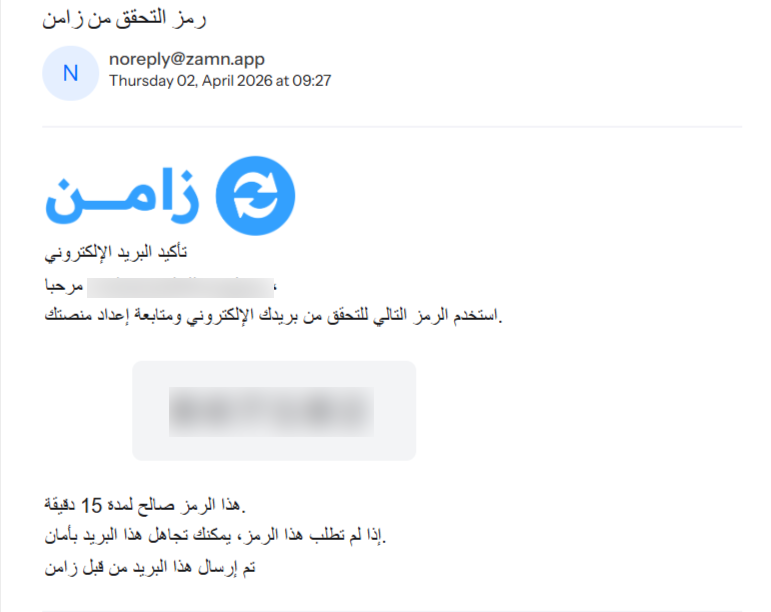
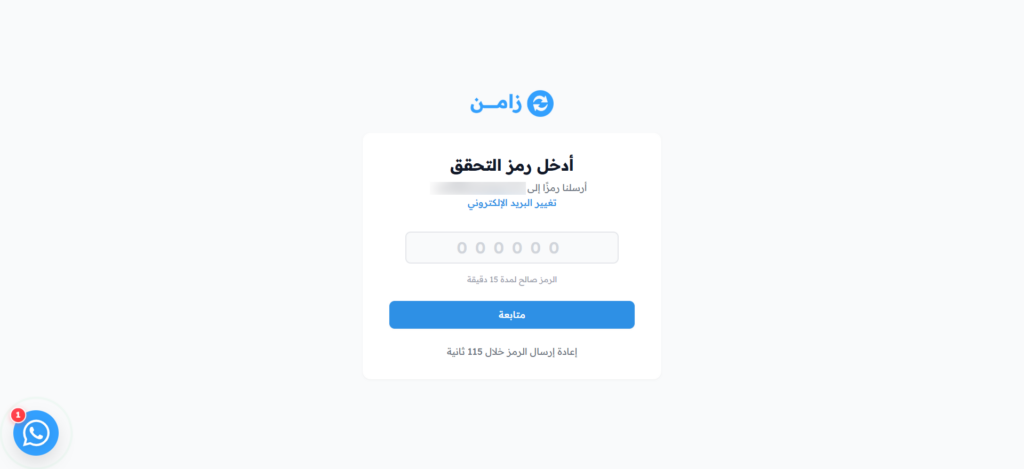
You will get a verification code at the email you signed up with. The code is valid for 15 minutes.
-
On the Enter verification code page, type the code, then click Continue to confirm your account.
-
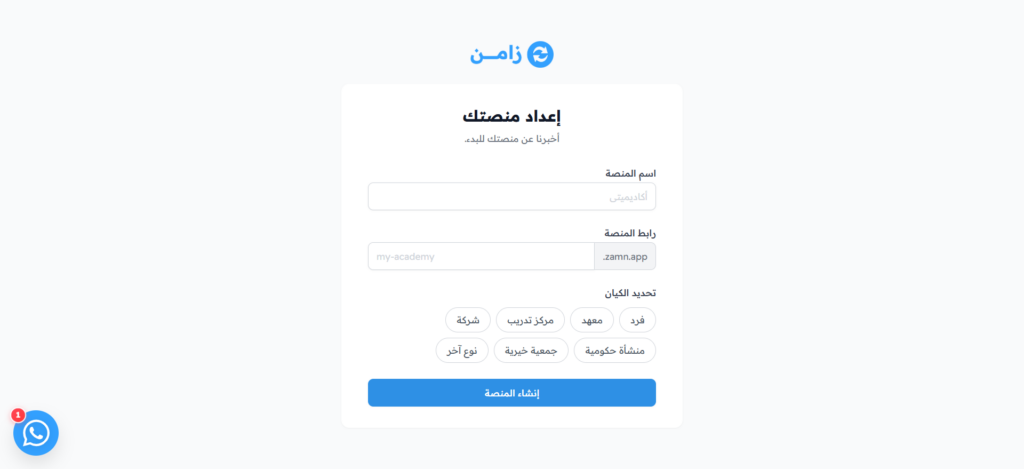
On the Set up your platform page, enter these details:
- Platform Name: the name your users will see, in Arabic or English.
- Platform URL: your platform's web address, with small English letters, numbers and dashes.
- Entity Type: choose your type of entity, like Individual, Institute or Company.
- NELC License Preference: this option shows if you choose any type other than Individual. Choose the one that fits you.
Then click Create Platform.
-
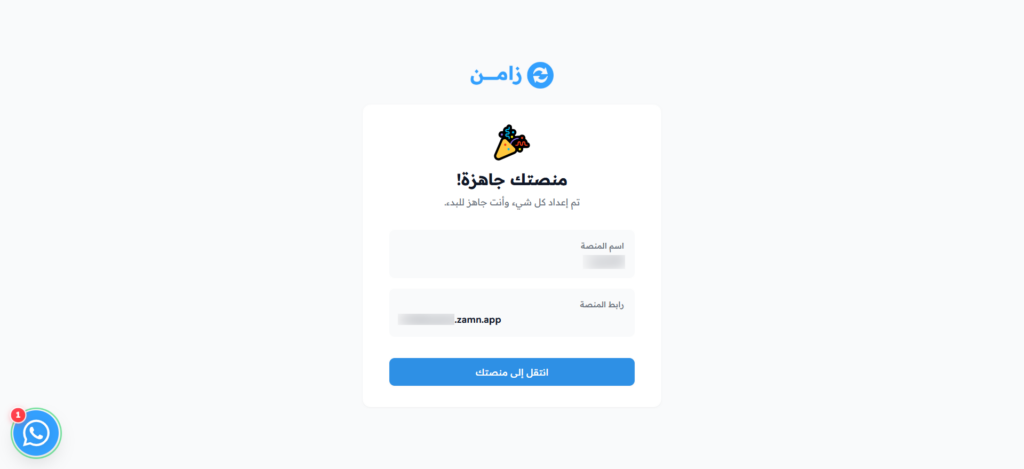
The Your platform is ready! page shows your platform name and URL. Click Go to Your Platform to open your platform.
-
Congratulations! Your platform is now ready, and you can start using it.