Create a new student cohort for a course
You can split the students of a course into several cohorts, and choose the cohort that new students join on their own. This feature is for platform admins.
Steps to create a student cohort
-
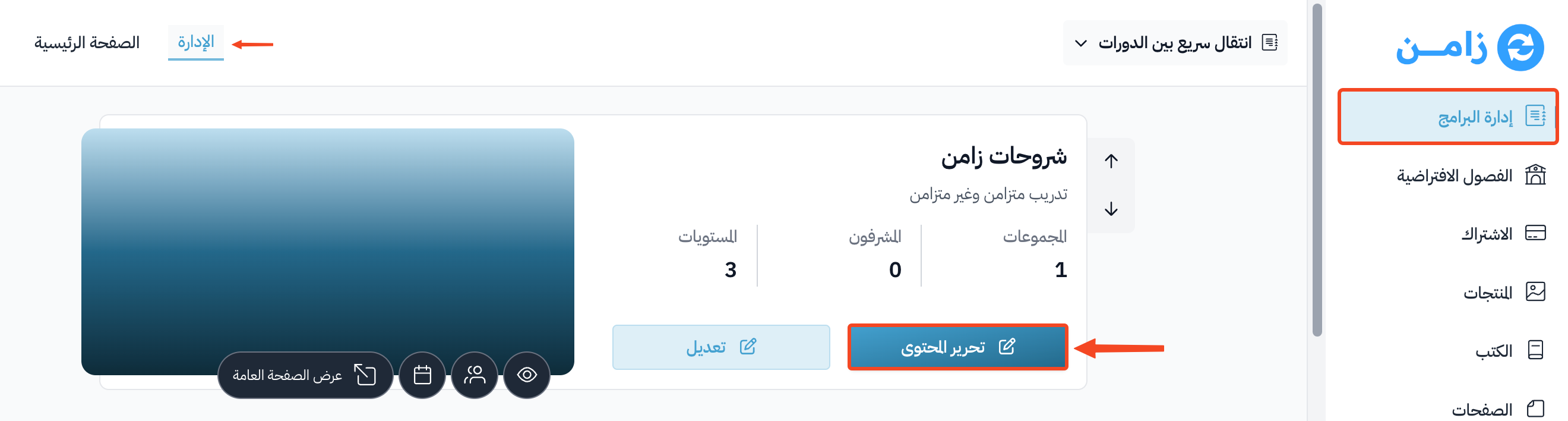
Go to the Courses page, then click Edit Curriculum for the course you want to add a new cohort to.
-
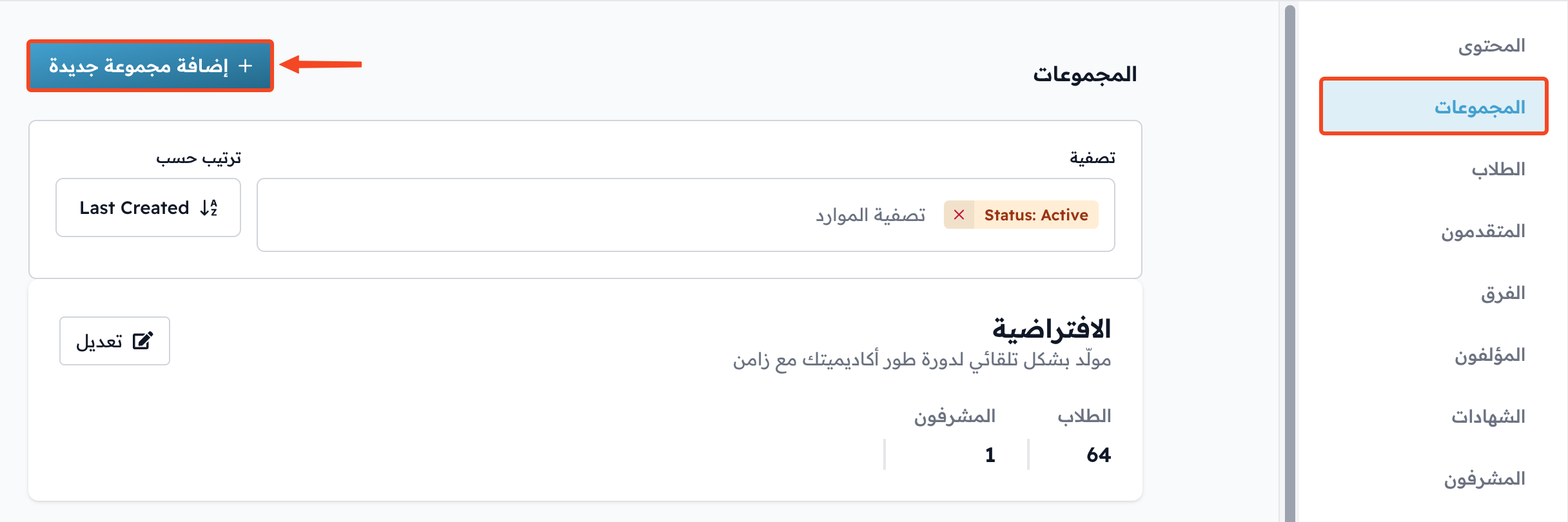
Go to the Cohorts page in the course dashboard, and click Add Cohort. A side panel opens.
-
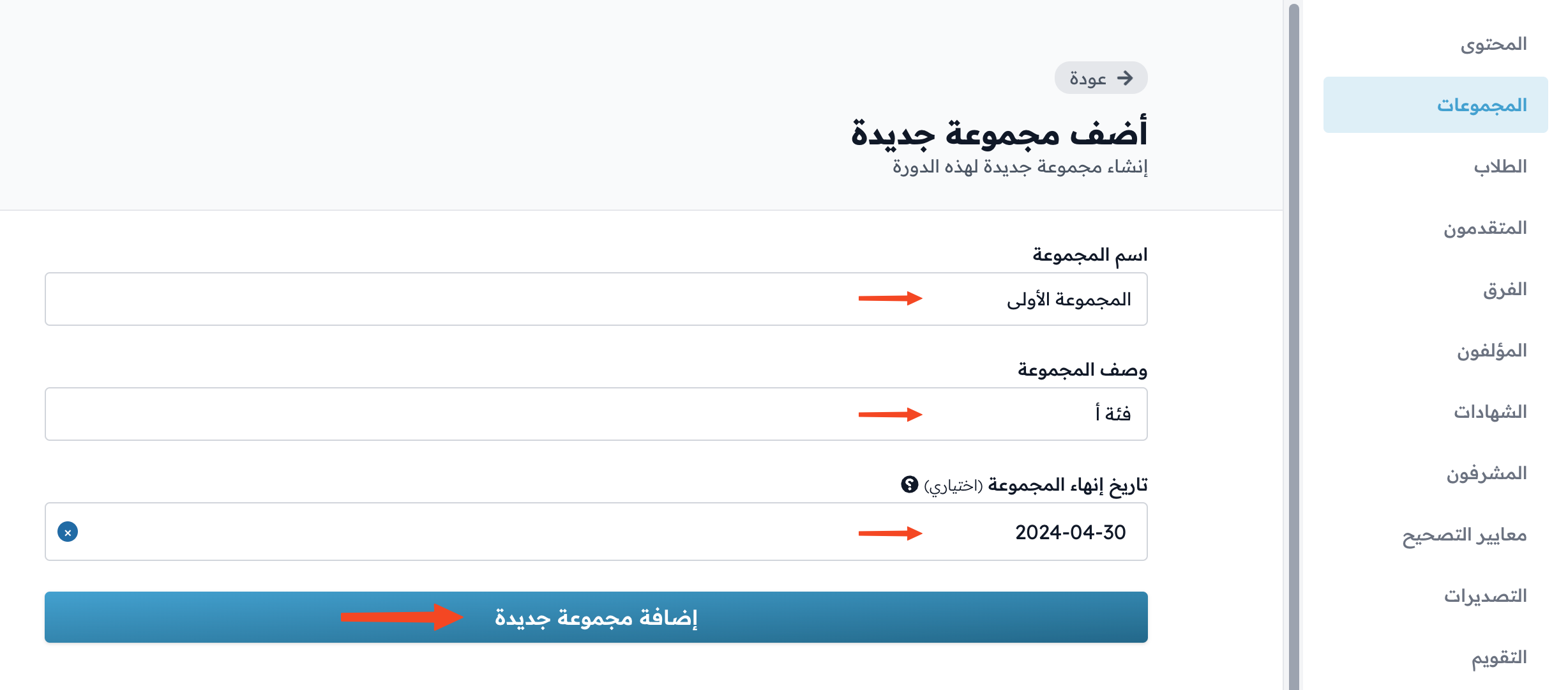
Enter the details:
- Cohort name.
- Cohort description.
- End date, which is optional.
-
Click Add Cohort to save and create the cohort.
Choose the cohort students join on their own
-
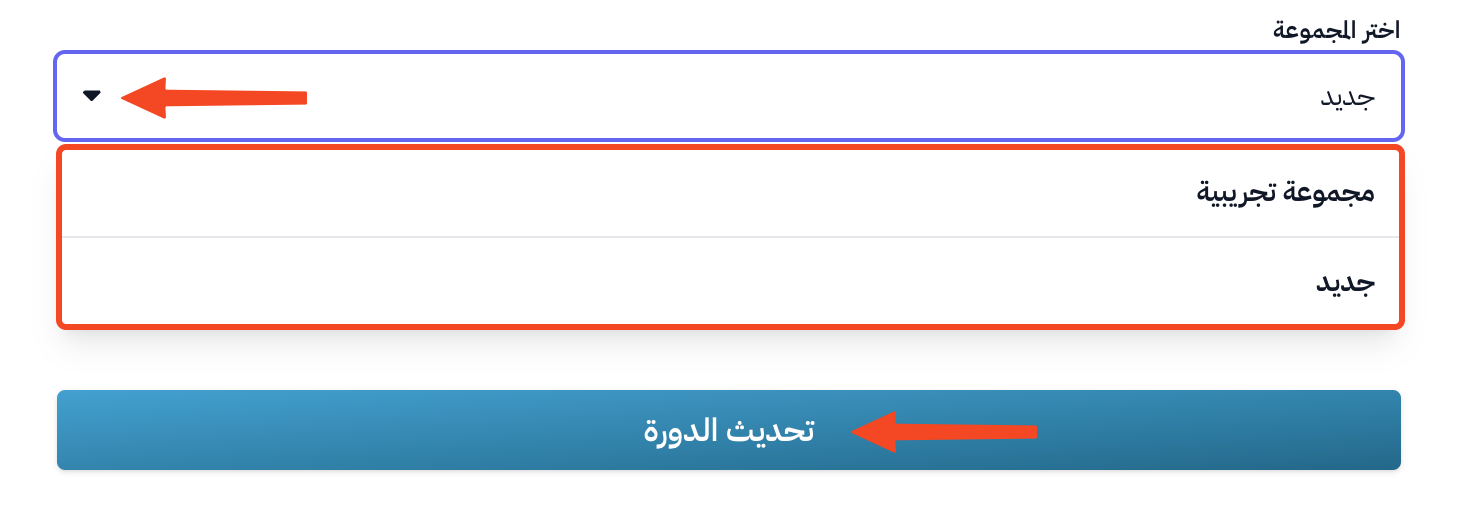
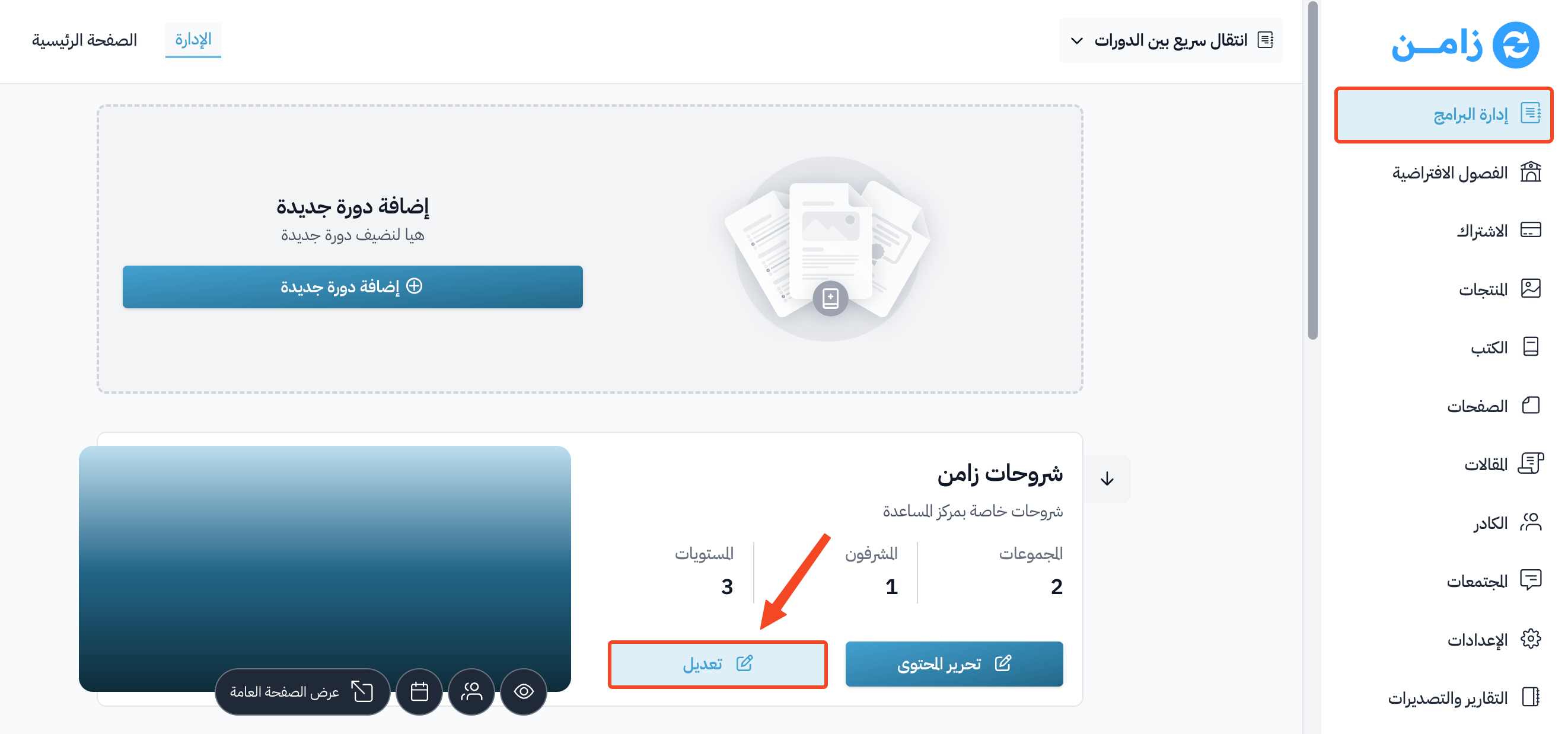
Go to the Courses page, then click Edit Course Details for the course.
-
In the Details tab, click the Pick the default cohort list to open it.

-
Choose the cohort that students join on their own when they sign up for the course, then click Update Course to save.