Arrange courses on your platform home page
You can choose the order in which your courses show on your platform home page. This feature is for platform admins.
Steps to arrange courses
-
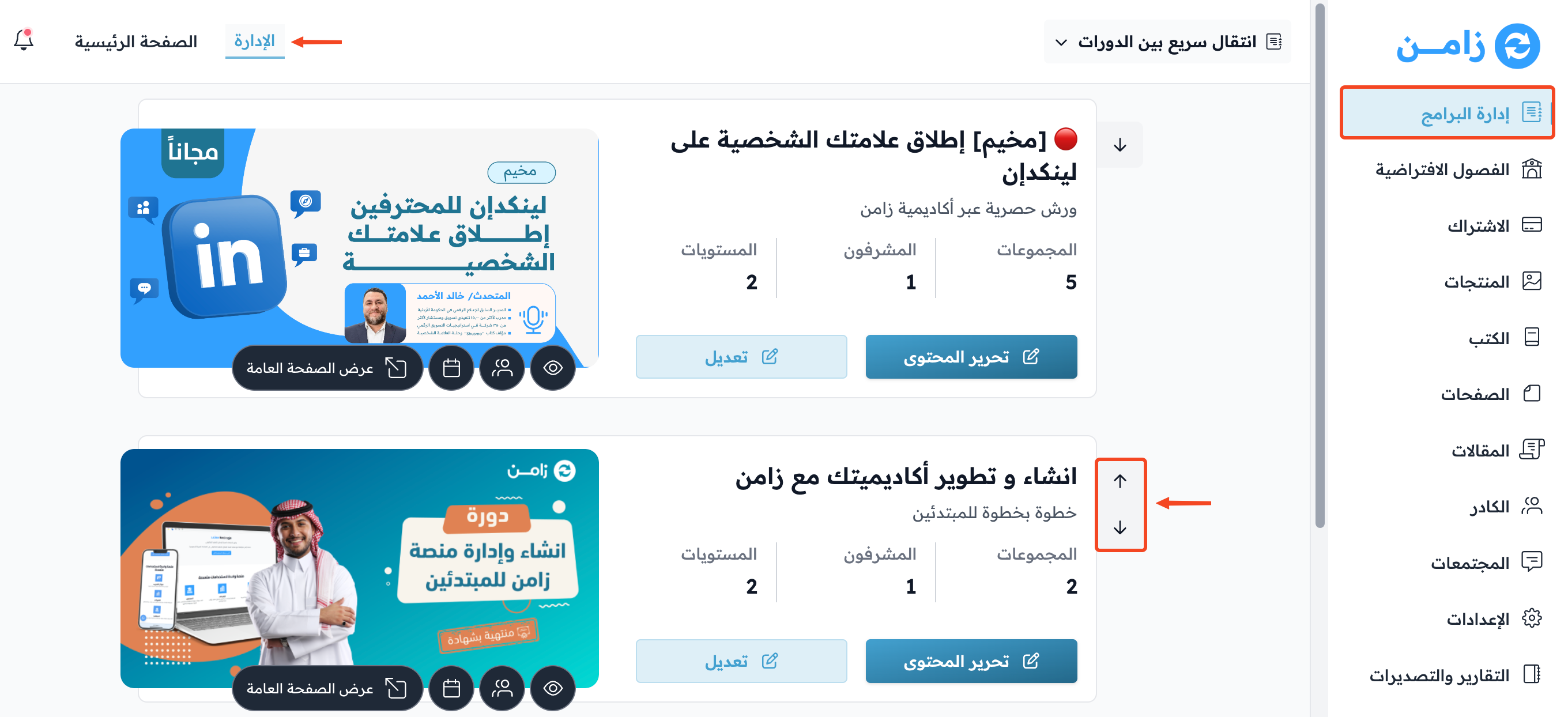
Go to the Courses page in your platform dashboard.
-
Click the arrows next to each course to move it up or down, until you get the order you want.
-
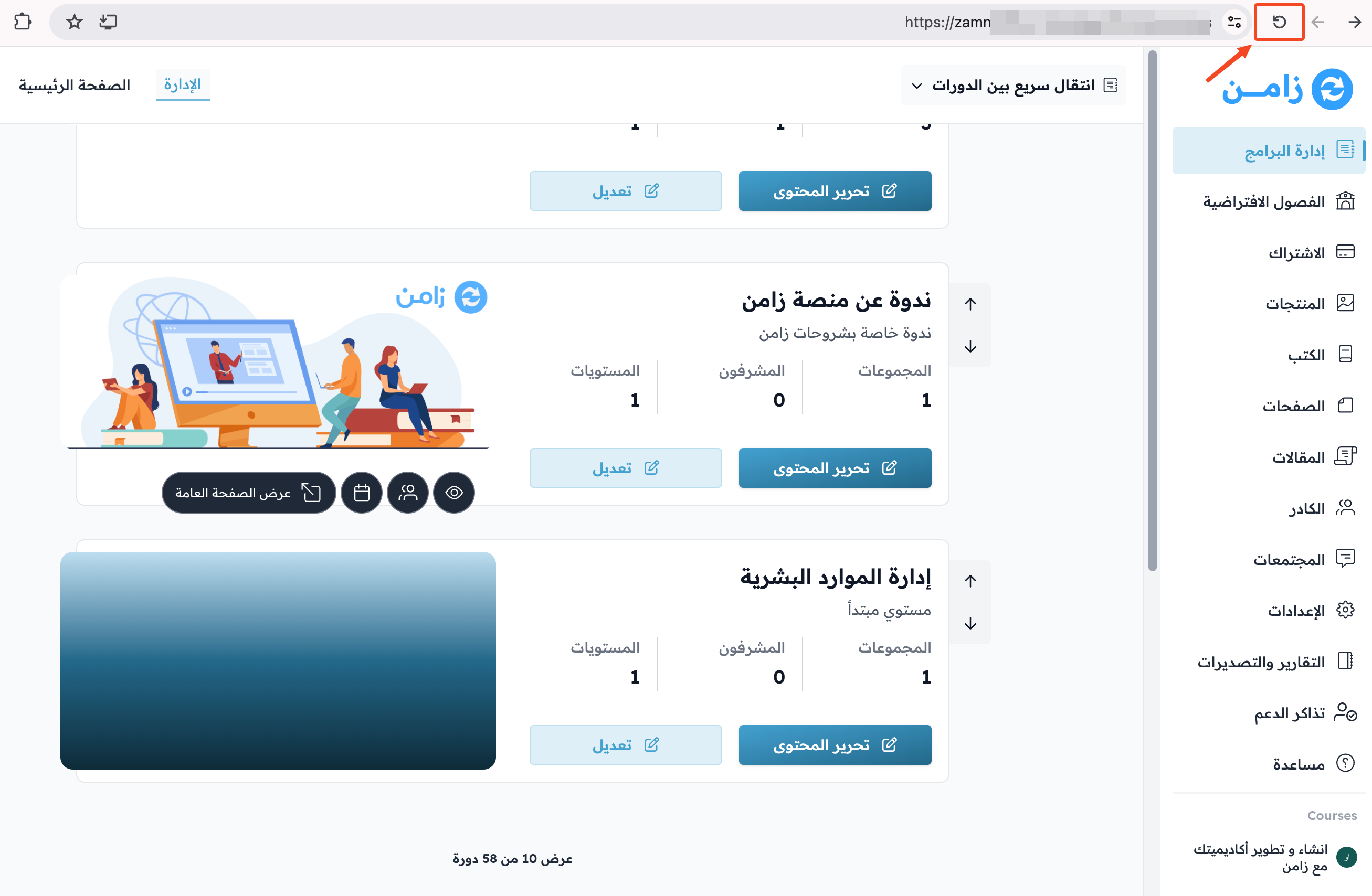
To show the rest of the courses, click the refresh button in your browser.
-
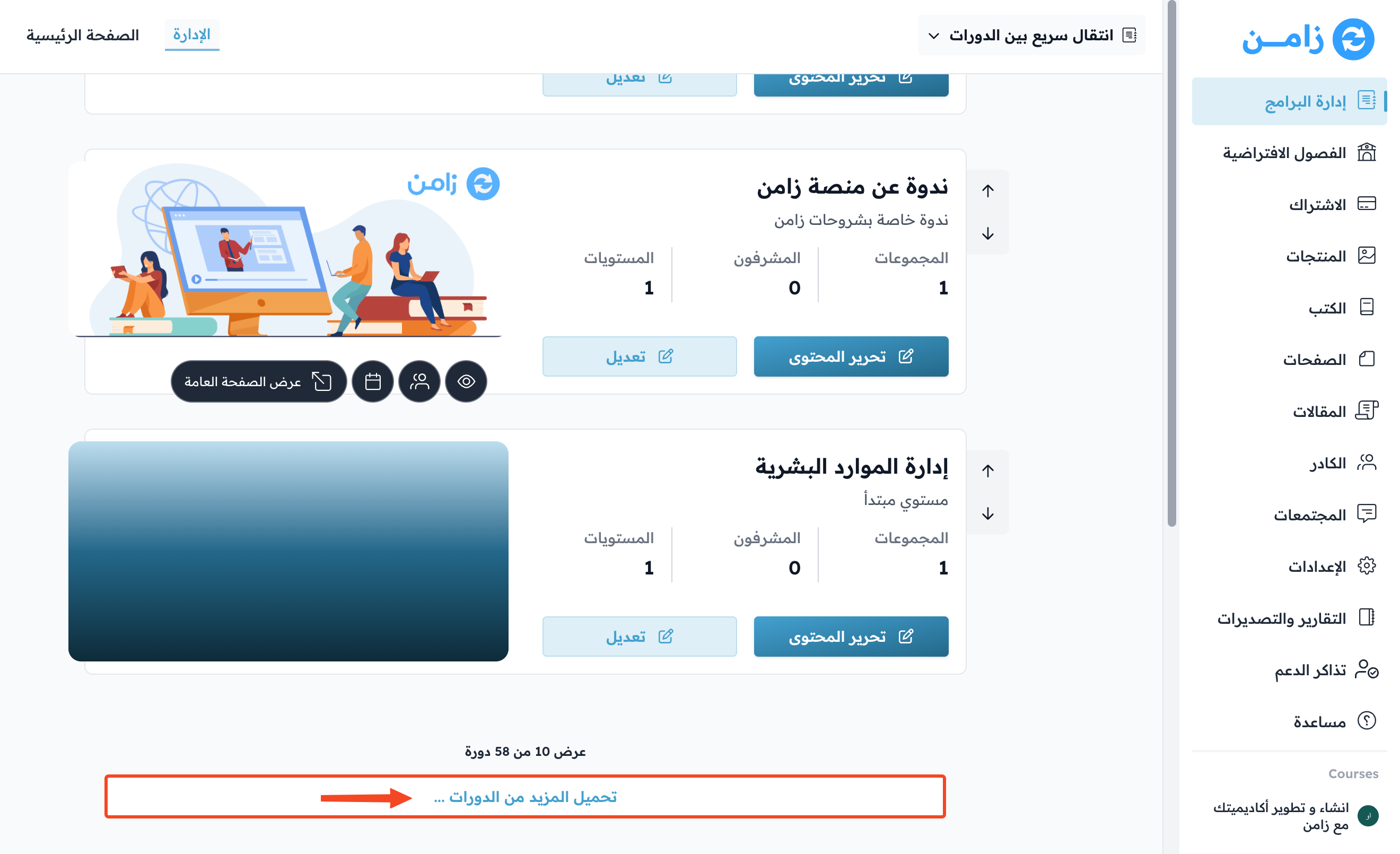
Go to the bottom of the page and click Load More Courses.
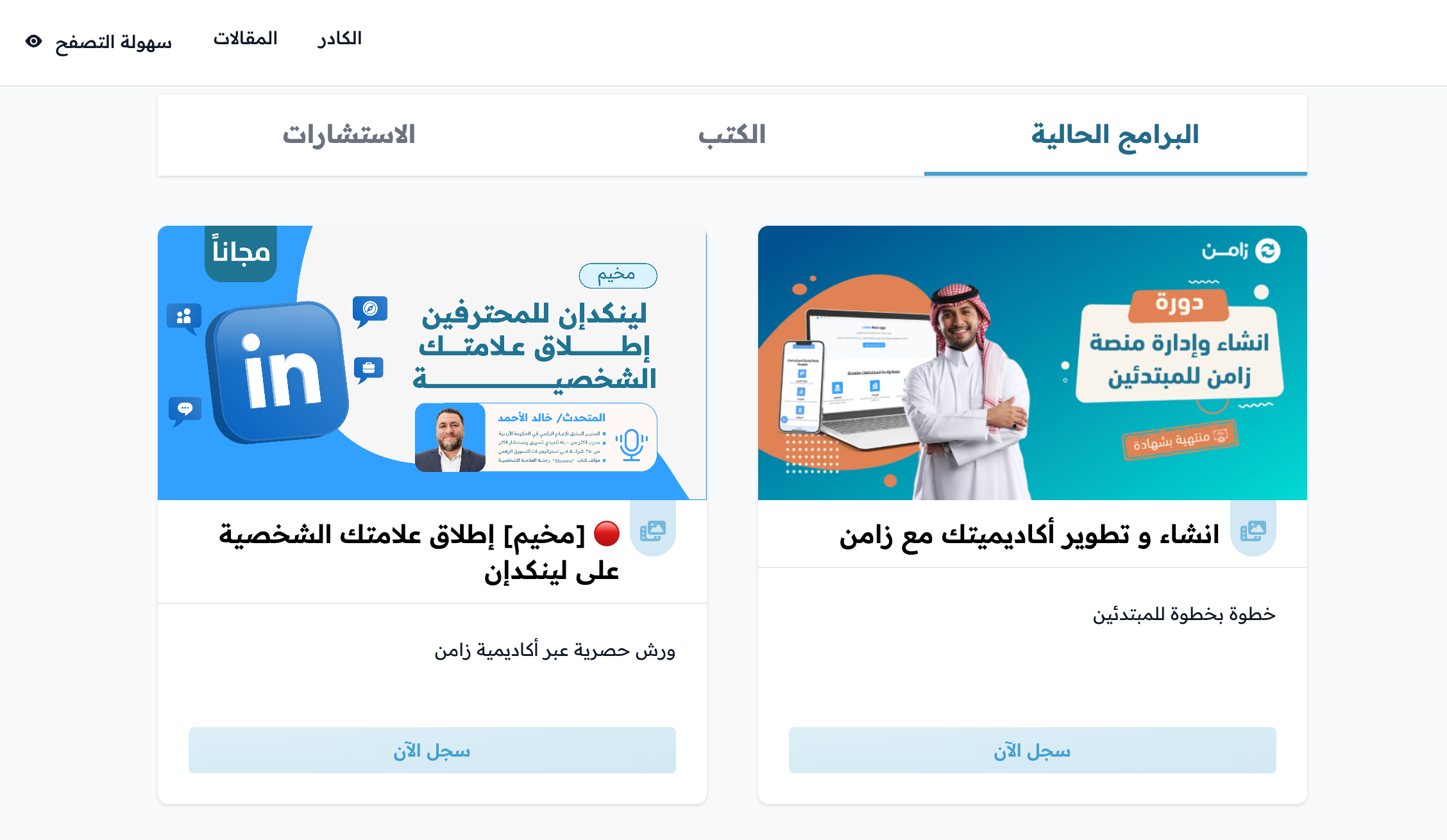
The courses show on your platform home page in the order you chose.