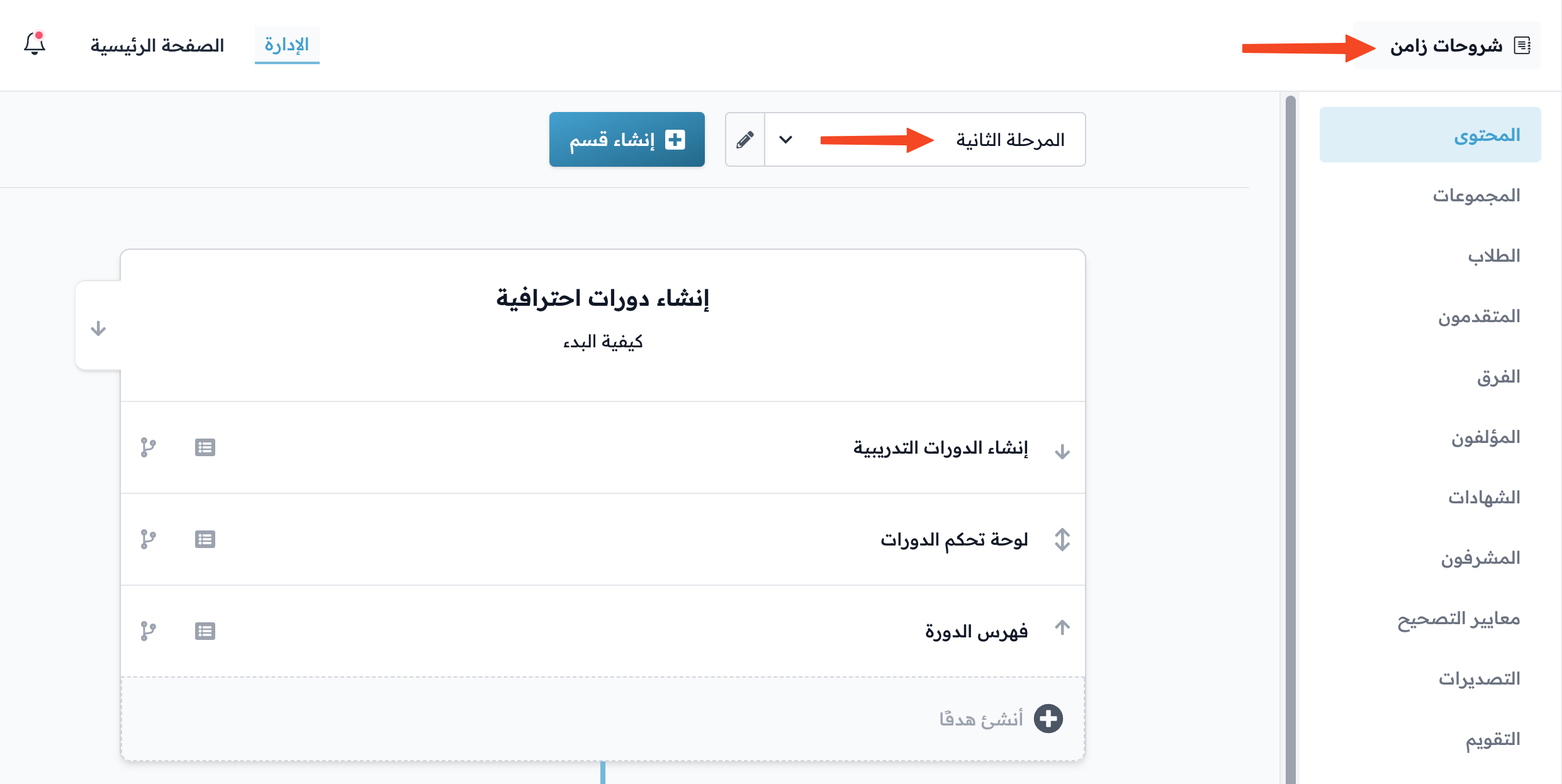
How to copy a level from a course
You can copy a level (section) of a course, with all its targets, into another course on your platform.
Steps to copy a level (section) of a course
-
On the Courses page, click Edit Curriculum on the course you want to copy a level from.
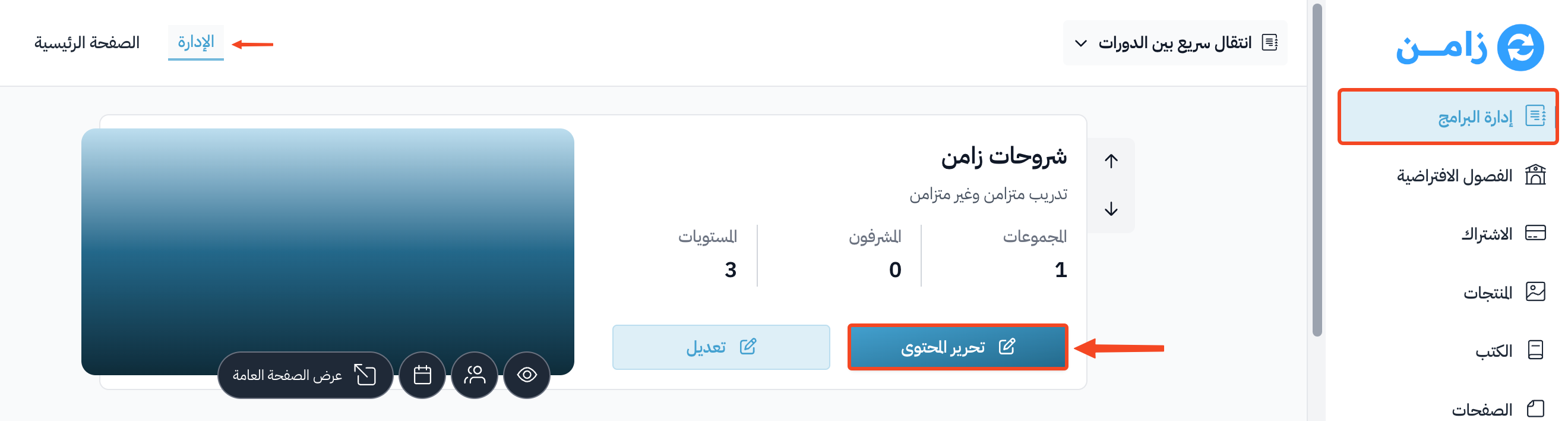
-
Choose the level you want to copy, then click the edit button next to it.
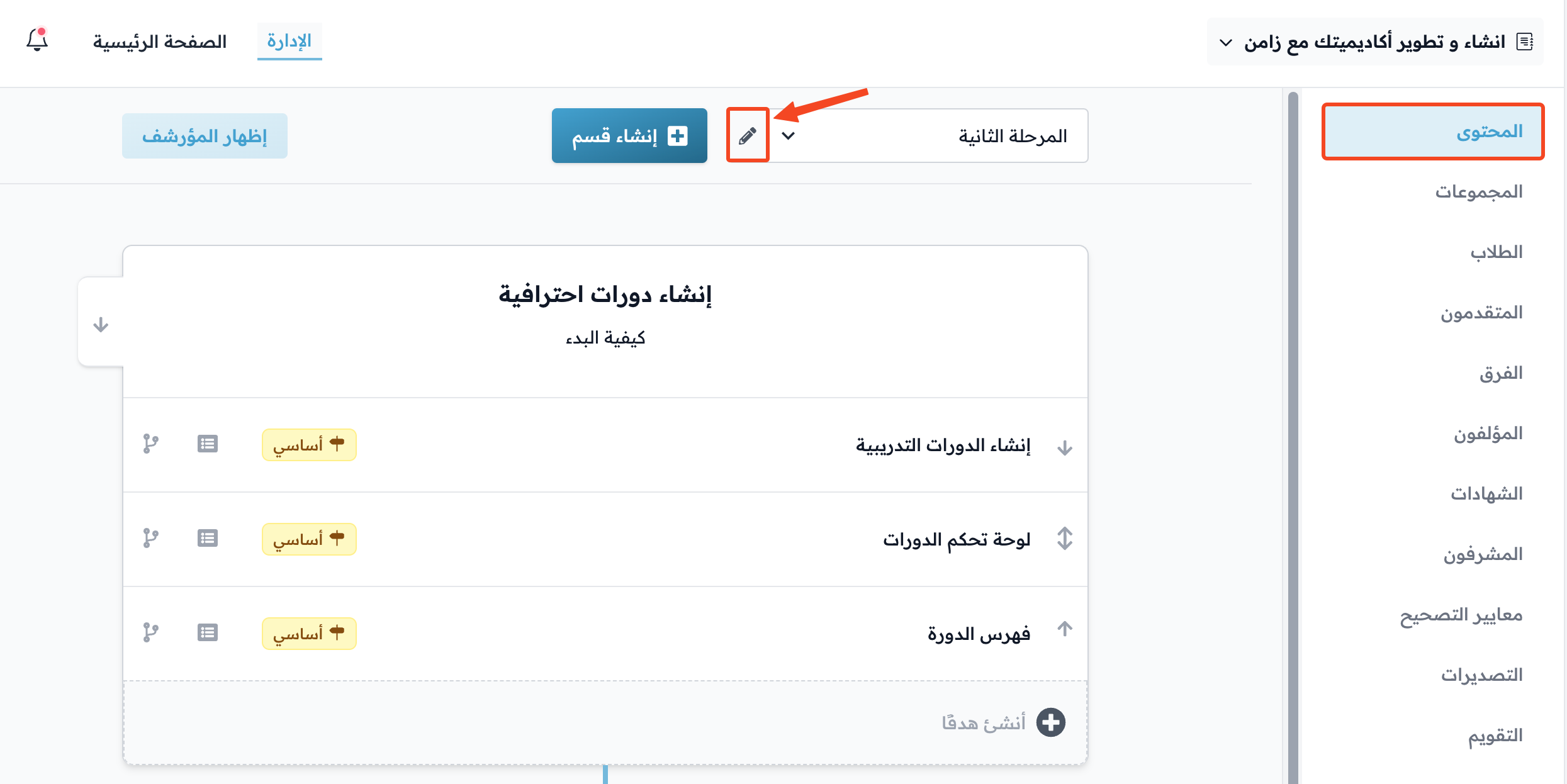
-
Go to the Actions tab.
-
In Copy Into, choose the course you want to copy the section into, then click Copy Level.
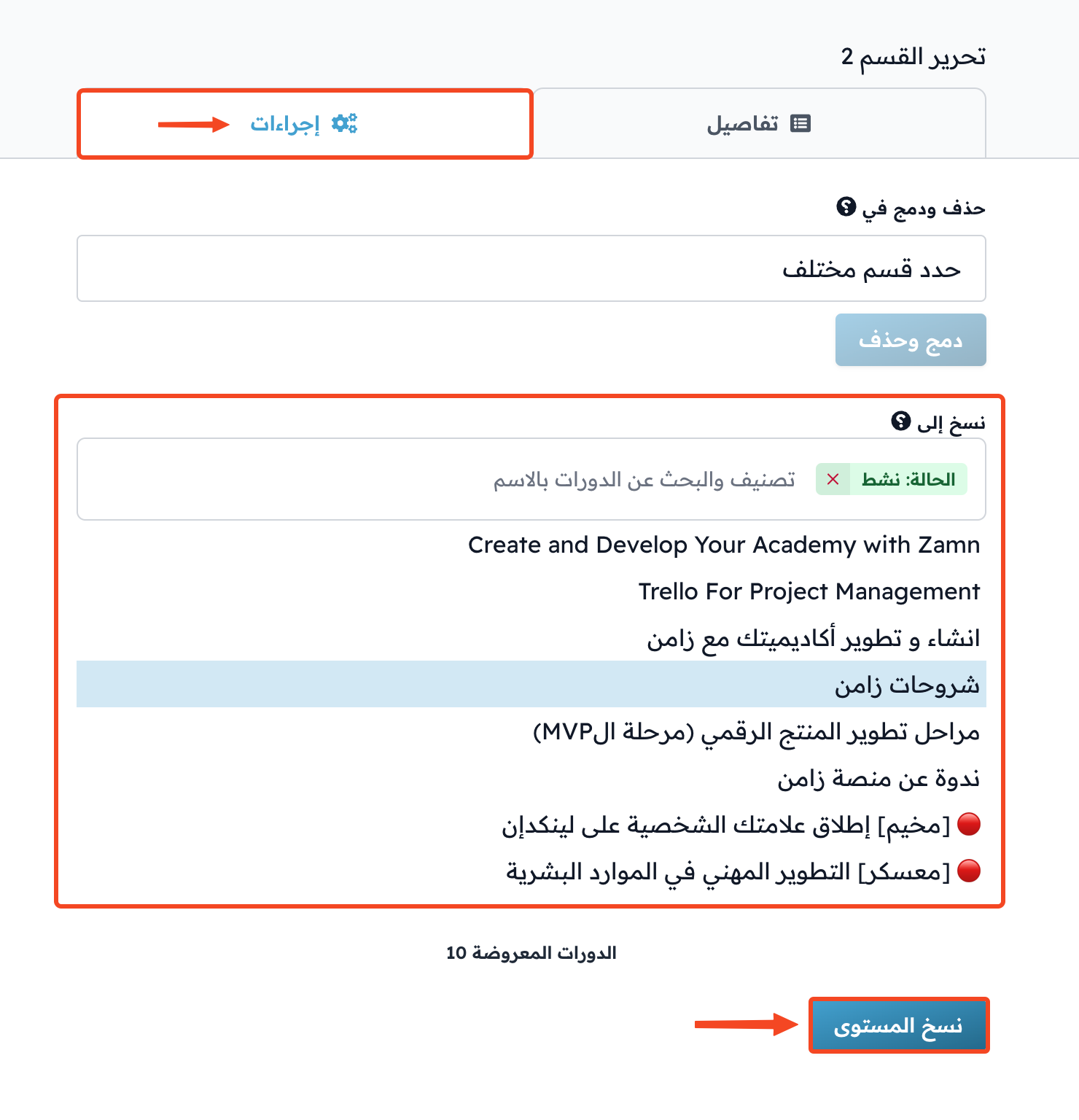
-
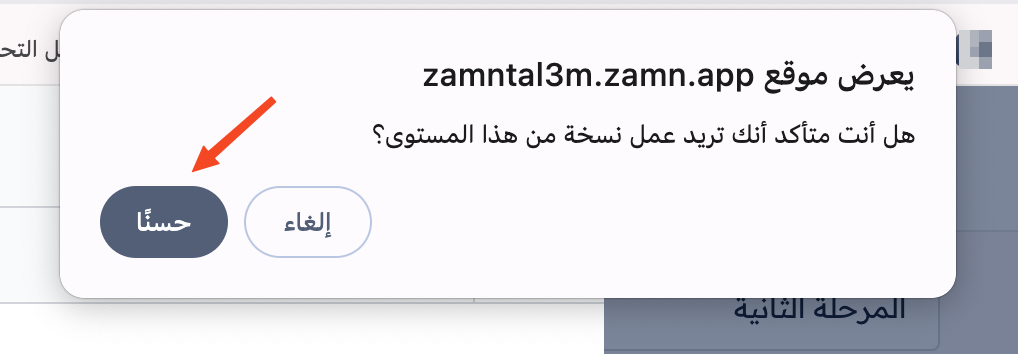
A message asks you to confirm the copy. Accept it.
After you accept, the copied level shows in the course you chose.