Change the platform name
You can change the name and description of your platform that show on the home page. These steps are for the platform admin.
Steps to change the platform name shown on the home page
-
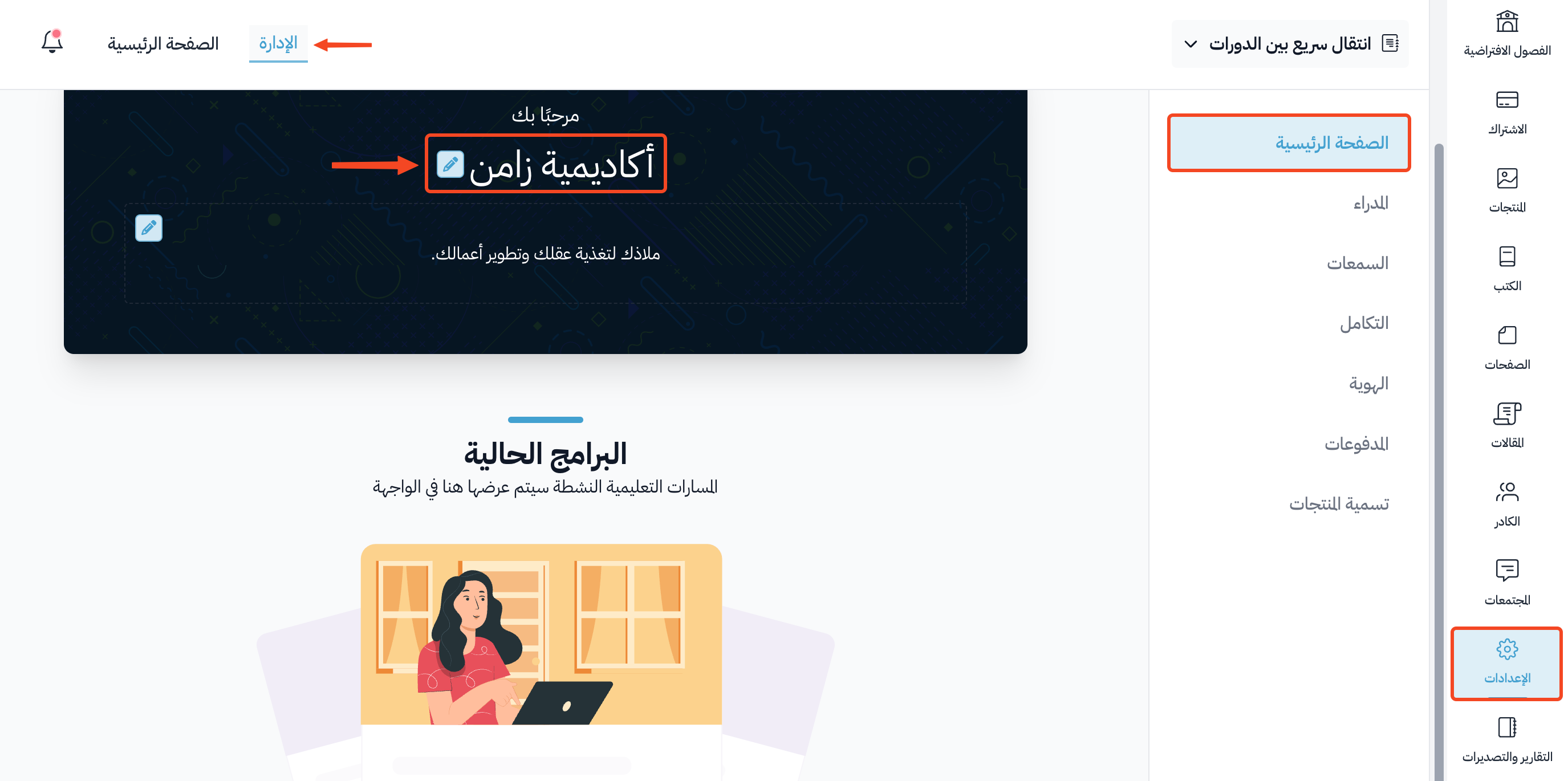
From the dashboard, click Settings.
-
On the Customization page in Settings, click the edit button (pencil icon) next to the current platform name.
-
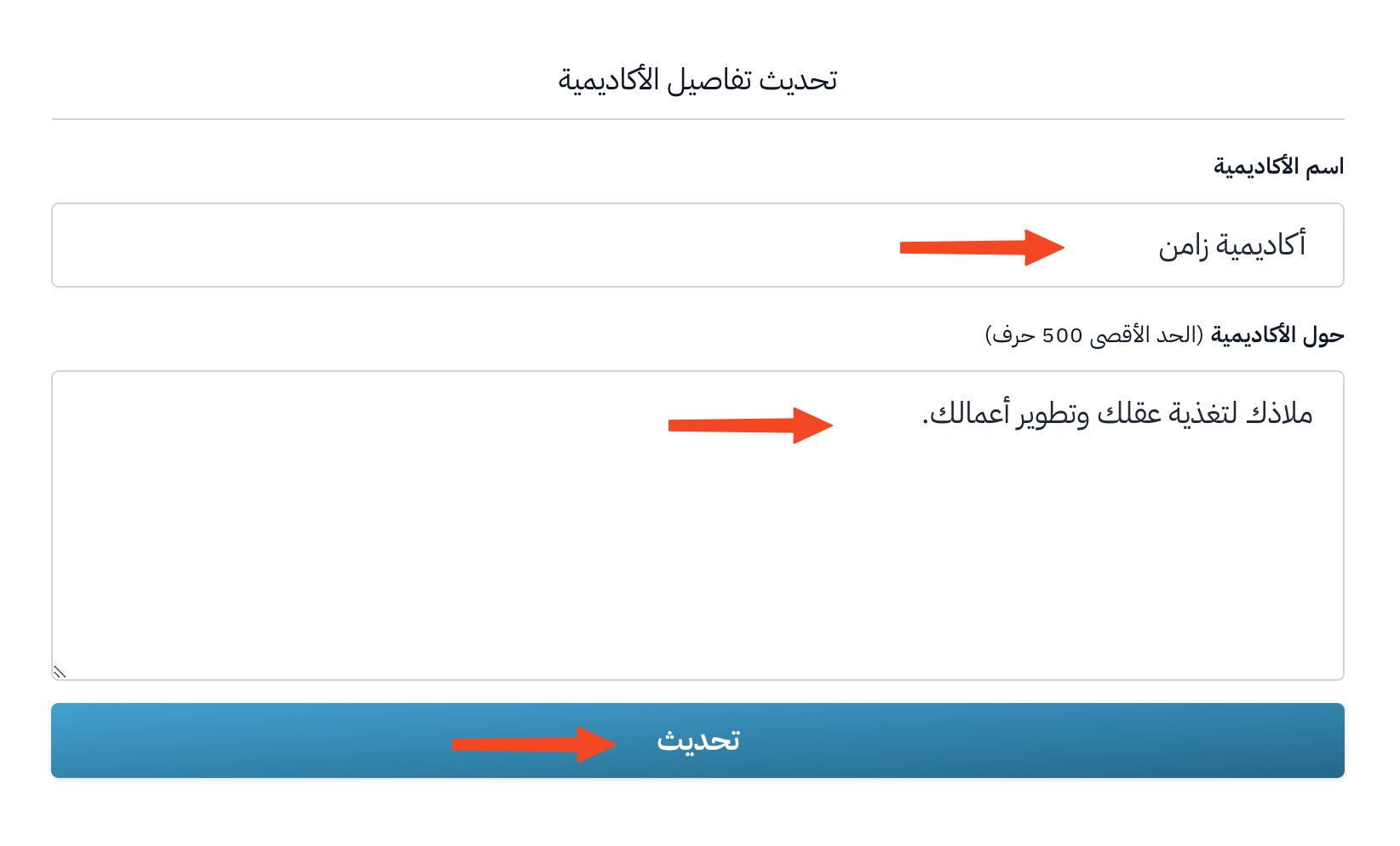
Type the platform name in the Platform Name field, and its description in the About field (500 characters at most).
-
Click Update to save.