How to change your account password
You can change your account password at any time from the Edit Profile page.
Steps to change your account password
-
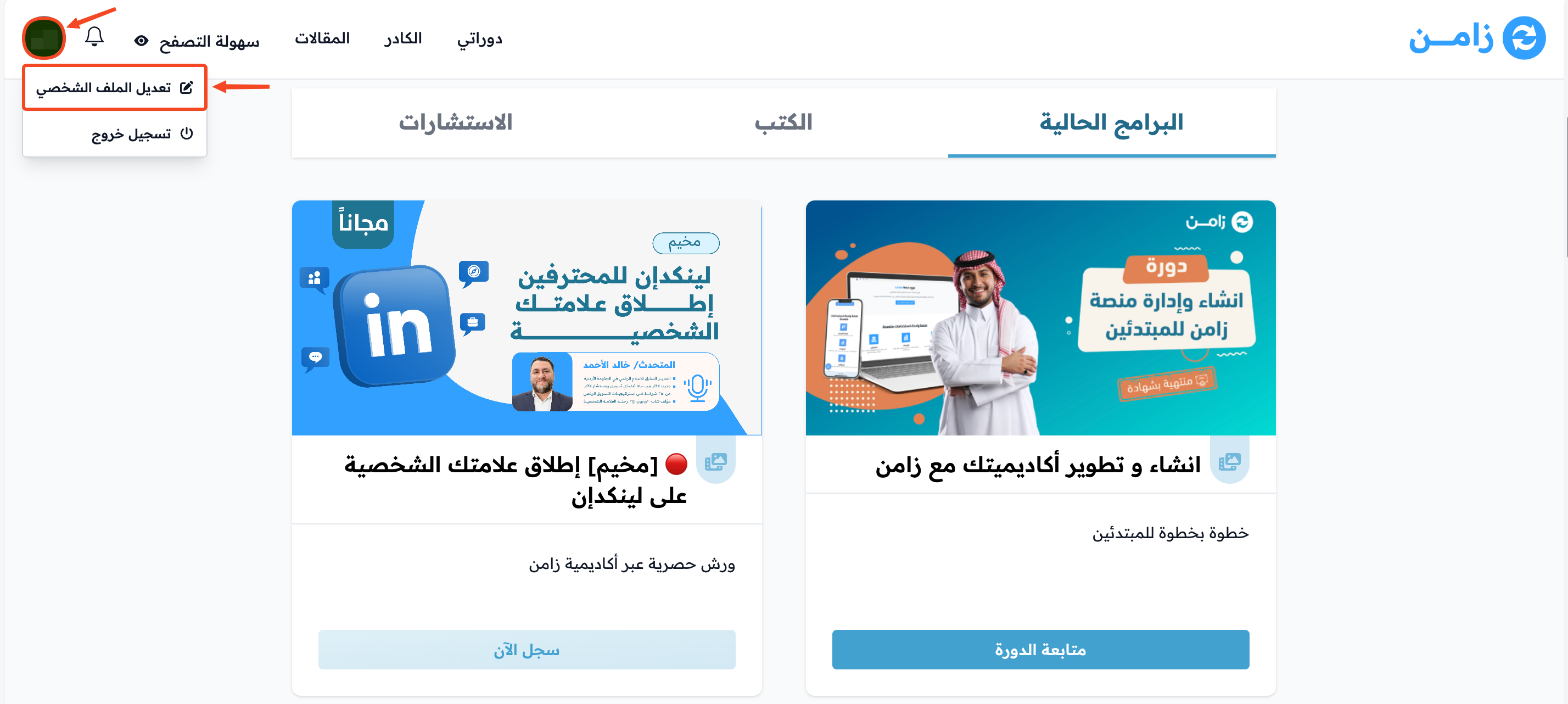
Click your profile icon, then choose Edit Profile.
-
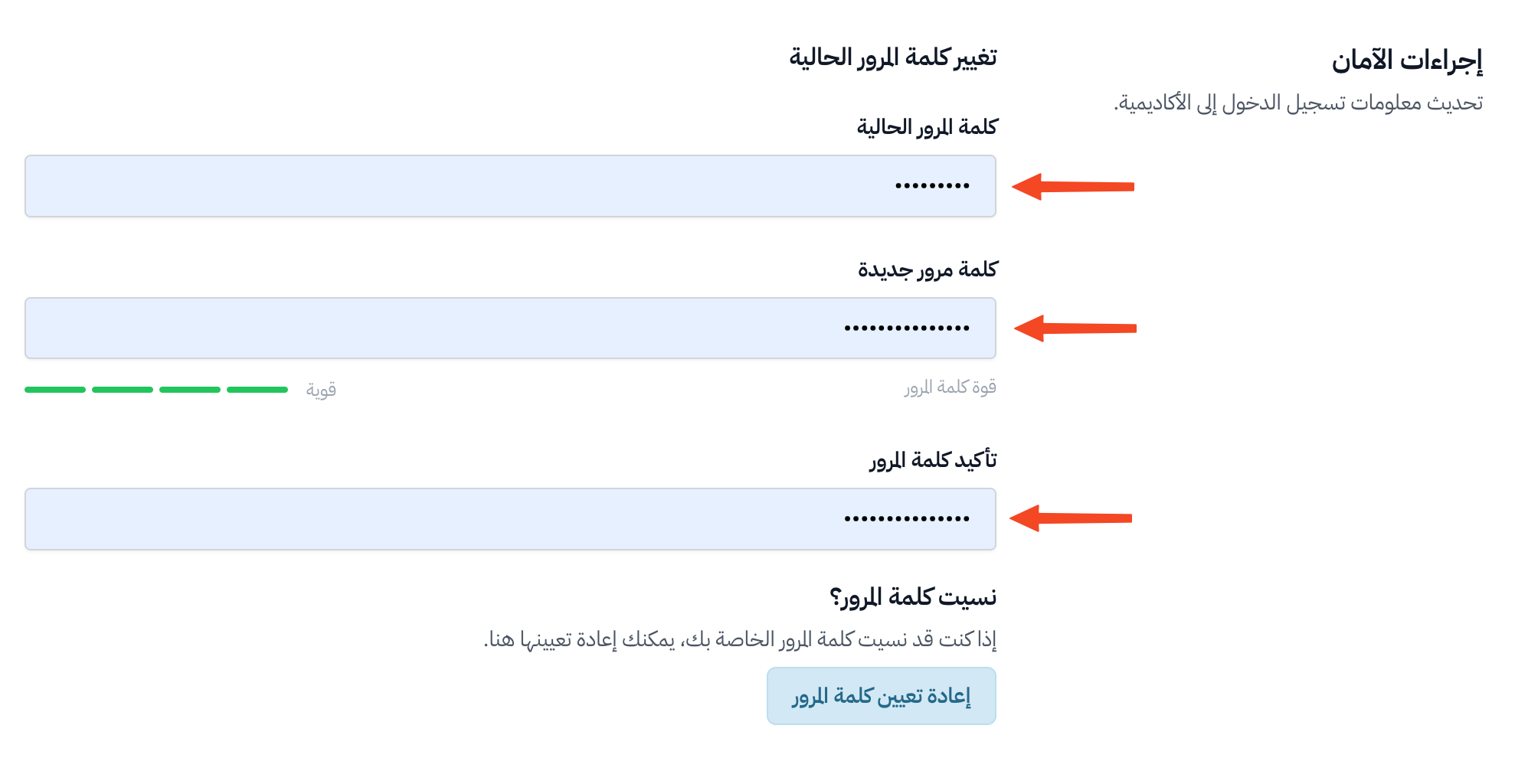
Go to the Security section, and enter:
- Current password.
- New password.
- Confirm password.
-
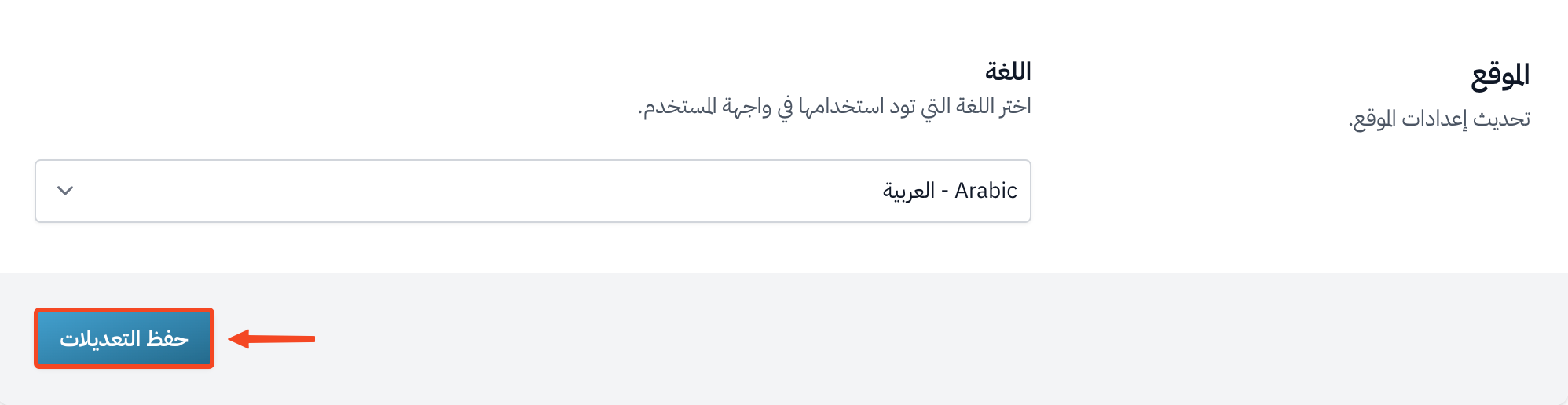
Scroll down the page and click Save Changes.
tip
If you forgot your current password, click Reset password in the same section, and you will get an email. If you never set a password for your account, click Set password instead.