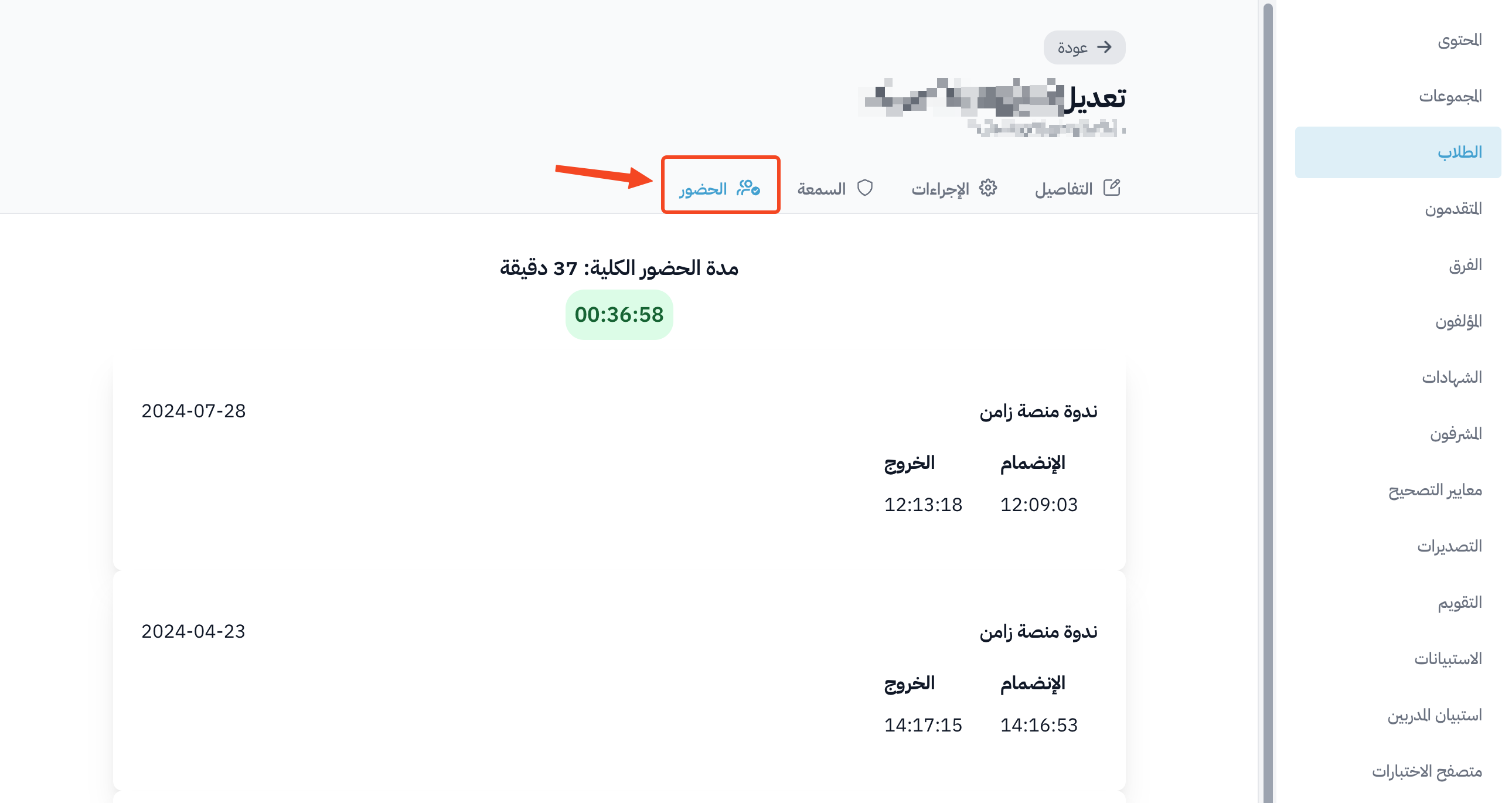
View a student's room attendance report for a course
When a room is added to a course, the trainee must sign in first before entering the room. This lets you follow each student's room attendance report at the course level.
To learn how to make trainees sign in before entering the room, click here.
How to view the room attendance report for a course
-
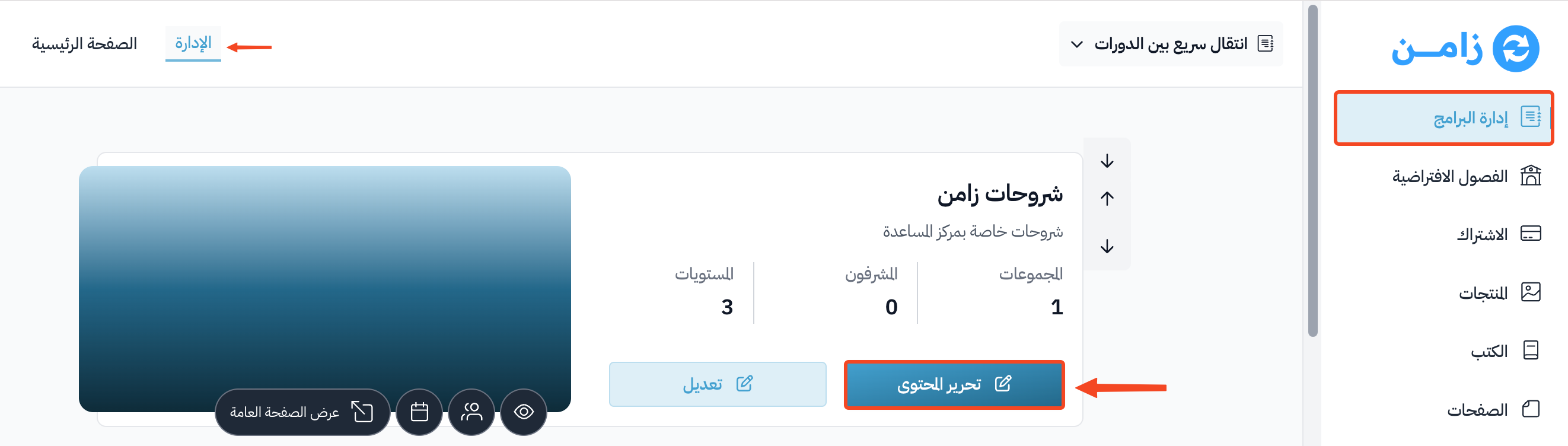
Go to the Courses page from the dashboard.
-
Click Edit Curriculum for the course you want.
-
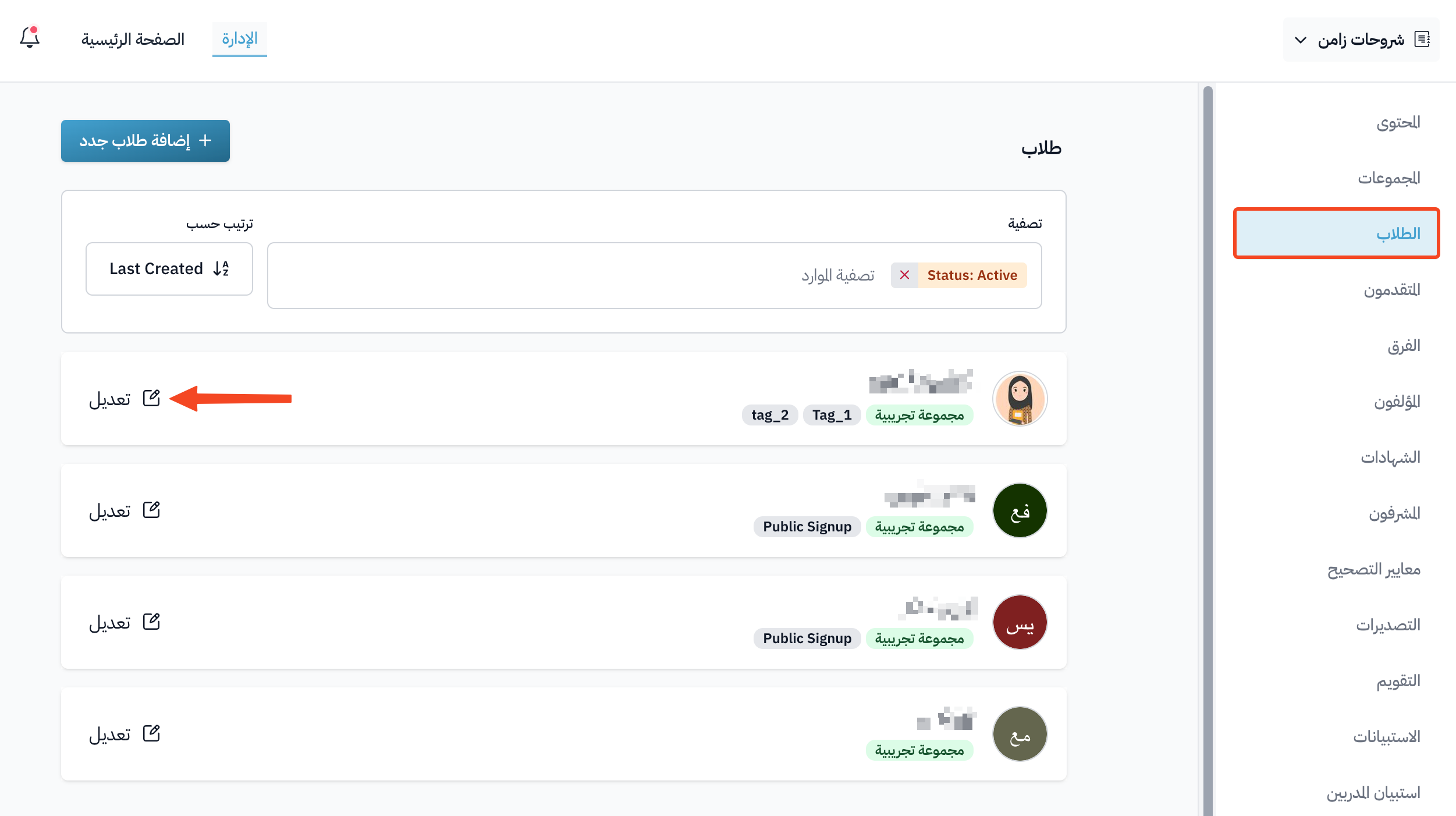
Go to the Students page from the course dashboard.
-
Click Edit next to the name of the student whose attendance report you want to see.
-
Go to the Attendance tab.
You will see the Total Attendance Duration, plus the join time and leave time of each session.