Archive a target group
You can archive a target group in a course from the Curriculum page.
How to archive a target group
-
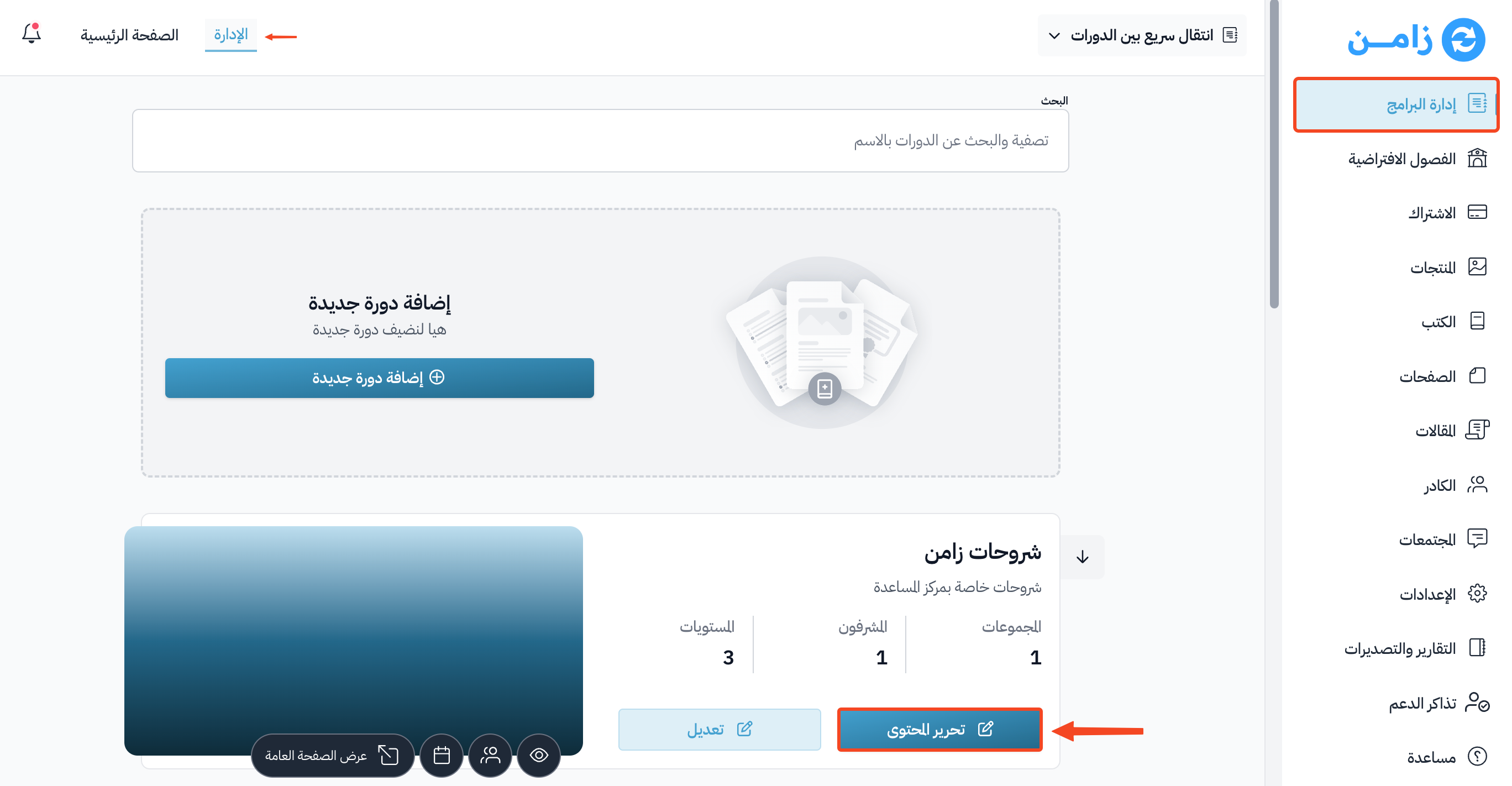
Go to the Courses page, then click Edit Curriculum on the course you want.
-
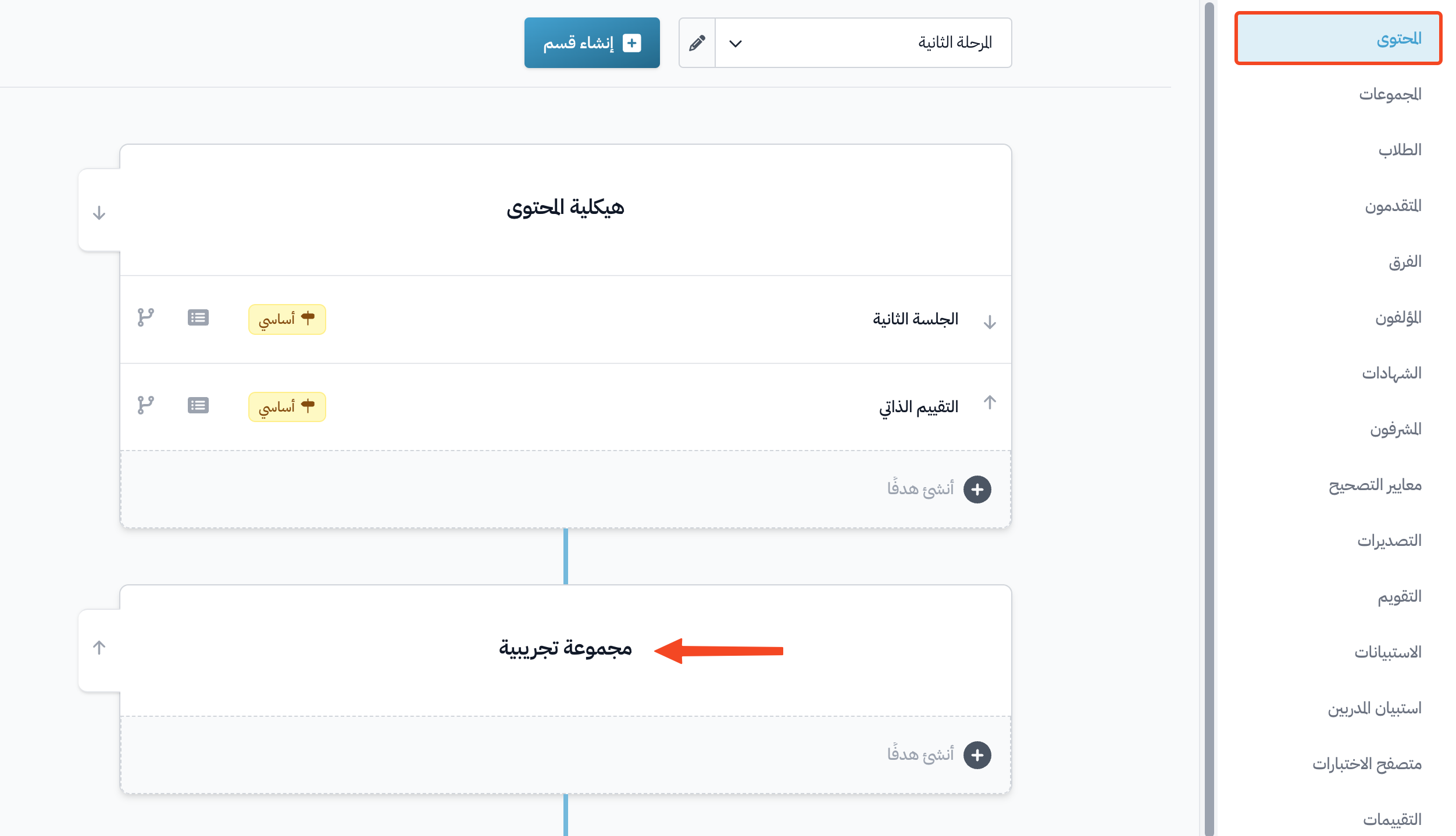
On the Curriculum page of the course, click the target group you want to archive.
-
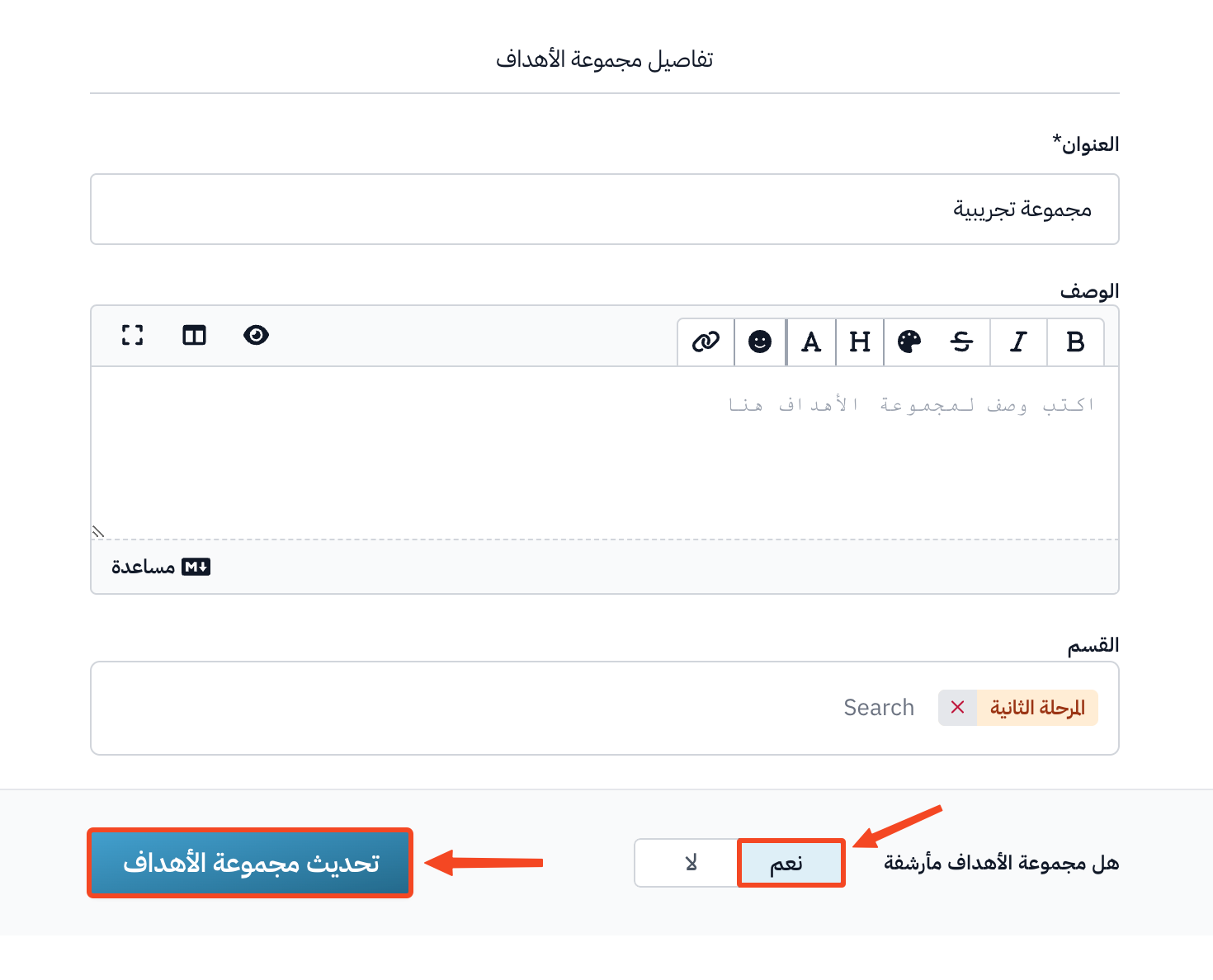
Turn on Archived target group.
-
Click Update Target Group.