Install the platform as an app on Android
To get your platform's notifications on an Android device, follow two steps:
- Install the platform as an app on your device.
- Turn on notifications.
Steps to install the platform as an app
-
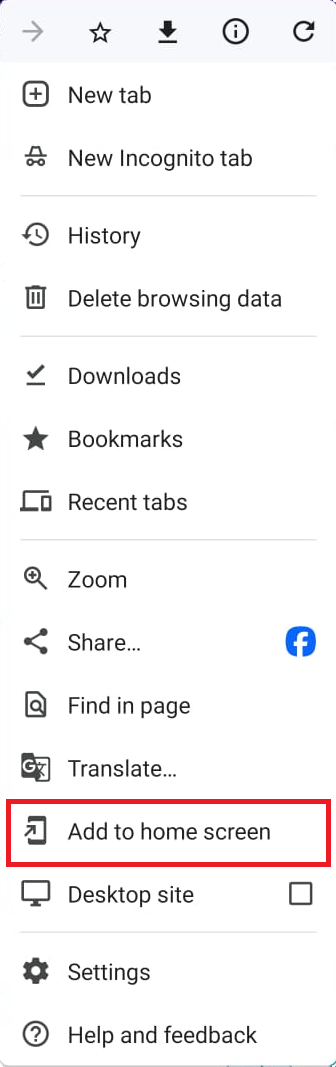
Open your platform in your device's browser, then tap the menu button (three dots) at the top of the browser.

-
Choose Add to home screen.
-
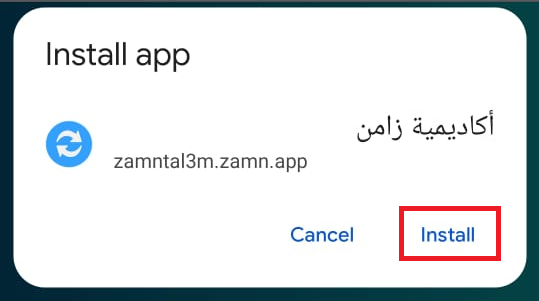
Tap Install to add the platform to your home screen.
Steps to turn on notifications
-
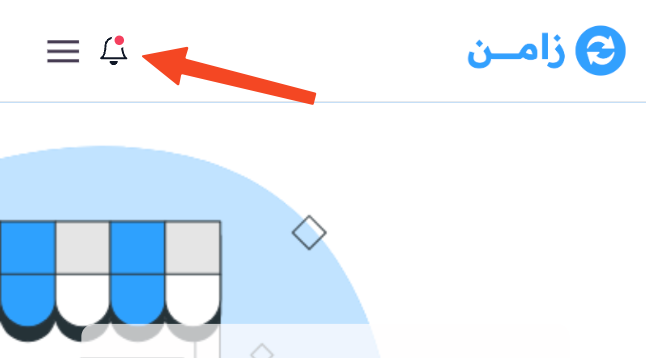
Tap the bell button.
-
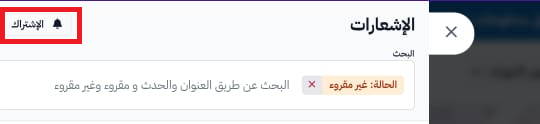
Tap Subscribe.
-
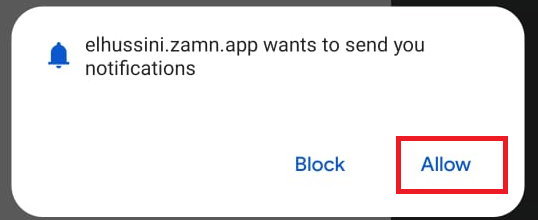
Tap Allow to agree.
After you turn them on, the button changes to Unsubscribe.
